
1. પરિચય
The Awei Y200 Wireless Bluetooth Speaker delivers high-fidelity stereo sound and rich bass in a portable design. This manual provides comprehensive instructions for setting up, operating, maintaining, and troubleshooting your speaker to ensure optimal performance and longevity.

આગળ view of the Awei Y200 Wireless Bluetooth Speaker, showcasing its yellow top panel with touch controls and a yellow mesh grille.
2. પેકેજ સામગ્રી
કૃપા કરીને ચકાસો કે તમારા પેકેજમાં બધી વસ્તુઓ હાજર છે:
- Awei Y200 Wireless Bluetooth Speaker
- યુએસબી ચાર્જિંગ કેબલ
- AUX ઓડિયો કેબલ
- વપરાશકર્તા માર્ગદર્શિકા
3. ઉત્પાદન ઓવરview
Familiarize yourself with the speaker's physical features:
- ઇન્ટરફેસ: Includes AUX input, Micro-SD card slot, and a Type-A (USB) port for versatile connectivity.
- બટનો: Intuitive touch controls located on the top panel for power, volume adjustment, track navigation, and call management.
- આધાર: Equipped with a non-slip base to ensure stability on various surfaces.

A detailed diagram pointing out the speaker's interfaces (AUX, Micro-SD, Type-A), touch control buttons, and non-slip base.
4. સેટઅપ
૩.૧ સ્પીકરને ચાર્જ કરવું
- આપેલ USB ચાર્જિંગ કેબલને સ્પીકરના ચાર્જિંગ પોર્ટ સાથે કનેક્ટ કરો.
- Plug the other end of the USB cable into a compatible USB power source (e.g., wall adapter, computer USB port).
- The charging indicator light will illuminate, indicating that the speaker is charging.
4.2 પાવરિંગ ચાલુ/બંધ
- To power on, press and hold the power button on the top panel until you hear an audible prompt.
- To power off, press and hold the power button again until the speaker powers down.
5. ઓપરેટિંગ સૂચનાઓ
5.1 બ્લૂટૂથ પેરિંગ
- Ensure the speaker is powered on. It will automatically enter Bluetooth pairing mode, indicated by a flashing light or audible prompt.
- On your mobile device (smartphone, tablet, laptop), enable Bluetooth in its settings.
- માટે શોધો available Bluetooth devices and select "Awei Y200" from the list.
- A confirmation sound will indicate successful pairing. The speaker is now ready for audio playback.
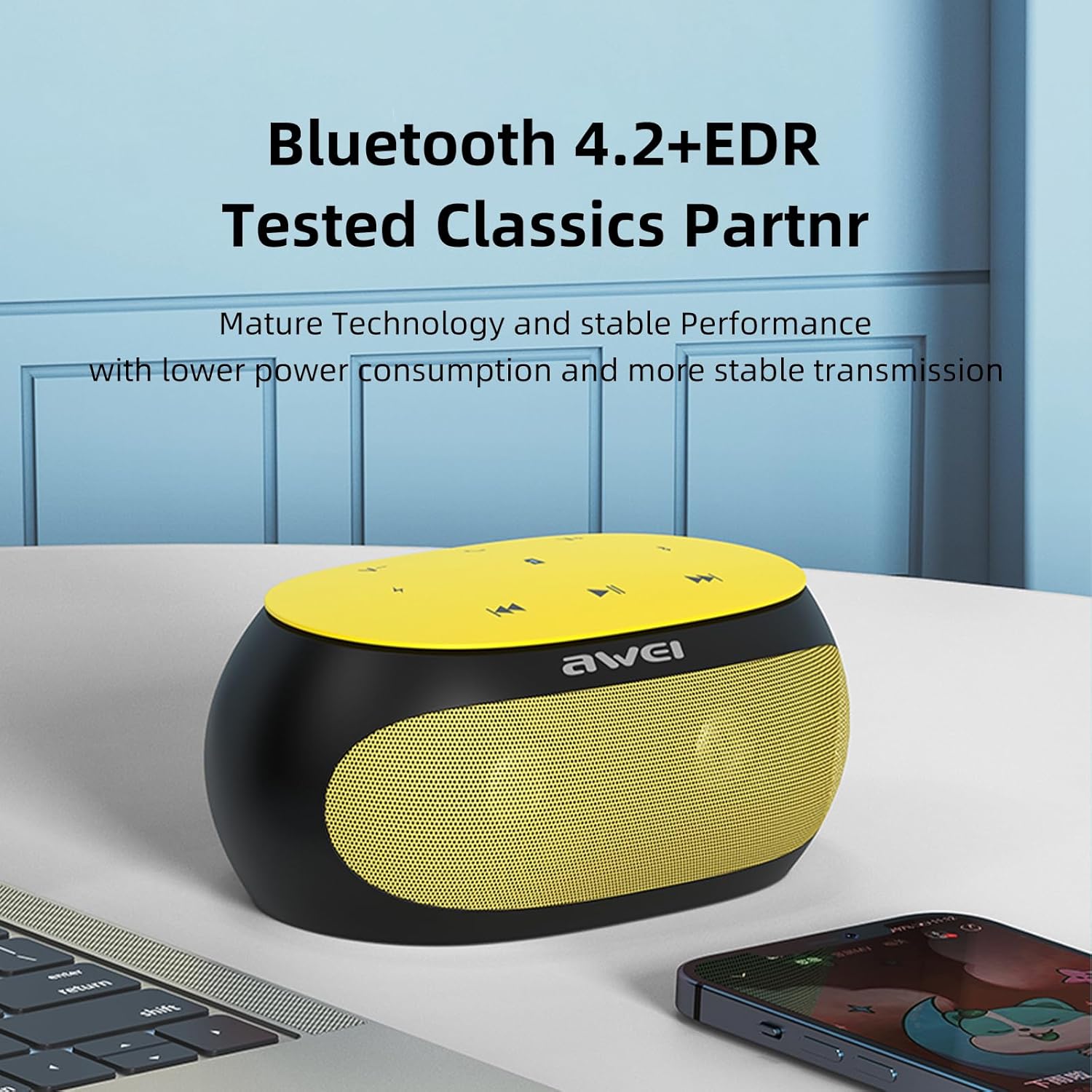
The Awei Y200 speaker, featuring Bluetooth 4.2+EDR for stable and low-power wireless connectivity.
5.2 સંગીત વગાડવું
- બ્લૂટૂથ મોડ: Once paired, play music from your connected device. Use the speaker's touch controls for play/pause, next/previous track, and volume adjustment.
- TF કાર્ડ મોડ: Insert a TF (Micro-SD) card containing audio files into the designated slot. The speaker will automatically switch to TF card mode and begin playback.
- AUક્સ મોડ: Connect an audio device using a 3.5mm AUX cable to the speaker's AUX port. The speaker will switch to AUX mode for wired audio input.
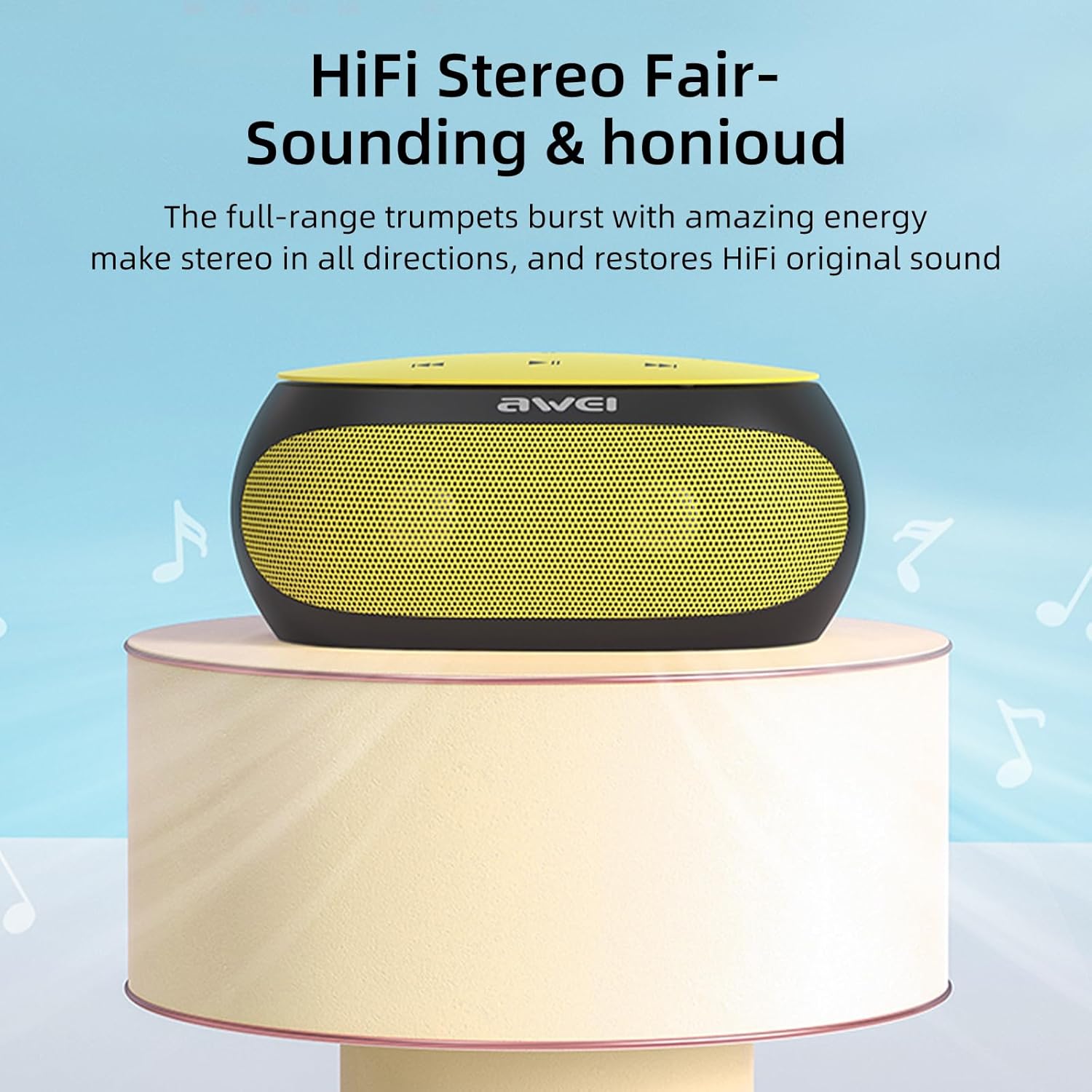
The Awei Y200 speaker positioned to emphasize its HiFi stereo sound capabilities, restoring original audio quality.
૪.૫ હેન્ડ્સ-ફ્રી કોલિંગ
- When a call comes in while connected via Bluetooth, press the call button on the speaker to answer the incoming call.
- Press the call button again to end the call.
- The built-in dual microphones ensure clear communication during calls.

The Awei Y200 speaker next to a smartphone, illustrating its hands-free call function with built-in dual microphones.
5.4 Touch Controls Overview
- પાવર બટન: સ્પીકરને ચાલુ કે બંધ કરવા માટે દબાવી રાખો.
- પ્લે/પોઝ બટન: ઓડિયો પ્લેબેક ચલાવવા અથવા થોભાવવા માટે ટેપ કરો.
- વોલ્યુમ અપ / નેક્સ્ટ ટ્રૅક: Tap to increase volume. Press and hold to skip to the next track.
- વોલ્યુમ ડાઉન / પાછલો ટ્રેક: Tap to decrease volume. Press and hold to go to the previous track.
- કૉલ બટન: Tap to answer an incoming call or end an ongoing call.
6. જાળવણી
- Keep the speaker dry and away from moisture or liquids.
- Clean the speaker with a soft, dry cloth. Avoid using harsh chemicals, solvents, or abrasive cleaners.
- Do not expose the speaker to extreme temperatures (hot or cold).
- સ્પીકરને પડતું મૂકવાનું કે તેને જોરદાર ફટકો મારવાનું ટાળો.
- જ્યારે લાંબા સમય સુધી ઉપયોગમાં ન હોય, ત્યારે સ્પીકરને ઠંડી, સૂકી જગ્યાએ સંગ્રહિત કરો.
7. મુશ્કેલીનિવારણ
- સ્પીકર ચાલુ થતું નથી:
- Ensure the battery is sufficiently charged. Connect the speaker to a power source using the USB charging cable. - બ્લૂટૂથ દ્વારા જોડી બનાવી શકાતી નથી:
- Ensure the speaker is in Bluetooth pairing mode (indicated by a flashing light or audible prompt).
- Verify that Bluetooth is enabled on your device.
- Move the speaker closer to your device to ensure it is within range.
- Try clearing previous Bluetooth connections on your device and attempt pairing again. - કોઈ અવાજ નથી:
- Check the volume levels on both the speaker and your connected device.
- Ensure the correct input mode (Bluetooth, TF Card, or AUX) is selected.
- If using AUX mode, verify that the audio cable is securely connected at both ends. - નબળી અવાજ ગુણવત્તા:
- Ensure the speaker is within the optimal Bluetooth range of your device.
- Check for potential interference from other wireless devices.
- Try playing audio from a different source or using a different audio file સ્ત્રોત સમસ્યાઓને બાકાત રાખવા માટે.
8. સ્પષ્ટીકરણો
| લક્ષણ | સ્પષ્ટીકરણ |
|---|---|
| મોડલ | Y200 |
| બ્રાન્ડ | અવેઇ |
| કનેક્ટિવિટી ટેકનોલોજી | બ્લૂટૂથ |
| વાયરલેસ કોમ્યુનિકેશન ટેકનોલોજીઓ | બ્લૂટૂથ |
| બ્લૂટૂથ સંસ્કરણ | 4.2 + EDR |
| ઓડિયો આઉટપુટ મોડ | સ્ટીરિયો |
| મહત્તમ સ્પીકર પાવર આઉટપુટ | 10 વોટ્સ |
| આઉટપુટ વોટtage | 4.5 વોટ્સ |
| વક્તા Ampલિફિકેશનનો પ્રકાર | સક્રિય |
| અવબાધ | 4 ઓહ્મ |
| નિયંત્રણ પદ્ધતિ | સ્પર્શ |
| પાવર સ્ત્રોત | બેટરી સંચાલિત |
| બેટરી સરેરાશ જીવન | 6 કલાક |
| ચાર્જિંગ સમય | 2 કલાક |
| ઉત્પાદન પરિમાણો | 21D x 10W x 8.5H સેન્ટિમીટર |
| વસ્તુનું વજન | 0.56 કિલોગ્રામ |
| સામગ્રીનો પ્રકાર | પ્લાસ્ટિક |
| મહત્તમ શ્રેણી | 33 ફીટ |
| સમાવાયેલ ઘટકો | વક્તા |
| સુસંગત ઉપકરણો | લેપટોપ, સ્માર્ટફોન, ટેબ્લેટ, ટેલિવિઝન |
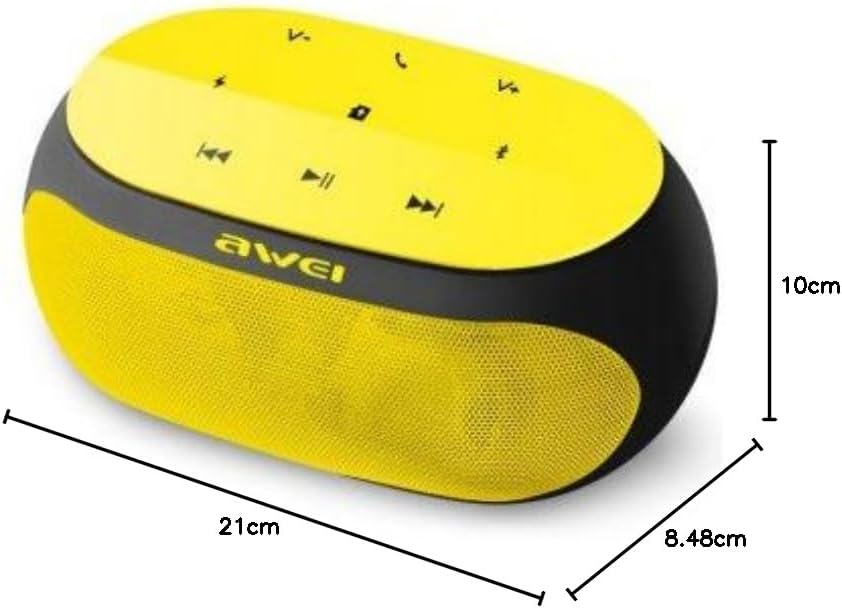
An image displaying the physical dimensions of the Awei Y200 speaker: 21cm length, 10cm width, and 8.48cm height.
9. વોરંટી માહિતી
The Awei Y200 Wireless Bluetooth Speaker comes with a full warranty. For specific terms, conditions, and duration of your warranty, please refer to the documentation provided at the time of purchase or contact your retailer.
10. આધાર
Should you require further assistance, encounter issues not covered in this manual, or have any questions regarding your Awei Y200 speaker, please contact Awei customer support or the retailer from whom you purchased the product. Please have your product model number (Y200) and purchase details ready when seeking support.