
પરિચય
This manual provides detailed instructions for the proper use and maintenance of your LG AKB74955603 Air Conditioner Remote Control. Please read this manual thoroughly before operating the device to ensure optimal performance and longevity.
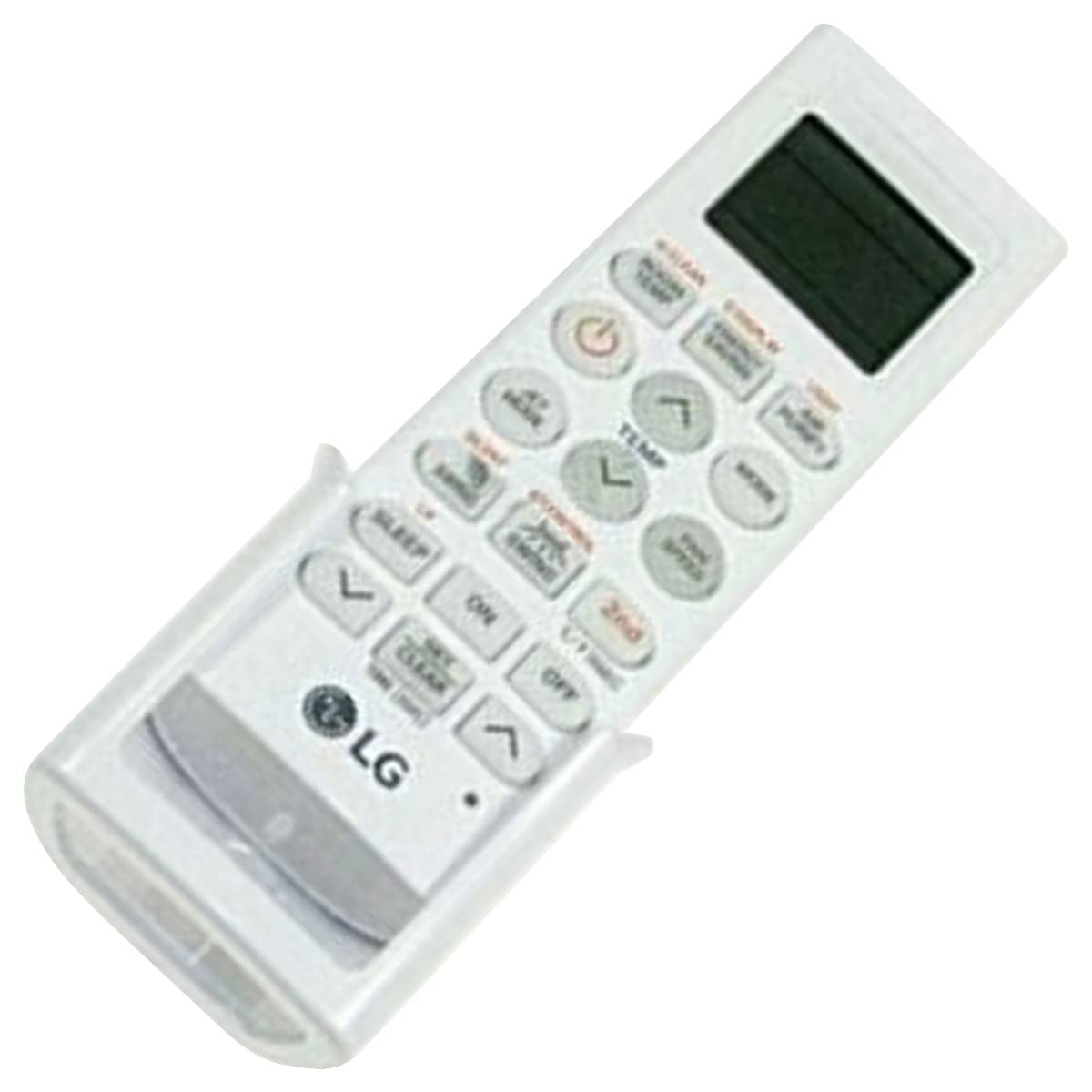
Image: The LG AKB74955603 Air Conditioner Remote Control, a white rectangular device with various control buttons.
સેટઅપ
1. બેટરી ઇન્સ્ટોલેશન
The remote control requires two (2) AAA batteries for operation. Ensure correct polarity when inserting the batteries.
- રિમોટ કંટ્રોલની પાછળ સ્થિત બેટરી કમ્પાર્ટમેન્ટ કવર ખોલો.
- કમ્પાર્ટમેન્ટની અંદર દર્શાવેલ (+) અને (-) ટર્મિનલ્સ સાથે મેળ ખાતી બે નવી AAA બેટરીઓ દાખલ કરો.
- બેટરી કમ્પાર્ટમેન્ટ કવર સુરક્ષિત રીતે બંધ કરો.
નોંધ: Do not mix old and new batteries, or different types of batteries. Remove batteries if the remote control will not be used for an extended period.
ઓપરેટિંગ સૂચનાઓ
રિમોટ કંટ્રોલને સીધો એર કંડિશનરના રીસીવર તરફ રાખો. ખાતરી કરો કે રિમોટ અને યુનિટ વચ્ચે કોઈ અવરોધો નથી.
મુખ્ય કાર્યો
- POWER (⏻): એર કન્ડીશનર ચાલુ અથવા બંધ કરે છે.
- DIRECTIONS: ઓપરેટિંગ મોડ્સ દ્વારા ચક્ર: ઓટો, કૂલ, ડ્રાય, પંખો, ગરમી.
- તાપમાન ▲/▼: ઇચ્છિત તાપમાન સેટિંગને સમાયોજિત કરે છે.
- ચાહક ગતિ: Selects the fan speed (Auto, Low, Medium, High).
- સ્વિંગ: Activates or deactivates the louver swing function.
- ટાઈમર: Sets the ON/OFF timer for the air conditioner.
- ઊંઘ: Activates the sleep mode for comfortable night operation.
- પ્રકાશ: Controls the display light on the air conditioner unit (if available).
- FUNCTION/SPECIAL: વધારાના કાર્યો અથવા સેટિંગ્સને ઍક્સેસ કરે છે.
મૂળભૂત કામગીરી
- દબાવો પાવર એર કન્ડીશનર ચાલુ કરવા માટેનું બટન.
- દબાવો મોડ button repeatedly to select your desired operating mode (e.g., Cool).
- નો ઉપયોગ કરો તાપમાન ▲/▼ ઇચ્છિત તાપમાન સેટ કરવા માટે બટનો.
- નો ઉપયોગ કરીને પંખાની ગતિને સમાયોજિત કરો ચાહક ગતિ button if needed.
- યુનિટને બંધ કરવા માટે, દબાવો પાવર ફરીથી બટન.
જાળવણી
બેટરી રિપ્લેસમેન્ટ
Replace batteries when the remote control's range decreases or if the display becomes dim. Follow the battery installation steps outlined in the Setup section.
સફાઈ
Wipe the remote control with a soft, dry cloth. Do not use liquid cleaners, abrasive materials, or chemical solvents, as these may damage the surface or internal components.
સંગ્રહ
રિમોટ કંટ્રોલને સીધા સૂર્યપ્રકાશ અને અતિશય તાપમાનથી દૂર ઠંડી, સૂકી જગ્યાએ સંગ્રહિત કરો. જો લાંબા સમય સુધી સંગ્રહિત કરવામાં આવે, તો લીકેજ અટકાવવા માટે બેટરીઓ દૂર કરો.
મુશ્કેલીનિવારણ
- રિમોટ કંટ્રોલ જવાબ આપતું નથી:
- બેટરીઓ યોગ્ય રીતે દાખલ કરવામાં આવી છે અને ખાલી તો નથી થઈ ગઈ ને તે તપાસો. જો જરૂરી હોય તો બદલો.
- ખાતરી કરો કે રિમોટ કંટ્રોલ અને એર કંડિશનરના રીસીવર વચ્ચે સ્પષ્ટ દૃષ્ટિ રેખા છે.
- ખાતરી કરો કે રિમોટ કંટ્રોલ સીધો એર કન્ડીશનર તરફ છે.
- મર્યાદિત ઓપરેટિંગ રેન્જ:
- બેટરીને નવી સાથે બદલો.
- ખાતરી કરો કે કોઈ મજબૂત પ્રકાશ સ્ત્રોતો (દા.ત., સીધો સૂર્યપ્રકાશ, ફ્લોરોસન્ટ લાઇટ્સ) ઇન્ફ્રારેડ સિગ્નલમાં દખલ ન કરે.
વિશિષ્ટતાઓ
| લક્ષણ | વિગત |
|---|---|
| મોડેલનું નામ | AKB74955603 |
| બ્રાન્ડ | LG |
| સુસંગત ઉપકરણો | એર કન્ડીશનર |
| કનેક્ટિવિટી ટેકનોલોજી | ઇન્ફ્રારેડ (IR) |
| બટનોની સંખ્યા | 10 |
| મહત્તમ શ્રેણી | 10 મીટર |
| બેટરીનો પ્રકાર | 2 x AAA (શામેલ નથી) |
| ખાસ લક્ષણ | વાપરવા માટે સરળ |
વોરંટી અને આધાર
For warranty information and customer support, please refer to the documentation provided with your air conditioner unit or visit the official LG webસાઇટ. કોઈપણ વોરંટી દાવા માટે ખરીદીના પુરાવા તરીકે તમારી ખરીદી રસીદ રાખો.
For further assistance, you may contact LG customer service through their official channels.