
TYLT QIMEDBK-T
TYLT Medallion Portable Qi Wireless Charging Pad User Manual
Model: QIMEDBK-T
પરિચય
The TYLT Medallion is a portable Qi-certified wireless charging pad designed to provide convenient and efficient power to your compatible devices. This manual provides essential information for the safe and optimal use of your charging pad.
સલામતી માહિતી
- ઉપકરણને અતિશય તાપમાન, સીધો સૂર્યપ્રકાશ અથવા ભેજના સંપર્કમાં ન લાવો.
- ઉપકરણને મજબૂત અસરમાં મૂકવા અથવા આધીન કરવાનું ટાળો.
- Do not disassemble, modify, or attempt to repair the device. This will void the warranty.
- બાળકોની પહોંચથી દૂર રાખો.
- ઓવરહિટીંગને રોકવા માટે ઉપયોગ દરમિયાન યોગ્ય વેન્ટિલેશનની ખાતરી કરો.
- Use only the provided or certified compatible USB-C cable and power source.
પેકેજ સામગ્રી
ખાતરી કરો કે બધી વસ્તુઓ તમારા પેકેજમાં હાજર છે:
- 1 x TYLT Medallion Qi-Certified Wireless Charging Pad
- 1 x 3.3ft USB Type-C Cable
- ૧ x વપરાશકર્તા માર્ગદર્શિકા (આ દસ્તાવેજ)

છબી: નીચે view of the TYLT Medallion charging pad, showing the integrated USB-C cable and product information.
સેટઅપ
- ચાર્જિંગ પેડને કનેક્ટ કરો: Plug the integrated USB Type-C cable from the TYLT Medallion into a compatible power source. This can be a laptop's USB-C port, a power bank with a USB-C output, or a wall adapter (not included) with a USB-C port.
- પાવર સ્રોતની જરૂરિયાતો: For optimal fast charging, use a power source capable of delivering 5V/2A or 9V/1.8A.
- પ્લેસમેન્ટ: Place the charging pad on a flat, stable surface, such as a countertop, desk, or bedside table.
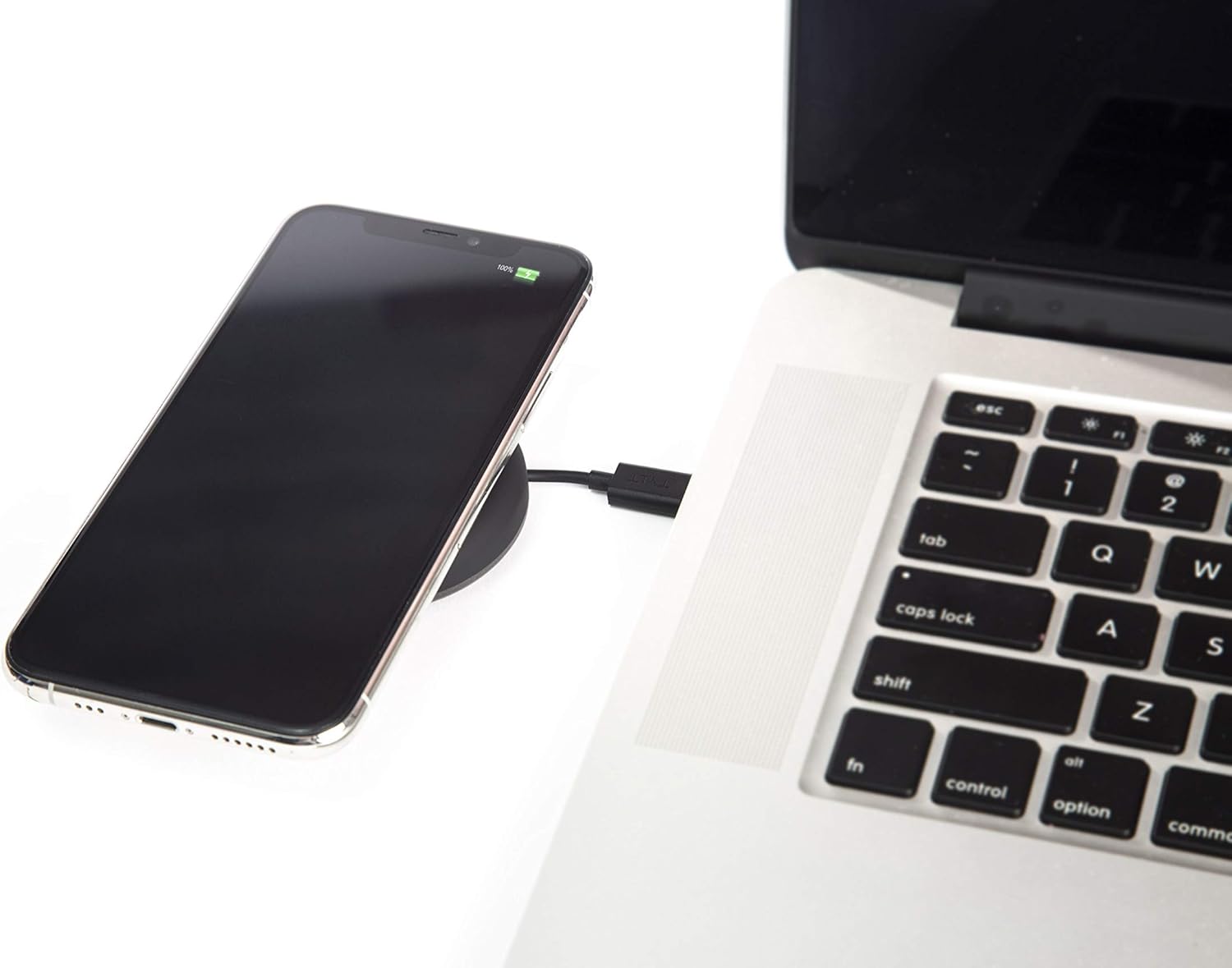
Image: A smartphone wirelessly charging on the TYLT Medallion, which is connected to a laptop via its USB-C cable.
ઓપરેટિંગ સૂચનાઓ
- તમારું ઉપકરણ મૂકો: Position your Qi-enabled smartphone or wireless earbuds directly onto the center of the TYLT Medallion charging pad. The device grip ring helps secure your device.
- ચાર્જિંગ સંકેત: Your device's screen or indicator light will show that it is charging. The TYLT Medallion does not have its own charging indicator light.
- શ્રેષ્ઠ ચાર્જિંગ: Ensure your device is centered on the pad for efficient charging. Charging can occur through most phone cases.
- ચાર્જિંગ આઉટપુટ:
- 10W output for compatible Samsung devices.
- 7.5W output for compatible Apple iPhones.
- 5W output for other Qi-enabled devices, including wireless earbuds.
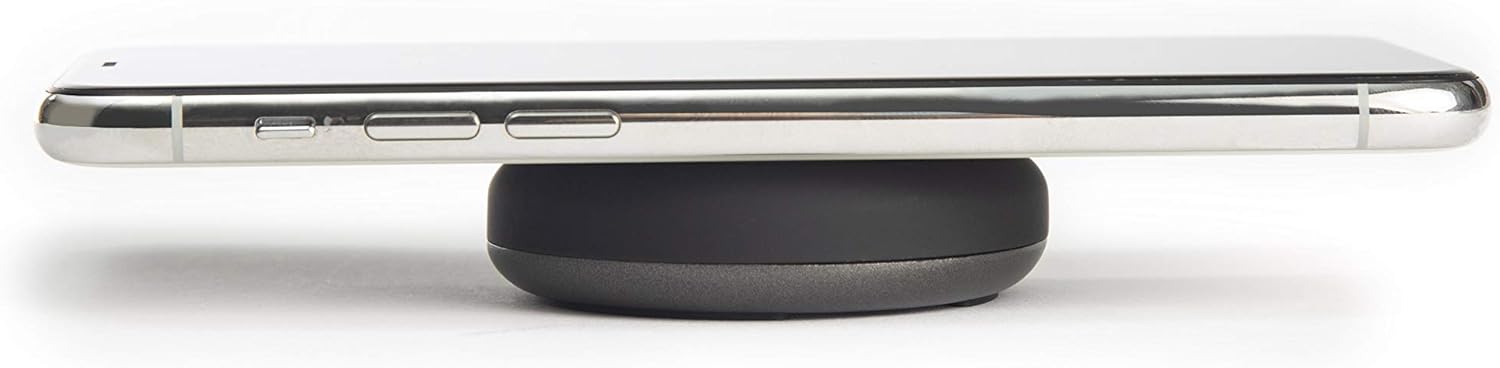
Image: A smartphone placed on the TYLT Medallion charging pad, demonstrating its low profile.
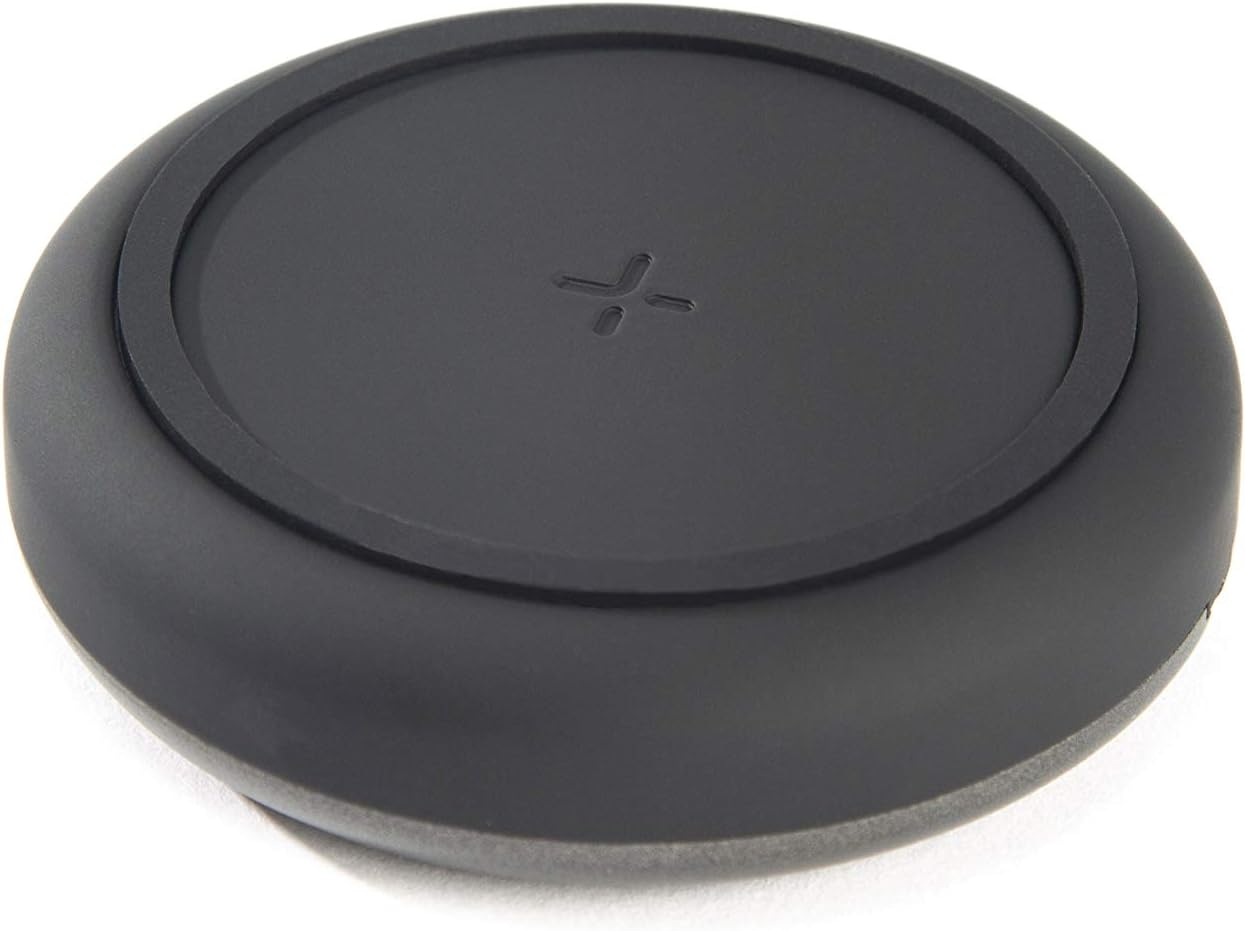
છબી: ટોચ view of the TYLT Medallion charging pad, highlighting its compact and minimalist design.
જાળવણી
- સફાઈ: Disconnect the charging pad from its power source before cleaning. Use a soft, dry cloth to wipe the surface. Do not use harsh chemicals or abrasive cleaners.
- સંગ્રહ: When not in use, store the charging pad in a cool, dry place away from direct sunlight.
મુશ્કેલીનિવારણ
| સમસ્યા | સંભવિત કારણ | ઉકેલ |
|---|---|---|
| ડિવાઇસ ચાર્જ થઈ રહ્યું નથી. |
|
|
| ધીમું ચાર્જિંગ. |
|
|
| Charging pad or device gets warm. |
|
|
વિશિષ્ટતાઓ
| મોડલ નંબર | QIMEDBK-T |
| ઇનપુટ વોલ્યુમtage | 5 વી / 2 એ અથવા 9 વી / 1.8 એ |
| આઉટપુટ વોટtage | 10W (મહત્તમ) |
| આઉટપુટ Ampઇરેજ | 1A (મેક્સ) |
| કનેક્ટર પ્રકાર | USB Type-C (integrated) |
| સુસંગતતા | Qi-enabled devices (Apple iPhone, Samsung Galaxy, Microsoft Lumia, Google Nexus, Nokia Lumia, Pixel, LG, wireless earbuds, etc.) |
| ઉત્પાદન પરિમાણો | 4 x 1.5 x 5 ઇંચ |
| વસ્તુનું વજન | 2.39 ઔંસ |
| ખાસ લક્ષણો | Fast Charging, Qi Certified, Built-in Temperature Control, Voltage Protection, Non-slip Device Grip Ring |
વોરંટી માહિતી
TYLT products are eligible for a 1-year Global Warranty program ખરીદીની તારીખથી. આ વોરંટી સામાન્ય ઉપયોગ હેઠળ ઉત્પાદન ખામીઓ અને કારીગરીને આવરી લે છે. તે દુરુપયોગ, અકસ્માતો, અનધિકૃત ફેરફારો અથવા સામાન્ય ઘસારાને કારણે થતા નુકસાનને આવરી લેતી નથી.
કૃપા કરીને વોરંટી દાવા માટે તમારી ખરીદીનો પુરાવો જાળવી રાખો.
આધાર
For any concerns, technical assistance, or warranty inquiries, please do not hesitate to contact TYLT customer support.
Refer to the official TYLT website for contact details or visit their Amazon store: TYLT Amazon Store
Ask a question about this manual
Ask about setup, troubleshooting, compatibility, parts, safety, or missing instructions. Manuals+ will review the question and use this page’s manual context to help answer it.