
1. પરિચય અને ઓવરview
The Liectroux M7S Pro Hybrid Robot Vacuum Cleaner is designed to provide efficient and thorough cleaning for your home, combining powerful vacuuming with intelligent mopping capabilities. Featuring smart dynamic navigation and a robust 4000Pa suction, it effectively removes dirt, dust, and pet hair from various floor types. Its slim design allows it to navigate under furniture, while advanced sensors ensure comprehensive coverage and obstacle avoidance. This manual provides essential information for setting up, operating, and maintaining your robot vacuum cleaner.
2. બોક્સમાં શું છે
શરૂ કરતા પહેલા, કૃપા કરીને ખાતરી કરો કે બધા ઘટકો હાજર છે:
- Liectroux M7S Pro Robot Vacuum Cleaner
- ચાર્જિંગ ડોક
- પાવર એડેપ્ટર
- Dustbin (600ml capacity)
- પાણીની ટાંકી (૭૦૦ મિલી ક્ષમતા)
- સાઇડ પીંછીઓ
- HEPA Filter (Cloth type)
- સફાઈ સાધન
- વપરાશકર્તા માર્ગદર્શિકા (આ દસ્તાવેજ)
3. સેટઅપ
Follow these steps to prepare your robot vacuum for its first use:
- અનપેકિંગ અને પ્લેસમેન્ટ: Remove all packaging materials. Place the charging dock against a wall in an open area, ensuring there are no obstacles within 1 meter (3 feet) to the sides and 2 meters (6 feet) in front.
- પાવર કનેક્શન: પાવર એડેપ્ટરને ચાર્જિંગ ડોક સાથે કનેક્ટ કરો અને તેને વોલ આઉટલેટમાં પ્લગ કરો.
- પ્રારંભિક ચાર્જ: Place the robot vacuum onto the charging dock. Ensure the charging contacts align. The indicator light will show charging status. Fully charge the robot before first use (approximately 4-5 hours).
- App Download and Setup: Download the 'Doodle App' (or generic 'Liectroux App') from your mobile app store. Follow the in-app instructions to connect your robot vacuum to your home Wi-Fi network. This enables remote control and advanced features.

Image: The Liectroux M7S Pro Robot Vacuum Cleaner with its accompanying mobile app interface.

Image: The mobile application for controlling the robot vacuum, showing real-time map updates and scheduling options.
4. ઓપરેટિંગ સૂચનાઓ
The Liectroux M7S Pro offers multiple ways to initiate and manage cleaning tasks, ensuring a clean home with minimal effort.
Starting/Pausing Cleaning
Press the power button on the robot or use the mobile app to start or pause a cleaning cycle.
સફાઈ મોડ્સ
The robot supports various cleaning modes to suit different needs:
- સ્વચાલિત સફાઈ: The robot intelligently maps and cleans your home.
- સ્પોટ સફાઈ: સઘન સફાઈ માટે ચોક્કસ ગંદા વિસ્તાર પર ધ્યાન કેન્દ્રિત કરે છે.
- ધારની સફાઈ: Cleans along walls and furniture edges to ensure no corner is missed.
- Timed Cleaning: Schedule cleaning times via the app for automated cleaning sessions.
- Wet and Dry Mopping: Utilizes the water tank for mopping hard floors after vacuuming.

Image: Illustration of the robot vacuum's 4000Pa powerful suction, effective on different types of debris like sand, melon seeds, and steel balls.
એપ્લિકેશન નિયંત્રણ
The mobile app provides comprehensive control and monitoring, allowing you to manage your robot vacuum from anywhere:
- Real-time mapping and cleaning progress visualization.
- Selection of cleaning modes.
- Scheduling cleaning tasks.
- Adjusting suction power and water flow.
- Viewing cleaning history.
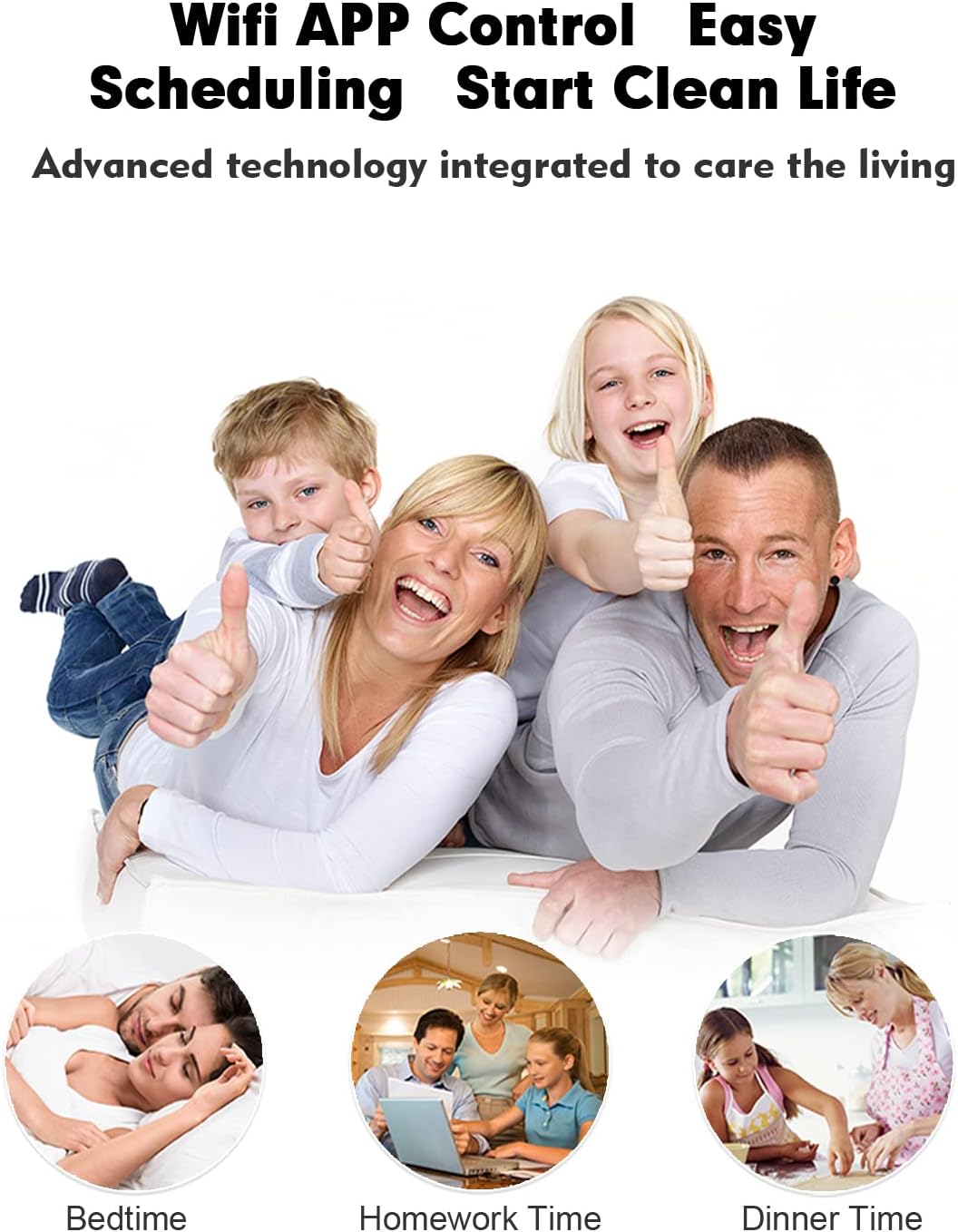
Image: The convenience of WiFi APP control and scheduling for a clean living environment.
અવાજ નિયંત્રણ
The robot is compatible with Amazon Alexa and Google Home. Link your Liectroux account in the respective smart home app to enable voice commands such as "Alexa, start cleaning" or "Hey Google, tell the robot to go back to charge."
નેવિગેશન અને અવરોધ ટાળવા
Equipped with intelligent sensors, the robot navigates efficiently, avoiding obstacles and drops. Its 7.8cm thin body allows it to clean under most furniture. It can also climb obstacles up to 1.5cm in height, such as low-pile carpets and door thresholds.

Image: Visual representation of the robot vacuum's slim 7.8cm design, automatic recharging function, and 15mm height obstacle crossing ability.
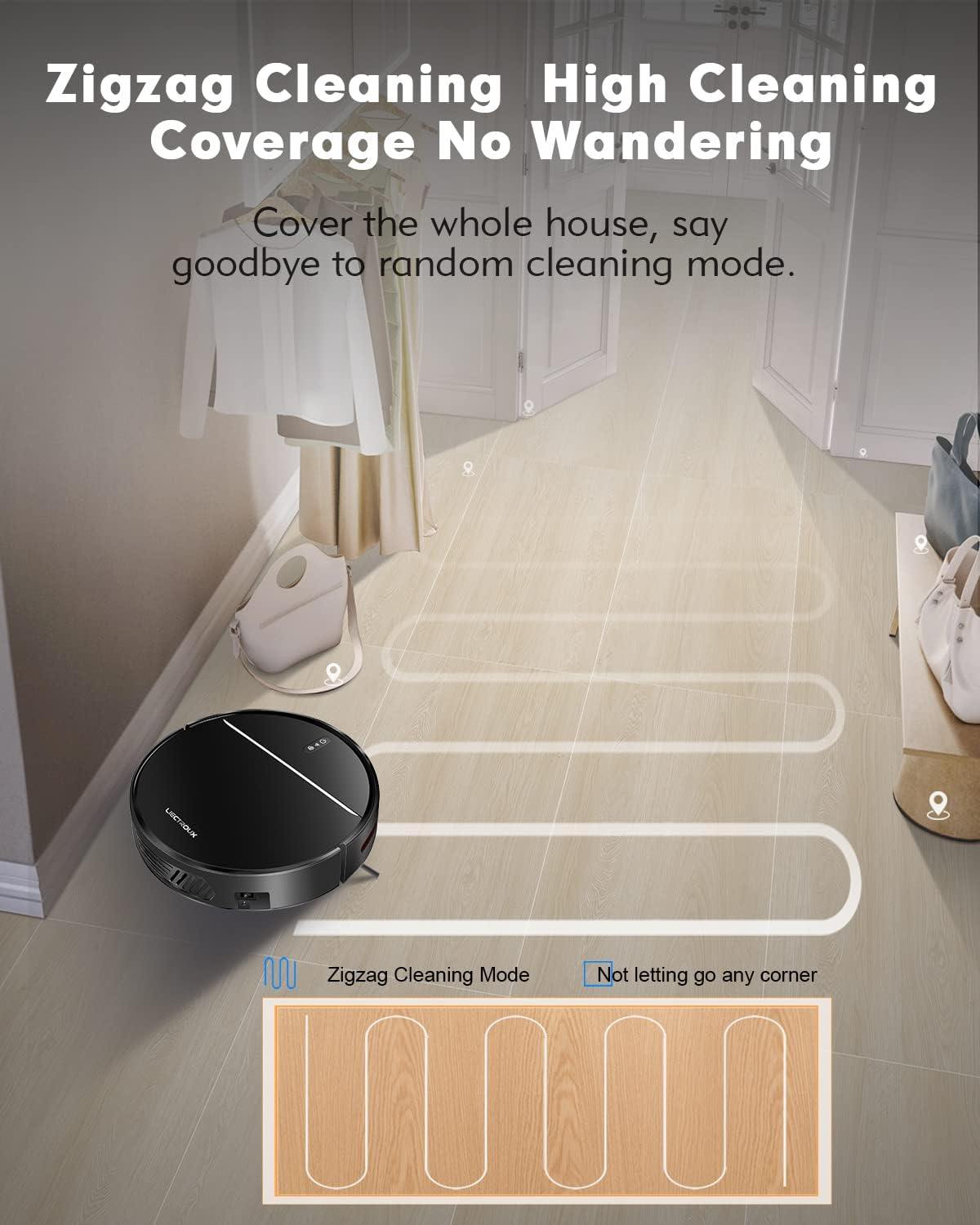
Image: The robot vacuum executing a zigzag cleaning pattern for high coverage without wandering.

Image: The robot vacuum's resilient wheels allow it to easily climb thresholds less than 15mm in height.
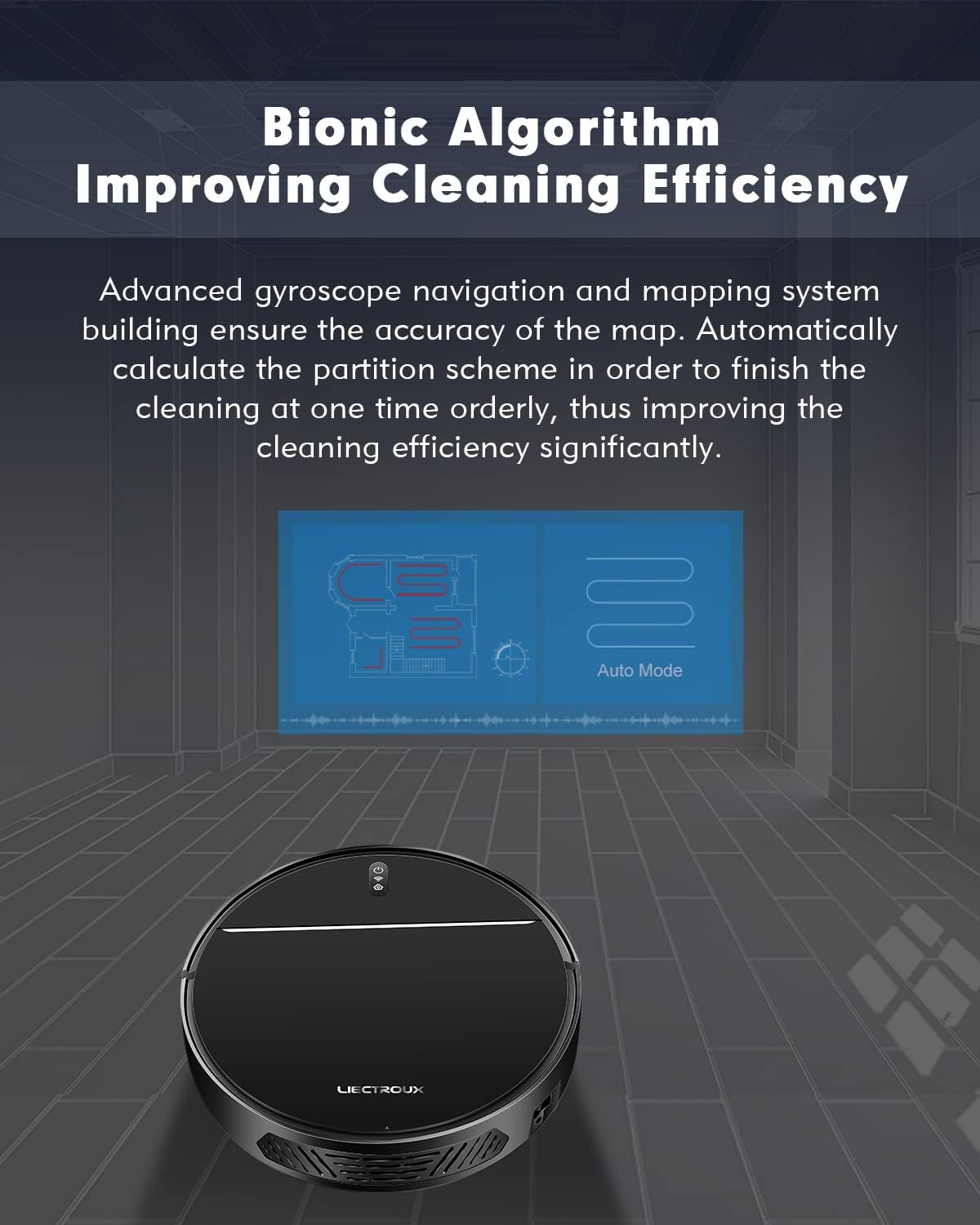
છબી: એક આકૃતિ દર્શાવે છેasing the bionic algorithm that improves cleaning efficiency through advanced gyroscope navigation and mapping.
Video: An official demonstration of the Liectroux M7S Pro's dry and wet mopping capabilities, showcasing its smart features like app control, navigation, obstacle avoidance, and automatic recharging.
5. જાળવણી
નિયમિત જાળવણી શ્રેષ્ઠ કામગીરી સુનિશ્ચિત કરે છે અને તમારા રોબોટ વેક્યુમનું આયુષ્ય લંબાવે છે.
ડસ્ટબિન જાળવણી
The 600ml dustbin should be emptied after each cleaning cycle or when full. Open the top cover of the robot, remove the dustbin, and dispose of collected debris. Regularly clean the HEPA filter and pre-filter with the provided cleaning tool or a soft brush. Do not wash the HEPA filter with water unless specified in the full manual.
પાણીની ટાંકીની જાળવણી
For mopping functions, fill the 200ml water tank with clean water. After mopping, empty any remaining water and allow the tank and mop pad to air dry to prevent mildew and odors.

છબી: વિગતવાર view of the robot vacuum's dimensions (32cm diameter, 7.8cm height) and its pet and baby-friendly HEPA triple filter system, including the garbage collector, Hypha, bacteria, dust, filter cotton, and seal ring.
6. મુશ્કેલીનિવારણ
If you encounter issues with your Liectroux M7S Pro, please refer to the following common solutions:
- રોબોટ ચાર્જ થતો નથી: ખાતરી કરો કે ચાર્જિંગ ડોક ચાલુ છે અને રોબોટના ચાર્જિંગ સંપર્કો સ્વચ્છ છે અને ડોક સાથે યોગ્ય રીતે ગોઠવાયેલા છે.
- રોબોટ હલતો નથી કે અટકતો નથી: Check for obstacles around the robot. Ensure wheels are not tangled with hair or debris. The robot's intelligent sensors help prevent it from getting stuck, but occasional intervention may be needed.
- નબળું સક્શન: Empty the dustbin and clean the filters. Check for blockages in the suction inlet.
- Wi-Fi કનેક્શન સમસ્યાઓ: Ensure your Wi-Fi network is 2.4GHz. Restart your router and the robot. Follow the app's connection guide carefully.
- અતિશય અવાજ: Check for any foreign objects caught in the brushes or wheels. Ensure the dustbin and filters are correctly installed.
7. સ્પષ્ટીકરણો
| લક્ષણ | વિગત |
|---|---|
| બ્રાન્ડ | લિએક્ટ્રોક્સ |
| મોડલ | M7S પ્રો |
| સક્શન પાવર | 4000 પા |
| ડસ્ટબિન ક્ષમતા | 600 મિલી |
| પાણીની ટાંકીની ક્ષમતા | 200 મિલી |
| બેટરી ક્ષમતા | 4400mAh લિથિયમ-આયન |
| રન ટાઈમ | 120 મિનિટ સુધી |
| ચાર્જિંગ સમય | Approx. 4-5 hours (initial charge) |
| ફિલ્ટર પ્રકાર | HEPA (Cloth) |
| કનેક્ટિવિટી | Wi-Fi (App Control), Amazon Alexa, Google Home |
| પરિમાણો (L x W x H) | 12.6 x 12.6 x 3.07 ઇંચ |
| વજન | 5 પાઉન્ડ |
| અવરોધ ચઢવાની ક્ષમતા | 1.5 સેમી સુધી |
| અવાજ સ્તર | 45 dB (Quiet cleaning mode) |
8. વોરંટી અને સપોર્ટ
For warranty information, technical support, or replacement parts, please contact Liectroux customer service or visit the official Liectroux webસાઇટ વોરંટી દાવા માટે તમારી ખરીદીની રસીદ રાખો.