
મહત્વપૂર્ણ સલામતી સૂચનાઓ
Please read all instructions carefully before using the projector and retain this manual for future reference. Improper use may result in electric shock, fire, or other hazards.
- પ્રોજેક્ટર ખોલશો નહીં casing. બધી સેવા લાયક કર્મચારીઓને સોંપો.
- આગ અથવા ઇલેક્ટ્રિક આંચકો અટકાવવા માટે પ્રોજેક્ટરને વરસાદ અથવા ભેજ માટે ખુલ્લા ન કરો.
- યોગ્ય વેન્ટિલેશનની ખાતરી કરો. વેન્ટિલેશનના છિદ્રોને અવરોધશો નહીં.
- પ્રોજેક્ટર સાથે પૂરા પાડવામાં આવેલ પાવર એડેપ્ટરનો જ ઉપયોગ કરો.
- જ્યારે lamp ચાલુ છે.
- પ્રોજેક્ટરને સ્થિર, સ્તરની સપાટી પર મૂકો.
- વીજળી પડતાં વાવાઝોડા દરમિયાન અથવા લાંબા સમય સુધી ઉપયોગમાં ન લેવાય ત્યારે પ્રોજેક્ટરને અનપ્લગ કરો.
પેકેજ સામગ્રી
ખાતરી કરો કે નીચે સૂચિબદ્ધ બધી વસ્તુઓ તમારા પેકેજમાં શામેલ છે:
- YOWHICK Projector (Model GDP1W)
- પાવર કેબલ
- રીમોટ કંટ્રોલ
- HDMI કેબલ
- એ.વી. કેબલ
- વપરાશકર્તા માર્ગદર્શિકા
- 100-inch Projection Screen

The projector features 28000 lumens brightness and supports 4K resolution. A 100-inch screen is included. The compact design (under 1.4kg) allows for easy portability and ceiling projection. Suitable for home use and small business presentations (up to 15 people).
ઉત્પાદન ઓવરview
The YOWHICK GDP1W projector is designed for versatile use, offering high-quality visuals and flexible connectivity in a compact form factor.
મુખ્ય લક્ષણો
- High Brightness & Resolution: 28000 Lumens, Native 1080P, 4K Supported.
- કોમ્પેક્ટ અને પોર્ટેબલ: Weighs under 1.4kg, dimensions 18 x 8.9 x 22.9 cm.
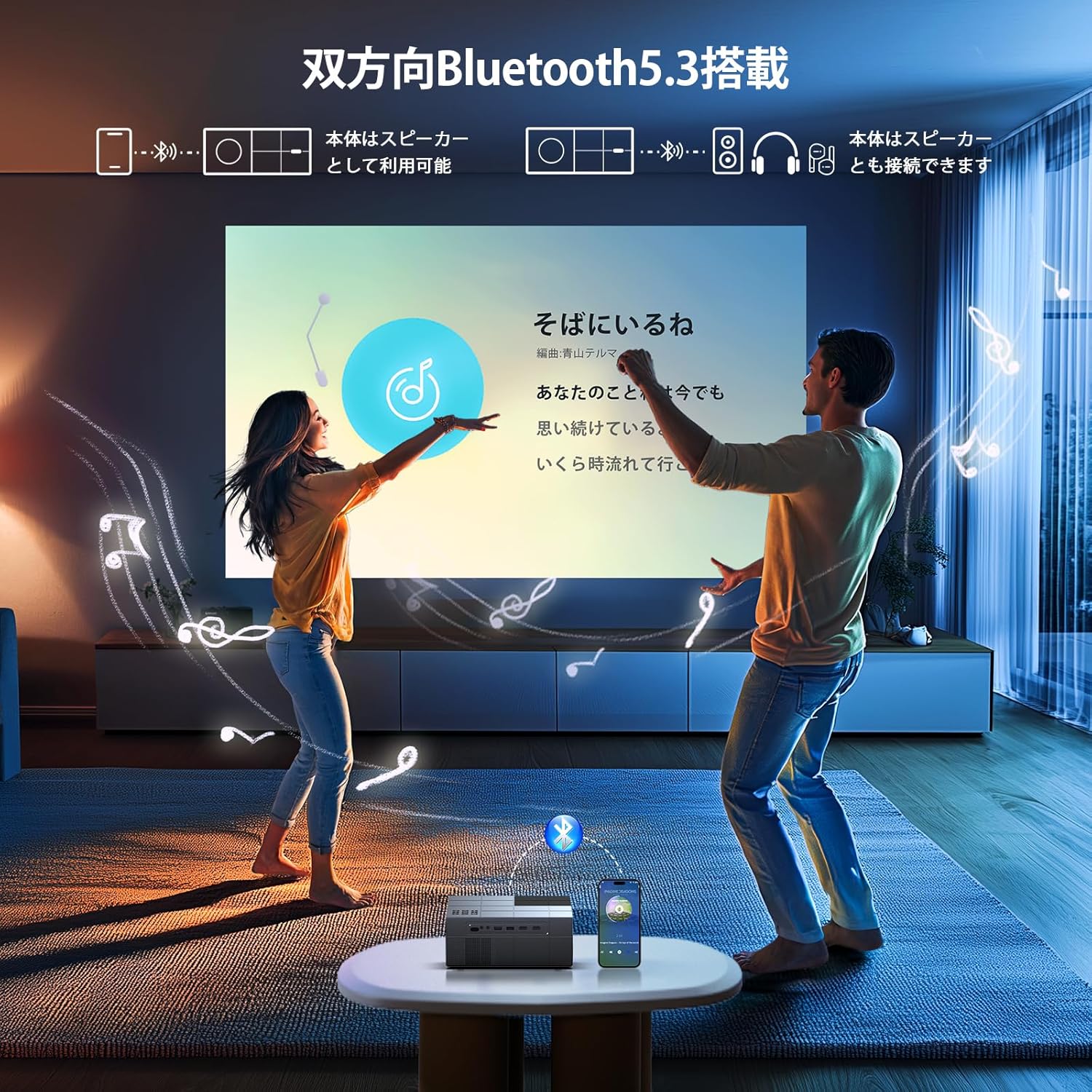
- ઇમર્સિવ ઑડિઓ: Built-in HIFI speaker and Bluetooth 5.3 for external audio devices.
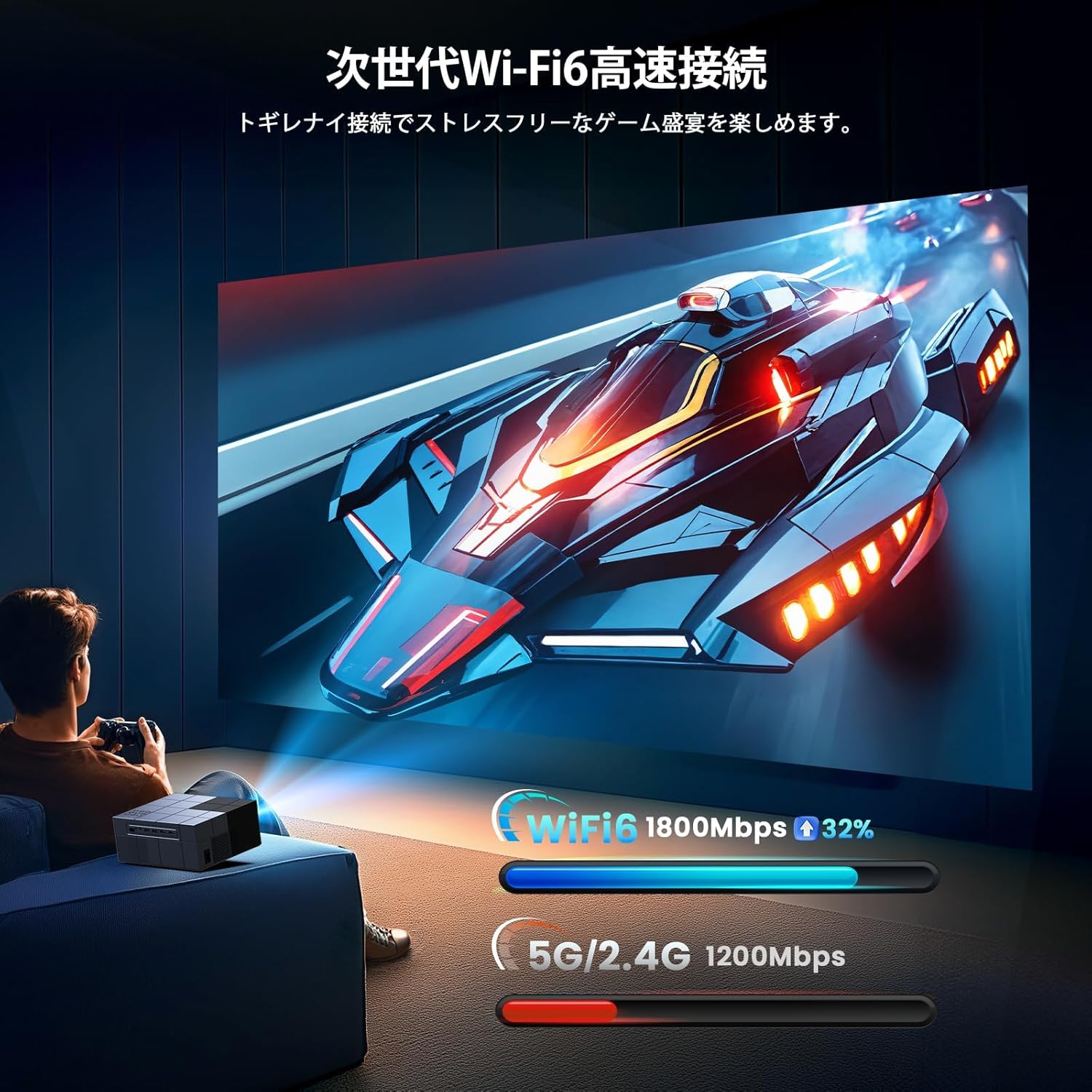
- અદ્યતન કનેક્ટિવિટી: Dual-band 2.4G/5G WiFi for stable streaming and screen mirroring.
- લવચીક પ્રક્ષેપણ: Up to 300-inch screen size, 50-100% zoom function, vertical keystone correction.
- કાર્યક્ષમ ઠંડક: Advanced cooling system for effective heat dissipation and low noise (approx. 40dB).
- બહુવિધ ઇનપુટ્સ: AV, USB (x2), HDMI (x2) for wide device compatibility.

સેટઅપ
પ્લેસમેન્ટ વિકલ્પો
The projector offers various placement options to suit your viewing environment:
- Front Projection: Place the projector on a table or stand in front of the screen.
- પાછળનો પ્રક્ષેપણ: Place the projector behind a translucent screen.
- છતનો અંદાજ: Mount the projector to the ceiling (requires a compatible ceiling mount, not included).

પ્રારંભિક પાવર ચાલુ
- Connect the power cable to the projector and a power outlet.
- પ્રોજેક્ટર અથવા રિમોટ કંટ્રોલ પર પાવર બટન દબાવો અને તેને ચાલુ કરો.
- The projector will display the home screen.
ફોકસ અને કીસ્ટોન કરેક્શન
Adjust the image clarity and shape:
- ફોકસ: છબી તીક્ષ્ણ અને સ્પષ્ટ ન થાય ત્યાં સુધી પ્રોજેક્ટર લેન્સ પર ફોકસ રિંગ ફેરવો.
- કીસ્ટોન કરેક્શન: Use the manual vertical keystone adjustment to correct distorted images (trapezoid effect) if the projector is not perfectly perpendicular to the screen. The projector supports vertical keystone correction of ±15 degrees.

ઓપરેટિંગ સૂચનાઓ
Screen Size Adjustment (Zoom)
The projector features a zoom function that allows you to adjust the screen display size from 100% to 50% without moving the projector. Access this function through the projector's menu settings.
ઓડિયો આઉટપુટ
You can use the projector's built-in HIFI speaker or connect external audio devices via Bluetooth 5.3 for a more powerful sound experience. Adjust the volume using the remote control.
ટાઈમર મોડ
Set a sleep timer for the projector to automatically turn off after a specified period. This is useful for watching content before sleeping.

કનેક્ટિવિટી
વાયરલેસ કનેક્શન (Wi-Fi)
The projector supports dual-band 2.4G/5G WiFi for stable and fast wireless screen mirroring from your smartphones, tablets, and PCs. This allows you to project content without physical cables.
બ્લૂટૂથ કનેક્શન
Equipped with Bluetooth 5.3, the projector can connect to your favorite Bluetooth speakers or wireless headphones. This provides flexibility for audio output, whether you prefer a powerful sound system or private listening.
વાયર્ડ કનેક્શન્સ
The projector offers a variety of wired input terminals for broad compatibility:
- HDMI (x2): Connect to PCs, laptops, game consoles (PS4/PS5), TV boxes, and other HDMI-enabled devices.
- USB (x2): Connect USB memory drives for direct media playback.
- એ.વી .: Connect to DVD players or older devices using the included AV cable.

Connecting to Streaming Devices
The projector is compatible with various streaming devices such as Amazon Fire TV Stick, Google Chromecast, Roku, and more. Simply connect the streaming device to an HDMI port on the projector.

જાળવણી
નિયમિત જાળવણી શ્રેષ્ઠ કામગીરી સુનિશ્ચિત કરે છે અને તમારા પ્રોજેક્ટરનું આયુષ્ય લંબાવે છે.
- લેન્સની સફાઈ: ઓપ્ટિકલ લેન્સ માટે ખાસ રચાયેલ નરમ, લિન્ટ-ફ્રી કાપડનો ઉપયોગ કરો. ઘર્ષક ક્લીનર્સ અથવા સોલવન્ટનો ઉપયોગ કરશો નહીં.
- Cleaning the Vents: Periodically clean the air vents with a soft brush or compressed air to prevent dust buildup, which can affect cooling performance.
- સંગ્રહ: When not in use, store the projector in a cool, dry, and dust-free environment. Use the original packaging or a protective case if available.
મુશ્કેલીનિવારણ
જો તમને તમારા પ્રોજેક્ટરમાં સમસ્યાઓ આવે, તો નીચેની સામાન્ય સમસ્યાઓ અને ઉકેલોનો સંદર્ભ લો:
| સમસ્યા | સંભવિત કારણ | ઉકેલ |
|---|---|---|
| નો પાવર | પાવર કેબલ ડિસ્કનેક્ટ થયો; પાવર આઉટલેટમાં સમસ્યા | પાવર કેબલ કનેક્શન તપાસો; અલગ પાવર આઉટલેટ અજમાવી જુઓ |
| કોઈ છબી નથી | Incorrect input source; Loose HDMI/AV cable | Select correct input source; Reconnect cables securely |
| ઝાંખી છબી | Focus not adjusted; Incorrect keystone | Adjust focus ring; Adjust keystone correction |
| કોઈ અવાજ નથી | Volume too low; Incorrect audio output; Fire TV Stick audio setting | Increase volume; Check audio output settings; For Fire TV Stick, set audio to PCM in its settings menu |
| રિમોટ કામ કરતું નથી | Dead batteries; Obstruction | Replace batteries; Ensure clear line of sight to projector's IR receiver |
| Wi-Fi કનેક્શન સમસ્યાઓ | Incorrect password; Weak signal | Verify Wi-Fi password; Move projector closer to router |
Note for Amazon Fire TV Stick Users: If you experience no sound from the projector when using an Amazon Fire TV Stick, please open the Fire TV Stick's settings menu and change the sound output to [PCM].
વિશિષ્ટતાઓ
| લક્ષણ | સ્પષ્ટીકરણ |
|---|---|
| બ્રાન્ડ | YOWHICK |
| મોડલ નંબર | GDP1W |
| ઉત્પાદન પરિમાણો | 22.9 x 18 x 8.9 સેમી |
| વસ્તુનું વજન | 1.4 કિલોગ્રામ |
| રંગ | ગ્રે |
| તેજ | 28000 લ્યુમેન્સ |
| મૂળ ઠરાવ | 1920 x 1080 (1080P Full HD) |
| આધારભૂત ઠરાવ | Up to 3840 x 2160 (4K) |
| પ્રોજેક્શન કદ | 40 - 300 ઇંચ |
| કનેક્ટિવિટી ટેકનોલોજી | Bluetooth 5.3, HDMI, IR, USB, Wi-Fi (2.4G/5G) |
| HDMI પોર્ટ્સ | 2 |
| યુએસબી પોર્ટ્સ | 2 |
| કીસ્ટોન સુધારણા | Manual Vertical ±15 degrees |
| ઝૂમ ફંક્શન | ૧૦% - ૧૦૦% |
| અવાજ સ્તર | આશરે. 40dB |
| પાવર વપરાશ | મહત્તમ 84W |
| ભલામણ કરેલ ઉપયોગ | Gaming, Business, Home Cinema, Education |
વોરંટી અને આધાર
YOWHICK is committed to providing excellent customer service and product support.
- વોરંટી અવધિ: This product comes with a 2-year manufacturer's warranty from the date of purchase.
- સમારકામ સેવા: A 3-year repair service is provided.
- ટેકનિકલ સપોર્ટ: Lifetime technical support is available for all users.
- સંપર્ક માહિતી: For initial defects, natural failures, exchanges, returns, or any technical inquiries, please contact our customer service team.
ઈમેલ: support@yowhick.jp
લાઇન ID: @286hjalm

ઉત્પાદન વિડિઓઝ
Watch these videos for additional information and demonstrations of the YOWHICK Projector.
વિડિઓ: પ્રોડક્ટ ઓવરview (0:16)
Video: Feature Highlight (0:14)
Video: Detailed Demonstration (0:52)
Video: Extended Usage Guide (2:51)
Video: Setup and Configuration (1:31)
Video: Connectivity Options (0:40)
Video: Quick Start Guide (0:23)
Video: Advanced Features (1:22)
Video: Troubleshooting Tips (1:19)