
1. પરિચય
The DAOKAI NE555 Pulse Generator Module is a compact, single-channel signal output device designed for generating adjustable frequency square waves. Utilizing the versatile NE555 timer integrated circuit, this module is suitable for various applications including microcontroller unit (MCU) learning, electronic competitions, and product development. It provides a stable square wave output with an approximate 50% duty cycle, and its frequency can be easily adjusted via an onboard potentiometer.
This manual provides detailed instructions for the setup, operation, and maintenance of your NE555 Pulse Generator Module.

છબી 1.1: ઓવરview of the DAOKAI NE555 Pulse Generator Modules and included Dupont cable.
2. પેકેજ સામગ્રી
પેકેજ ખોલતી વખતે, ખાતરી કરો કે બધા ઘટકો હાજર છે અને તેમને કોઈ નુકસાન થયું નથી:
- 5 x NE555 Pulse Generator Modules
- 1 x 15-pin Female to Male Dupont Cable
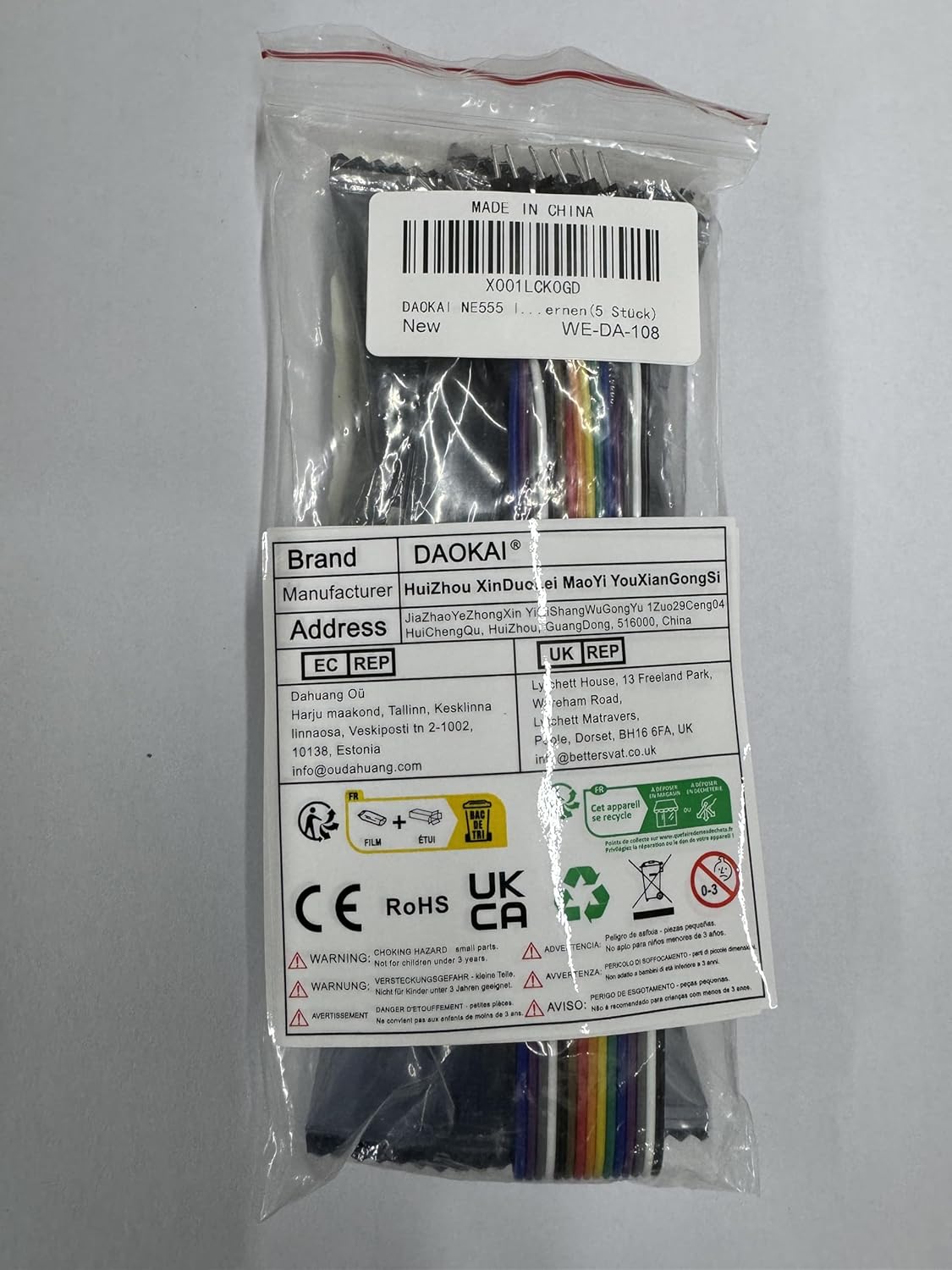
Image 2.1: Packaging of the NE555 Pulse Generator Modules and Dupont cable. The label indicates model WE-DA-108.
3. સ્પષ્ટીકરણો
Refer to the following technical specifications for the NE555 Pulse Generator Module:
- ચિપ: Onboard NE555 timer IC
- કાર્ય ભાગtage: 5V થી 12V DC
- આઉટપુટ સિગ્નલ: Single-channel square wave
- Output Duty Cycle: આશરે 50%
- આઉટપુટ આવર્તન શ્રેણી: 5Hz to 2KHz (adjustable via potentiometer; can be modified by changing capacitor C1)
- આઉટપુટ વર્તમાન: 225 mA (મહત્તમ)
- આઉટપુટ વોલ્યુમtage: ઇનપુટ વોલ્યુમની સમાનtage
- ઉદય/પતનનો સમય: 100 એનએસ
- પરિમાણો (L x W x H): 25mm x 13mm x 12mm (0.98in x 0.51in x 0.47in)
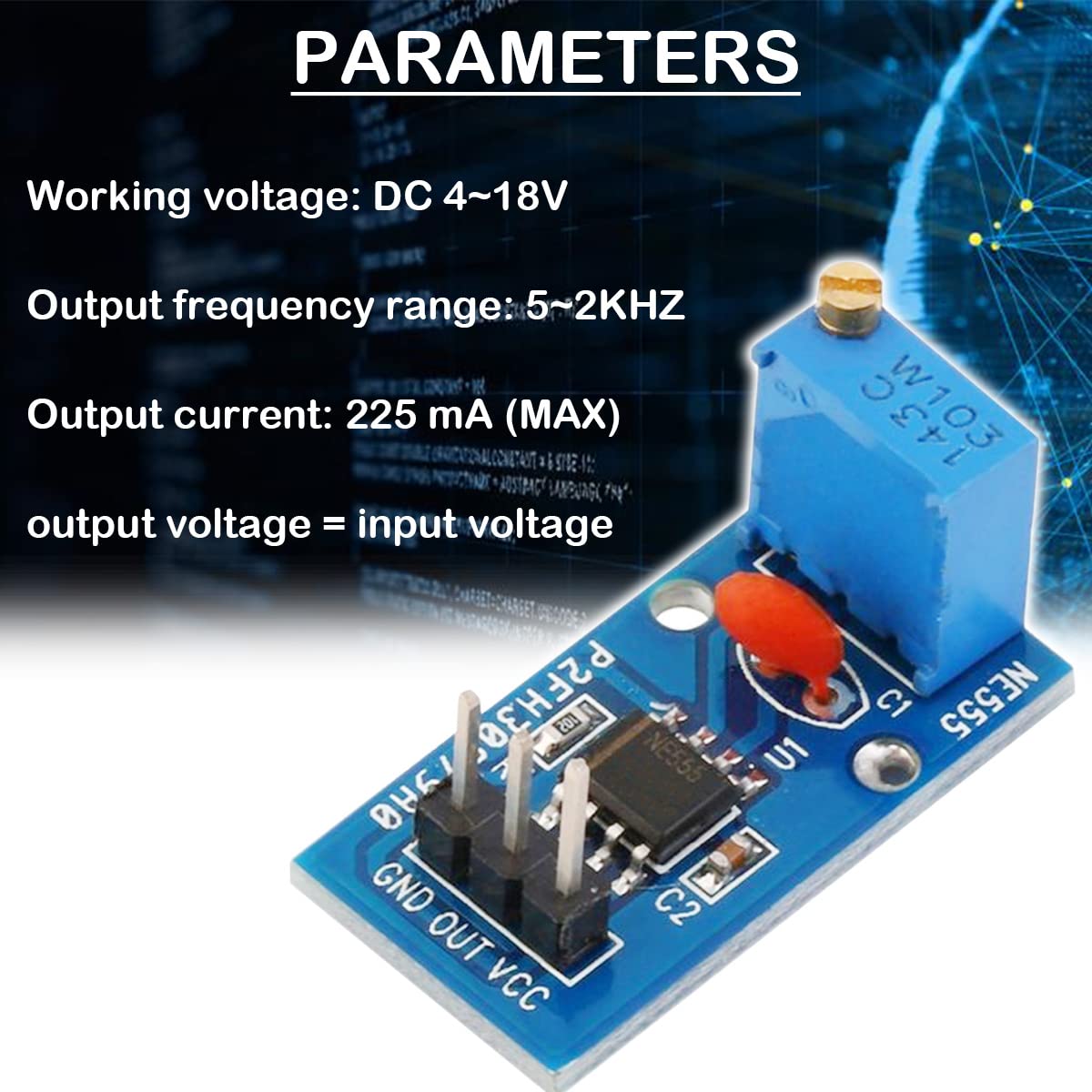
Image 3.1: Key parameters of the NE555 Pulse Generator Module.

Image 3.2: Physical dimensions of the NE555 Pulse Generator Module.
4. સેટઅપ અને જોડાણો
The module features a simple 3-pin header for power and signal output. Follow these steps for proper connection:
- પિન ઓળખો: The module has three pins labeled GND, OUT, and VCC.
- પાવર કનેક્ટ કરો:
- કનેક્ટ કરો વીસીસી pin to your DC power supply's positive (+) terminal (5V to 12V).
- કનેક્ટ કરો જીએનડી pin to your DC power supply's negative (-) terminal (ground).
- આઉટપુટ કનેક્ટ કરો: કનેક્ટ કરો બહાર pin to the input of the device or circuit you wish to drive with the pulse signal.

Image 4.1: Pin description and connection diagram for the NE555 Pulse Generator Module.
ખાતરી કરો કે પાવર સપ્લાય વોલtage is within the specified range of 5V to 12V to prevent damage to the module.
5. ઓપરેટિંગ સૂચનાઓ
Once the module is correctly powered, it will begin generating a square wave signal. The frequency of this signal can be adjusted:
- આવર્તન ગોઠવણ: The module features an onboard adjustable resistor (potentiometer). Use a small screwdriver to carefully turn the potentiometer. Turning it clockwise or counter-clockwise will change the resistance value, thereby adjusting the output frequency within the 5Hz to 2KHz range.
- આઉટપુટ સિગ્નલ: The output is a single-channel square wave with an approximate 50% duty cycle. The output voltage will match the input VCC voltage.
- Frequency Range Modification: For applications requiring a different frequency range, the capacitor C1 on the module can be replaced with a different value. Changing C1 will alter the overall frequency range of the oscillator.

Image 5.1: Detail of the adjustable resistor for frequency control and the NE555 timer pinout.

Image 5.2: Circuit diagram of the NE555 Pulse Generator Module.
6. જાળવણી
The NE555 Pulse Generator Module is a robust electronic component designed for long-term use with minimal maintenance. To ensure optimal performance and longevity:
- સફાઈ રાખો: Avoid dust, dirt, and moisture accumulation on the module. If cleaning is necessary, use a soft, dry brush or a cloth lightly dampઆઇસોપ્રોપીલ આલ્કોહોલ સાથે સમાપ્ત.
- કાળજી સાથે હેન્ડલ કરો: Avoid applying excessive force to the components, especially the potentiometer and pins.
- સંગ્રહ: Store the modules in a dry, cool environment, away from direct sunlight and extreme temperatures.
- પાવર સપ્લાય: Always use a stable power supply within the specified voltage શ્રેણી (5V-12V).
7. મુશ્કેલીનિવારણ
If you encounter issues with your NE555 Pulse Generator Module, consider the following troubleshooting steps:
- કોઈ આઉટપુટ સિગ્નલ નથી:
- Verify that the module is receiving power within the 5V-12V range.
- Check all connections (VCC, GND, OUT) for proper contact and polarity.
- Ensure the power indicator LED on the module is illuminated.
- Unstable or Incorrect Frequency:
- Adjust the onboard potentiometer slowly to see if the frequency changes.
- Ensure your power supply is stable and not fluctuating. Unstable power can lead to unstable output.
- If the desired frequency range is not achievable, consider replacing capacitor C1 with a different value. For example, a larger capacitance will generally result in lower frequencies.
- Module Gets Hot:
- ચકાસો કે ઇનપુટ વોલ્યુમtage 5V-12V રેન્જમાં છે. વોલ્યુમtages significantly higher than 12V can cause overheating.
- Ensure the module is not drawing excessive current due to a short circuit in the connected load.
- While the NE555 can operate with a 9V battery, ensure the battery can provide sufficient current without significant voltage drop, especially under load.
- Output Frequency Range Does Not Match Expectations (e.g., 5-2KHz vs. 2-5KHz):
- The specified range is 5Hz to 2KHz. If your module operates outside this, verify the potentiometer is fully functional and consider the possibility of component tolerance variations.
- As mentioned, changing capacitor C1 is the primary method to shift the overall frequency range.
8. અરજીઓ
The DAOKAI NE555 Pulse Generator Module is versatile and can be used in various electronic projects and educational settings:
- Microcontroller Unit (MCU) learning and experimentation
- Electronic competition projects
- Product development and prototyping
- Generating clock signals for digital circuits
- Driving stepper motors (with appropriate driver circuitry)
- Timing circuits and delay generation
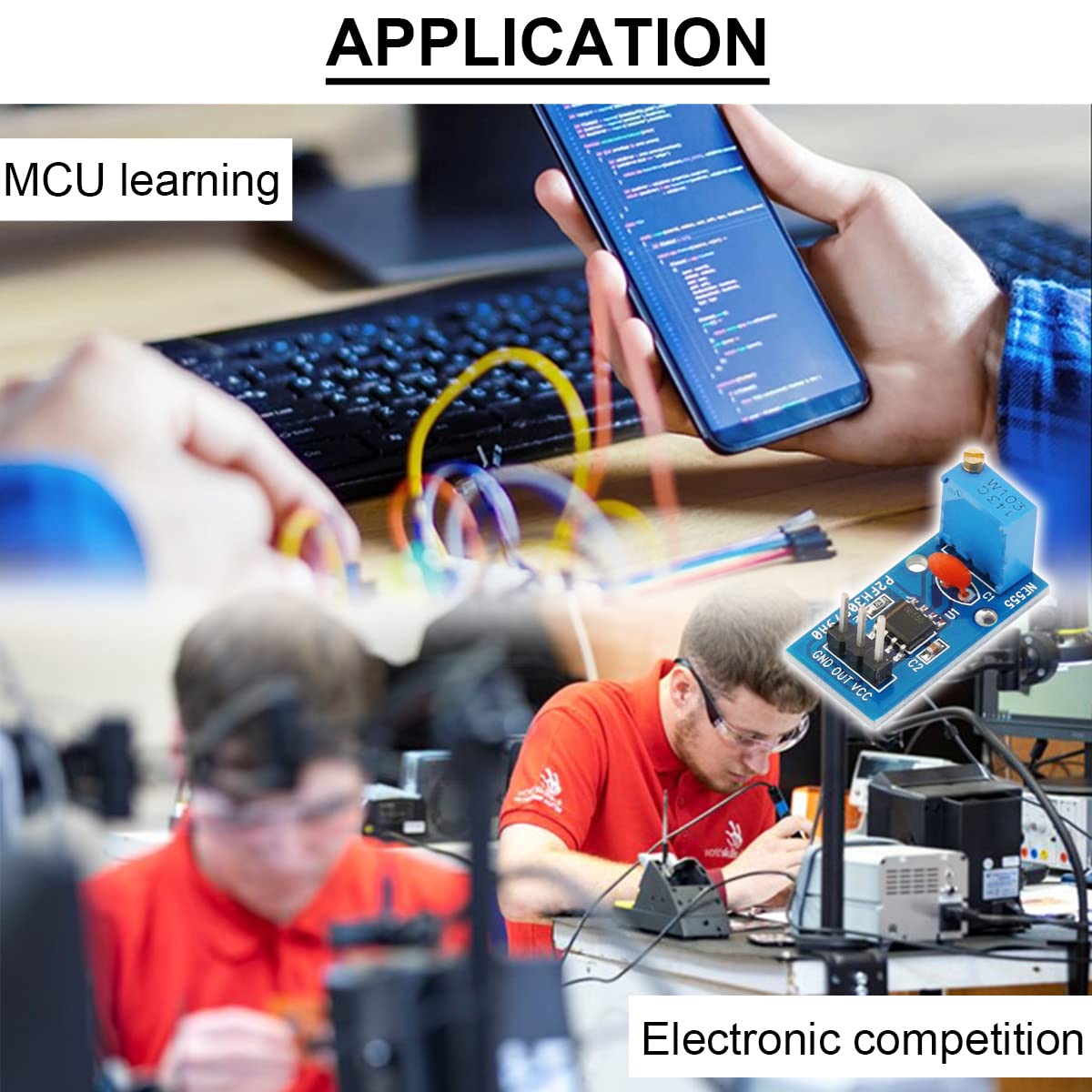
છબી ૪.૧: ઉદાહરણamples of applications for the NE555 Pulse Generator Module.
9. વોરંટી અને સપોર્ટ
This product is manufactured by DAOKAI. Specific warranty details are not provided in the product information. For any product-related inquiries or technical support, please refer to the seller or the platform where the product was purchased. Keep your purchase records for reference.