
1. પરિચય
This manual provides essential information for the installation, operation, and maintenance of your Intenso 2TB M.2 SSD PCIe Premium. Please read these instructions carefully before proceeding with installation to ensure optimal performance and longevity of your device.
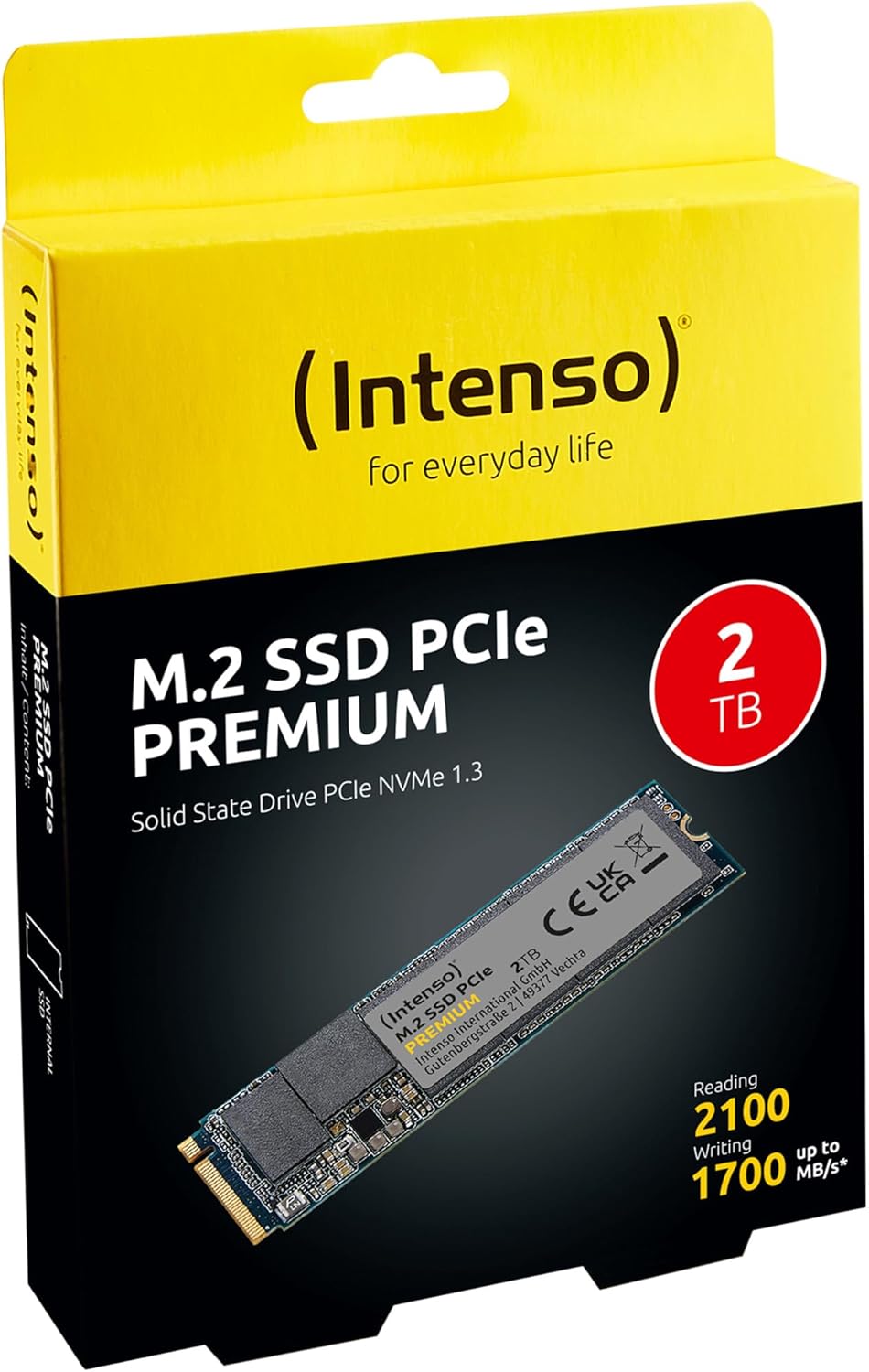
Image 1: Intenso 2TB M.2 SSD PCIe Premium product packaging. The box displays the SSD, capacity, and read/write speeds.
2. સેટઅપ અને ઇન્સ્ટોલેશન
Proper installation is crucial for the functionality of your M.2 SSD. Follow these steps carefully.
૩.૧ પ્રી-ઇન્સ્ટોલેશન ચેકલિસ્ટ
- સુસંગતતા: Ensure your motherboard has an available M.2 slot that supports PCIe NVMe SSDs. Refer to your motherboard's manual for specific M.2 slot specifications.
- સ્થિર વીદ્યુત: Take precautions against electrostatic discharge (ESD). Use an anti-static wrist strap or touch a grounded metal object before handling the SSD.
- સાધનો: You may need a small Phillips head screwdriver and a motherboard screw for securing the M.2 drive.
2.2 ભૌતિક સ્થાપન
- પાવર બંધ: Completely shut down your computer and disconnect the power cable.
- ખુલ્લો કેસ: મધરબોર્ડને ઍક્સેસ કરવા માટે તમારા કમ્પ્યુટર કેસ ખોલો.
- M.2 સ્લોટ શોધો: Identify an available M.2 slot on your motherboard. It typically looks like a small horizontal slot with a screw stand-off nearby.
- SSD દાખલ કરો: Gently insert the Intenso M.2 SSD into the slot at a 30-degree angle. The gold contacts on the SSD should align with the slot. Push it in until it is fully seated.
- સુરક્ષિત SSD: Carefully push the SSD down until it is parallel with the motherboard. Secure it with the small screw provided with your motherboard or the SSD.
- કેસ બંધ કરો: તમારા કમ્પ્યુટર કેસને બંધ કરો અને પાવર કેબલ ફરીથી કનેક્ટ કરો.
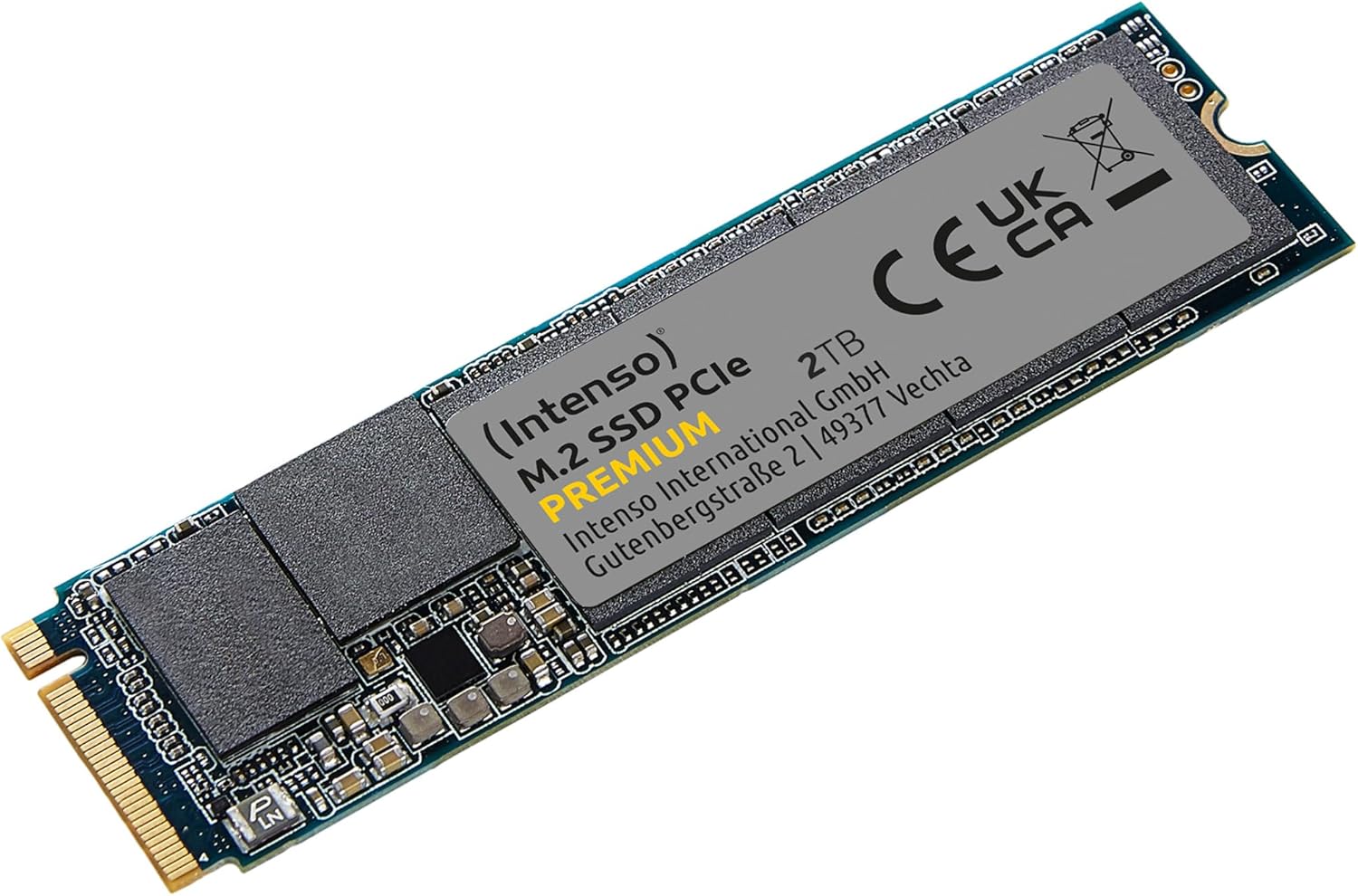
Image 2: The Intenso 2TB M.2 SSD PCIe Premium, showing its compact M.2 2280 form factor and labeling.
2.3 Initial Software Setup (Windows)
- Boot Computer: તમારું કમ્પ્યુટર શરૂ કરો.
- ડિસ્ક મેનેજમેન્ટ ઍક્સેસ કરો: Right-click on the Start button and select 'Disk Management'.
- ડિસ્ક શરૂ કરો: If prompted, initialize the new SSD. Choose GPT (GUID Partition Table) for modern systems.
- નવું સરળ વોલ્યુમ બનાવો: Right-click on the unallocated space of your new SSD and select 'New Simple Volume'. Follow the wizard to assign a drive letter and format the drive (NTFS is recommended for Windows).
- ઉપયોગ માટે તૈયાર: Your Intenso M.2 SSD is now ready for use as a storage drive. If you intend to install an operating system, refer to your OS installation guide.
3. SSD નું સંચાલન
The Intenso M.2 SSD PCIe Premium is designed for high-speed data access, making it suitable for various applications from everyday computing to demanding tasks like gaming and graphic design.
- Boot Drive: For fastest system startup and application loading, install your operating system on the SSD.
- સ્ટોરેજ ડ્રાઇવ: Use the SSD to store frequently accessed files, games, or applications that benefit from high read/write speeds.
- પ્રદર્શન: This SSD offers sequential read speeds up to 2100 MB/s and sequential write speeds up to 1700 MB/s, significantly faster than traditional SATA SSDs.
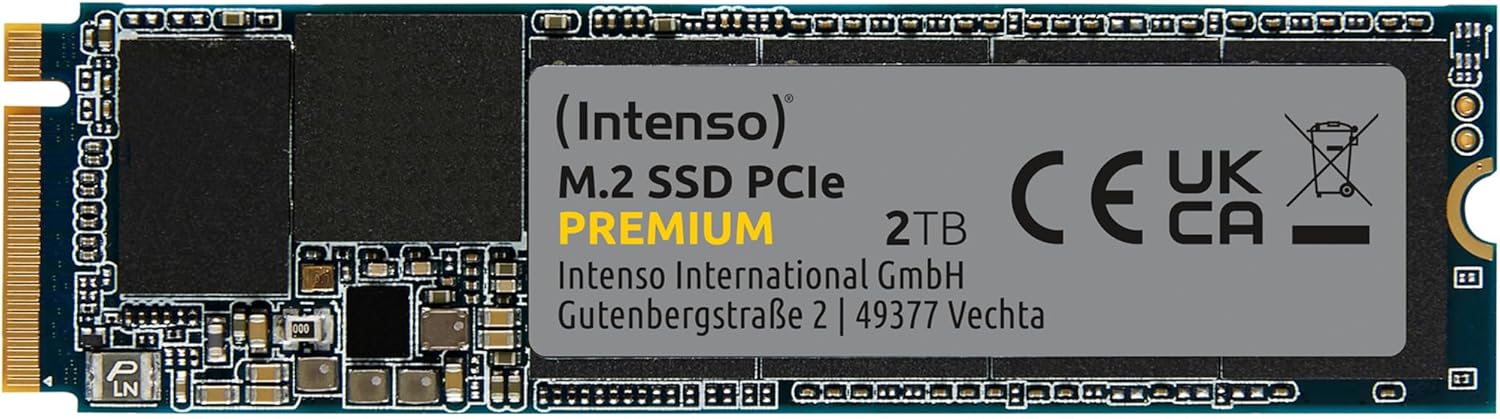
છબી 3: વિગતવાર view of the Intenso 2TB M.2 SSD PCIe Premium, highlighting its internal components and labeling.
4. જાળવણી
To ensure the longevity and optimal performance of your Intenso M.2 SSD, consider the following maintenance practices:
- TRIM આદેશ: Ensure your operating system has TRIM enabled. TRIM helps the SSD manage data blocks more efficiently, preventing performance degradation over time. Modern operating systems typically enable TRIM by default.
- ડિફ્રેગમેન્ટેશન ટાળો: Unlike traditional hard disk drives (HDDs), SSDs do not benefit from defragmentation. Defragmenting an SSD can reduce its lifespan by causing unnecessary write cycles.
- ફર્મવેર અપડેટ્સ: Periodically check the Intenso official website for any available firmware updates for your SSD model. Firmware updates can improve performance, stability, and compatibility.
- ડ્રાઇવ હેલ્થનું નિરીક્ષણ કરો: Use S.M.A.R.T. (Self-Monitoring, Analysis and Reporting Technology) tools to monitor the health status of your SSD. Many operating systems and third-party utilities offer this functionality.
- ખાલી જગ્યા જાળવો: Avoid filling your SSD to its maximum capacity. Keeping some free space (e.g., 10-15%) allows the SSD's wear-leveling algorithms to function effectively.
5. મુશ્કેલીનિવારણ
If you encounter issues with your Intenso M.2 SSD, refer to the following common troubleshooting steps:
૭.૧ SSD મળ્યું નથી
- શારીરિક જોડાણ તપાસો: Ensure the SSD is correctly seated in the M.2 slot and securely fastened.
- BIOS/UEFI સેટિંગ્સ: Enter your computer's BIOS/UEFI settings. Verify that the M.2 slot is enabled and configured correctly (e.g., NVMe mode). Some motherboards may disable certain SATA ports when an M.2 drive is in use.
- ડ્રાઇવર ઇન્સ્ટોલેશન: Ensure your operating system has the necessary NVMe drivers. Windows 10/11 typically includes native NVMe support.
- ડિસ્ક મેનેજમેન્ટ: As described in Section 2.3, check Disk Management to see if the drive is detected but uninitialized.
૭.૩ ધીમું પ્રદર્શન
- M.2 Slot Speed: Confirm that your M.2 slot supports PCIe Gen.3x4 speeds. Some slots may operate at lower speeds (e.g., Gen.2 or x2 lanes).
- TRIM સ્થિતિ: Verify that TRIM is enabled on your operating system.
- ફર્મવેર: Check for and install any available firmware updates for the SSD.
- ઓવરહિટીંગ: Ensure adequate airflow within your computer case. Excessive heat can cause performance throttling.
- પૂર્ણ ડ્રાઇવ: If the drive is nearly full, performance may decrease. Try to free up some space.
૬.૨ ડેટા ટ્રાન્સફર સમસ્યાઓ
- Cable/Connection: If using an external enclosure, ensure the USB cable and enclosure connection are secure and functioning correctly.
- File System Errors: ડિસ્ક ચેક યુટિલિટી ચલાવો (દા.ત.,
chkdskin Windows) to scan for and repair any file સિસ્ટમ ભૂલો. - Source/Destination Drive: Ensure the source or destination drive is not experiencing issues that could bottleneck transfer speeds.
6. સ્પષ્ટીકરણો
Key technical specifications for the Intenso 2TB M.2 SSD PCIe Premium:
| લક્ષણ | સ્પષ્ટીકરણ |
|---|---|
| મોડલ નંબર | 3835470 |
| ક્ષમતા | 2 ટીબી |
| ઈન્ટરફેસ | PCIe Gen.3x4 NVMe 1.3 |
| ફોર્મ ફેક્ટર | M.2 2280 |
| ક્રમિક વાંચન ગતિ | 2100 MB/s સુધી |
| ક્રમિક લેખન ગતિ | 1700 MB/s સુધી |
| પરિમાણો (LxWxH) | 3.15 x 0.87 x 0.16 ઇંચ |
| વસ્તુનું વજન | 0.212 ઔંસ |
| હાર્ડવેર પ્લેટફોર્મ | PC |
| રંગ | કાળો |
| બૉક્સમાં શું છે | M.2 SSD PCIe |
7. વોરંટી અને સપોર્ટ
For detailed warranty information and technical support, please refer to the official Intenso website or contact their customer service directly. The product is typically covered by a manufacturer's warranty against defects in materials and workmanship.
- ઉત્પાદક: ઇન્ટેન્સો
- Webસાઇટ: મુલાકાત www.intenso.de સપોર્ટ સંસાધનો, વારંવાર પૂછાતા પ્રશ્નો અને સંપર્ક માહિતી માટે.
- ખરીદીનો પુરાવો: વોરંટી દાવાઓ માટે ખરીદીના પુરાવા તરીકે તમારી ખરીદી રસીદ રાખો.