
પરિચય
Thank you for choosing the AWEI A996BL Bluetooth Over-Ear Headphones. This manual provides detailed instructions for setting up, operating, and maintaining your headphones to ensure optimal performance and longevity. Please read this manual carefully before use.
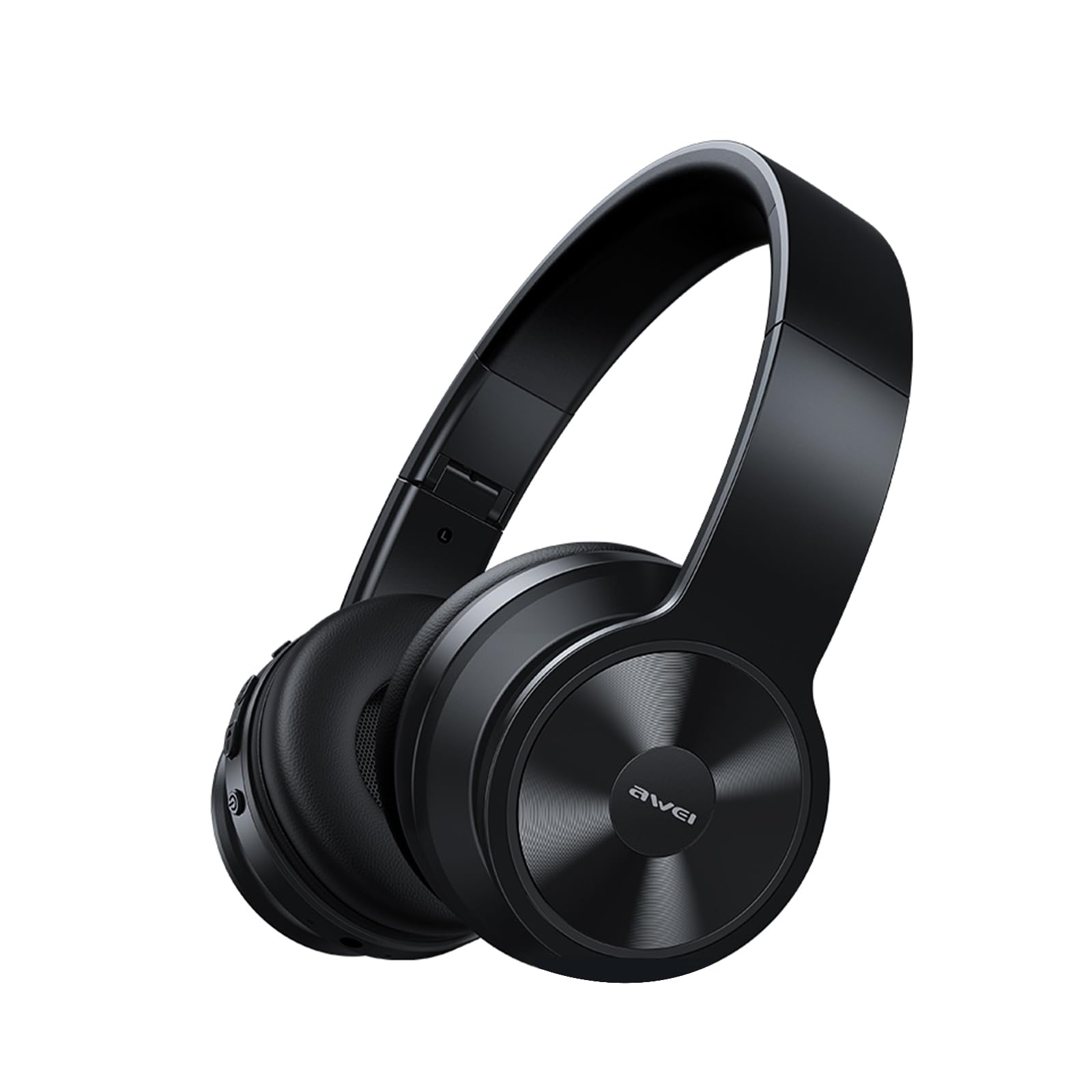
Image: AWEI A996BL over-ear headphones, showcasinતેમની ડિઝાઇન.
The AWEI A996BL headphones feature advanced Bluetooth 5.3 technology for stable connections, 40mm drivers for immersive stereo sound, and a comfortable, foldable design with soft protein earpads. Enjoy up to 16 hours of playtime on a single charge, with the flexibility of both wireless and wired (AUX) listening modes.
પેકેજ સામગ્રી
- AWEI A996BL Bluetooth Over-Ear Headphones
- યુએસબી ચાર્જિંગ કેબલ
- વપરાશકર્તા માર્ગદર્શિકા
- (Note: An AUX cable may be included for wired connection, depending on the specific package.)
ઉત્પાદન ઓવરview
Familiarize yourself with the headphone components and controls.

Image: Right earcup of the AWEI A996BL headphones, highlighting the control buttons.
નિયંત્રણો અને સૂચકાંકો:
- મલ્ટી-ફંક્શન બટન (MFB): Power On/Off, Play/Pause, Answer/End Call, Reject Call, Activate Voice Assistant.
- વોલ્યુમ વધારો / આગલો ટ્રેક બટન: વોલ્યુમ વધારવા માટે ટૂંકું દબાવો, નેક્સ્ટ ટ્રેક માટે લાંબા સમય સુધી દબાવો.
- વૉલ્યૂમ ડાઉન / પાછલું ટ્રેક બટન: વોલ્યુમ ડાઉન માટે ટૂંકું દબાવો, પાછલા ટ્રેક માટે લાંબા સમય સુધી દબાવો.
- એલઇડી સૂચક: Shows power status, pairing mode, and charging status.
- માઇક્રોફોન: હેન્ડ્સ-ફ્રી કૉલ્સ માટે.
- યુએસબી-સી ચાર્જિંગ પોર્ટ: હેડફોન ચાર્જ કરવા માટે.
- ૩.૫ મીમી AUX પોર્ટ: વાયર્ડ ઓડિયો કનેક્શન માટે.
સેટઅપ
1. હેડફોન ચાર્જ કરવા
પહેલા ઉપયોગ કરતા પહેલા, હેડફોનને સંપૂર્ણપણે ચાર્જ કરો. સંપૂર્ણ ચાર્જ થવામાં લગભગ 2 કલાક લાગે છે.
- Connect the USB charging cable to the USB-C charging port on the headphones.
- કેબલના બીજા છેડાને USB પાવર એડેપ્ટર (શામેલ નથી) અથવા કમ્પ્યુટરના USB પોર્ટ સાથે કનેક્ટ કરો.
- The LED indicator will show a red light during charging and turn off or blue when fully charged.

Image: Visual representation of the 300mAh battery capacity, indicating long battery life.
2. પાવર ચાલુ/બંધ
- પાવર ચાલુ: Press and hold the Multi-function Button (MFB) for approximately 3 seconds until the LED indicator flashes blue and a voice prompt confirms "Power On".
- પાવર બંધ: Press and hold the Multi-function Button (MFB) for approximately 3 seconds until the LED indicator flashes red and a voice prompt confirms "Power Off".
3. Bluetooth Pairing (Wireless Mode)
The headphones use Bluetooth 5.3 for a stable connection.
- ખાતરી કરો કે હેડફોન સંપૂર્ણપણે ચાર્જ થયેલ છે અને બંધ છે.
- Press and hold the Multi-function Button (MFB) for approximately 5-7 seconds until the LED indicator flashes blue and red alternately. This indicates pairing mode.
- તમારા ઉપકરણ (સ્માર્ટફોન, ટેબ્લેટ, પીસી) પર, બ્લૂટૂથ સક્ષમ કરો અને ઉપલબ્ધ ઉપકરણો શોધો.
- Select "AWEI A996BL" from the list of found devices.
- Once paired, the LED indicator will flash blue slowly, and a voice prompt will confirm "Connected".
- If a password is required, enter "0000".

Image: Headphones connected wirelessly to a laptop and smartphone, demonstrating a stable Bluetooth connection. Note: The product features Bluetooth 5.3 for enhanced performance.
4. વાયર્ડ કનેક્શન (AUX મોડ)
You can use the headphones in wired mode even when the battery is depleted or with non-Bluetooth devices.
- Connect one end of a 3.5mm audio cable (not included) to the AUX port on the headphones.
- બીજા છેડાને તમારા ઉપકરણના 3.5mm ઓડિયો આઉટપુટ જેક સાથે જોડો.
- The headphones will automatically switch to wired mode. Note that controls on the headphones (volume, play/pause) may not function in wired mode; control playback from your connected device.

Image: Headphones showing both USB-C charging port and 3.5mm AUX port, illustrating wired and wireless options.
ઓપરેટિંગ સૂચનાઓ
હેડફોન પહેરીને
Adjust the headband for a comfortable fit. The soft protein earpads are designed for extended wear.

Image: A person wearing the AWEI A996BL headphones, highlighting their lightweight and comfortable design with adjustable headband and bendable earmuffs.
Basic Functions (Wireless Mode)
| કાર્ય | ઓપરેશન |
|---|---|
| સંગીત ચલાવો/થોભો | Short press the Multi-function Button (MFB). |
| વોલ્યુમ અપ | Short press the "Volume Up / Next Track" button. |
| વોલ્યુમ ડાઉન | Short press the "Volume Down / Previous Track" button. |
| નેક્સ્ટ ટ્રૅક | Long press the "Volume Up / Next Track" button. |
| પાછલો ટ્રેક | Long press the "Volume Down / Previous Track" button. |
| કૉલનો જવાબ આપો/સમાપ્ત કરો | Short press the Multi-function Button (MFB). |
| કૉલ નકારો | મલ્ટી-ફંક્શન બટન (MFB) ને લાંબા સમય સુધી દબાવી રાખો. |
| વૉઇસ સહાયકને સક્રિય કરો | Double-press the Multi-function Button (MFB). |
જાળવણી
સફાઈ
- હેડફોનને નરમ, સૂકા, લિન્ટ-ફ્રી કપડાથી સાફ કરો.
- ઘર્ષક ક્લીનર્સ, આલ્કોહોલ અથવા રાસાયણિક દ્રાવકોનો ઉપયોગ કરશો નહીં.
- કોઈપણ છિદ્રોમાં ભેજ જવાનું ટાળો.
સંગ્રહ
- જ્યારે ઉપયોગમાં ન હોય, ત્યારે હેડફોનને સીધા સૂર્યપ્રકાશ અને અતિશય તાપમાનથી દૂર ઠંડી, સૂકી જગ્યાએ સંગ્રહિત કરો.
- The headphones feature a foldable design for easy storage and portability.
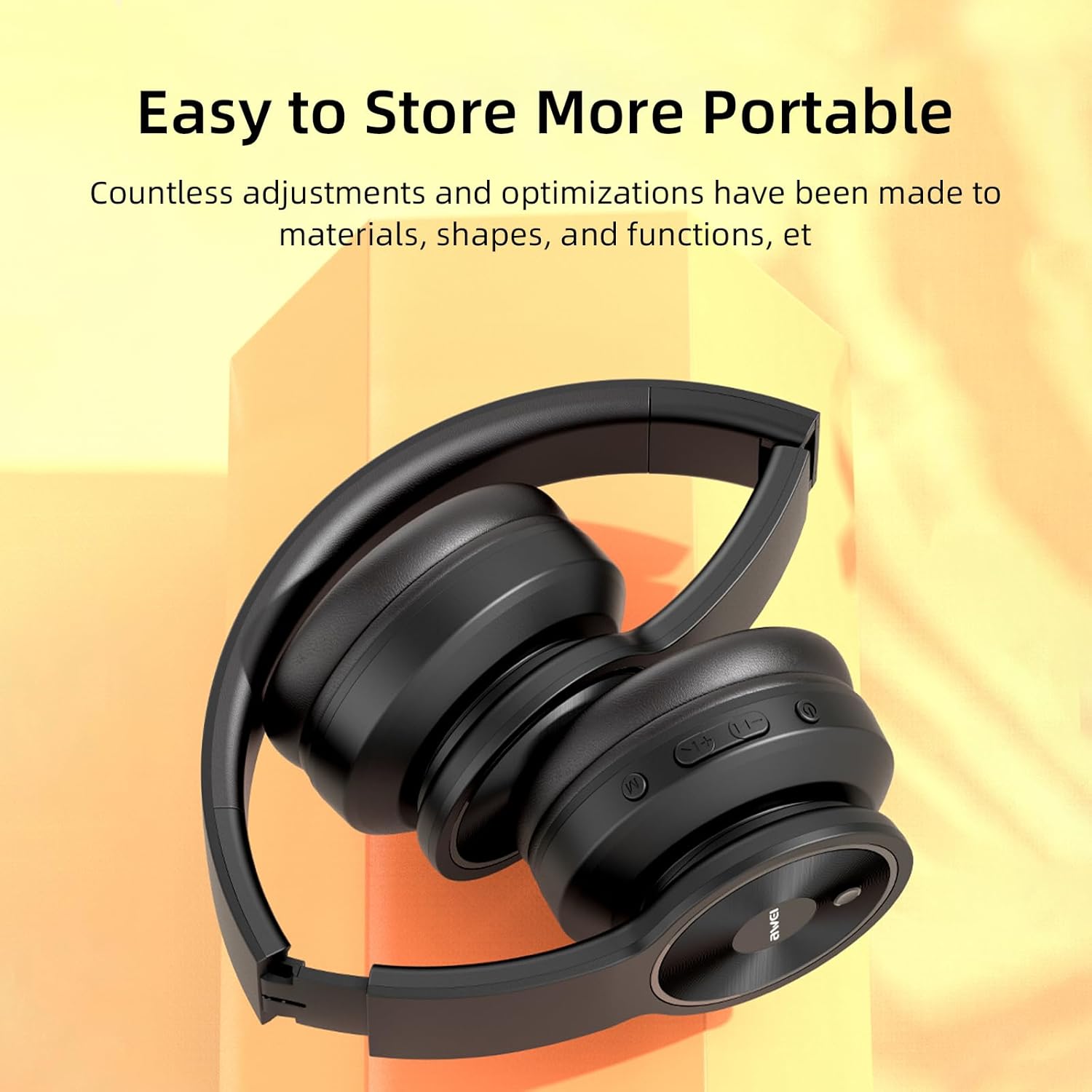
Image: The AWEI A996BL headphones in a folded position, demonstrating their portable and easy-to-store design.
બેટરી કેર
- બેટરી લાઇફ બચાવવા માટે, હેડફોનનો વારંવાર ઉપયોગ ન થાય તો પણ તેને નિયમિતપણે ચાર્જ કરો.
- લાંબા સમય સુધી બેટરીને સંપૂર્ણપણે ડિસ્ચાર્જ કરવાનું ટાળો.
- બેટરીને ઊંચા તાપમાને ખુલ્લી પાડશો નહીં.
મુશ્કેલીનિવારણ
| સમસ્યા | ઉકેલ |
|---|---|
| હેડફોન ચાલુ થતા નથી. | Ensure the headphones are charged. Connect to a power source using the USB cable. |
| ઉપકરણ સાથે જોડી બનાવી શકાતી નથી. |
|
| કોઈ અવાજ નથી કે ઓછો અવાજ નથી. |
|
| અવાજની ગુણવત્તા નબળી છે અથવા તૂટક તૂટક છે. |
|
| માઇક્રોફોન કામ કરી રહ્યો નથી. |
|
વિશિષ્ટતાઓ
| લક્ષણ | વિગત |
|---|---|
| મોડલ | A996BL |
| બ્લૂટૂથ સંસ્કરણ | 5.3 |
| ડ્રાઇવરનું કદ | 40 મીમી |
| બેટરી ક્ષમતા | 300mAh |
| રમવાનો સમય | 16 કલાક સુધી |
| ચાર્જિંગ સમય | લગભગ 2 કલાક |
| વાયરલેસ રેંજ | 33 ફૂટ (10 મીટર) સુધી |
| કનેક્ટિવિટી | Wireless (Bluetooth), Wired (3.5mm AUX) |
| ખાસ લક્ષણો | Ergonomic, Lightweight, Foldable design |
| ઇયર પ્લેસમેન્ટ | કાન ઉપર |
વોરંટી અને આધાર
AWEI provides a 12-month warranty for the A996BL headphones from the date of purchase, covering manufacturing defects. A 30-day return policy is also available. For any questions, technical support, or warranty claims, please contact our customer service team.
ગ્રાહક આધાર:
- ઈમેલ: support@awei.com
- Webસાઇટ: www.awei.com
અમે 12 કલાકની અંદર તમામ પૂછપરછનો જવાબ આપવાનું લક્ષ્ય રાખ્યું છે.