
પરિચય
Thank you for choosing the BoxWave MagnetoSnap PD AllCharge Cable (100W). This versatile charging and data transfer cable is designed for convenience and high performance, featuring interchangeable magnetic tips and support for up to 100W Power Delivery. This manual provides essential information for the proper setup, operation, and maintenance of your cable.

Image: The BoxWave MagnetoSnap PD AllCharge Cable with its main cable and three interchangeable magnetic tips (USB-C, Micro USB, and a third type).
સેટઅપ સૂચનાઓ
- Identify Your Device's Charging Port: Determine if your device uses USB-C, Micro USB, or another compatible port type.
- Insert the Magnetic Tip: Select the appropriate magnetic tip (USB-C, Micro USB, or other included connector) and gently insert it into your device's charging port. This tip can remain in your device for convenience.
- કેબલ કનેક્ટ કરો: Bring the main cable end close to the inserted magnetic tip. The magnetic connection will automatically snap into place, establishing the charging or data transfer connection.
- પાવર સ્રોત સાથે કનેક્ટ કરો: Plug the other end of the MagnetoSnap cable into a power source. The cable features a built-in USB-A adapter that can be pulled away to reveal a USB Type-C port, allowing connection to either a traditional USB-A charger or a USB Type-C Power Delivery (PD) charger for higher wattagઇ ચાર્જિંગ.

છબી: ક્લોઝ-અપ view illustrating the interchangeable magnetic tips and how they connect to the main cable via magnetic force.

Image: The end of the BoxWave cable showing the built-in USB-A adapter and how it can be pulled back to reveal a USB Type-C connector.
ઓપરેટિંગ સૂચનાઓ
તમારું ઉપકરણ ચાર્જ કરી રહ્યું છે
Once connected, the MagnetoSnap cable will begin charging your device. It supports Power Delivery (PD) up to 100W, making it suitable for charging a wide range of devices, including laptops, tablets, and smartphones. Ensure your power adapter also supports the desired wattage શ્રેષ્ઠ ચાર્જિંગ ઝડપ માટે.
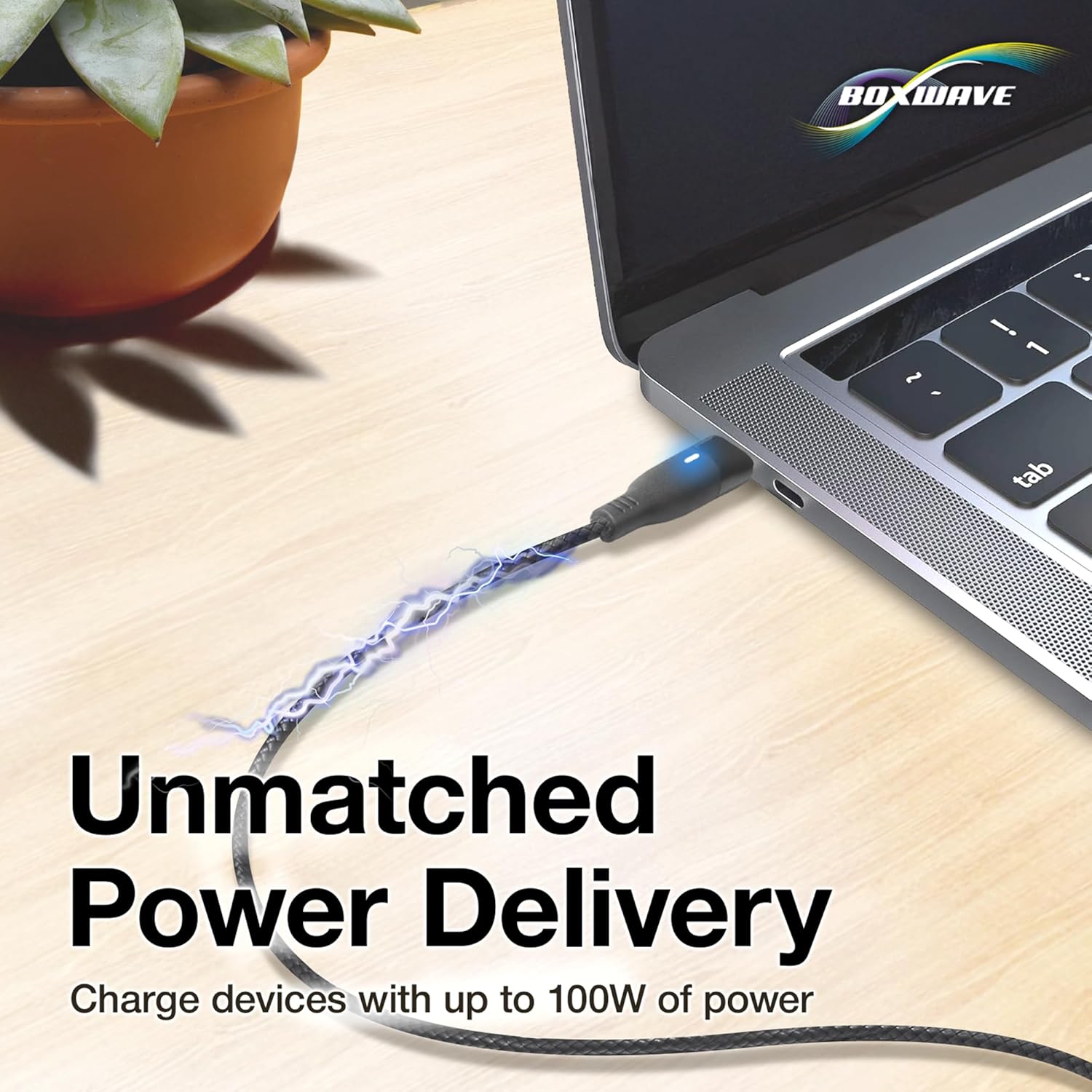
Image: A laptop being charged by the BoxWave MagnetoSnap cable, illustrating its high power delivery capability.
ડેટા ટ્રાન્સફર
Connect the MagnetoSnap cable to a computer to transfer data at speeds up to 480Mbps. This allows for quick syncing of files, photos, and videos between your device and computer while simultaneously charging.

Image: A smartphone and a laptop connected by the BoxWave MagnetoSnap cable, demonstrating simultaneous charging and data synchronization.
Benefits of Magnetic Connection
The magnetic design helps protect your device's charging port from wear and tear caused by constant plugging and unplugging. By leaving the magnetic tip in your device, you reduce physical stress on the port, potentially extending its lifespan.
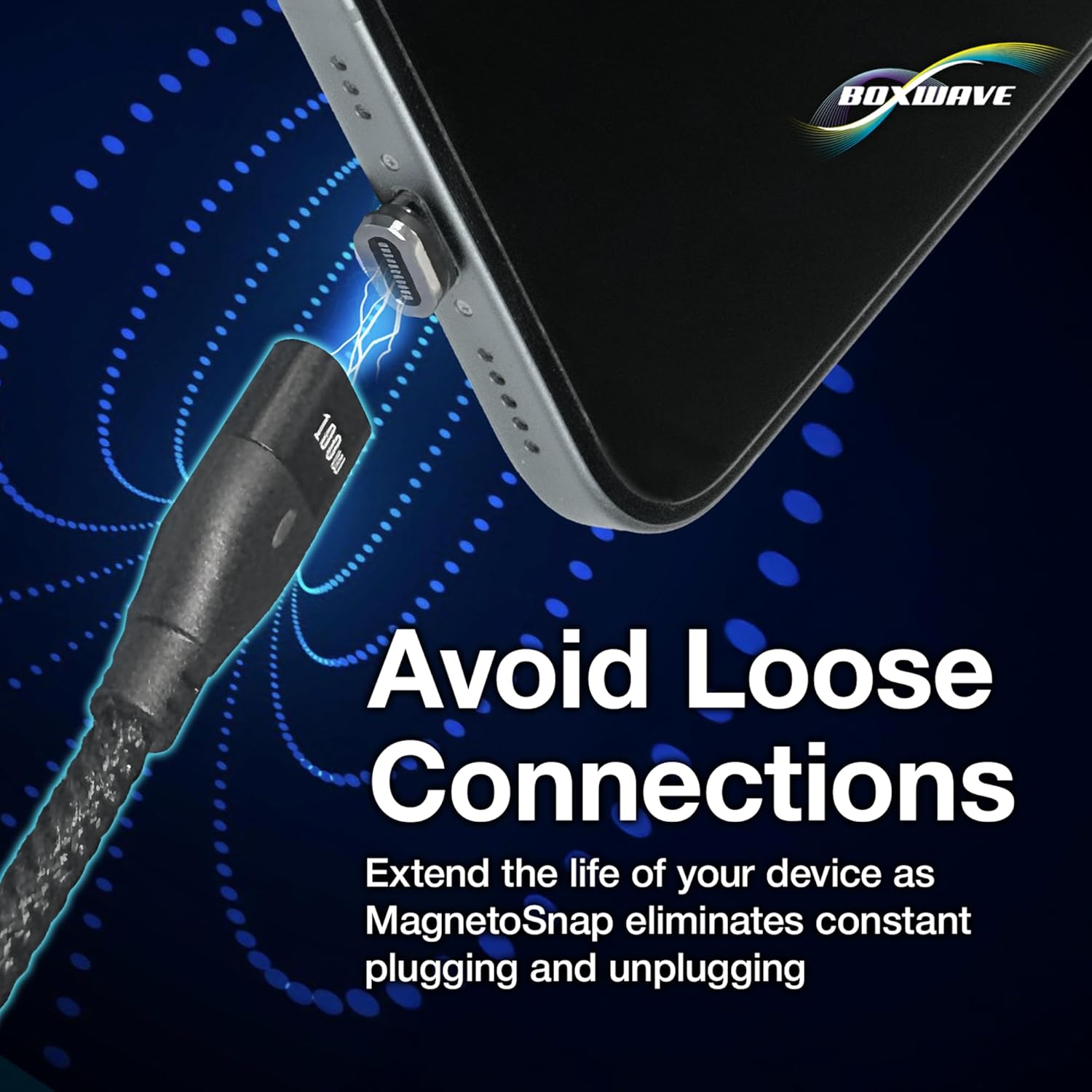
Image: A close-up of a magnetic tip inserted into a smartphone's charging port, highlighting how it helps avoid loose connections.
જાળવણી
- સફાઈ: Use a soft, dry cloth to clean the cable and magnetic tips. Avoid using harsh chemicals or abrasive materials. Ensure the magnetic contacts are free of dust and debris for optimal connection.
- સંગ્રહ: Store the cable in a cool, dry place away from direct sunlight and extreme temperatures. Avoid tightly coiling the cable to prevent internal wire damage. The braided nylon design offers enhanced durability against tangles and fraying.
- હેન્ડલિંગ: Always pull from the connector head, not the cable itself, when disconnecting. Avoid bending the cable sharply at the connectors.
મુશ્કેલીનિવારણ
- સમસ્યા: ડિવાઇસ ચાર્જ થઈ રહ્યું નથી.
- ઉકેલ:
- Ensure the magnetic tip is fully inserted into your device's charging port.
- Verify the magnetic connection between the cable and the tip is secure.
- Check that the cable is securely plugged into a functional power source.
- Confirm your power adapter is providing sufficient power for your device.
- Try a different power source or adapter.
- Issue: Slow charging speed.
- ઉકેલ:
- Ensure your power adapter supports Power Delivery (PD) and provides adequate wattage (up to 100W for this cable) for your device.
- Close unnecessary applications on your device that might be consuming power.
- Check for any debris on the magnetic contacts that might impede current flow.
- Issue: Data transfer not working.
- ઉકેલ:
- Ensure the cable is securely connected to both your device and the computer.
- Verify your device's settings allow for data transfer (e.g., 'File (એન્ડ્રોઇડ ડિવાઇસ પર 'ટ્રાન્સફર' મોડ).
- તમારા કમ્પ્યુટર પર એક અલગ યુએસબી પોર્ટ સાથે કનેક્ટ કરવાનો પ્રયાસ કરો.
- તમારા ઉપકરણ અને કમ્પ્યુટર બંનેને ફરીથી પ્રારંભ કરો.
વિશિષ્ટતાઓ
| લક્ષણ | વિગત |
|---|---|
| બ્રાન્ડ | બોક્સવેવ |
| મોડલ | MagnetoSnap PD AllCharge Cable (100W) |
| કનેક્ટર પ્રકાર | USB (with interchangeable magnetic tips: USB-C, Micro USB) |
| વાટtage | Up to 100 watts (Power Delivery) |
| ડેટા ટ્રાન્સફર ઝડપ | 480Mbps |
| ખાસ લક્ષણ | Magnetic, Braided Nylon Cable |
| સુસંગત ઉપકરણો | Laptops, Tablets, Smartphones (with compatible ports) |
| રંગ | જેટ બ્લેક |
| વસ્તુનું વજન | 0.8 ઔંસ |
વોરંટી માહિતી
Specific warranty details for the BoxWave MagnetoSnap PD AllCharge Cable (100W) are typically provided at the point of purchase or on the official BoxWave webસાઇટ. કૃપા કરીને તમારા ખરીદી દસ્તાવેજો અથવા ઉત્પાદકના webસૌથી વર્તમાન વોરંટી નિયમો અને શરતો માટે સાઇટ.
ગ્રાહક આધાર
For technical assistance or inquiries regarding your BoxWave MagnetoSnap PD AllCharge Cable, you may contact BoxWave Corporation directly. Limited third-party technical support for your device (up to 3 inquiries via messaging) is included, but please note this is not affiliated with or endorsed by Prilotte.
For further support, please visit the official BoxWave webસાઇટ પર જાઓ અથવા તમારા ઉત્પાદન પેકેજિંગ સાથે આપેલી સંપર્ક માહિતીનો સંદર્ભ લો.