
1. પરિચય
The MT-VIKI HDMI Splitter 1x2 is designed to duplicate a single HDMI input signal to two HDMI output displays simultaneously. This device supports high-resolution video up to 4K@60Hz, ensuring a clear and vibrant visual experience. It is compliant with HDMI 2.0b and HDCP 2.2 standards, and supports RGB 4:4:4 color format with an 18Gbps bandwidth.
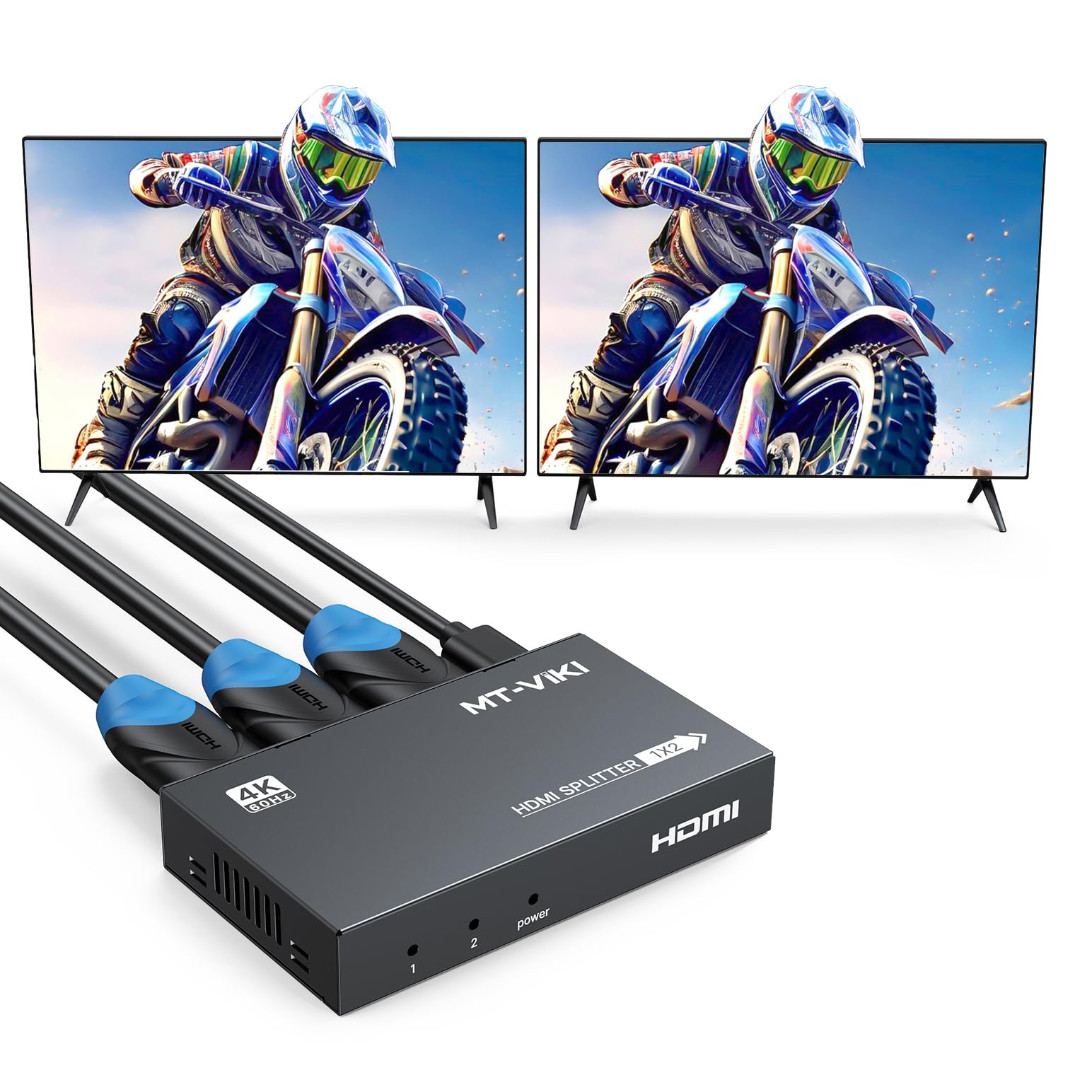
Figure 1: MT-VIKI HDMI Splitter 1x2 with connected cables.
2. પેકેજ સામગ્રી
પેકેજ ખોલતી વખતે બધી વસ્તુઓ હાજર છે તેની ખાતરી કરવા માટે કૃપા કરીને તેમાં સમાવિષ્ટો તપાસો:
- 4K@60Hz HDMI Splitter 1 in 2 out (1 unit)
- એસી પાવર એડેપ્ટર (1 યુનિટ)
- વપરાશકર્તા માર્ગદર્શિકા (1 એકમ)

Figure 2: Package contents of the MT-VIKI HDMI Splitter.
3. ઉત્પાદન સુવિધાઓ
- UHD Resolution: Supports resolutions up to 4Kx2K@60Hz, Full HD 1080P, and 3D.
- ડીપ કલર સપોર્ટ: Compatible with deep color 30/36 bit.
- રંગ ફોર્મેટ: Supports RGB 4:4:4.
- HDMI ધોરણો: Compliant with HDMI 2.0b and HDCP 2.2.
- ઉચ્ચ બેન્ડવિડ્થ: Provides 18Gbps data transfer rate.
- વ્યાપક સુસંગતતા: Works with various HDMI input devices such as computers, PS3, PS4, Xbox, Blu-ray DVD players, and STB, connecting to HD TVs and monitors with HDMI ports.
- Audio and Video Synchronization: Ensures simultaneous output of audio and video signals.
- સિગ્નલ Ampલિફિકેશન: બિલ્ટ-ઇન સિગ્નલ amplifier for stable transmission over distances.

Figure 3: Audio and video synchronous output.
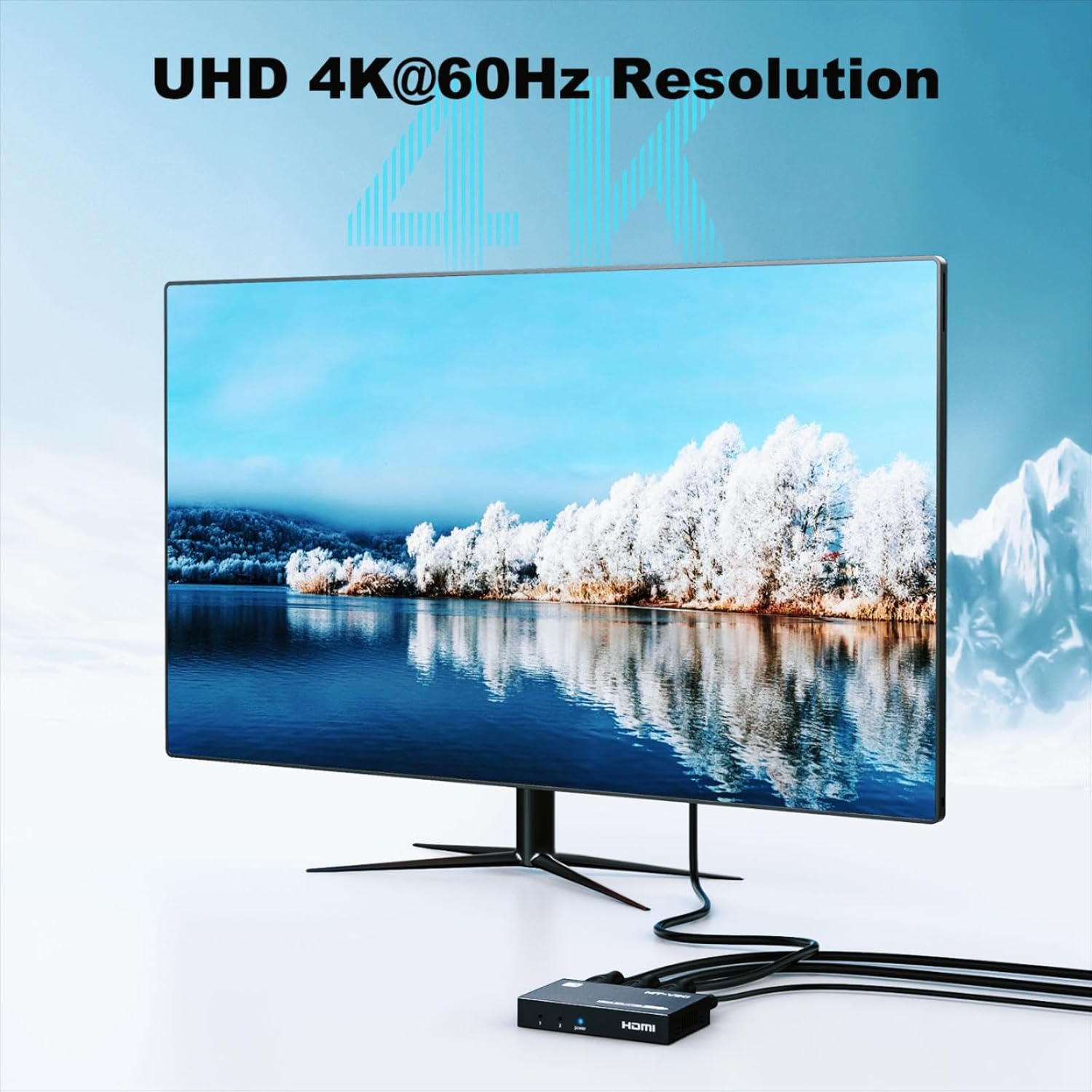
Figure 4: UHD 4K@60Hz Resolution support.
4. મહત્વપૂર્ણ નોંધો
- Duplication Only: This device duplicates the input signal to multiple monitors. It does નથી extend separate content to two monitors.
- Not an HDMI Switcher: It does not support connecting two HDMI input signals to one monitor.
- Not an Audio Extractor: It is not compatible with connecting to audio devices such as soundbars for audio extraction.
- ARC/eARC Not Supported: Audio Return Channel (ARC) and Enhanced Audio Return Channel (eARC) functionalities are not supported.

Figure 5: The splitter duplicates the display, it does not extend it.
5. સેટઅપ સૂચનાઓ
Follow these steps to set up your MT-VIKI HDMI Splitter:
- ઇનપુટ સ્ત્રોતને કનેક્ટ કરો: Connect your HDMI source device (e.g., computer, game console, Blu-ray player) to the 'IN' port of the HDMI splitter using an HDMI cable.
- આઉટપુટ ડિસ્પ્લે કનેક્ટ કરો: Connect your two HDMI display devices (e.g., TV, monitor, projector) to the 'OUT 1' and 'OUT 2' ports of the HDMI splitter using HDMI cables.
- પાવર કનેક્ટ કરો: Connect the provided AC power adapter to the 'DC 5V' port on the splitter, then plug the adapter into a power outlet. The power indicator light on the splitter should illuminate.
- ઉપકરણો પર પાવર: Power on your HDMI source device and both HDMI display devices.
- ડિસ્પ્લે ચકાસો: The content from your source device should now be duplicated on both connected displays.

Figure 6: Connection diagram for the HDMI splitter.
6. ઓપરેટિંગ સૂચનાઓ
Once the setup is complete, the MT-VIKI HDMI Splitter operates automatically. It is a plug-and-play device that requires no additional software or drivers.
- Ensure all HDMI cables are securely connected. Loose connections can lead to signal loss or flickering.
- The splitter will automatically detect the optimal resolution and refresh rate supported by both connected displays. If displays have different native resolutions, the splitter will output the highest common resolution.
- For optimal performance, use high-quality HDMI 2.0b compliant cables.

Figure 7: One HDMI source duplicated to two displays.
વિડિઓ ૧: એક ઓવરview of MT-VIKI HDMI Splitter series, demonstrating the duplication functionality across various port configurations. This video highlights the core purpose of HDMI splitters, which is to duplicate a single AV source to multiple monitors or TVs. It also clarifies that splitters are one-directional and not meant to function as HDMI switches.
7. મુશ્કેલીનિવારણ
| સમસ્યા | સંભવિત કારણ | ઉકેલ |
|---|---|---|
| No display on monitors. | Loose cable connections, power issue, incompatible resolution. | 1. Ensure all HDMI cables are securely connected. 2. Verify the power adapter is correctly plugged in and the splitter's power indicator is on. 3. Try a different HDMI cable. 4. Ensure your source device's resolution is supported by both displays and the splitter. |
| Flickering or unstable image. | Poor quality HDMI cables, long cable length, signal interference. | 1. Use certified high-speed HDMI cables. 2. Reduce cable length if possible. 3. Ensure the splitter is not near strong electromagnetic interference sources. |
| Displays show different content (extended desktop). | Misunderstanding of splitter function. | The splitter is designed for duplication (mirroring) only, not for extending desktop. If you require an extended desktop, a different type of device (e.g., a multi-stream transport hub or a graphics card with multiple outputs) is needed. |
| કોઈ ઓડિયો નથી. | Audio settings on source/display, incompatible audio format. | 1. Check audio settings on your source device and displays. 2. Ensure the audio format is supported by all connected devices. |
8. સ્પષ્ટીકરણો
| લક્ષણ | વિગત |
|---|---|
| મોડલ | 1x2 4K60 |
| ઇનપુટ ઇંટરફેસ | 1x HDMI સ્ત્રી |
| આઉટપુટ ઈન્ટરફેસ | 2x HDMI સ્ત્રી |
| ઠરાવ | Max to 3840*2160@60Hz |
| HDMI સંસ્કરણ | HDMI 2.0b |
| HDCP સંસ્કરણ | HDCP 2.2 |
| રંગ ફોર્મેટ | આરજીબી 4: 4: 4 |
| બેન્ડવિડ્થ | 18Gbps |
| હોટ પ્લગ | સહાયક |
| એચડીઆર | સહાયક |
| એડિડ | સહાયક |
| મહત્તમ ટ્રાન્સમિશન અંતર | 4K@30Hz: 15 meters (49 ft) 1080P: 40 meters (131 ft) |
| પાવર સપ્લાય | DC 5V/2A |
| પાવર ઇંટરફેસ | ટાઈપ-સી |
| શેલ સામગ્રી | ધાતુ |
| પરિમાણો (L x W x H) | 89.8*51.7*16mm |
9. વોરંટી અને સપોર્ટ
This MT-VIKI HDMI Splitter comes with a 2 વર્ષની વોરંટી from the date of purchase. For technical support, troubleshooting assistance, or warranty claims, please contact MT-VIKI customer service through the retailer where the product was purchased or visit the official MT-VIKI webસાઇટ
For more information and other products, visit the MT-VIKI Store.