
MSHUKCOE MD538
MSHUKCOE MD538 Wireless Bluetooth Headset User Manual
મોડલ: MD538
પરિચય
The MSHUKCOE MD538 Wireless Bluetooth Headset is designed for comfortable, discreet audio listening, particularly for side sleepers. These ultra-thin earbuds offer a stable wireless connection and intuitive controls, making them suitable for various activities including sleep, sports, and daily use.
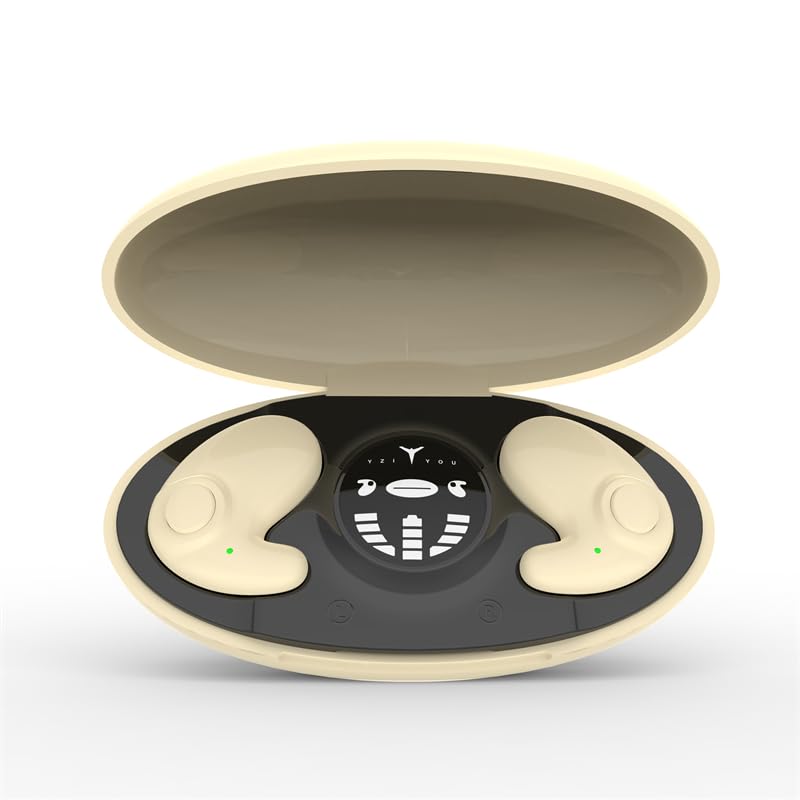
Image: The MSHUKCOE MD538 Wireless Bluetooth Headset, showcasing its compact design and charging case.
સેટઅપ
૪.૧. ઇયરબડ્સ અને કેસ ચાર્જ કરવા
Before first use, fully charge the earbuds and the charging case. The charging case provides additional power for the earbuds.
- Connect the charging case to a power source using a USB cable.
- Place the earbuds into the charging case. Ensure they are correctly seated to initiate charging.
- The charging case has a battery capacity of 300 mAh and takes approximately 2 hours to fully charge.
- Earbuds provide approximately 6 hours of playback on a single charge, with the case offering an additional 24 hours of battery life.
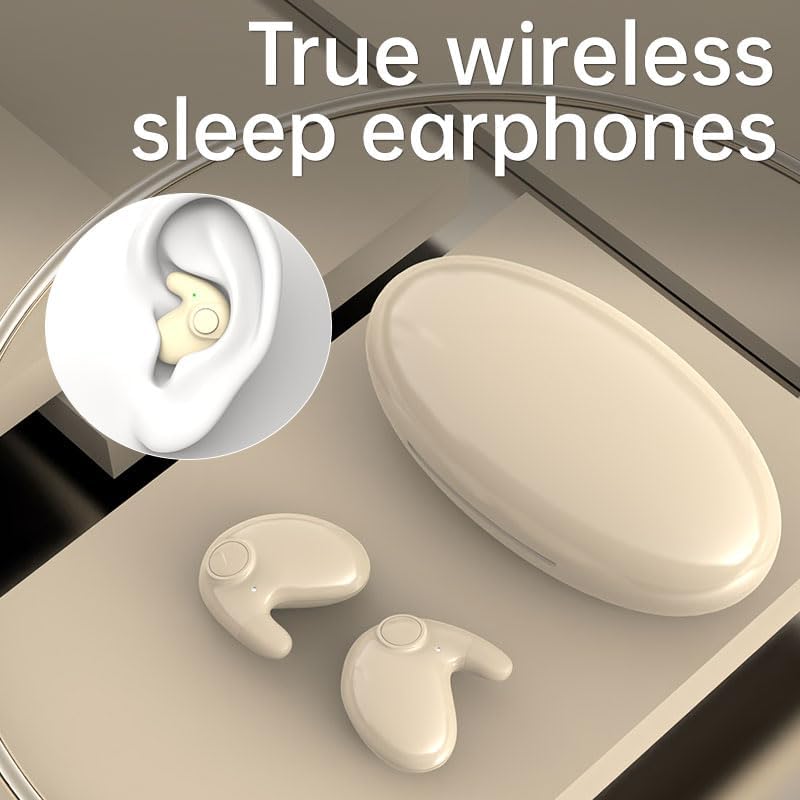
Image: The charging case with earbuds, displaying individual battery levels for the left earbud, charging case, and right earbud.
2. બ્લૂટૂથ જોડી
The earbuds feature an automatic pairing function for convenience.
- ખાતરી કરો કે ઇયરબડ્સ ચાર્જ થયા છે.
- ચાર્જિંગ કેસ ખોલો અને બંને ઇયરબડ કાઢી નાખો. તે આપમેળે પેરિંગ મોડમાં પ્રવેશ કરશે.
- તમારા ઉપકરણ (સ્માર્ટફોન, ટેબ્લેટ, વગેરે) પર, બ્લૂટૂથ સક્ષમ કરો અને ઉપલબ્ધ ઉપકરણો શોધો.
- Select "MD538" (or similar name) from the list of found devices to connect.
- Once successfully paired for the first time, the earbuds will automatically connect to the last used device when removed from the case.
- The wireless connection range is up to 10 meters (30 feet).
ઓપરેટિંગ સૂચનાઓ
૪. ઇયરબડ્સ પહેરવા
The MD538 earbuds are designed for a comfortable and secure fit, especially for side sleepers.
- Gently place each earbud into your ear. The open-ear design rests on top of your ear without entering the ear canal, minimizing pressure.
- Adjust the earbud for a snug and stable fit. The curved surface is designed to conform naturally to the ear.
- પાતળા પ્રોfile (10.4mm thickness) allows for comfortable wear even when lying on your side.

Image: A close-up of the MD538 earbud worn in an ear, highlighting its small size and discreet fit.

Image: A woman resting on her side, illustrating how the ergonomic design of the earbuds allows for comfortable wear during sleep.
2. નિયંત્રણોને ટચ કરો
ઇયરબડ્સ ઓડિયો પ્લેબેક અને કોલ્સનું સંચાલન કરવા માટે સાહજિક ટચ કંટ્રોલ ધરાવે છે.
- ચલાવો/થોભો: બંને ઇયરબડ પર એક વાર ટેપ કરો.
- આગળનો ટ્રેક: જમણા ઇયરબડ પર બે વાર ટૅપ કરો.
- પાછલો ટ્રેક: ડાબા ઇયરબડ પર બે વાર ટૅપ કરો.
- જવાબ/કૉલ સમાપ્ત કરો: ઇનકમિંગ કોલ દરમિયાન બંને ઇયરબડ પર એક વાર ટેપ કરો.
- કૉલ નકારો: ઇનકમિંગ કોલ દરમિયાન કોઈપણ ઇયરબડને 2 સેકન્ડ માટે દબાવી રાખો.
- વ Voiceઇસ સહાયકને સક્રિય કરો: Triple tap on either earbud (functionality depends on device compatibility).
જાળવણી
Proper care ensures the longevity and performance of your MD538 headset.
- સફાઈ: Use a soft, dry, lint-free cloth to clean the earbuds and charging case. Avoid using abrasive materials, solvents, or chemical cleaners.
- સંગ્રહ: જ્યારે ઉપયોગમાં ન હોય, ત્યારે ઇયરબડ્સને સુરક્ષિત રાખવા અને ચાર્જ રાખવા માટે તેમના ચાર્જિંગ કેસમાં રાખો. સીધા સૂર્યપ્રકાશ અને અતિશય તાપમાનથી દૂર ઠંડી, સૂકી જગ્યાએ સ્ટોર કરો.
- પાણી પ્રતિકાર: The earbuds are rated as waterproof (IPX5). This means they are resistant to splashes and sweat, but should not be submerged in water. Dry them thoroughly if they get wet.
- ચાર્જિંગ પોર્ટ: Keep the USB charging port on the case clean and free of debris.
મુશ્કેલીનિવારણ
If you encounter issues with your MD538 headset, refer to the following common solutions:
| સમસ્યા | ઉકેલ |
|---|---|
| ઇયરબડ્સ જોડી રહ્યાં નથી |
|
| એક ઈયરબડમાંથી કોઈ અવાજ નથી |
|
| ચાર્જિંગ કેસ ચાર્જિંગ નથી |
|
| નબળી અવાજ ગુણવત્તા અથવા ડિસ્કનેક્શન |
|
ટેકનિકલ વિશિષ્ટતાઓ
| લક્ષણ | વિગત |
|---|---|
| બ્રાન્ડ | MSHUKCOE |
| મોડલ નંબર | MD538 |
| કનેક્ટિવિટી ટેકનોલોજી | વાયરલેસ (બ્લુટુથ) |
| બ્લૂટૂથ સંસ્કરણ | 5.3 |
| બ્લૂટૂથ રેન્જ | 10 મીટર |
| ઇયર પ્લેસમેન્ટ | In Ear (Open-ear design) |
| Earbud Thickness | 10.4 મીમી |
| સિંગલ ઇયરબડ વજન | 3.2 ગ્રામ |
| બેટરી લાઇફ (ઇયરબડ્સ) | આશરે. 6 કલાક |
| બેટરી લાઇફ (ચાર્જિંગ કેસ સાથે) | Approx. 24 hours (additional) |
| ચાર્જિંગ કેસ ક્ષમતા | 300 એમએએચ |
| ચાર્જિંગ સમય (કેસ) | આશરે. 2 કલાક |
| પાણી પ્રતિકાર સ્તર | IPX5 (વોટરપ્રૂફ) |
| નિયંત્રણ પ્રકાર | Touch Control (Call, Music, Voice Assistant) |
| અવબાધ | 32 ઓહ્મ |
| આવર્તન પ્રતિભાવ | 20000 હર્ટ્ઝ |
| સંવેદનશીલતા | 90 ડીબી |
| સામગ્રી | પ્લાસ્ટિક |
| વસ્તુનું વજન | ૧.૮૪ ઔંસ (કુલ) |
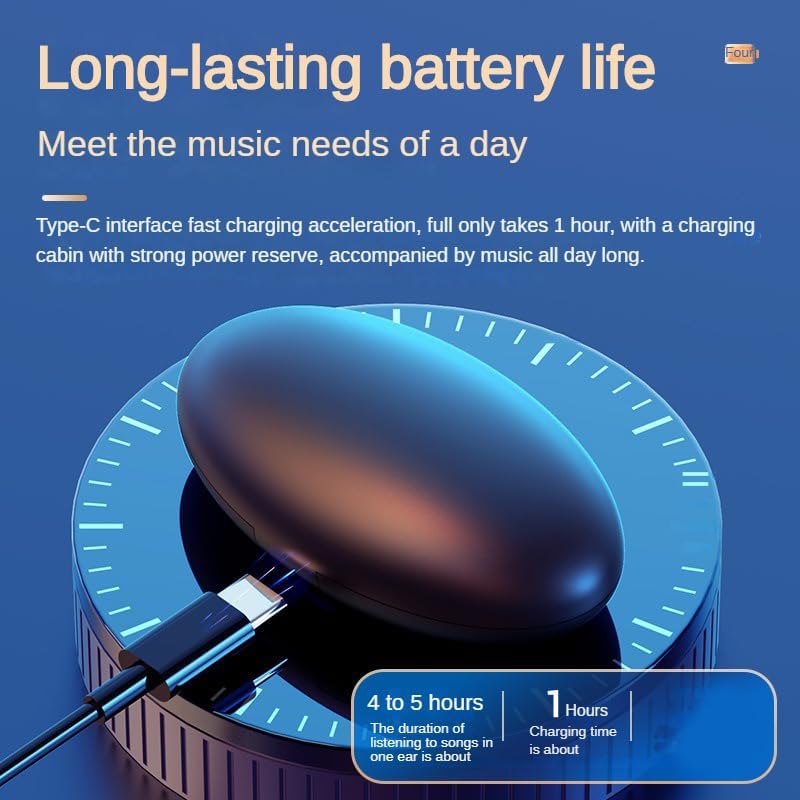
Image: Visual comparison highlighting the MD538 earbuds' smaller, thinner, and lighter design compared to standard headphones and a coin.
વોરંટી અને આધાર
For warranty information or technical support, please refer to the documentation included with your purchase or contact MSHUKCOE customer service through the retailer where the product was purchased.
Ask a question about this manual
Ask about setup, troubleshooting, compatibility, parts, safety, or missing instructions. Manuals+ will review the question and use this page’s manual context to help answer it.