
1. ઉત્પાદન ઓવરview
The Belkin BoostCharge Magnetic Wireless Charging Pad with Qi2 15W provides efficient and secure wireless charging for compatible devices. Featuring Qi2 technology, it delivers up to 15W of power, optimizing energy usage and protecting battery life. Its MagSafe-compatible design ensures precise alignment with a simple magnetic 'click'. This charging pad is designed for use with iPhones (14, 15, 16 series) and AirPods, offering a versatile charging solution with a non-slip base for stability.

Figure 1: Belkin BoostCharge Magnetic Wireless Charging Pad with Qi2 15W.
2. સેટઅપ સૂચનાઓ
- ચાર્જરને અનપેક કરો: Carefully remove the BoostCharge Magnetic Wireless Charging Pad and the included 5ft USB-C to USB-C cable from its packaging.
- પાવરથી કનેક્ટ કરો: Insert one end of the USB-C to USB-C cable into the charging pad. Connect the other end of the cable to a compatible USB-C power adapter (power adapter not included). For optimal 15W fast charging, use a power adapter that supports PD3.1 (EPR) / PD3.0.
- પ્લેસમેન્ટ: Place the charging pad on a flat, stable surface. The non-slip base is designed to keep the pad securely in position during use.
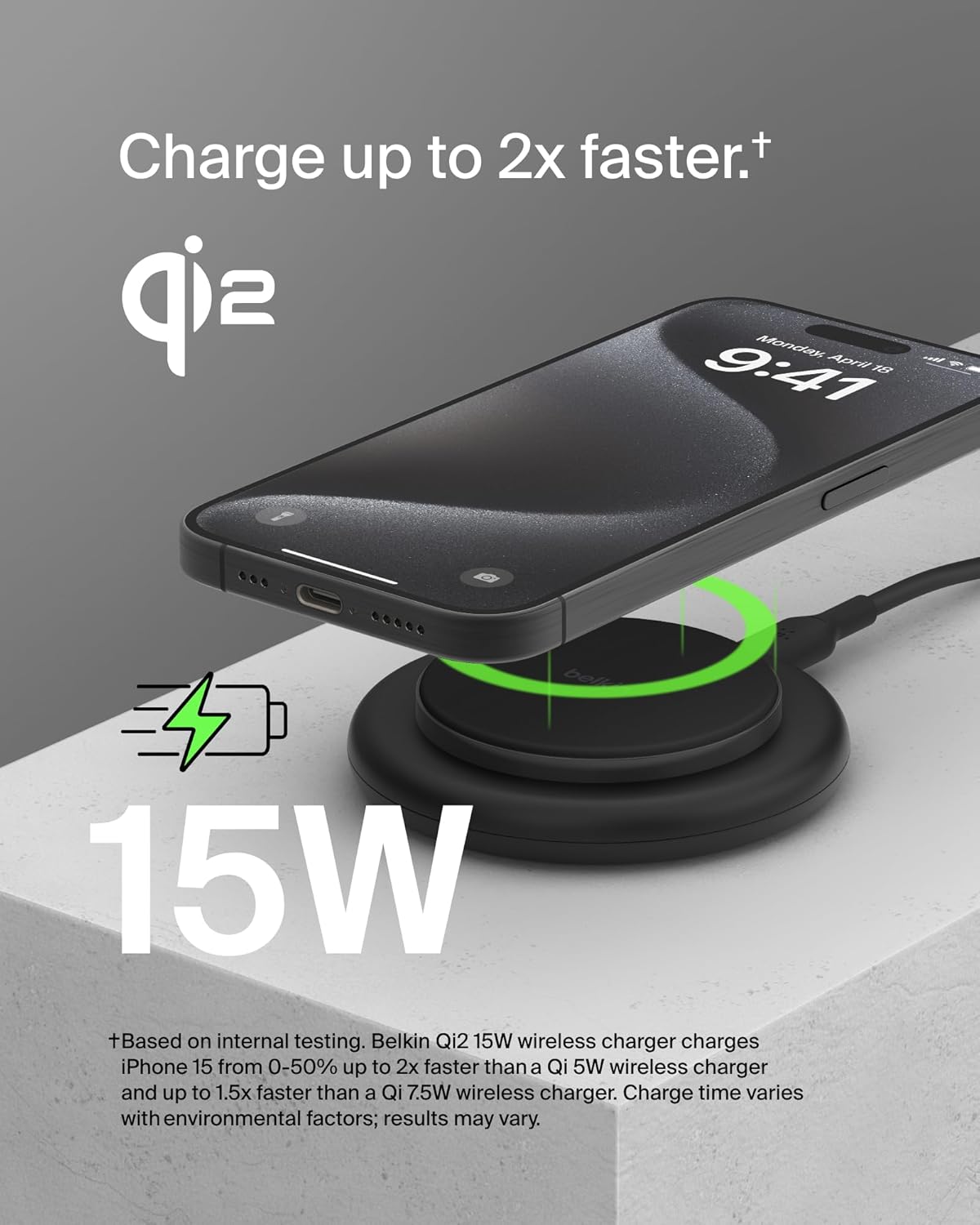
Figure 2: The Belkin BoostCharge Magnetic Wireless Charging Pad actively charging an iPhone, highlighting its 15W fast charging capability.

Figure 3: A hand lifting an iPhone from the charging pad, demonstrating the non-slip base that keeps the pad securely in place.
3. ઓપરેટિંગ સૂચનાઓ
3.1 Charging an iPhone
To charge your iPhone, simply place it onto the center of the charging pad. The MagSafe-compatible technology will magnetically align your device, ensuring optimal charging. A 'click' sensation confirms proper placement. The charging indicator on your iPhone will confirm that charging has begun.
૫.૩ એરપોડ્સ ચાર્જ કરી રહ્યા છીએ
Place your AirPods charging case (compatible with wireless charging) onto the center of the charging pad. Ensure the case is centered for effective charging. The indicator light on your AirPods case will show its charging status.
3.3 Fast Charging and Qi2 Technology
This charging pad utilizes Qi2 technology to deliver up to 15W of power for fast charging compatible devices. Qi2 also helps optimize energy usage and protect your device's battery health. Charging speed may vary based on environmental factors and device battery status.
૪.૪ કેસ સુસંગતતા
The charging pad is compatible with MagSafe-compatible phone cases up to 3mm thick. Ensure your case is not excessively thick or contains metal objects that could interfere with wireless charging.

આકૃતિ ૩: ક્લોઝ-અપ view of an iPhone magnetically attached to the charging pad, illustrating the strong magnetic connection.

આકૃતિ 5: સાઇડ પ્રોfile of an iPhone resting on the charging pad, emphasizing its Qi2 certification.
Video 1: Official Belkin brand video showcasing various products and their features, including charging solutions.
4. જાળવણી
- સફાઈ: Disconnect the charging pad from the power source before cleaning. Use a soft, dry, lint-free cloth to wipe the surface. Avoid using harsh chemicals, cleaning solvents, or abrasive cleaners.
- સંગ્રહ: When not in use, store the charging pad in a cool, dry place away from direct sunlight and extreme temperatures.
- સલામતી: Do not expose the charging pad to water or other liquids. Avoid dropping or subjecting the device to strong impacts.
5. મુશ્કેલીનિવારણ
| સમસ્યા | સંભવિત કારણ | ઉકેલ |
|---|---|---|
| ઉપકરણ ચાર્જ થઈ રહ્યું નથી | Incorrect placement; Power adapter not connected; Incompatible case; Device not Qi2 compatible. | Ensure device is centered on the pad; Verify power adapter is securely connected and functional; Remove phone case or use a MagSafe-compatible case (max 3mm thick); Confirm device supports Qi2 wireless charging. |
| ધીમું ચાર્જિંગ | Power adapter insufficient; Background apps; Environmental factors. | Use a PD3.1 (EPR) / PD3.0 compatible power adapter for 15W charging; Close unnecessary apps; Ensure charging in a moderate temperature environment. |
| ચુંબકીય જોડાણ નબળું | Phone case interference; Foreign objects. | Ensure phone case is MagSafe-compatible and not thicker than 3mm; Remove any metal objects or cards between the phone and charger. |
6. સ્પષ્ટીકરણો
| લક્ષણ | વિગત |
|---|---|
| બ્રાન્ડ | બેલ્કિન |
| મોડલ નંબર | BEL-CHG-15-MAG |
| જીટીઆઈએન / યુપીસી | 745883887774 |
| Wireless Charging Standard | Qi2 Certified, MagSafe Compatible |
| આઉટપુટ વોટtage | 15W સુધી |
| કનેક્ટર પ્રકાર | યુએસબી પ્રકાર સી |
| ઇનપુટ વોલ્યુમtage | 100 Volts (requires compatible power adapter) |
| આઉટપુટ વર્તમાન | 3 Amps |
| આઉટપુટ વોલ્યુમtage | 5 વોલ્ટ |
| સુસંગત ઉપકરણો | iPhones (14, 15, 16 Series), Qi2 compatible devices, AirPods (wireless charging case) |
| ખાસ લક્ષણો | Fast Charging, Magnetic Attachment, Non-Slip Design |
| સમાવાયેલ ઘટકો | 1 x BoostCharge Magnetic Charging Pad with Qi2, 1 x 5ft USB-C to USB-C cable |
| સામગ્રી | Plastic (75% post-consumer recycled materials) |
| વસ્તુનું વજન | 0.18 કિલોગ્રામ |
7. વોરંટી અને સપોર્ટ
૧.૨ પ્રોડક્ટની વોરંટી
This Belkin BoostCharge Magnetic Wireless Charging Pad comes with a 2 વર્ષની ઉત્પાદક મર્યાદિત વોરંટી. વોરંટી દાવાઓ માટે કૃપા કરીને તમારી ખરીદીનો પુરાવો રાખો.
7.2 Connected Equipment Warranty (CEW)
Belkin offers a $2,500 કનેક્ટેડ ઇક્વિપમેન્ટ વોરંટી (CEW). This warranty provides coverage for equipment properly connected to the Belkin product if it is damaged by a surge, spike, or lightning strike while connected to a Belkin surge protector or power product. Refer to the official Belkin webCEW ના સંપૂર્ણ નિયમો અને શરતો માટે સાઇટ.
7.3 ગ્રાહક સપોર્ટ
For further assistance, technical support, or warranty inquiries, please visit the official Belkin support webસાઇટ અથવા તેમની ગ્રાહક સેવાનો સંપર્ક કરો. તમે વધુ માહિતી અહીં મેળવી શકો છો બેલ્કિન સપોર્ટ.