
Awei T86
AWEI T86 વાયરલેસ ઇયરબડ્સ વપરાશકર્તા માર્ગદર્શિકા
મોડલ: T86
1. પરિચય
Thank you for choosing the AWEI T86 Wireless Earbuds. This manual provides detailed instructions on how to set up, operate, and maintain your earbuds to ensure optimal performance and longevity. Please read this manual carefully before using the product.
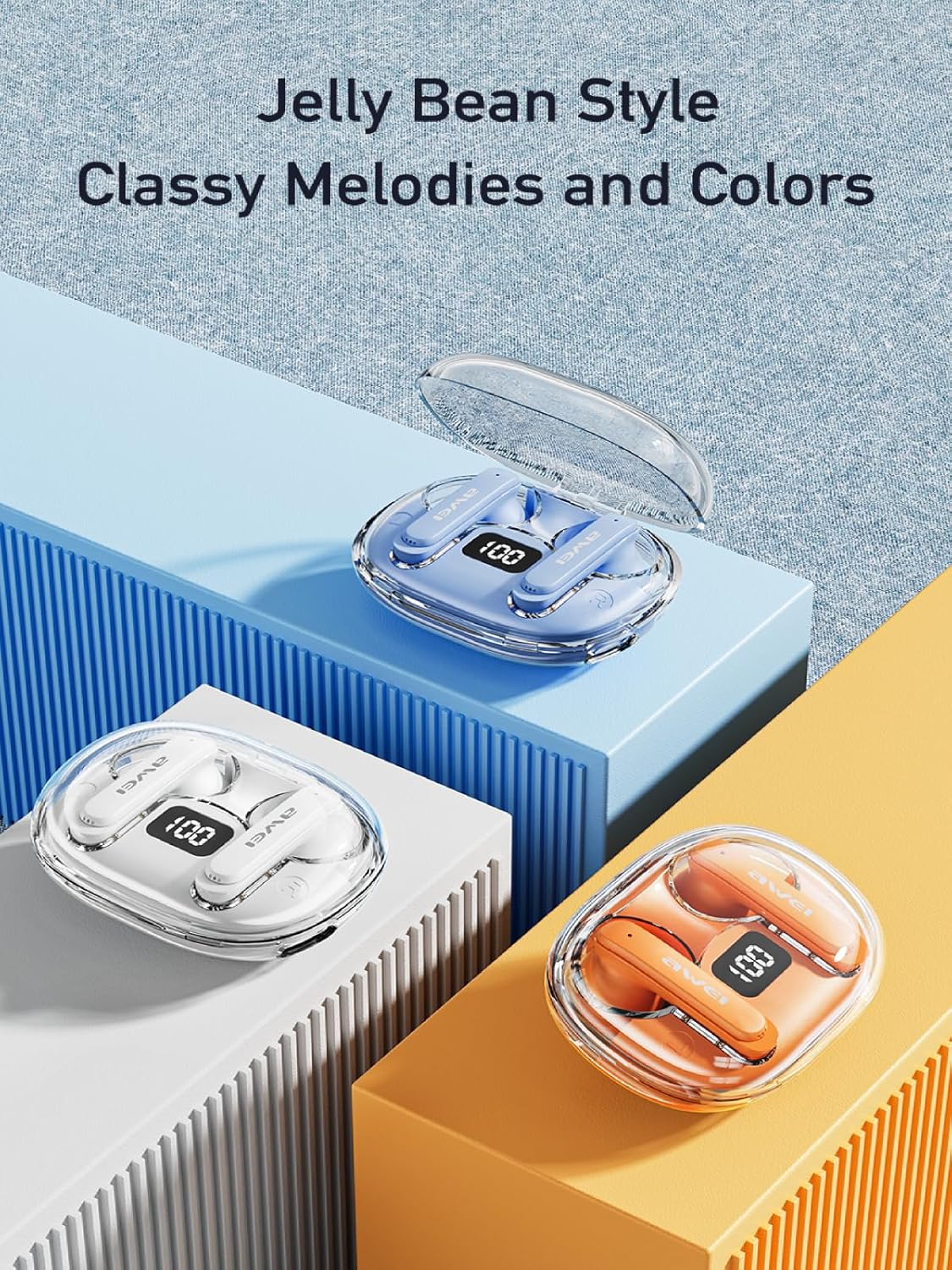
Image: AWEI T86 Wireless Earbuds in their charging case, showcasinઆકર્ષક ડિઝાઇન.
2. પેકેજ સામગ્રી
ખાતરી કરો કે બધી વસ્તુઓ પેકેજમાં હાજર છે:
- AWEI T86 Wireless Bluetooth Headset (Left and Right Earbuds)
- ચાર્જિંગ કેસ
- USB-C ચાર્જિંગ કેબલ
- User Instructions (This manual)
3. ઉત્પાદન ઓવરview
The AWEI T86 earbuds feature a compact design with advanced audio technology. Each earbud is equipped with a touch control area and a microphone. The charging case protects the earbuds and provides extended battery life.
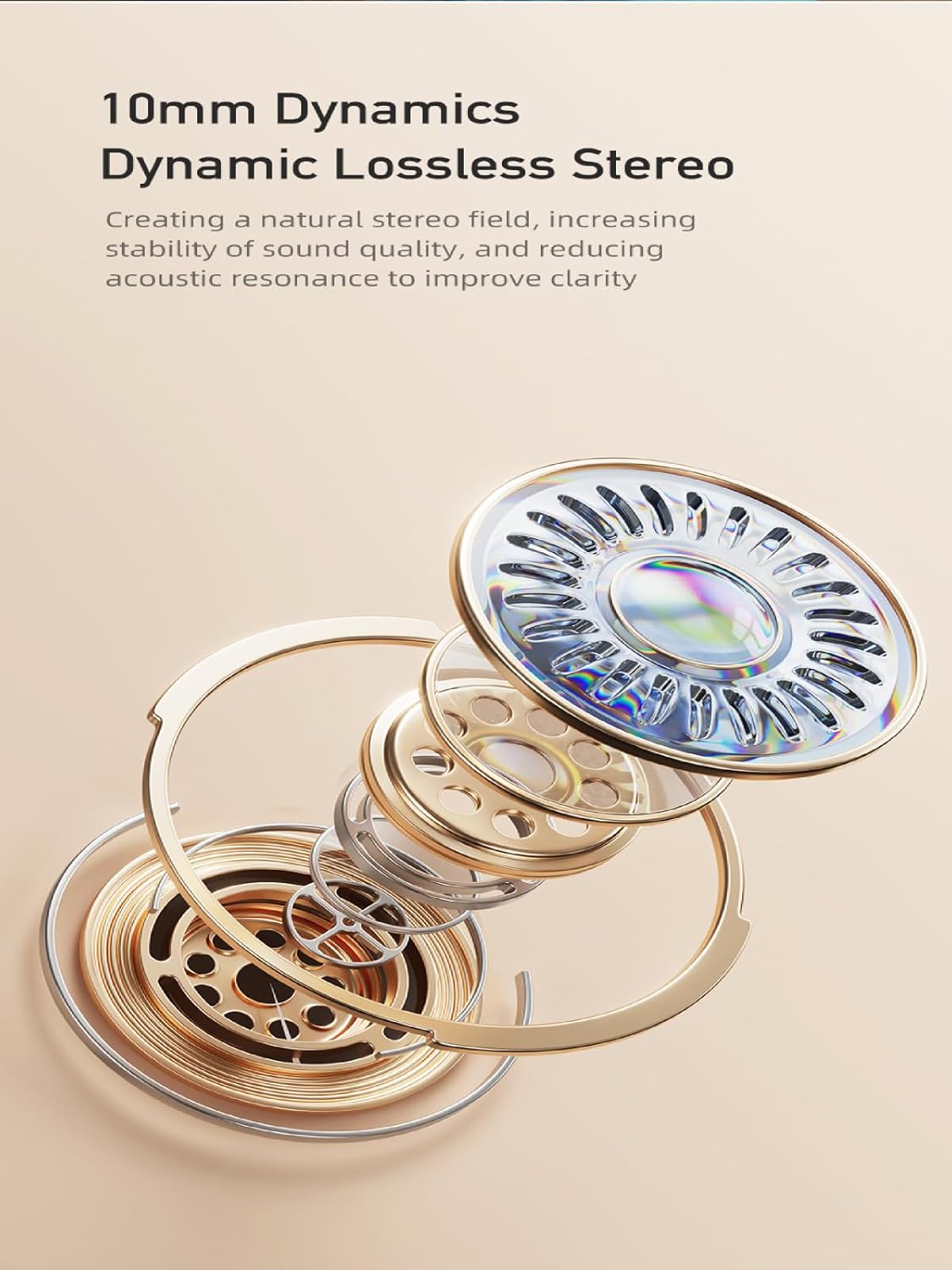
Image: AWEI T86 Wireless Earbuds displayed individually, highlighting their ergonomic shape.
3.1 મુખ્ય લક્ષણો
- ઉચ્ચ-રીઝોલ્યુશન ઑડિઓ: 13mm speakers for immersive sound and ENC calling noise cancellation for clear calls.
- બ્લૂટૂથ 5.3 ટેકનોલોજી: Ensures fast, stable, and low-latency wireless connection up to 10 meters.
- વિસ્તૃત બેટરી જીવન: Up to 7 hours of playback per charge, with the charging case providing up to 35 hours (dual-ear mode) or 70 hours (single-ear mode).
- IPX6 વોટરપ્રૂફ ડિઝાઇન: Resistant to dust and rain, suitable for various environments.
- સ્માર્ટ ટચ નિયંત્રણ: Manage music playback, volume, and calls directly from the earbuds.

છબી: વિગતવાર view of an AWEI T86 earbud, highlighting its ergonomic design and touch control area.
4. સેટઅપ
૫.૧ ઇયરબડ્સ અને કેસ ચાર્જ કરવા
પ્રથમ ઉપયોગ કરતા પહેલા, ઇયરબડ્સ અને ચાર્જિંગ કેસ બંનેને સંપૂર્ણપણે ચાર્જ કરો.
- Place the earbuds into the charging case. Ensure they are correctly seated; the indicator lights on the earbuds will illuminate to show charging status.
- USB-C ચાર્જિંગ કેબલને કેસ પરના ચાર્જિંગ પોર્ટ સાથે અને બીજા છેડાને USB પાવર એડેપ્ટર (શામેલ નથી) અથવા કમ્પ્યુટરના USB પોર્ટ સાથે કનેક્ટ કરો.
- The charging case will display its charging status. A full charge for the case takes approximately 1.5 hours.

Image: AWEI T86 charging case with earbuds inserted, illustrating the charging process.
4.2 ઉપકરણ સાથે જોડી બનાવવી
The earbuds use Bluetooth 5.3 for a stable connection.
- પ્રથમ વખતની જોડી:
- ચાર્જિંગ કેસ ખોલો. ઇયરબડ્સ આપમેળે ચાલુ થશે અને પેરિંગ મોડમાં પ્રવેશ કરશે.
- તમારા ઉપકરણ (સ્માર્ટફોન, ટેબ્લેટ, વગેરે) પર, બ્લૂટૂથ સક્ષમ કરો.
- માટે શોધો ઉપલબ્ધ બ્લૂટૂથ ઉપકરણો અને સૂચિમાંથી "AWEI T86" પસંદ કરો.
- એકવાર કનેક્ટ થઈ ગયા પછી, તમને પુષ્ટિકરણનો અવાજ સંભળાશે, અને ઇયરબડ્સની સૂચક લાઇટ બદલાઈ જશે.
- સ્વચાલિત પુનઃજોડાણ: શરૂઆતના પેરિંગ પછી, ઇયરબડ્સ કેસમાંથી બહાર કાઢવા પર છેલ્લા પેર કરેલા ડિવાઇસ સાથે આપમેળે કનેક્ટ થઈ જશે, જો ડિવાઇસમાં બ્લૂટૂથ સક્ષમ હોય.
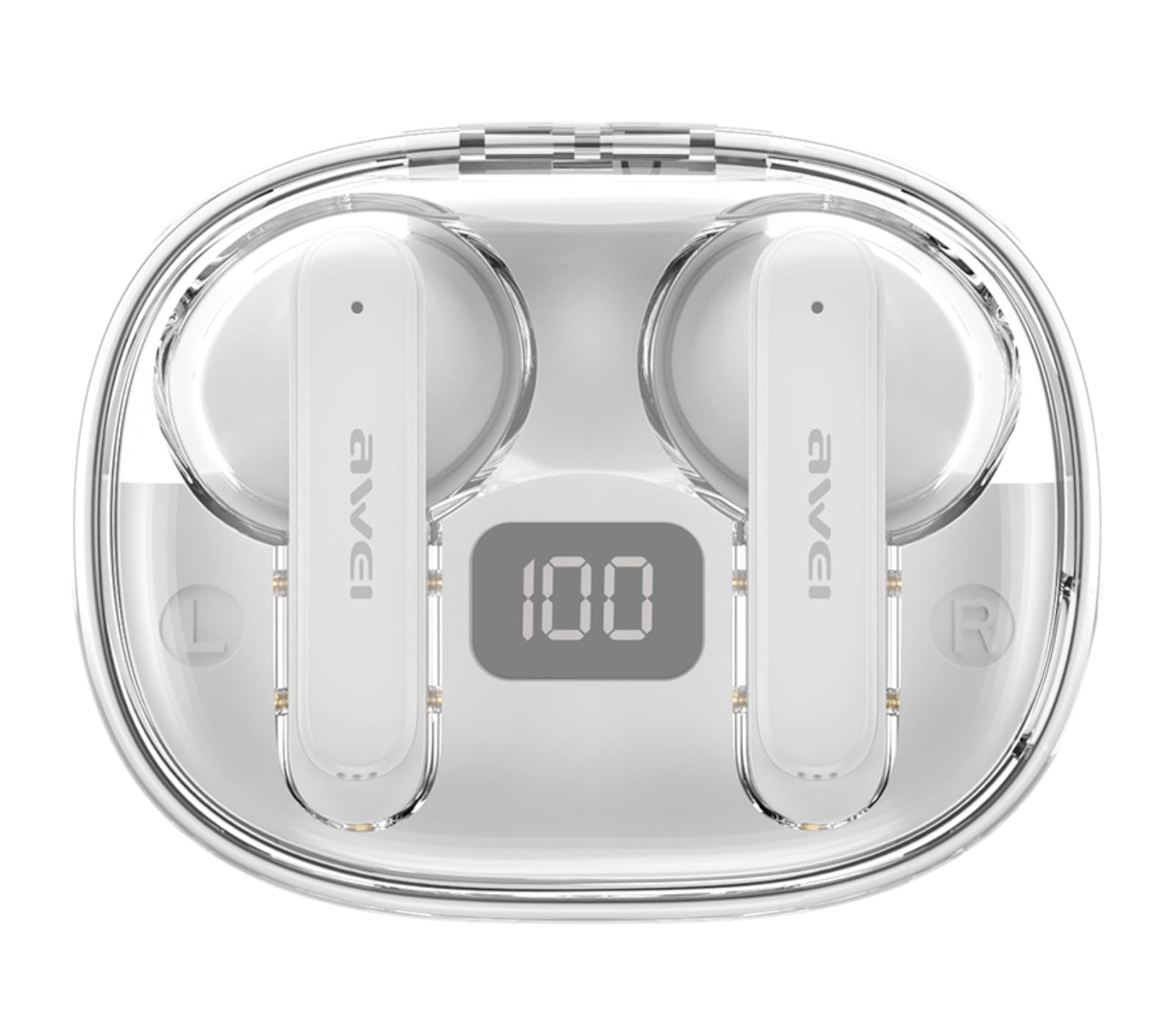
Image: AWEI T86 earbud with an overlay indicating Bluetooth 5.3 technology, representing the pairing process.
5. ઇયરબડ્સનું સંચાલન
૫.૧ ઇયરબડ્સ પહેરવા
શ્રેષ્ઠ અવાજ ગુણવત્તા અને આરામ માટે, ખાતરી કરો કે ઇયરબડ્સ યોગ્ય રીતે પહેરેલા છે.
- ડાબા (L) અને જમણા (R) ઇયરબડ્સ ઓળખો.
- Gently insert each earbud into your ear canal and rotate slightly until it fits snugly and comfortably.

Image: A person wearing the AWEI T86 earbuds, demonstrating proper fit and usage.
5.2 ટચ કંટ્રોલ્સ
The AWEI T86 earbuds feature smart touch controls on each earbud. The functions may vary slightly depending on your device and application.
| ક્રિયા | કાર્ય |
|---|---|
| સિંગલ ટેપ (ડાબે/જમણે) | સંગીત વગાડો/થોભાવો, જવાબ આપો/કૉલ સમાપ્ત કરો |
| બે વાર ટેપ કરો (જમણું ઇયરબડ) | આગામી ગીત |
| બે વાર ટેપ કરો (ડાબું ઇયરબડ) | અગાઉનું ગીત |
| ટ્રિપલ ટેપ (જમણું ઇયરબડ) | વોલ્યુમ અપ |
| ટ્રિપલ ટેપ (ડાબું ઇયરબડ) | વોલ્યુમ ડાઉન |
| લાંબા સમય સુધી દબાવો (2 સેકંડ) | કૉલ રિજેક્ટ કરો, વૉઇસ આસિસ્ટન્ટને સક્રિય કરો |
નોંધ: The ENC (Environmental Noise Cancellation) feature for calls is automatically active during phone calls, enhancing voice clarity by reducing ambient noise.
Image: Close-up of an AWEI T86 earbud, indicating the touch-sensitive control area.
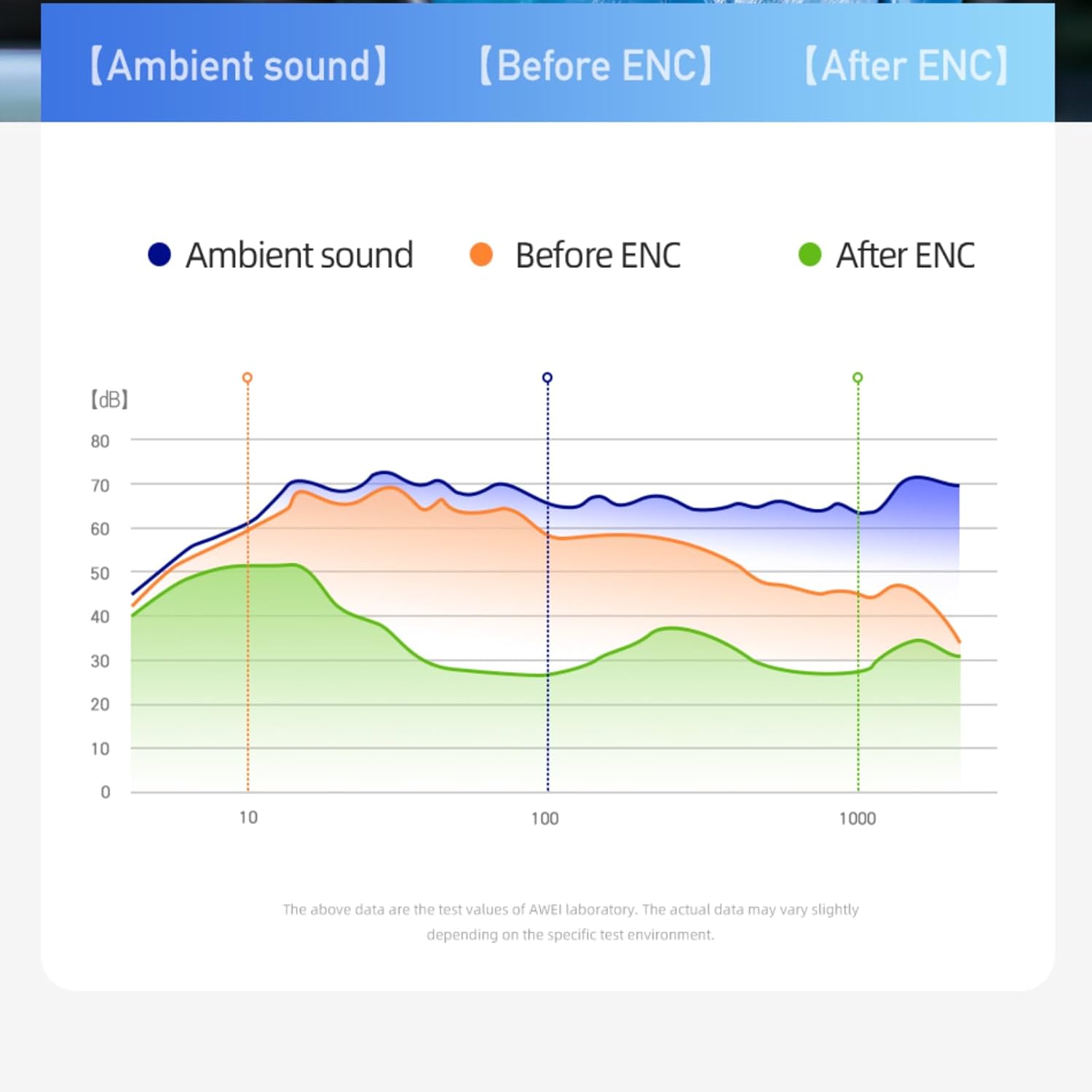
Image: A graph illustrating the effect of ENC (Environmental Noise Cancellation) on ambient sound, showing reduction of noise levels.
5.3 પાવર ચાલુ/બંધ
- પાવર ચાલુ: ચાર્જિંગ કેસમાંથી દૂર કર્યા પછી ઇયરબડ્સ આપમેળે ચાલુ થઈ જાય છે.
- પાવર બંધ: ચાર્જિંગ કેસમાં પાછા મૂકવામાં આવે અને ઢાંકણ બંધ થાય ત્યારે ઇયરબડ્સ આપમેળે બંધ થઈ જાય છે અને ચાર્જ થવા લાગે છે.
- મેન્યુઅલ પાવર બંધ: If not in the case, long-press the touch area on either earbud for approximately 5 seconds until you hear a power-off prompt.
6. જાળવણી
6.1 સફાઈ
નિયમિત સફાઈ અવાજની ગુણવત્તા અને સ્વચ્છતા જાળવવામાં મદદ કરે છે.
- ઇયરબડ્સ અને ચાર્જિંગ કેસ સાફ કરવા માટે નરમ, સૂકા, લિન્ટ-ફ્રી કાપડનો ઉપયોગ કરો.
- ઘર્ષક ક્લીનર્સ, સોલવન્ટ્સ અથવા એરોસોલ સ્પ્રેનો ઉપયોગ કરશો નહીં.
- કાનના મીણ અથવા કાટમાળ દૂર કરવા માટે કાનની ટોચ અને સ્પીકરની જાળીને કોટન સ્વેબ અથવા નાના, નરમ બ્રશથી હળવા હાથે સાફ કરો.
6.2 સંગ્રહ
જ્યારે ઉપયોગમાં ન હોય, ત્યારે ઇયરબડ્સને સુરક્ષિત રાખવા અને ચાર્જ રાખવા માટે તેમના ચાર્જિંગ કેસમાં રાખો.
- ઠંડી, સૂકી જગ્યાએ, અતિશય તાપમાન અને સીધા સૂર્યપ્રકાશથી દૂર સંગ્રહ કરો.
- Avoid storing near magnetic fields.
૫.૪ પાણી પ્રતિકાર (IPX6)
The AWEI T86 earbuds are rated IPX6, meaning they are protected against powerful water jets. This makes them suitable for use during workouts or in light rain.
- ઇયરબડ્સને પાણીમાં ડુબાડશો નહીં.
- The charging case is not waterproof. Keep it dry.
- If the earbuds get wet, wipe them dry completely before placing them back in the charging case to prevent damage.
7. મુશ્કેલીનિવારણ
If you encounter issues with your AWEI T86 earbuds, try the following solutions:
| સમસ્યા | શક્ય ઉકેલ |
|---|---|
| ઇયરબડ્સ જોડી રહ્યાં નથી |
|
| માત્ર એક ઇયરબડ કામ કરે છે |
|
| ઓછો અવાજ અથવા નબળી અવાજ ગુણવત્તા |
|
| ઇયરબડ્સ ચાર્જ થતા નથી |
|
8. સ્પષ્ટીકરણો
| લક્ષણ | વિગત |
|---|---|
| મોડલ | T86 |
| બ્લૂટૂથ સંસ્કરણ | 5.3 |
| સ્પીકરનું કદ | 13 મીમી |
| પાણી પ્રતિકાર | IPX6 (ફક્ત ઇયરબડ્સ) |
| ઇયરબડ રમવાનો સમય | 7 કલાક સુધી |
| કુલ રમવાનો સમય (કેસ સાથે) | Up to 35 hours (dual-ear), 70 hours (single-ear) |
| ચાર્જિંગ કેસ બેટરી | 300mAh |
| ચાર્જિંગ સમય (કેસ) | આશરે 1.5 કલાક (USB-C દ્વારા) |
| વાયરલેસ રેંજ | 10 મીટર (33 ફૂટ) સુધી |
| વજન | 0.15 Kilograms (total package weight) |
| નિયંત્રણ પ્રકાર | નિયંત્રણને ટચ કરો |
| સમાવાયેલ ઘટકો | Earbuds, Charging Case, USB-C Cable, User Manual |
Image: AWEI T86 Wireless Earbuds, representing the product's technical specifications.
9. સલામતી માહિતી
- ઉત્પાદનને ડિસએસેમ્બલ અથવા સંશોધિત કરશો નહીં.
- Keep away from extreme temperatures, humidity, and corrosive substances.
- ઇયરબડ્સને પડવાથી કે જોરદાર અસર થવાથી બચો.
- Do not expose the charging case to water or moisture.
- Prolonged exposure to loud sounds may cause hearing damage. Adjust volume to a moderate level.
- ફક્ત આપેલા અથવા પ્રમાણિત ચાર્જિંગ કેબલનો ઉપયોગ કરો.
10. વોરંટી અને સપોર્ટ
For warranty information and technical support, please refer to the warranty card included with your purchase or visit the official AWEI webસાઇટ. વોરંટી દાવાઓ માટે તમારી ખરીદીનો પુરાવો રાખો.
Ask a question about this manual
Ask about setup, troubleshooting, compatibility, parts, safety, or missing instructions. Manuals+ will review the question and use this page’s manual context to help answer it.