
1. પરિચય
The OREI SplitExtend Laptop Docking Station SX-2C1080-D100W is a versatile and compact solution designed to expand the connectivity and display capabilities of your laptop. This manual provides detailed instructions for setup, operation, maintenance, and troubleshooting to ensure optimal performance and user experience.

Figure 1: OREI SplitExtend Docking Station Overview
2. ઉત્પાદન સુવિધાઓ
- Dual HDMI Display Output: Extend or duplicate your laptop screen to up to two external displays. Supports 4K@30Hz on a single monitor or 1080p@60Hz across two screens.
- યુએસબી 3.0 કનેક્ટિવિટી: Includes two USB 3.0 Type-A ports and one USB 3.0 Type-C port for high-speed data transfer and peripheral connectivity.
- Integrated Card Readers: Features dedicated SD and Micro SD card slots for convenient access to memory cards.
- 100W Power Delivery (PD): Allows for pass-through charging of your laptop while using the docking station, ensuring your device remains powered.
- કોમ્પેક્ટ અને ટકાઉ ડિઝાઇન: Constructed with aluminum alloy housing for enhanced durability and portability.
- વ્યાપક સુસંગતતા: Supports Windows (11, 10, 7, 8.1) and macOS (Ventura 13, Monterey 12, Big Sur 11, Catalina 10.15, Mojave 10.14) operating systems. Compatible with USB-C, USB-A, Thunderbolt 3/4, and USB 4 devices.

આકૃતિ 2: મુખ્ય ઉત્પાદન સુવિધાઓ

Figure 3: Detailed Port Overview
3. સ્પષ્ટીકરણો
| લક્ષણ | સ્પષ્ટીકરણ |
|---|---|
| મોડલ | SX-2C1080-D100W |
| હાર્ડવેર ઇંટરફેસ | HDMI, USB 3.0 Type A, USB 3.0 Type C |
| સુસંગત ઉપકરણો | લેપટોપ, મોનિટર |
| કુલ યુએસબી પોર્ટ્સ | 3 (2x USB 3.0 Type-A, 1x USB 3.0 Type-C) |
| કુલ HDMI પોર્ટ્સ | 2 |
| પાવર ડિલિવરી | 100W |
| પરિમાણો (L x W x H) | ૧૧.૪૨" x ૩.૫૪" x ૨.૩૬" (૨૯૦ મીમી x ૯૦ મીમી x ૬૦ મીમી) |
| વજન | 2.68 ઔંસ (76 ગ્રામ) |
| સામગ્રી | એલ્યુમિનિયમ અને ABS |
| રંગ | કાળો |

આકૃતિ 4: ટેકનિકલ સ્પષ્ટીકરણો
4. સેટઅપ માર્ગદર્શિકા
Follow these steps to set up your OREI SplitExtend Docking Station:
- લેપટોપ સાથે કનેક્ટ કરો: Plug the integrated USB-C cable from the docking station into an available USB-C port on your laptop. Ensure your laptop's USB-C port supports video output (DP Alt Mode).
- મોનિટર્સ કનેક્ટ કરો: Use HDMI cables (not included) to connect your external monitors to the two HDMI output ports on the docking station.
- પાવર કનેક્ટ કરો (વૈકલ્પિક): If your laptop requires charging or if you are connecting power-intensive peripherals, connect your laptop's USB-C power adapter to the dedicated USB-C PD port on the docking station. This port supports up to 100W Power Delivery.
- પેરિફેરલ્સ કનેક્ટ કરો: Plug your USB devices (e.g., mouse, keyboard, external hard drive) into the USB 3.0 Type-A and Type-C ports on the docking station. Insert SD or Micro SD cards into their respective slots if needed.

Figure 5: Docking Station Connected to Laptop and Monitors
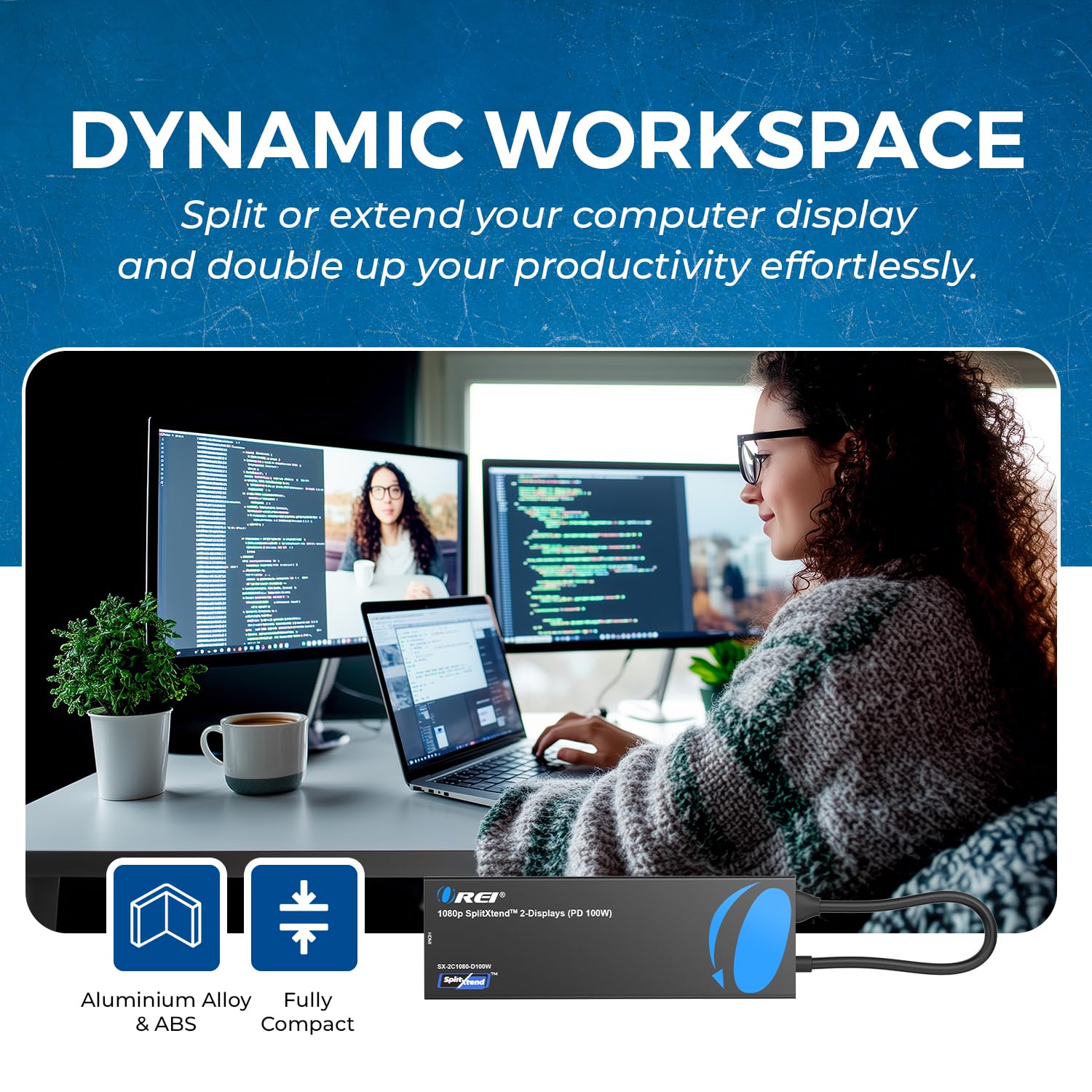
Figure 6: Close-up of Docking Station Ports
સેટઅપ વિડિઓ માર્ગદર્શિકા
Video 1: How to Use SplitExtend Docking Station Dual Monitor. This video provides a visual guide on connecting and setting up the docking station with your laptop and external monitors.
5. ઓપરેટિંગ મોડ્સ
The OREI SplitExtend Docking Station supports various display modes to enhance your productivity:
- Extended Display Mode (Windows MST): Allows you to extend your desktop across multiple screens, providing more screen real estate for multitasking. Each monitor can display different content.
- Mirror Display Mode (Windows/macOS SST): Duplicates your laptop's screen onto the external monitors, showing the same content on all displays. This is ideal for presentations or sharing your screen.
Note: Your laptop must support video output through USB-C (DP Alt Mode) for the adapter to function correctly.

Figure 7: Split or Extend Display Options

Figure 8: Mirror and Extend Mode Compatibility
Operating Mode Video Guide
Video 2: OREI SplitExtend Laptop Docking Station 4K Overview. This video demonstrates the various operating modes and capabilities of the docking station.
6. સુસંગતતા
The OREI SplitExtend Docking Station is designed for broad compatibility:
- ઓપરેટિંગ સિસ્ટમ્સ: Windows 11, 10, 7, 8.1 and macOS Ventura 13, Monterey 12, Big Sur 11, Catalina 10.15, Mojave 10.14.
- લેપટોપ સુસંગતતા: Works with M1/M2 & Intel-based MacBook Air/Pro, Dell XPS, Precision, Latitude, Lenovo Yoga, Thinkbook, Ideapad, HP Spectre, X360, ENVY, and other laptops with compatible USB-C ports.

Figure 9: Broad Compatibility with Various Operating Systems and Laptops
7. મુશ્કેલીનિવારણ
- કોઈ ડિસ્પ્લે આઉટપુટ નથી:
- Ensure your laptop's USB-C port supports video output (DP Alt Mode). Not all USB-C ports have this capability.
- Check all cable connections (USB-C to laptop, HDMI to monitors). Try re-plugging them firmly.
- Verify monitor input settings are set to the correct HDMI input.
- Try connecting only one monitor at a time to isolate the issue.
- Update your laptop's graphics drivers and operating system.
- Flickering or Unstable Display:
- Ensure you are using high-quality HDMI cables.
- Reduce the display resolution or refresh rate in your laptop's display settings.
- Ensure adequate power supply if using power-intensive peripherals or charging your laptop through the dock.
- USB ઉપકરણો ઓળખાયા નથી:
- Try connecting the USB device directly to your laptop to confirm it's functional.
- ખાતરી કરો કે ડોકિંગ સ્ટેશન તમારા લેપટોપ સાથે યોગ્ય રીતે જોડાયેલ છે.
- If it's a power-intensive device, ensure the docking station is connected to a 100W PD power source.
- લેપટોપ ચાર્જ ન થવું:
- Ensure your laptop's original USB-C power adapter is connected to the docking station's USB-C PD port.
- ખાતરી કરો કે પાવર એડેપ્ટર યોગ્ય રીતે કાર્ય કરી રહ્યું છે.
- Confirm your laptop supports USB-C Power Delivery.
8. જાળવણી
To ensure the longevity and optimal performance of your OREI SplitExtend Docking Station, follow these maintenance tips:
- ઉપકરણને નરમ, સૂકા કપડાથી સાફ કરીને સાફ રાખો. કઠોર રસાયણો અથવા ઘર્ષક સામગ્રીનો ઉપયોગ કરવાનું ટાળો.
- ડોકિંગ સ્ટેશનને સીધા સૂર્યપ્રકાશ અને અતિશય તાપમાનથી દૂર ઠંડી, સૂકી જગ્યાએ સંગ્રહિત કરો.
- Avoid bending or straining the integrated USB-C cable excessively. Utilize the built-in storage slot for the cable when not in use to prevent damage.
- ઉપકરણને પાણી અથવા અન્ય પ્રવાહીમાં ખુલ્લું પાડશો નહીં.
- Handle the ports gently when connecting or disconnecting cables to prevent physical damage.
9. વોરંટી અને સપોર્ટ
The OREI SplitExtend Laptop Docking Station SX-2C1080-D100W comes with a 12-મહિનાની વોરંટી from the date of purchase. This warranty covers manufacturing defects and ensures reliable use.
For technical support, warranty claims, or any inquiries regarding your product, please contact OREI Direct customer service. Refer to the contact information provided in your product packaging or visit the official OREI webસહાય માટે સાઇટ.
Thank you for choosing OREI products.