
1. પરિચય
Welcome to the user manual for your new boAt Rockerz 413 Bluetooth Over-Ear Headphones. These headphones are designed to provide a superior audio experience with features such as 60 hours of playback, powerful 40mm drivers, ENx Technology for clear calls, Dual Pairing for seamless device switching, and a low-latency BEAST Mode for gaming.
Please read this manual carefully to ensure proper use and to maximize the performance and longevity of your headphones.
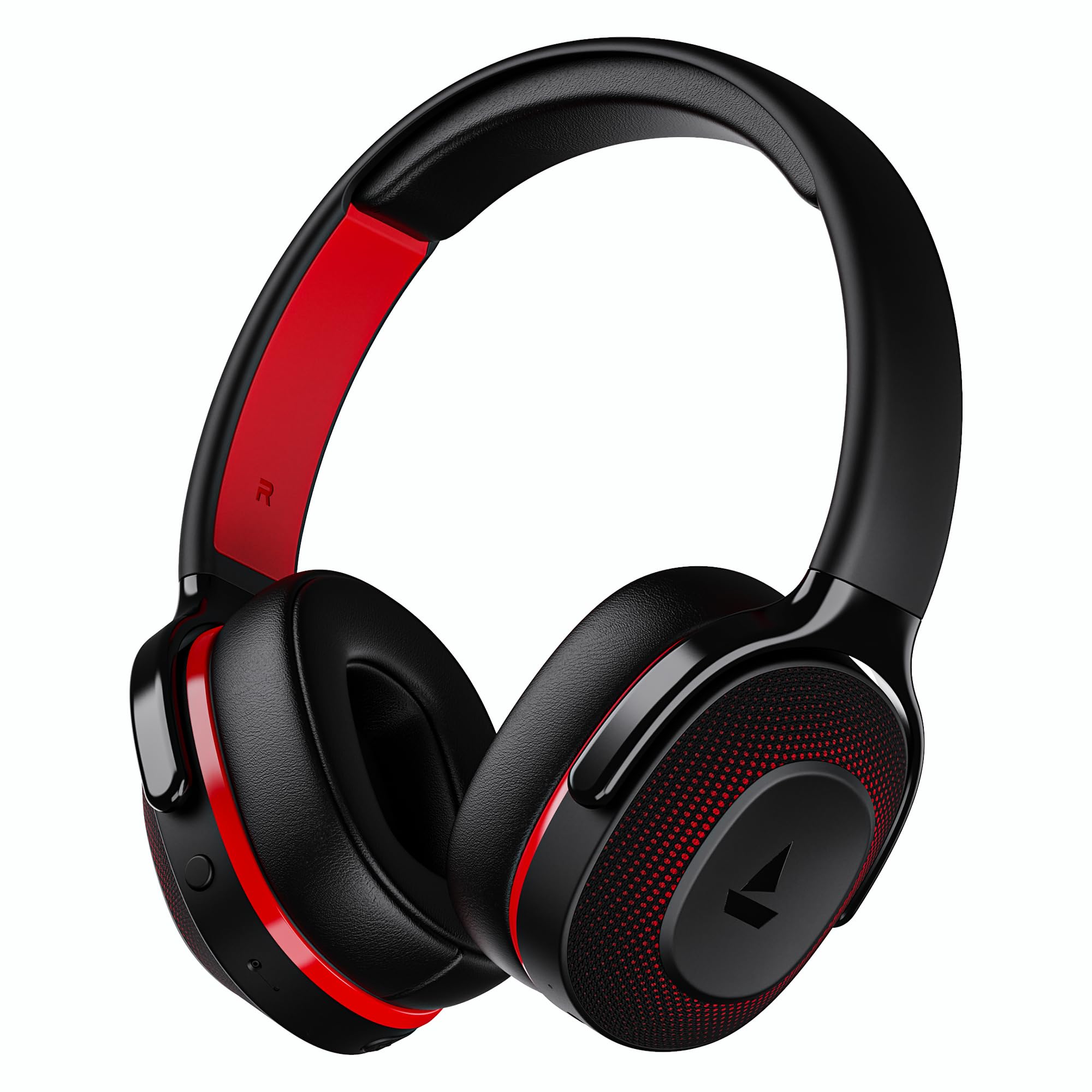
Image: boAt Rockerz 413 Bluetooth Headphones in Black & Red.
2. બોક્સમાં શું છે
Upon opening your boAt Rockerz 413 package, you should find the following items:
- BoAt Rockerz 413 હેડફોન
- ચાર્જિંગ કેબલ
3. ઉત્પાદન ઓવરview અને નિયંત્રણો
તમારા હેડફોનના ભૌતિક ઘટકો અને નિયંત્રણોથી પરિચિત થાઓ.

છબી: ક્લોઝ-અપ view of the right ear cup, highlighting the easy access control buttons for power, volume, and mode selection. The headphones feature an adaptive fit design and support dual pairing with Bluetooth v5.2.
નિયંત્રણ બટનો:
- પાવર બટન: Press and hold to power on/off. Short press for play/pause.
- વોલ્યુમ વધારો (+): વોલ્યુમ વધારવા માટે ટૂંકું દબાવો. આગલા ટ્રેક માટે લાંબા સમય સુધી દબાવો.
- અવાજ ધીમો (-): વોલ્યુમ ઘટાડવા માટે ટૂંકું દબાવો. પાછલા ટ્રેક માટે લાંબા સમય સુધી દબાવો.
- મલ્ટી-ફંક્શન બટન: (Specific function may vary, often for call management or voice assistant).
- મોડ બટન: Activates BEAST Mode for low latency gaming.
4. સેટઅપ
4.1 પાવરિંગ ચાલુ/બંધ
- પાવર ચાલુ કરવા માટે: LED સૂચક પ્રકાશિત ન થાય ત્યાં સુધી પાવર બટનને લગભગ 3 સેકન્ડ સુધી દબાવી રાખો.
- પાવર ઓફ કરવા માટે: LED સૂચક બંધ ન થાય ત્યાં સુધી પાવર બટનને લગભગ 5 સેકન્ડ સુધી દબાવી રાખો.
4.2 બ્લૂટૂથ પેરિંગ
- ખાતરી કરો કે હેડફોનો પ્રથમ ઉપયોગ કરતા પહેલા સંપૂર્ણ ચાર્જ થયેલ છે.
- Power on the headphones. They will automatically enter pairing mode, indicated by a flashing LED light (e.g., blue and red alternating).
- તમારા ઉપકરણ (સ્માર્ટફોન, ટેબ્લેટ, લેપટોપ) પર, બ્લૂટૂથ સક્ષમ કરો.
- માટે શોધો available Bluetooth devices and select "boAt Rockerz 413" from the list.
- Once connected, the LED indicator will show a steady blue light or flash slowly.
૬.૩ ડ્યુઅલ પેરિંગ
The Rockerz 413 supports dual pairing, allowing you to connect to two devices simultaneously (e.g., a smartphone and a laptop). This enables seamless switching between audio sources without manual disconnection.
- Connect the headphones to the first device as described in section 4.2.
- પહેલા ડિવાઇસ પર બ્લૂટૂથ બંધ કરો. હેડફોન ફરીથી પેરિંગ મોડમાં પ્રવેશ કરશે.
- હેડફોનને બીજા ઉપકરણ સાથે કનેક્ટ કરો.
- Re-enable Bluetooth on the first device. The headphones will automatically connect to both devices.
- Audio will play from the device that is actively playing content.
Image: The boAt Rockerz 413 headphones demonstrating their adaptive fit and the capability for dual pairing with Bluetooth v5.2.
5. ઓપરેટિંગ સૂચનાઓ
૩.૨ ઓડિયો પ્લેબેક
- ચલાવો/થોભો: પાવર બટનને ટૂંકું દબાવો.
- આગળનો ટ્રેક: વોલ્યુમ અપ (+) બટનને લાંબા સમય સુધી દબાવી રાખો.
- પાછલો ટ્રેક: વોલ્યુમ ડાઉન (-) બટનને લાંબા સમય સુધી દબાવી રાખો.
- વોલ્યુમ નિયંત્રણ: વોલ્યુમ અપ (+) અથવા વોલ્યુમ ડાઉન (-) બટનોને ટૂંકા દબાવો.
5.2 Call Management (ENx Technology)
The boAt Rockerz 413 features ENx Technology, which enhances your voice and cancels surrounding noise for clear call quality.
- જવાબ/કૉલ સમાપ્ત કરો: મલ્ટી-ફંક્શન બટન ટૂંકું દબાવો.
- કૉલ નકારો: મલ્ટી-ફંક્શન બટનને લાંબા સમય સુધી દબાવો.
- અવાજ સહાયક: Double press the Multi-function Button (if supported by your device).

Image: The boAt Rockerz 413 headphones showcasing ENx Technology for enhanced call clarity.
5.3 BEAST Mode (Low Latency Gaming)
Activate BEAST Mode for a low-latency audio experience, ideal for gaming. This mode reduces audio delay to 60ms, providing synchronized sound with your gameplay.
- Activate BEAST Mode: Press the dedicated Mode Button. You may hear an audio prompt confirming activation.
- Deactivate BEAST Mode: Press the Mode Button again.

Image: boAt Rockerz 413 headphones shown alongside a smartphone displaying a game, emphasizing the 60ms low latency BEAST Mode for an immersive gaming experience.
5.4 boAt Signature Sound with 40mm Drivers
Experience rich and balanced audio with the boAt Signature Sound, delivered through powerful 40mm dynamic drivers. These drivers are engineered to provide clear highs, detailed mids, and deep bass for an enjoyable listening experience across various genres.

Image: An exploded diagram of the boAt Rockerz 413 ear cup, illustrating the internal 40mm drivers and components responsible for delivering boAt Signature Sound.
6. ચાર્જિંગ
Your boAt Rockerz 413 headphones offer an impressive 60 hours of playback on a single charge.
- Connect the provided charging cable to the charging port on the headphones.
- કેબલના બીજા છેડાને USB પાવર સ્ત્રોત (દા.ત., વોલ એડેપ્ટર, કમ્પ્યુટર USB પોર્ટ) સાથે જોડો.
- The LED indicator will show a red light during charging.
- Once fully charged, the LED indicator will turn blue or off, depending on the model.
- Avoid using fast chargers or chargers with voltage exceeding 5V to prevent damage.

Image: Close-up of the boAt Rockerz 413 headphone ear cup, highlighting its 60 hours of playback capability.
7. જાળવણી
તમારા હેડફોનની ટકાઉપણું અને શ્રેષ્ઠ કામગીરી સુનિશ્ચિત કરવા માટે, આ જાળવણી માર્ગદર્શિકા અનુસરો:
- હેડફોનને સૂકા રાખો. તેમને પાણી કે વધુ પડતા ભેજના સંપર્કમાં ન લાવો.
- Clean the ear cushions and headband regularly with a soft, dry cloth.
- અતિશય તાપમાન ટાળો.
- ઉપયોગમાં ન હોય ત્યારે હેડફોનને ઠંડી, સૂકી જગ્યાએ સંગ્રહિત કરો.
- હેડફોન્સને ડિસએસેમ્બલ કરવાનો કે સુધારવાનો પ્રયાસ કરશો નહીં, કારણ કે આ વોરંટી રદ કરશે.
8. મુશ્કેલીનિવારણ
| સમસ્યા | શક્ય ઉકેલ |
|---|---|
| હેડફોન ચાલુ થતા નથી | ખાતરી કરો કે હેડફોન ચાર્જ થયેલ છે. પાવર સ્ત્રોત સાથે કનેક્ટ કરો અને ફરી પ્રયાસ કરો. |
| ઉપકરણ સાથે જોડી બનાવી શકાતી નથી |
|
| અવાજ અથવા નીચો અવાજ નથી |
|
| Call quality issues (ENx Tech) |
|
| Latency in gaming (BEAST Mode) |
|
9. સ્પષ્ટીકરણો
| લક્ષણ | વિગત |
|---|---|
| બ્રાન્ડ | બોટ |
| મોડેલનું નામ | રોકરઝ |
| મોડલ નંબર | PB0019 |
| ઇયર પ્લેસમેન્ટ | કાન ઉપર |
| ફોર્મ ફેક્ટર | કાન ઉપર |
| અવાજ નિયંત્રણ | સક્રિય અવાજ રદ |
| બ્લૂટૂથ સંસ્કરણ | 5.2 |
| વાયરલેસ ટેકનોલોજી | બ્લૂટૂથ |
| ઓડિયો ડ્રાઈવર પ્રકાર | ડાયનેમિક ડ્રાઈવર |
| ડ્રાઇવરનું કદ | 40 મીમી |
| બેટરી લાઇફ (સરેરાશ) | 60 કલાક |
| નિયંત્રણ પદ્ધતિ | બટન દબાવો |
| ઉત્પાદન લક્ષણો | ENx Technology, BEAST Mode, Dual Pairing |
| સુસંગત ઉપકરણો | ટેબ્લેટ, ડેસ્કટોપ, ટેલિફોન, સેલફોન, લેપટોપ, સ્માર્ટ સ્પીકર, ટેલિવિઝન |
| ચોક્કસ ઉપયોગો | Gaming, Music, Travel |
| સામગ્રી | ફેબ્રિક |
| વસ્તુનું વજન | 300 ગ્રામ |
| મૂળ દેશ | ચીન |
10. વોરંટી
The boAt Rockerz 413 headphones come with a 1 વર્ષની વોરંટી ખરીદીની તારીખથી. વોરંટી દાવાઓ માટે કૃપા કરીને ખરીદીનો પુરાવો રાખો. વોરંટી ઉત્પાદન ખામીઓને આવરી લે છે પરંતુ દુરુપયોગ, અકસ્માતો, અનધિકૃત ફેરફારો અથવા સામાન્ય ઘસારાને કારણે થતા નુકસાનને આવરી લેતી નથી.
For detailed warranty terms and conditions, please refer to the official boAt webસાઇટ અથવા ગ્રાહક સપોર્ટનો સંપર્ક કરો.
11. આધાર
For further assistance, technical support, or warranty claims, please contact boAt customer service:
- ઉત્પાદક સંપર્ક: ઇમેજિન માર્કેટિંગ લિમિટેડ
- ઈમેલ: info@imaginemarketingindia.com
boAt Hearables App
Enhance your experience by downloading the boAt Hearables App. Scan the QR code below or visit the provided link to access additional features, stream music, listen to audiobooks, and find user help guides.
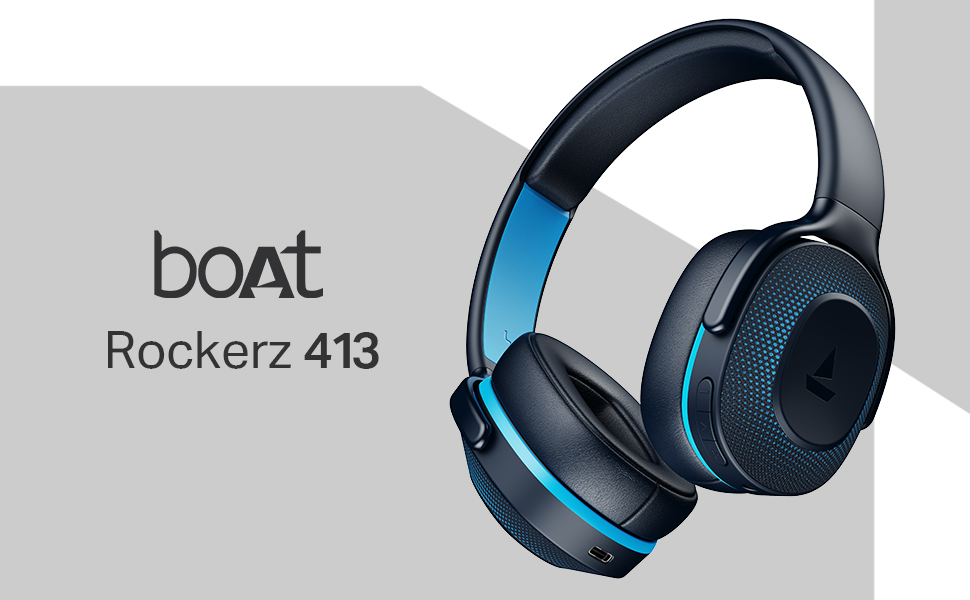
Image: A smartphone screen displaying a QR code for the boAt Hearables App, which allows users to stream music, listen to audiobooks, and access user guides.
એપ્લિકેશન અહીં ડાઉનલોડ કરો: boAt Hearables App Link