
પરિચય
This manual provides detailed instructions for the New Bee M53 Bluetooth Headset. Please read this manual carefully before using the product to ensure proper operation and to maximize its performance and lifespan. Keep this manual for future reference.
પેકેજ સામગ્રી
ખાતરી કરો કે બધી વસ્તુઓ પેકેજમાં હાજર છે:
- Bluetooth Earpiece (1 unit)
- 500mAh Charging Case (1 unit)
- Ear Tips (3 sizes: S/M/L)
- Type-C Cable (1 unit, AC adapter not included)
- વપરાશકર્તા માર્ગદર્શિકા (1 એકમ)
ઉત્પાદન ઓવરview
The New Bee M53 Bluetooth Headset features an ergonomic design for comfortable wear and intuitive controls. Below is a general view of the headset and its charging case.
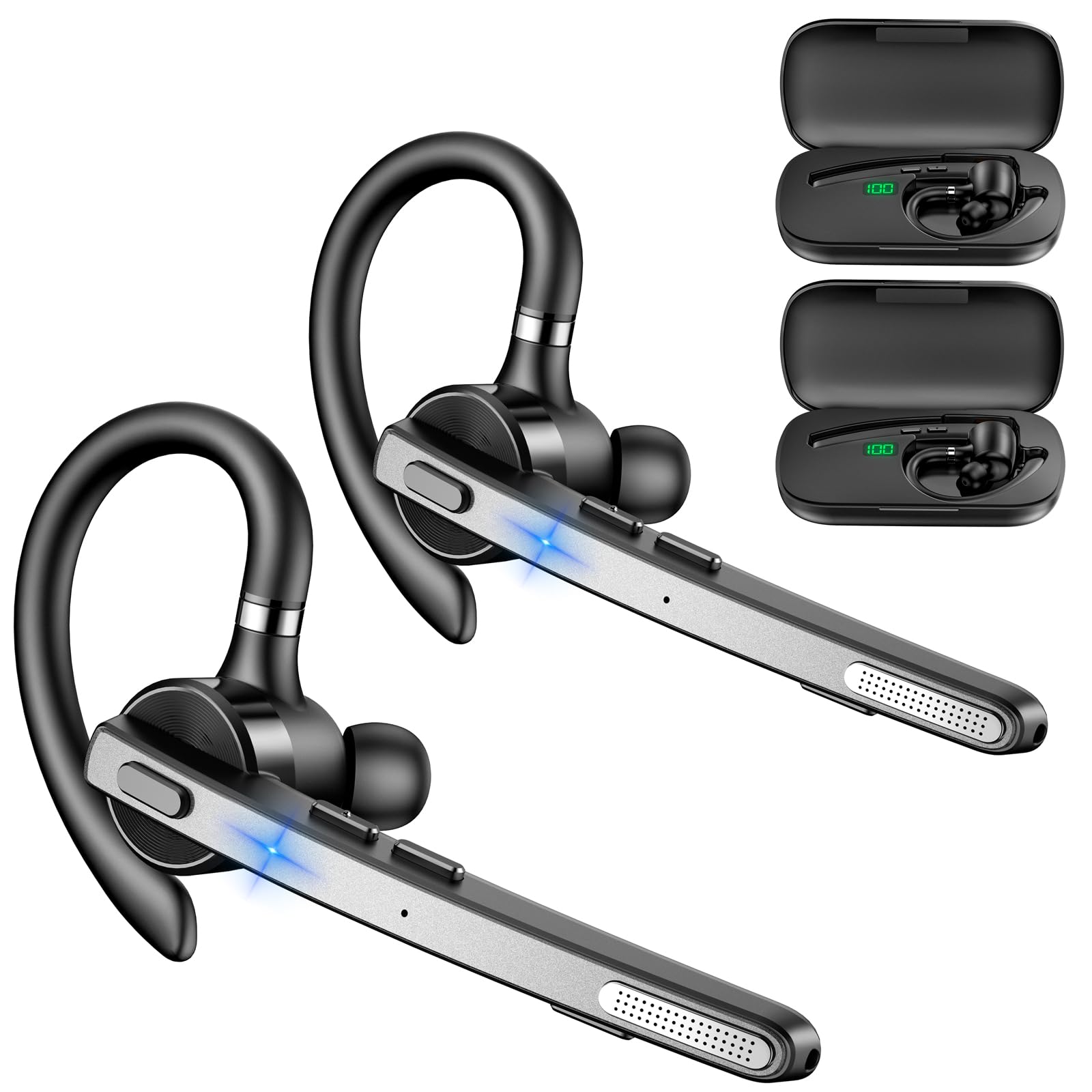
Image: New Bee M53 Bluetooth Headset with its charging case and included ear tips.
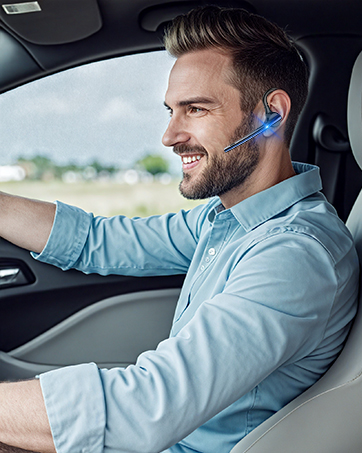
Image: Diagram illustrating the various buttons and their functions on the New Bee M53 Bluetooth Headset, including power, volume, call control, mute, and Type-C charging port.
સેટઅપ
૪.૧. હેડસેટ અને કેસ ચાર્જ કરી રહ્યા છીએ
Before first use, fully charge the headset and its charging case. The charging case has a digital display to indicate the remaining power.
- Connect the provided Type-C cable to the charging port on the case and to a USB power source (e.g., computer, wall adapter).
- Place the headset into the charging case.
- સંપૂર્ણ ચાર્જ કરવામાં લગભગ 2 કલાક લાગે છે.
- The 500mAh charging case provides approximately 72 hours of total playtime for the headset.
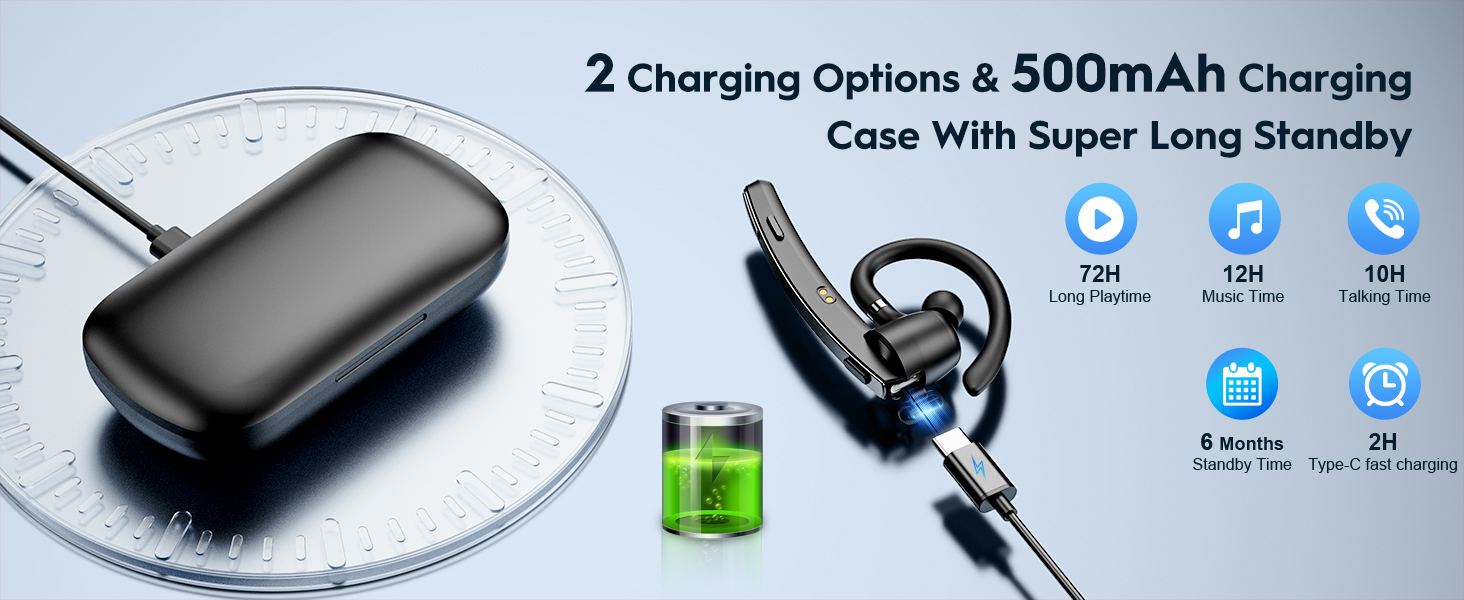
Image: The New Bee M53 charging case displaying battery level, with the headset inside, illustrating its long battery life capabilities.
૪. હેડસેટ પહેરીને
The headset is designed for comfortable and secure fit. It can be worn on either the left or right ear.
- The flexible ear hook can be rotated 180° to fit either ear.
- The earphone arm can be rotated 270° to adjust the microphone position.
- Choose from the three included ear tip sizes (S, M, L) for the best fit and comfort.
- The headset weighs only 13.6 grams, ensuring comfort during extended wear.

Image: Illustration of the headset's adjustable ear hook for left/right ear use and the three available ear tip sizes (S, M, L).
3. બ્લૂટૂથ જોડી
The headset uses Bluetooth 5.1 technology for quick and stable connections.
- ખાતરી કરો કે હેડસેટ ચાર્જ થયેલ છે અને બંધ છે.
- Press and hold the Power button for 3-5 seconds until the indicator light flashes blue and red, indicating pairing mode.
- તમારા ઉપકરણ (સ્માર્ટફોન, લેપટોપ, વગેરે) પર, બ્લૂટૂથ સક્ષમ કરો અને ઉપલબ્ધ ઉપકરણો શોધો.
- Select "M53" from the list of devices.
- એકવાર કનેક્ટ થઈ ગયા પછી, સૂચક લાઇટ ધીમે ધીમે વાદળી રંગમાં ફ્લેશ થશે.
The headset supports connecting to two devices simultaneously within a 15-meter (49 feet) range.

Image: The headset shown connecting to a mobile phone, demonstrating Bluetooth 5.1 quick connection and dual device capability.
ઓપરેટિંગ સૂચનાઓ
મૂળભૂત કાર્યો
- પાવર ચાલુ/બંધ: Press and hold the Power button for 3 seconds to power on, 5 seconds to power off.
- ચલાવો/થોભો: એકવાર પ્લે/પોઝ બટન દબાવો.
- વોલ્યુમ નિયંત્રણ: Use the Volume +/- buttons to adjust the sound level.
- આગલું/પાછલું ગીત: Press and hold Volume + for next song, Volume - for previous song (3 seconds).
ક Callલ મેનેજમેન્ટ
- જવાબ/કૉલ હેંગ અપ કરો: Press the Answer/Hang Up button once.
- કૉલ નકારો: Press and hold the Answer/Hang Up button for 2 seconds.
- છેલ્લો નંબર ફરીથી ડાયલ કરો: Double-press the Answer/Hang Up button.
- માઇક મ્યૂટ: Press the Mic Mute button once during a call to mute/unmute the microphone.
The headset features dual-mic noise reduction and CVC8.0 technology for clear calls by reducing ambient noise and echo.

Image: Illustration of the headset's one-button call answering and mute features for hands-free communication.

Image: Visual representation of the dual-mic noise cancelling technology, showing how external background noise is reduced for clear calls.
જાળવણી
To ensure the longevity and optimal performance of your New Bee M53 Bluetooth Headset, follow these maintenance guidelines:
- સફાઈ: Use a soft, dry, lint-free cloth to clean the headset and charging case. Do not use abrasive cleaners, solvents, or aerosol sprays.
- સંગ્રહ: Store the headset in its charging case when not in use to protect it from dust and damage. Avoid extreme temperatures.
- પાણીનો સંપર્ક: The headset is not waterproof. Avoid exposure to water, moisture, or excessive humidity.
- ચાર્જિંગ: Always use the provided Type-C cable for charging. Do not attempt to disassemble or modify the device.
મુશ્કેલીનિવારણ
જો તમને તમારા હેડસેટમાં સમસ્યાઓ આવે, તો નીચેના સામાન્ય ઉકેલોનો સંદર્ભ લો:
| સમસ્યા | ઉકેલ |
|---|---|
| હેડસેટ ચાલુ થતો નથી. | Ensure the headset is fully charged. Place it in the charging case and connect the case to a power source. |
| ઉપકરણ સાથે જોડી બનાવી શકાતી નથી. |
|
| કોઈ અવાજ નથી કે ઓછો અવાજ નથી. |
|
| કોલ ગુણવત્તા નબળી છે. |
|
વિશિષ્ટતાઓ
| લક્ષણ | વિગત |
|---|---|
| મોડેલનું નામ | M53 |
| બ્લૂટૂથ સંસ્કરણ | 5.1 |
| બ્લૂટૂથ રેન્જ | 15 મીટર (49 ફૂટ) સુધી |
| Battery Life (Talktime/Music) | ચાર્જ દીઠ આશરે 12 કલાક |
| ચાર્જિંગ કેસ સાથે કુલ રમવાનો સમય | 72 કલાક સુધી |
| ચાર્જિંગ કેસ ક્ષમતા | 500mAh |
| ચાર્જિંગ સમય | આશરે ૧.૫ કલાક (ટાઈપ-સી) |
| વજન | 13.6 grams (earpiece) |
| અવાજ નિયંત્રણ | Dual-Mic Noise Reduction, CVC8.0 |
| સુસંગતતા | iOS, Android, Windows (Cellphones, Laptops, Desktops) |
| નિયંત્રણ પ્રકાર | બટન નિયંત્રણ |

Image: The headset demonstrating its wide compatibility with devices such as tablets, cellphones, laptops, PCs, and Kindles.
વોરંટી અને આધાર
New Bee provides a 3-year customer support service for this product. If you encounter any issues or have questions, please contact our customer support team. Refer to the contact information provided with your purchase or visit the official New Bee webસહાય માટે સાઇટ.
For warranty claims, please retain your proof of purchase.