
1. પરિચય
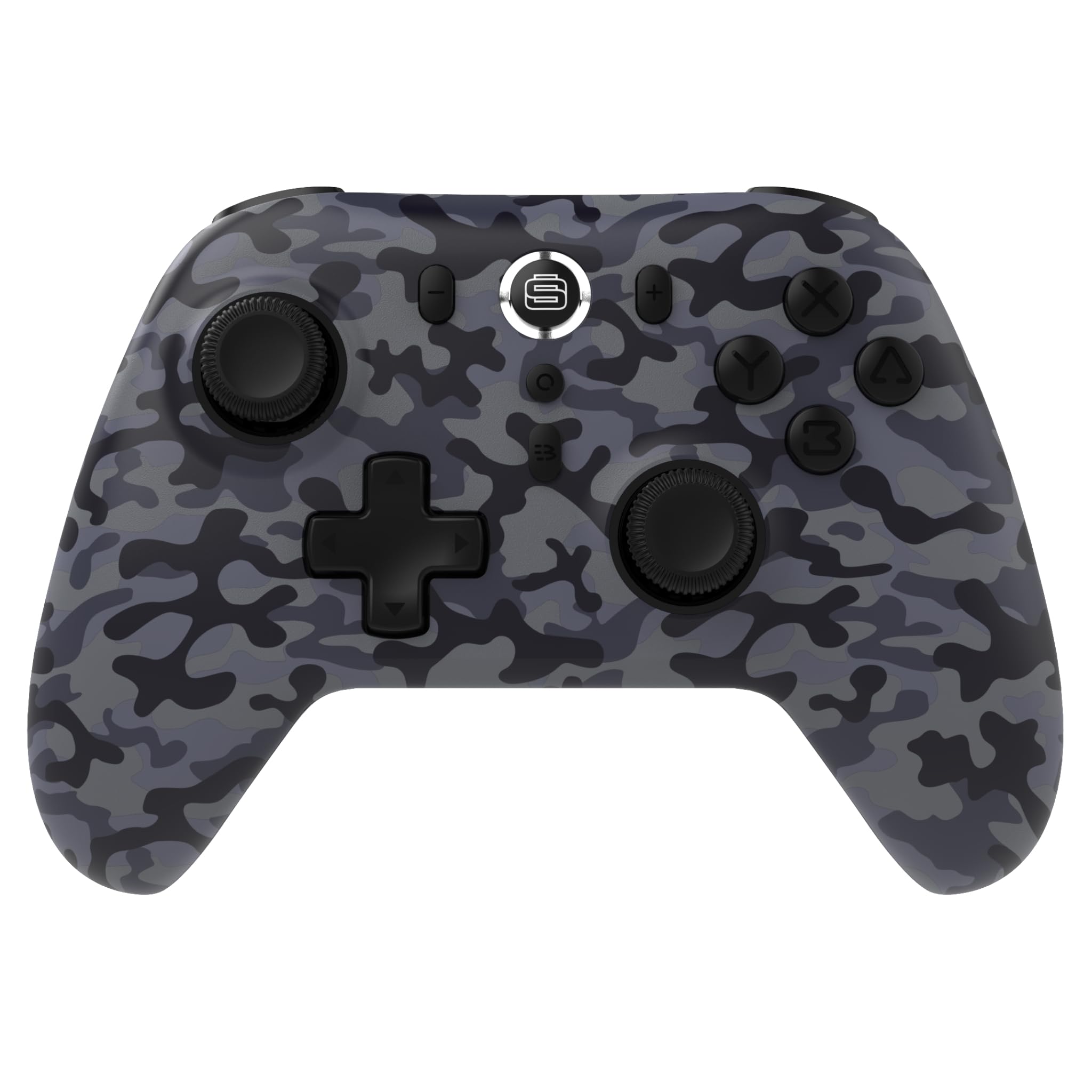
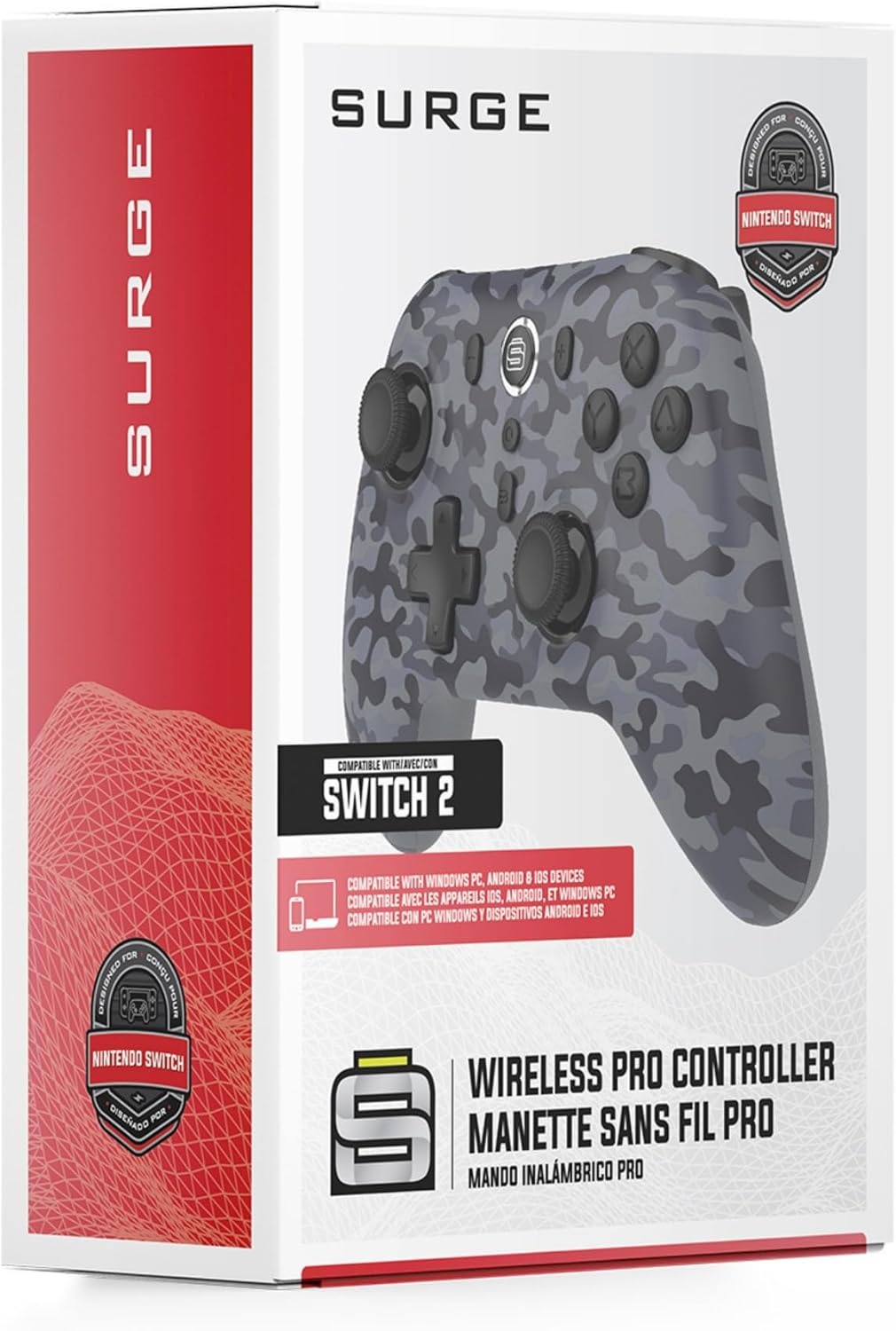
Thank you for choosing the Surge Wireless Pro Controller. This multi-platform Bluetooth controller is designed to enhance your gaming experience across various devices, including Nintendo Switch/Switch 2, Windows PC, Android, and iOS. Featuring Hall Effect sticks and triggers, adjustable turbo functionality, and customizable vibration feedback, this controller offers precision and comfort. Please read this manual thoroughly before use to ensure optimal performance and longevity of your device.
2. ઉત્પાદન સુવિધાઓ
- મલ્ટી-પ્લેટફોર્મ સુસંગતતા: Compatible with Nintendo Switch/Switch 2 (Note: No C Button/Audio Port), Windows PC, Steam Deck, Android, and iOS devices.
- Hall Effect Thumb Sticks & Triggers: Delivers precision control and prevents stick drift, ensuring accurate input.
- ટર્બો કાર્યક્ષમતા: Offers 3 adjustable turbo levels for rapid-fire control in compatible games.
- કંપન પ્રતિસાદ: Choose from 4 vibration levels for tailored haptic feedback, enhancing immersion.
- ગતિ નિયંત્રણો: Supports motion controls for compatible games on supported platforms.
- Console Wake Up: Ability to wake your Nintendo Switch console from sleep mode instantly (Nintendo Switch Only).
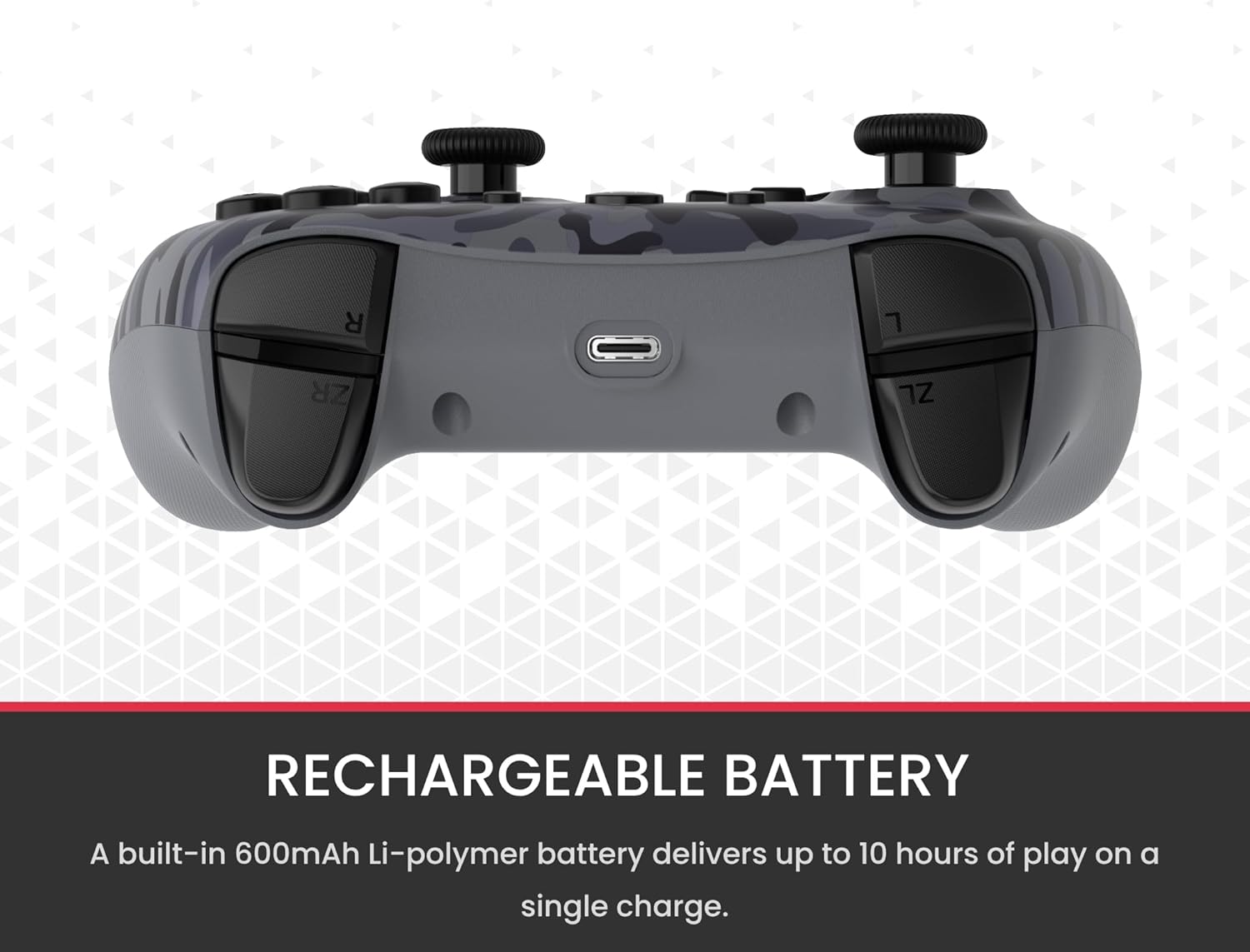
- રિચાર્જેબલ બેટરી: A built-in 600mAh Li-polymer battery provides up to 10 hours of gameplay on a single charge.
- યુએસબી-સી ચાર્જિંગ કેબલ: Includes a 1-meter USB-C cable for convenient recharging.

3. પેકેજ સામગ્રી
કૃપા કરીને ખાતરી કરો કે બધી વસ્તુઓ તમારા પેકેજમાં હાજર છે:
- 1 x Surge Wireless Pro Controller (Model: SG60096)
- ૧ x USB-C ચાર્જિંગ કેબલ (૧ મીટર)
- 1 x વપરાશકર્તા માર્ગદર્શિકા
4. Setup & Pairing
4.1. કંટ્રોલરને ચાર્જ કરવું
Before first use, fully charge the controller using the provided USB-C cable. Connect the USB-C end to the controller's charging port and the USB-A end to a power source (e.g., console, PC, USB wall adapter). The LED indicators on the controller will show charging status.
4.2. Pairing with Nintendo Switch/Switch 2
- હોમ મેનુમાંથી, પસંદ કરો નિયંત્રકો, પછી પકડ/ઓર્ડર બદલો.
- નિયંત્રક પર, દબાવો અને પકડી રાખો જોડી બનાવવાનું બટન (usually a small button on the top edge or back) for a few seconds until the player LEDs begin to flash.
- એકવાર જોડી નાખ્યા પછી, નિયંત્રક નંબરને અનુરૂપ પ્લેયર એલઇડી (ઓ) સળગાવવામાં આવશે.
- To wake the console from sleep mode, press the હોમ બટન નિયંત્રક પર.
4.3. Pairing with Windows PC
- ખાતરી કરો કે તમારા પીસીમાં બ્લૂટૂથ સક્ષમ છે.
- નિયંત્રક પર, દબાવો અને પકડી રાખો જોડી બનાવવાનું બટન until the LEDs flash rapidly.
- તમારા PC પર, પર જાઓ Bluetooth & other devices settings, પછી બ્લૂટૂથ અથવા અન્ય ઉપકરણ ઉમેરો.
- પસંદ કરો બ્લૂટૂથ અને પસંદ કરો
Ask a question about this manual
Ask about setup, troubleshooting, compatibility, parts, safety, or missing instructions. Manuals+ will review the question and use this page’s manual context to help answer it.