
1. ઉત્પાદન ઓવરview
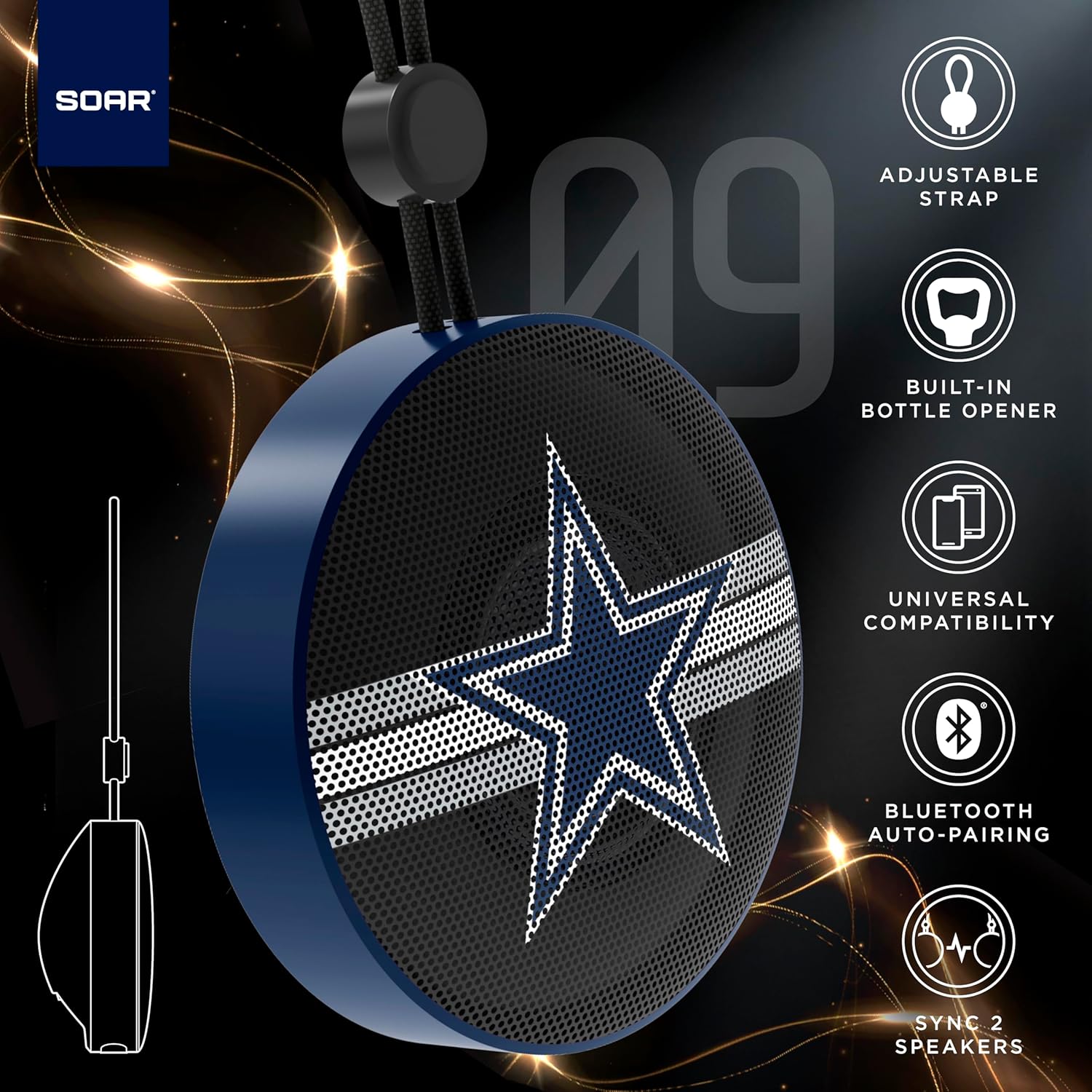
The SOAR NFL Bluetooth Bottle Opener Speaker is a compact and portable audio device designed for convenience and entertainment. It features 5W sound output, Bluetooth connectivity for wireless audio streaming, and a built-in bottle opener. The speaker includes an adjustable lanyard for easy carrying and offers up to 10 hours of playback on a single charge. It also supports dual pairing for an immersive stereo experience and has a built-in microphone for hands-free calls.

આગળ view of the SOAR NFL Bluetooth Bottle Opener Speaker featuring the Arizona Cardinals logo.

The product packaging highlighting features like adjustable strap, 10-hour battery life, and built-in bottle opener.
2. પેકેજ સામગ્રી
- SOAR NFL Bluetooth Bottle Opener Speaker
- USB-C ચાર્જિંગ કેબલ
- વપરાશકર્તા માર્ગદર્શિકા
3. સેટઅપ
૩.૧ સ્પીકરને ચાર્જ કરવું
Before first use, fully charge the speaker. Use the provided USB-C cable to connect the speaker's charging port to a compatible USB power source (e.g., wall adapter, computer USB port).
- A charging indicator light will illuminate during charging.
- The light will change or turn off once charging is complete.
Detail of the USB-C charging port and control buttons on the speaker.
3.2 પાવરિંગ ચાલુ/બંધ
To power on the speaker, press and hold the power button until you hear an audible prompt or see the LED lights activate. To power off, press and hold the power button again.
3.3 બ્લૂટૂથ પેરિંગ
- ખાતરી કરો કે સ્પીકર ચાલુ છે અને પેરિંગ મોડમાં છે (ફ્લેશિંગ LED લાઇટ દ્વારા સૂચવવામાં આવે છે).
- On your mobile device (smartphone, tablet, etc.), enable Bluetooth.
- માટે શોધો available Bluetooth devices. The speaker will appear as "SOAR POP" or a similar name.
- Select the speaker from the list to connect. A confirmation tone or voice prompt will indicate successful pairing.
4. ઓપરેશન
4.1 ઑડિયો વગાડવું
Once paired, you can stream audio from your device to the speaker. Use your device's controls to manage playback (play, pause, skip tracks) and adjust volume. The speaker itself may have basic playback controls (e.g., play/pause, next/previous track) as shown near the charging port.
4.2 Dual Pairing (True Wireless Stereo)
For an enhanced audio experience, two SOAR POP speakers can be paired together to create a stereo sound system. Refer to the specific instructions provided with your speakers for dual pairing mode activation.
૪.૩ બિલ્ટ-ઇન બોટલ ઓપનર
The speaker features a discreetly integrated bottle opener. Position the bottle cap under the metal opener and apply upward pressure to remove the cap.

The speaker demonstrating its built-in bottle opener function.
4.4 Adjustable Lanyard
The speaker includes a 10-inch adjustable lanyard for convenient portability. Attach it to a backpack, belt loop, or other gear for easy transport.

Image showing the speaker's dimensions and the adjustable lanyard for portability.
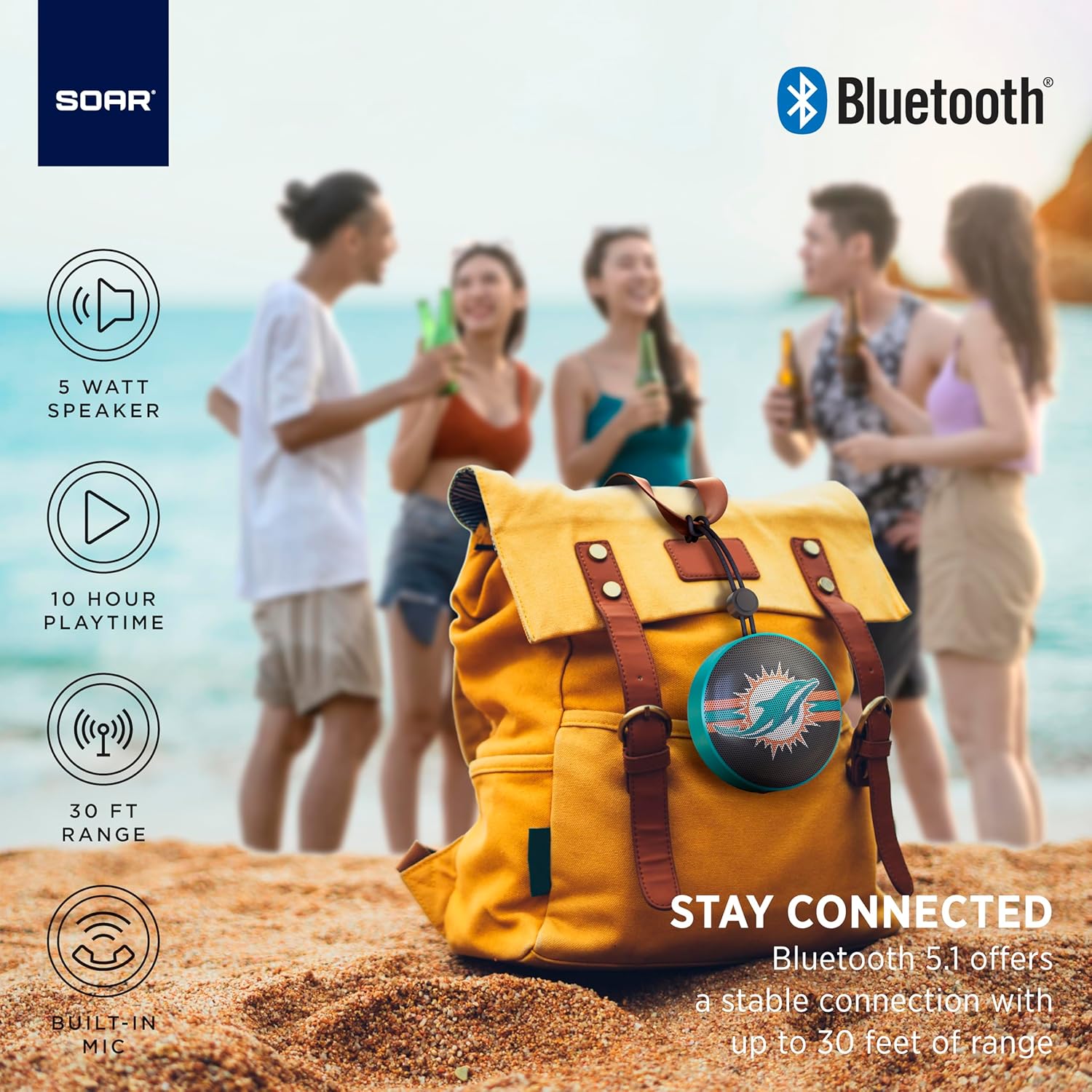
The portable speaker attached to a backpack, illustrating its on-the-go use.
૪.૫ હેન્ડ્સ-ફ્રી કોલિંગ
With the built-in microphone, you can answer calls directly through the speaker when connected to your smartphone. Press the play/pause button to answer or end a call.
5. જાળવણી અને સંભાળ
- સફાઈ: Use a soft, dry cloth to clean the speaker. Do not use harsh chemicals or abrasive cleaners.
- પાણી પ્રતિકાર: The speaker is designed with IPX4 water resistance, meaning it is protected against splashing water from any direction. It is not intended for submersion in water. Ensure the charging port cover is securely closed to maintain water resistance.
- સંગ્રહ: સ્પીકરને સીધા સૂર્યપ્રકાશ અને અતિશય તાપમાનથી દૂર ઠંડી, સૂકી જગ્યાએ સંગ્રહિત કરો.
6. મુશ્કેલીનિવારણ
- કોઈ શક્તિ નથી: ખાતરી કરો કે સ્પીકર સંપૂર્ણપણે ચાર્જ થયેલ છે. USB-C કેબલનો ઉપયોગ કરીને તેને પાવર સ્ત્રોત સાથે કનેક્ટ કરો.
- બ્લૂટૂથ દ્વારા જોડી બનાવી શકાતી નથી:
- ખાતરી કરો કે સ્પીકર પેરિંગ મોડમાં છે (LED ફ્લેશ થઈ રહ્યું છે).
- Ensure Bluetooth is enabled on your device and it is within range (up to 30 feet).
- તમારા ફોનના બ્લૂટૂથ સેટિંગ્સમાંથી ઉપકરણ ભૂલી જાઓ અને ફરીથી જોડી બનાવવાનો પ્રયાસ કરો.
- સ્પીકર અને તમારા ઉપકરણ બંનેને પુનઃપ્રારંભ કરો.
- કોઈ અવાજ નથી:
- સ્પીકર અને તમારા કનેક્ટેડ ડિવાઇસ બંને પર વૉલ્યૂમ લેવલ ચેક કરો.
- Ensure the speaker is successfully paired and connected to your device.
- કોઈ અલગ એપ્લિકેશન અથવા સ્ત્રોતમાંથી ઑડિઓ ચલાવવાનો પ્રયાસ કરો.
- નબળી અવાજ ગુણવત્તા:
- દખલગીરી ઘટાડવા માટે સ્પીકરને તમારા ઉપકરણની નજીક ખસેડો.
- ખાતરી કરો કે સ્પીકર અને તમારા ઉપકરણ વચ્ચે કોઈ અવરોધો નથી.
- Check if the speaker is fully charged. Low battery can affect sound quality.
7. સ્પષ્ટીકરણો
| બ્રાન્ડ | SOAR |
| મોડલ નંબર | NFL-BTX9-CARD |
| સામગ્રી | પોલિમર |
| ઉત્પાદન પરિમાણો | ૩"લિ x ૨.૯૪"પાઉટ |
| વસ્તુનું વજન | 9.4 ઔંસ |
| સ્પીકર પાવર | 5W |
| બેટરી જીવન | 10 કલાક સુધી |
| બ્લૂટૂથ સંસ્કરણ | 5.1 |
| પાણી પ્રતિકાર | IPX4 (Protected against splashing of water) |
| યુપીસી | 192129183983 |
8. વોરંટી અને સપોર્ટ
For warranty information and customer support, please refer to the documentation included with your product or visit the official SOAR webસાઇટ વોરંટી દાવા માટે તમારી ખરીદીની રસીદ રાખો.