
પરિચય
Thank you for choosing the 1MORE Piston P20 Type-C Wired Earphones. This manual provides detailed instructions for setting up, operating, maintaining, and troubleshooting your earphones to ensure optimal performance and longevity. Please read this manual thoroughly before using the product.
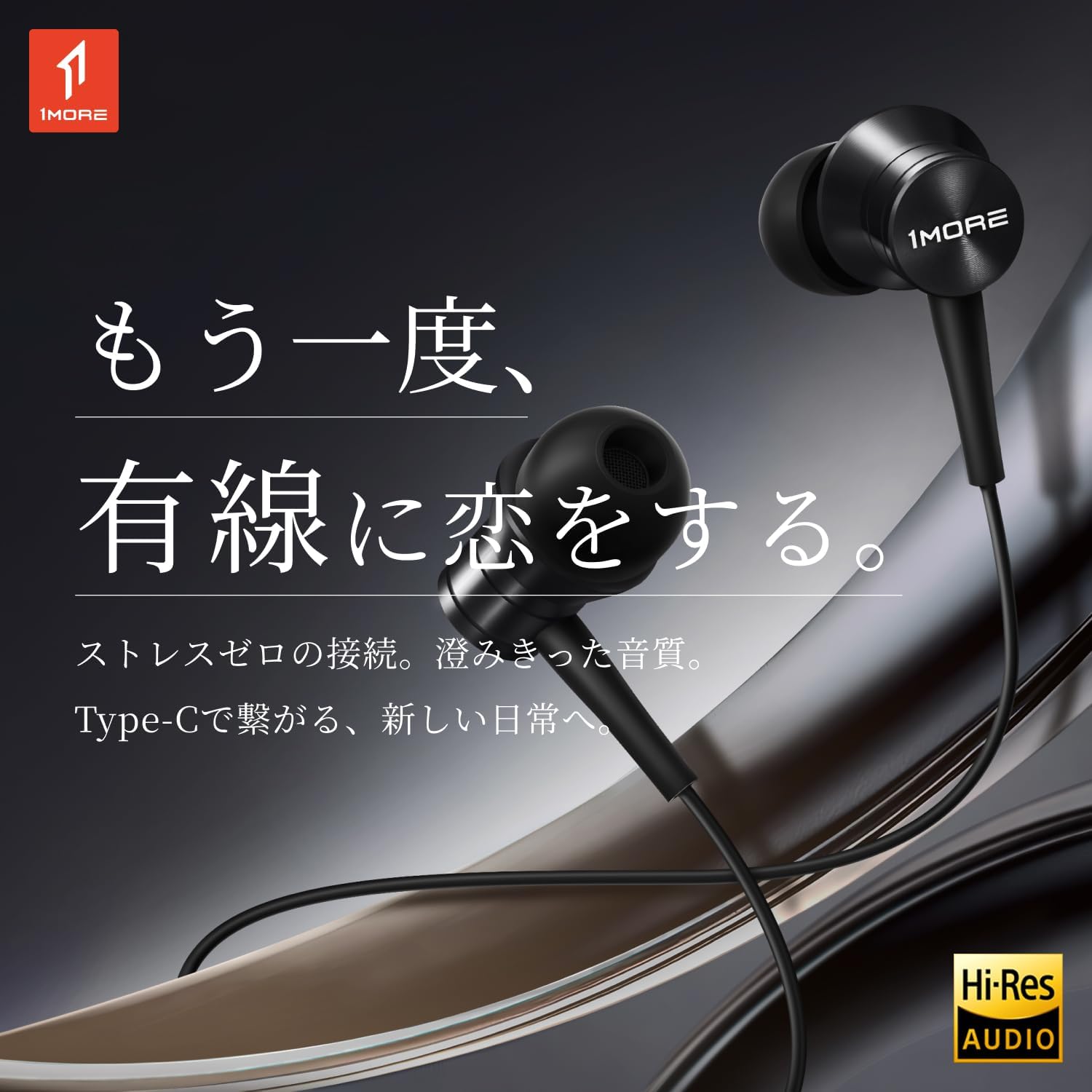
Image: The 1MORE Piston P20 Type-C Wired Earphones, showcasing their sleek black design and the Hi-Res Audio certification logo.
પેકેજ સામગ્રી
ખાતરી કરો કે બધી વસ્તુઓ તમારા પેકેજમાં હાજર છે:
- 1MORE Piston P20 Type-C Wired Earphones
- કાનની ટીપ્સ (વિવિધ કદ)
સેટઅપ
તમારા ઉપકરણ સાથે જોડાઈ રહ્યું છે
The 1MORE Piston P20 earphones feature a Type-C connector for direct digital audio transmission. No additional setup or pairing is required.
- Locate the Type-C port on your smartphone, tablet, or other compatible device.
- Insert the Type-C connector of the earphones firmly into the device's port.
- The earphones are ready for use once connected.

Image: A hand connecting the Type-C earphones to a smartphone, illustrating the simple plug-and-play setup.
ઇયરફોન પહેરીને
The earphones are designed for a comfortable and secure fit:
- Identify the left (L) and right (R) earpieces. These markings are located on the inner side of each earbud.
- Gently insert each earbud into the corresponding ear canal. The 45° angled nozzle and two-stage angle design are engineered for an ergonomic fit.
- Adjust the earpieces until they feel secure and comfortable. Proper fit helps optimize sound quality and noise isolation.
છબી: ક્લોઝ-અપ view of an earphone, highlighting the clear 'L' marking for proper left ear placement.

Image: Two individuals wearing the 1MORE Piston P20 earphones, demonstrating the ergonomic and comfortable fit.
ઓપરેટિંગ સૂચનાઓ
Inline Remote Control Functions
The earphones are equipped with an intuitive inline remote control for easy management of audio playback and calls.
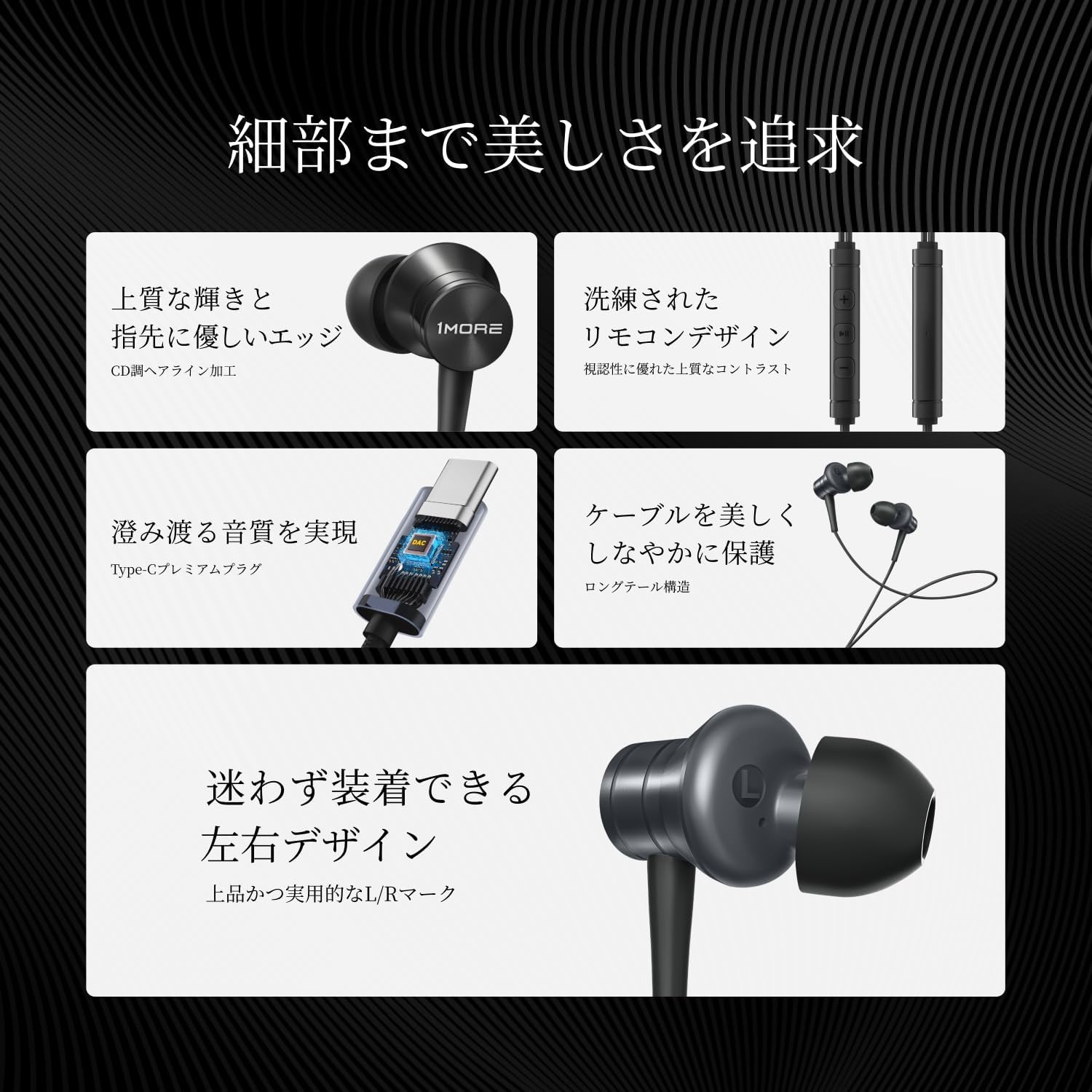
છબી: વિગતવાર view of the inline remote control, showing the volume and multi-function buttons.
| કાર્ય | ક્રિયા |
|---|---|
| સંગીત ચલાવો/થોભો | કેન્દ્રનું બટન એકવાર દબાવો. |
| વોલ્યુમ અપ | '+' બટન દબાવો. |
| વોલ્યુમ ડાઉન | '-' બટન દબાવો. |
| નેક્સ્ટ ટ્રૅક | કેન્દ્ર બટનને બે વાર દબાવો. |
| પાછલો ટ્રેક | મધ્ય બટન ત્રણ વખત દબાવો. |
| કૉલનો જવાબ આપો/સમાપ્ત કરો | કોલ દરમિયાન એકવાર મધ્ય બટન દબાવો. |
| કૉલ નકારો | મધ્ય બટન દબાવો અને પકડી રાખો. |
| વૉઇસ સહાયકને સક્રિય કરો | Press and hold the center button (functionality may vary by device). |
| માઇક્રોફોન મ્યૂટ કરો | '-' બટન દબાવો અને પકડી રાખો. |
માઇક્રોફોનનો ઉપયોગ
The integrated AI ENC (Environmental Noise Cancellation) MEMS microphone ensures clear voice capture during calls and recordings, minimizing ambient noise.

Image: A person engaged in a phone call using the earphones, demonstrating the microphone's position for clear communication.

Image: A diagram illustrating the AI ENC technology, showing how environmental noise is suppressed for clearer voice transmission.
જાળવણી
Cleaning the Earphones
Regular cleaning helps maintain hygiene and sound quality.
- Gently remove the ear tips from the earbuds.
- Clean the ear tips with a mild soap solution and water, then rinse thoroughly and allow them to dry completely before reattaching.
- Use a soft, dry cloth to wipe the earbud surfaces and cable. Avoid using harsh chemicals or abrasive materials.
- Ensure no moisture enters the earbud nozzles or the Type-C connector.
કેબલ કેર
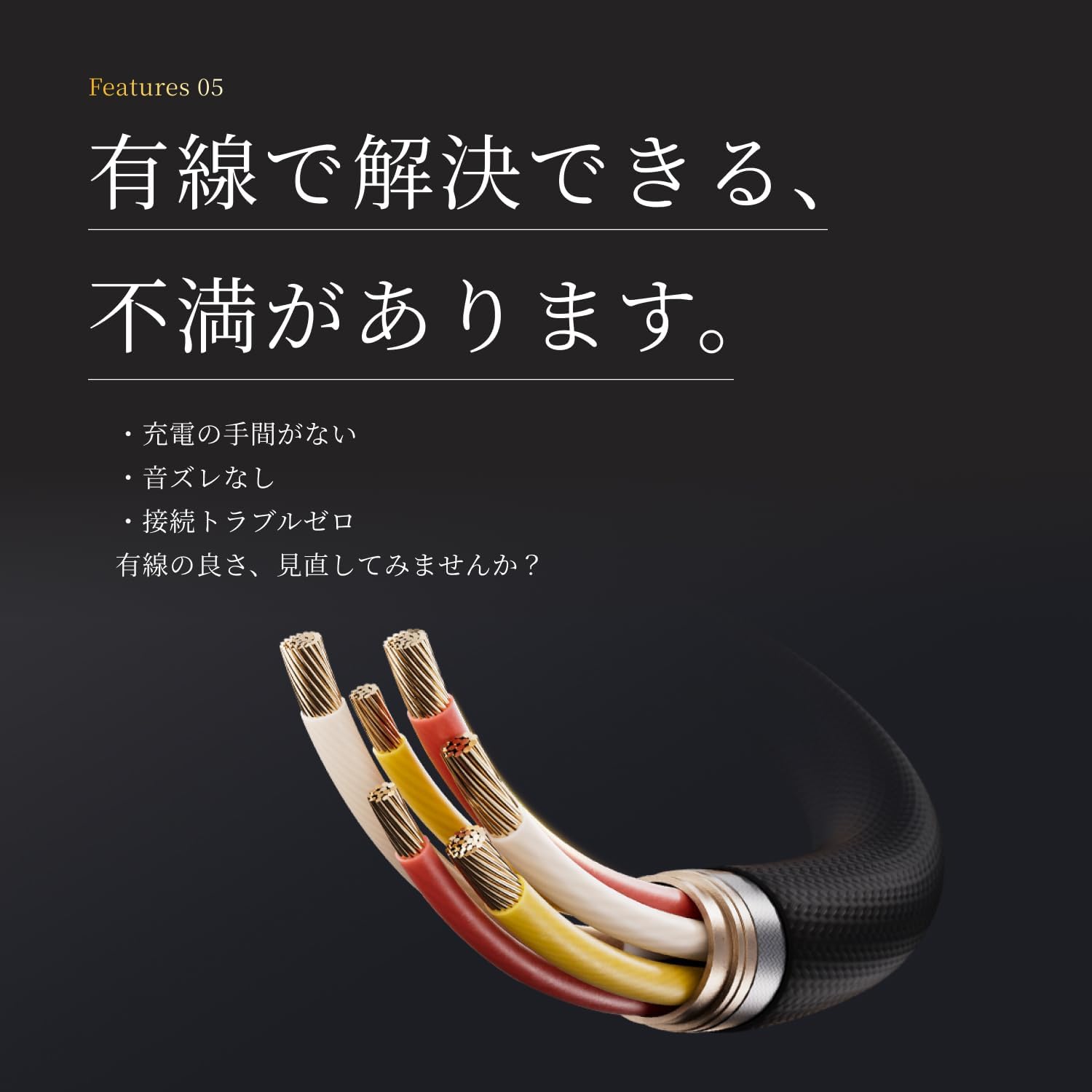
The earphones feature a tension-reinforced fiber and braided cable cover for durability. To prolong the cable's life:
- કેબલ પર તીક્ષ્ણ વળાંક અથવા વધુ પડતું ખેંચાણ ટાળો.
- Store the earphones neatly to prevent tangling.
- Do not expose the cable to extreme temperatures or direct sunlight for extended periods.

Image: A close-up of the earphone cable, highlighting its durable braided construction designed to resist wear and tear.
મુશ્કેલીનિવારણ
If you encounter any issues with your earphones, refer to the following common problems and solutions:
| સમસ્યા | શક્ય ઉકેલ |
|---|---|
| No sound from earphones. |
|
| નબળી અવાજની ગુણવત્તા અથવા વિકૃતિ. |
|
| Microphone not working or unclear. |
|
| Inline remote not responding. |
|
વિશિષ્ટતાઓ
Detailed technical specifications for the 1MORE Piston P20 Type-C Wired Earphones:
| લક્ષણ | વિગત |
|---|---|
| મોડલ | P20 |
| કનેક્શનનો પ્રકાર | ટાઇપ-સી (વાયર્ડ) |
| પહેરવાની શૈલી | કાનમાં |
| ડ્રાઈવર | 10mm DLC (Diamond-Like Carbon) Diaphragm Dynamic Driver |
| આવર્તન પ્રતિભાવ | 20Hz - 40,000Hz |
| અવબાધ | 32Ω |
| સંવેદનશીલતા | 100dB |
| રેટેડ પાવર | 5mW |
| કેબલ લંબાઈ | 1.25 મી |
| વજન | 19 ગ્રામ |
| માઇક્રોફોન | AI ENC MEMS Microphone |
| DAC ચિપ | સંકલિત |
| હાય-રીઝોલ્યુશન ઑડિઓ | પ્રમાણિત |
| મૂળ દેશ | ચીન |
વોરંટી અને આધાર
ઉત્પાદકની વોરંટી
The 1MORE Piston P20 Type-C Wired Earphones come with a ૧ વર્ષની ઉત્પાદકની વોરંટી ખરીદીની તારીખથી. આ વોરંટી સામાન્ય ઉપયોગ હેઠળ સામગ્રી અને કારીગરીમાં ખામીઓને આવરી લે છે. તે દુરુપયોગ, અકસ્માતો, અનધિકૃત ફેરફારો અથવા સામાન્ય ઘસારાને કારણે થતા નુકસાનને આવરી લેતી નથી.
ગ્રાહક આધાર
For technical assistance, warranty claims, or general inquiries, please contact 1MORE customer support through their official website or the retailer from whom you purchased the product. Please have your proof of purchase and product model number (P20) ready when contacting support.
For more information, visit the official 1MORE webસાઇટ: www.1more.com