
પરિચય
This manual provides detailed instructions for the installation, operation, and maintenance of your Orbitell M52 1080p Wireless Wi-Fi Video Doorbell Camera. Please read this guide thoroughly before using the device to ensure proper functionality and safety. The Orbitell M52 is designed to enhance your home security with features such as 1080p video, two-way audio, night vision, and smart motion detection.
પેકેજ સામગ્રી
ખાતરી કરો કે નીચે સૂચિબદ્ધ બધી વસ્તુઓ તમારા પેકેજમાં શામેલ છે:
- Orbitell M52 Doorbell Camera
- Mounting Accessories (screws, anchors)
- યુએસબી ચાર્જિંગ કેબલ
- વપરાશકર્તા માર્ગદર્શિકા

Image: The Orbitell M52 doorbell camera shown with icons highlighting its main features: AI Human Detection, Two-way Talk, Night Vision, 2.4GHz Wi-Fi, and Cloud Storage.
મુખ્ય લક્ષણો
- AI-Powered Smart Detection: Advanced AI technology accurately identifies people, filtering out vehicles and animals to reduce false alerts.
- Secure Cloud Storage: Protect your recordings with AES-128 encrypted cloud storage. A 30-day free trial is available for recording, reviewing, and sharing. Cloud subscribers also benefit from pre-capture functionality.
- Reliable 2.4GHz Wi-Fi Connection: Optimized for stable, uninterrupted performance on 2.4GHz networks only. Not compatible with 5GHz Wi-Fi.
- Exceptional Night Vision: Equipped with four powerful infrared LEDs and an advanced image sensor for sharp, detailed footage in total darkness.
- Instant Two-Way Audio: બિલ્ટ-ઇન માઇક્રોફોન અને સ્પીકરનો ઉપયોગ કરીને મુલાકાતીઓ સાથે સ્પષ્ટ રીતે વાતચીત કરો.
- ઇન્સ્ટન્ટ મોશન એલર્ટ્સ: Receive real-time notifications on your smartphone when motion is detected or the doorbell is pressed.
- વાઈડ-એંગલ View કવરેજ: વ્યાપક કેપ્ચર કરે છે view of your doorstep and surroundings.
- હવામાન પ્રતિરોધક ડિઝાઇન: IP65-rated build ensures durability against rain, snow, and extreme temperatures (14°F to 140°F).
- અયોગ્ય ચાર્જિંગ: Rechargeable via the included USB cable with a standard DC 5V 1A or 5V 2A adapter (not included).
સેટઅપ માર્ગદર્શિકા
1. ડોરબેલ ચાર્જ કરવી
Before initial use, fully charge the doorbell camera. Remove the insulation strip from the battery compartment. Connect the included USB cable to the doorbell and a standard DC 5V 1A or 5V 2A USB power adapter (not included). The charging indicator light will show the charging status. Ensure the device is fully charged before proceeding with installation.
2. એપ ઇન્સ્ટોલેશન અને એકાઉન્ટ બનાવવું
Download the official Orbitell app from your smartphone's app store (available for Android and iOS). Follow the in-app instructions to create an account and log in.
3. Wi-Fi થી કનેક્ટ થઈ રહ્યું છે
Ensure your Wi-Fi network is 2.4GHz. The Orbitell M52 is not compatible with 5GHz Wi-Fi networks. In the app, select "Add Device" and follow the prompts to connect your doorbell camera to your home Wi-Fi network. Keep the doorbell close to your Wi-Fi router during the initial setup process.
4. ડોરબેલ લગાવવી
Choose a suitable location near your door for optimal viewing. Use the provided mounting accessories (screws and anchors) to securely attach the doorbell to the wall or door frame. Ensure the camera has a clear, unobstructed view તમે જે વિસ્તારને મોનિટર કરવા માંગો છો.
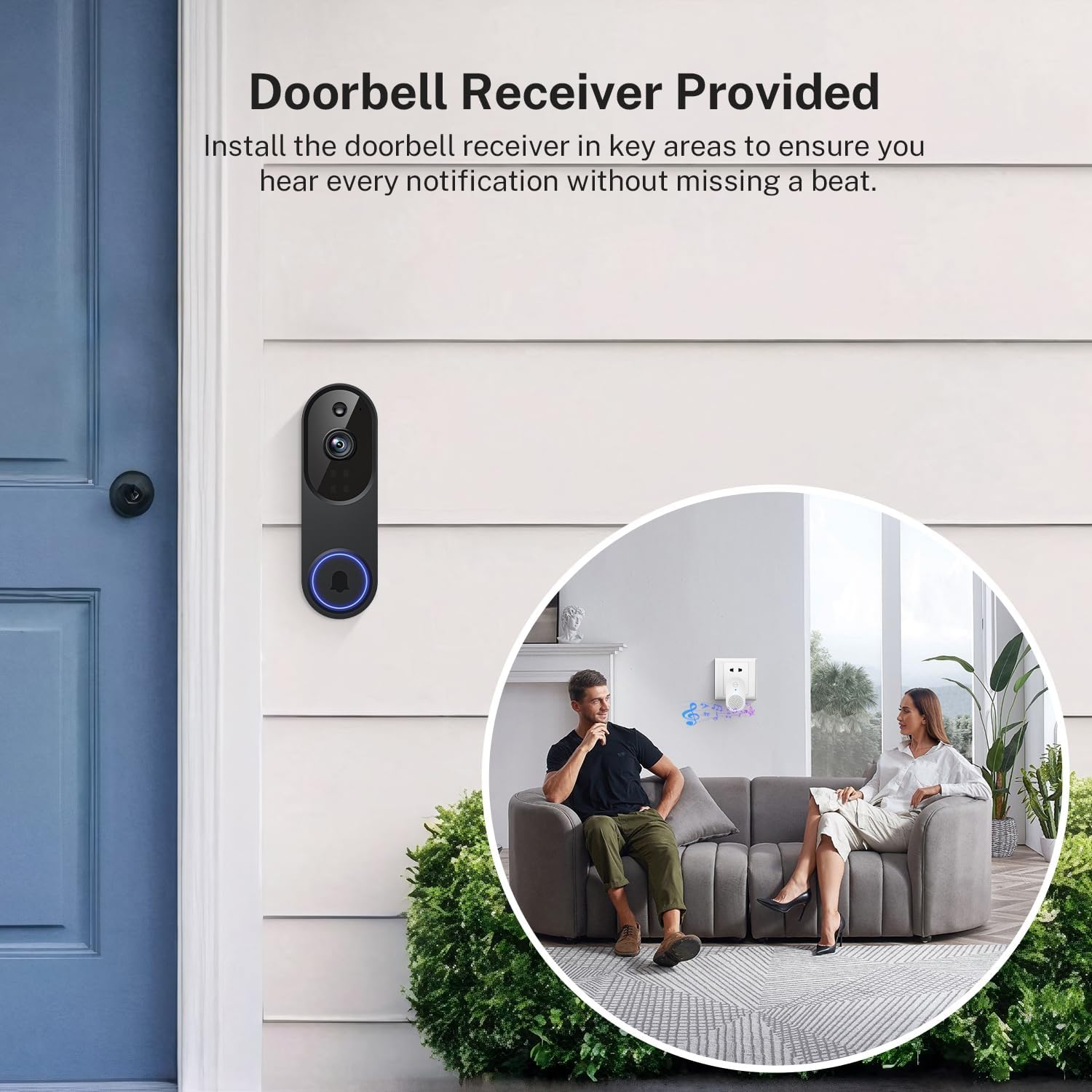
Image: The Orbitell M52 doorbell camera mounted on an exterior wall next to a door. An interior view shows a couple on a sofa with a doorbell receiver plugged into a wall outlet, indicating the chime functionality.
ઓપરેટિંગ સૂચનાઓ
જીવંત View અને ટુ-વે ઓડિયો
Open the Orbitell app to access the live video feed from your doorbell camera. To speak with a visitor, tap the microphone icon in the app. Your voice will be transmitted through the doorbell's speaker, and you will hear the visitor's response through your phone's speaker.

Image: A person at a doorstep holding a package, while another person interacts with them remotely via the doorbell camera and a smartphone app, demonstrating two-way communication.
ગતિ શોધ અને ચેતવણીઓ
The doorbell camera uses AI to detect human motion and sends instant notifications to your smartphone. You can adjust motion detection sensitivity and set activity zones within the app to minimize unwanted alerts.

Image: A graphic illustrating the doorbell's Smart AI Human Detection, showing a person being detected and triggering a notification, while a small dog is ignored, preventing false alarms.
નાઇટ વિઝન
The doorbell automatically switches to night vision mode in low-light conditions, providing clear black-and-white video footage using its infrared LEDs.

Image: A split image showing the same house scene in daylight (Day Vision) and at night (Night Vision), demonstrating the clarity of the doorbell camera's infrared night vision.
ક્લાઉડ સ્ટોરેજ
Recordings are stored securely in the cloud with AES-128 encryption. Access your video history, review events, and share clips through the app. A 30-day free trial is available, and cloud subscription plans are sold separately for continued service, including pre-capture functionality.
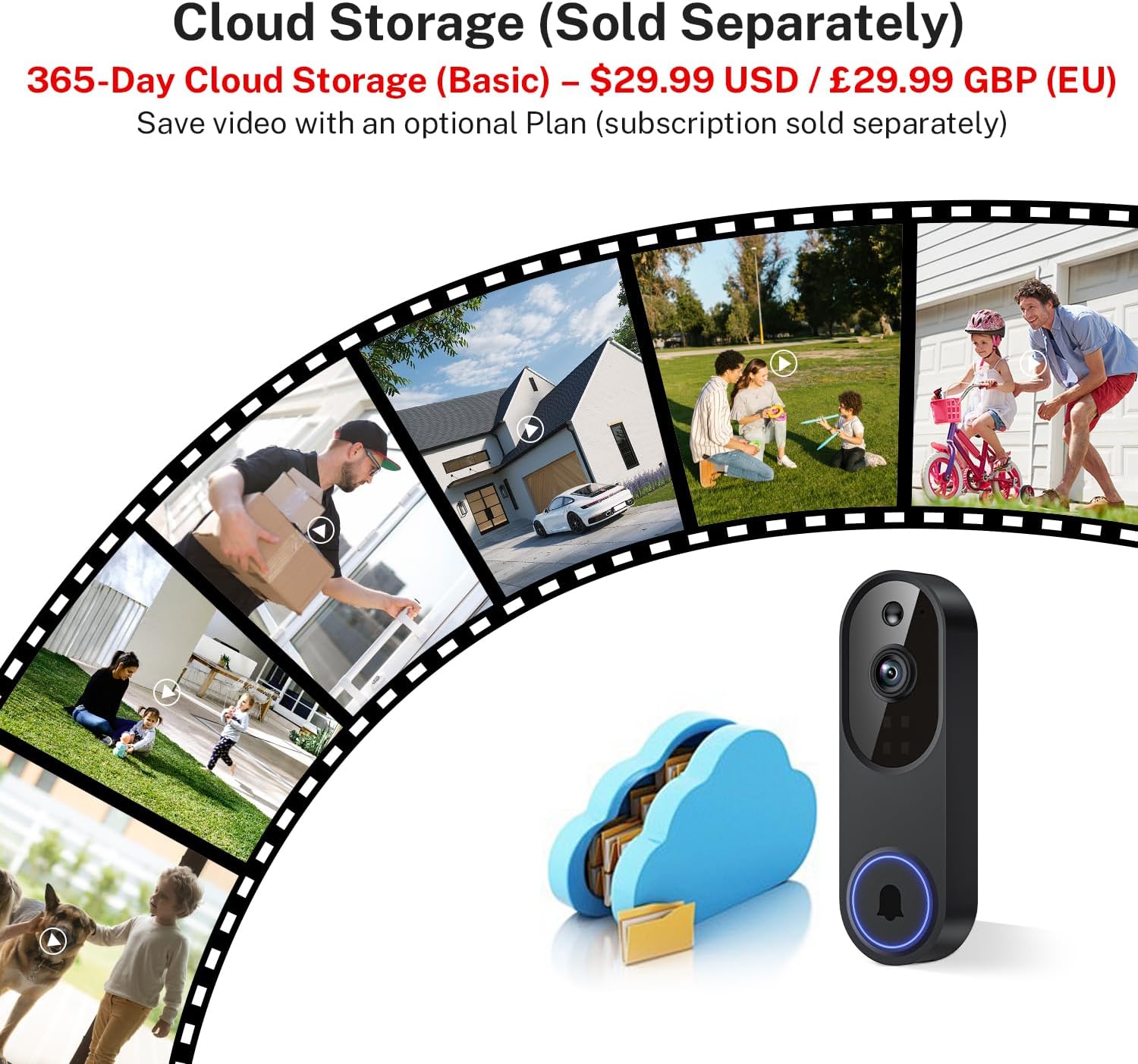
Image: A visual representation of cloud storage for the doorbell camera, showing various life moments captured and stored securely in a cloud icon.
જાળવણી
સફાઈ
Periodically clean the camera lens and the doorbell's exterior with a soft, damp cloth to remove dust and smudges. Avoid using harsh chemicals or abrasive materials that could damage the device.
બેટરી મેનેજમેન્ટ
The doorbell is battery-powered. Monitor the battery level through the app. When the battery is low, recharge it using the provided USB cable and a compatible 5V USB power adapter. Frequent live view access or motion events can affect battery life.
હવામાન પ્રતિકાર
The Orbitell M52 has an IP65 weather-resistant rating, designed to withstand various outdoor conditions including rain, snow, and dust. It operates within a temperature range of 14°F to 140°F (-10°C to 60°C). While robust, avoid submerging the device in water or exposing it to extreme impacts.

Image: The Orbitell M52 doorbell camera mounted on a house wall, with icons representing its resistance to shine (sun), snow, rain, and dust, highlighting its weather-resistant design.
મુશ્કેલીનિવારણ
- ઉપકરણ Wi-Fi થી કનેક્ટ થઈ રહ્યું નથી:
- Ensure your Wi-Fi network is 2.4GHz. The device does not support 5GHz Wi-Fi.
- Check your Wi-Fi signal strength at the doorbell's location. Move the router closer or use a Wi-Fi extender if necessary.
- Restart your Wi-Fi router and the doorbell camera.
- ખાતરી કરો કે તમે સાચો Wi-Fi પાસવર્ડ દાખલ કર્યો છે.
- Poor Video Quality or Freezing:
- A weak Wi-Fi signal can cause video issues. Improve signal strength as mentioned above.
- Ensure your internet connection is stable and has sufficient bandwidth.
- Close other applications on your smartphone that might be consuming bandwidth.
- બેટરી ઝડપથી નીકળી જાય છે:
- Frequent motion detection events or extensive use of live view can reduce battery life. Adjust motion sensitivity settings.
- ખાતરી કરો કે ડોરબેલ સંપૂર્ણપણે ચાર્જ થયેલ છે.
- Operating in extremely cold temperatures can also affect battery performance.
- કોઈ ગતિ ચેતવણીઓ નથી:
- Check motion detection settings in the app to ensure it is enabled and sensitivity is appropriate.
- ખાતરી કરો કે તમારા સ્માર્ટફોન પર એપ્લિકેશન સૂચનાઓ સક્ષમ છે.
- Ensure the doorbell has a clear view અને અવરોધિત નથી.
- દ્વિ-માર્ગી ઑડિઓ સમસ્યાઓ:
- Check your smartphone's volume settings.
- Ensure there is no obstruction blocking the doorbell's microphone or speaker.
- A stable Wi-Fi connection is crucial for clear audio.
વિશિષ્ટતાઓ
| મોડેલનું નામ | M52 |
| વિડિઓ કેપ્ચર રિઝોલ્યુશન | 1080p |
| કનેક્ટિવિટી ટેકનોલોજી | 2.4G Wi-Fi, Wireless (Not compatible with 5GHz Wi-Fi) |
| પાવર સ્ત્રોત | બેટરી સંચાલિત (5200 mAh) |
| ઇન્ડોર/આઉટડોર વપરાશ | Outdoor (IP65 Weather-Resistant) |
| ખાસ લક્ષણો | 2-Way Audio, Motion Sensor (AI Human Detection), Night Vision |
| સુસંગત ઉપકરણો | સ્માર્ટફોન (એન્ડ્રોઇડ, આઇઓએસ) |
| માઉન્ટિંગ પ્રકાર | ડોર માઉન્ટ |
| ઉત્પાદનના પરિમાણો (L x W x H) | 1.34 x 1.77 x 5.4 ઇંચ (3.4 x 4.5 x 13.7 સેમી) |
| વસ્તુનું વજન | ૧.૬૨ ઔંસ (૦.૧ પાઉન્ડ) |
| ઓપરેટિંગ તાપમાન | 14°F થી 140°F (-10°C થી 60°C) |

Image: A detailed diagram showing the dimensions of the Orbitell M52 doorbell camera, with measurements in inches and centimeters.
વોરંટી અને આધાર
For warranty information and technical support, please refer to the documentation included with your purchase or visit the official Orbitell webસાઇટ. વોરંટી દાવાઓ માટે ખરીદીના પુરાવા તરીકે તમારી ખરીદી રસીદ રાખો.