પરિચય
Thank you for choosing the SVBONY SV17 25-75x70mm Spotting Scope. This manual provides essential information for the proper setup, operation, and maintenance of your new spotting scope. Please read these instructions carefully before use to ensure optimal performance and longevity of your device.
પેકેજ સામગ્રી
અનપેક કરતી વખતે, કૃપા કરીને ચકાસો કે નીચેની બધી વસ્તુઓ શામેલ છે:
- SVBONY SV17 25-75x70mm Spotting Scope
- ટેબ્લેટ Tripપ ટ્રાઇપોડ
- ફોન એડેપ્ટર
- કેસ વહન
- ઉદ્દેશ્ય લેન્સ કેપ
- આઈપીસ કેપ
- સફાઈ કાપડ
- સૂચના માર્ગદર્શિકા (આ દસ્તાવેજ)

Image: The SVBONY SV17 spotting scope along with its accessories, including a tripod, phone adapter, carrying case, and cleaning cloth.
ઉત્પાદન ઘટકો
Familiarize yourself with the main parts of your SVBONY SV17 spotting scope:
- ઉદ્દેશ્ય લેન્સ: The large front lens that gathers light. (70mm diameter)
- આઈપીસ: The part you look through, with adjustable magnification.
- ફોકસ નોબ: Used to achieve a clear image.
- ઝૂમ રિંગ: Adjusts the magnification from 25x to 75x.
- સનશેડ: Extendable tube to reduce glare.
- ટ્રીપોડ માઉન્ટ: Standard threaded hole for attaching to a tripod.

છબી: વિગતવાર view of the spotting scope's focus knob, zoom ring, and tripod mounting base.
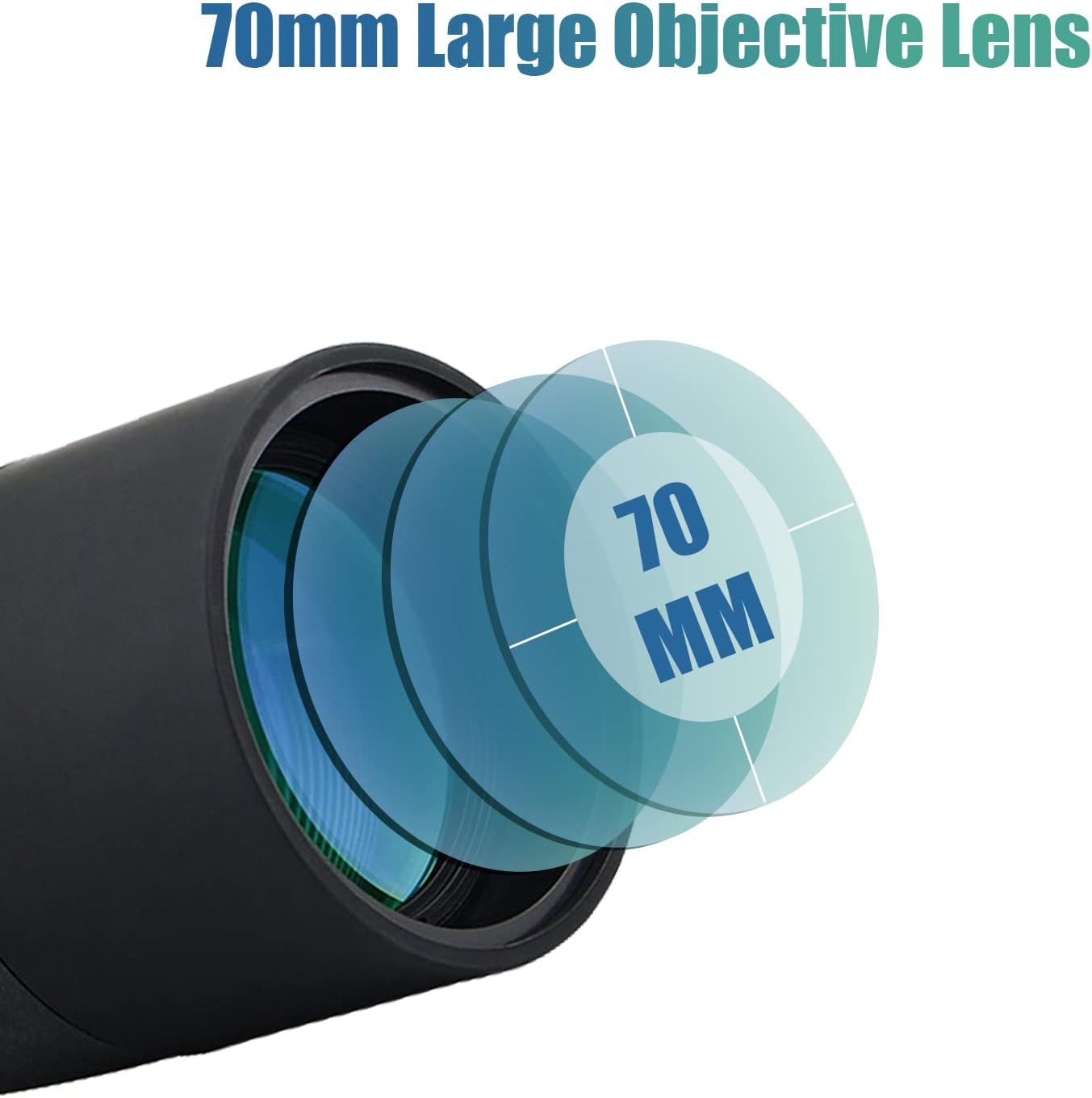
Image: Illustration highlighting the 70mm large objective lens of the SVBONY SV17 spotting scope.
સેટઅપ
- Mounting the Scope:
Attach the spotting scope to the included tabletop tripod or any standard photographic tripod using the threaded tripod mount on the scope's base. Ensure it is securely fastened.

Image: Close-up of the standard tapped hole base on the spotting scope, designed for tripod attachment.
- Removing Lens Caps:
Remove the objective lens cap and the eyepiece cap before use.
- Attaching Phone Adapter (Optional):
If using the phone adapter, attach it to the eyepiece of the spotting scope. Secure your smartphone into the adapter's clamp, aligning the phone's camera with the eyepiece. Ensure the adapter does not obstruct the zoom ring or focus knob.

Image: The SVBONY SV17 spotting scope mounted on a tripod with a smartphone attached via the phone adapter, ready for digiscoping.
ઓપરેટિંગ સૂચનાઓ
- Aiming the Scope:
Point the spotting scope towards your desired target. For initial aiming, it may be easier to start at the lowest magnification (25x).
- Adjusting Magnification (Zoom):
Rotate the zoom ring on the eyepiece to adjust the magnification from 25x to 75x. Start with lower magnification to locate your target, then increase as needed for more detail.

Image: The SVBONY SV17 spotting scope illustrating the adjustable zoom eyepiece, showing views at 25x, 50x, and 75x magnification.
- ધ્યાન કેન્દ્રિત:
While looking through the eyepiece, slowly turn the focus knob until the image appears sharp and clear. Fine-tune the focus for optimal clarity at your chosen magnification.
- Adjusting the Sunshade:
Extend the retractable sunshade by pulling it forward from the objective lens housing. This helps to reduce glare and protect the lens from rain or dust.
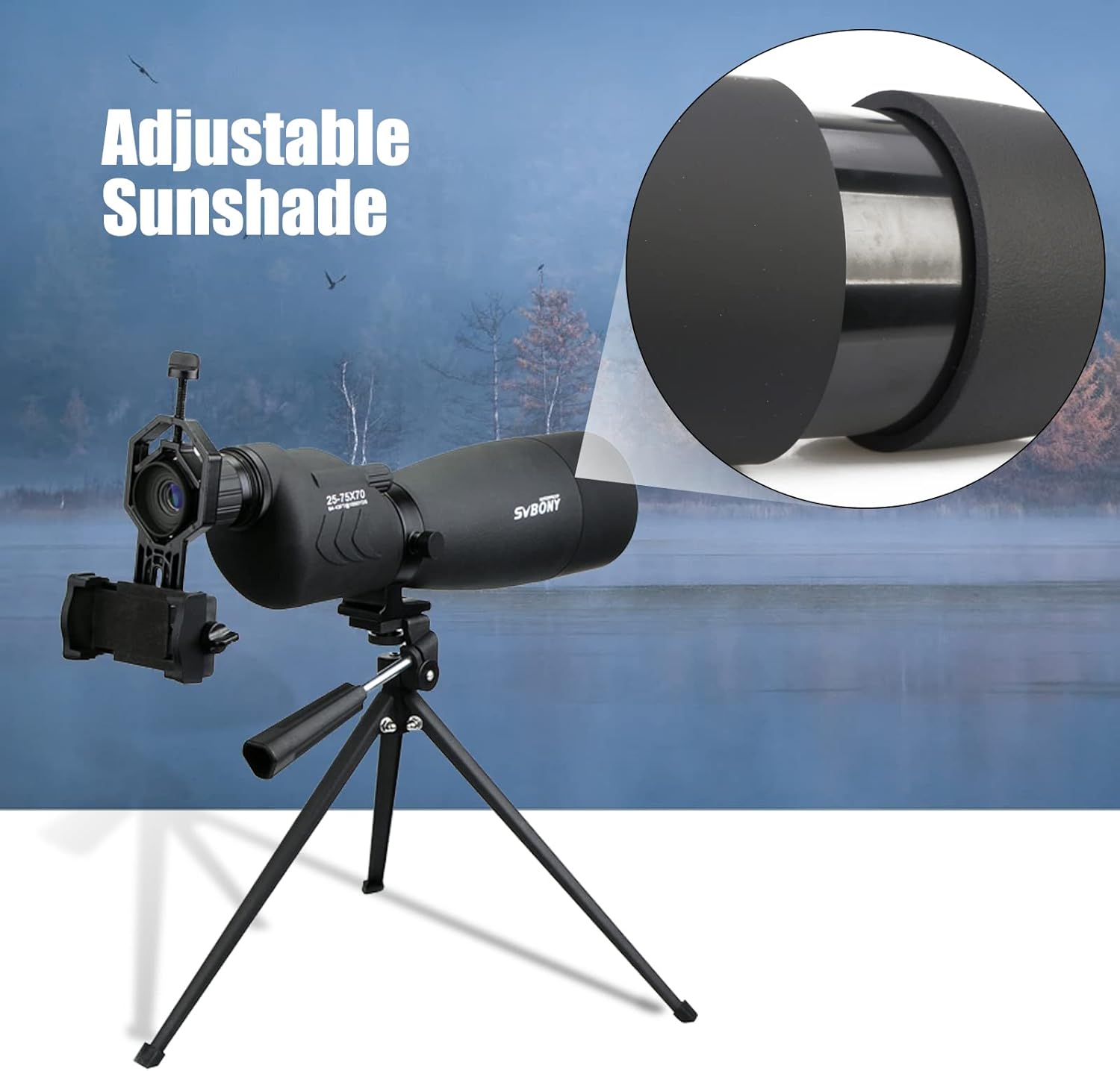
Image: The SVBONY SV17 spotting scope demonstrating its adjustable sunshade feature, extended to block glare.
જાળવણી અને સંભાળ
- લેન્સ સાફ કરવા:
Use the provided cleaning cloth or a soft, lint-free cloth to gently wipe lens surfaces. For stubborn smudges, use a lens cleaning solution specifically designed for optics. Avoid using abrasive materials or excessive force.
- Waterproof and Fogproof Features:
The SV17 spotting scope is IP65 waterproof and fogproof, allowing for use in various weather conditions. While it is resistant to water splashes and light rain, avoid submerging the scope in water.

Image: The SVBONY SV17 spotting scope in a natural setting, highlighting its IP65 waterproof and fogproof capabilities with water droplets on its surface.
- સંગ્રહ:
When not in use, store the spotting scope in its carrying case in a cool, dry place. Ensure lens caps are in place to protect the optics from dust and scratches.
મુશ્કેલીનિવારણ
| સમસ્યા | સંભવિત કારણ | ઉકેલ |
|---|---|---|
| છબી ઝાંખી અથવા ફોકસની બહાર છે. | Focus knob not adjusted correctly; high magnification without fine-tuning. | Rotate the focus knob slowly until the image is sharp. At higher magnifications, minor adjustments are often needed. |
| Dark edges or vignetting in the view. | Eyepiece not fully extended or eye not properly aligned. | Adjust your eye position relative to the eyepiece. Ensure the eyepiece is fully extended if it has an adjustable eyecup. |
| Image appears dim. | Low light conditions; objective lens cap still on. | Ensure the objective lens cap is removed. Use in adequate lighting. |
| Scope shakes excessively. | Unstable tripod or surface. | Ensure the tripod is placed on a stable, level surface. Use a heavier or more stable tripod if necessary, especially at high magnifications. |
વિશિષ્ટતાઓ
| લક્ષણ | વિગત |
|---|---|
| મોડલ | SV17 (FUSN6006A) |
| વિસ્તૃતીકરણ | 25-75x |
| ઉદ્દેશ્ય લેન્સ વ્યાસ | 70 મીમી |
| પ્રિઝમ પ્રકાર | BAK4 Porro Prism |
| લેન્સ કોટિંગ | સંપૂર્ણપણે મલ્ટી કોટેડ (FMC) |
| વોટરપ્રૂફ રેટિંગ | IP65 |
| Fogproof | હા |
| વસ્તુનું વજન | ૦.૪૫ પાઉન્ડ (આશરે ૦.૪ કિગ્રા) |
| આઇટમના પરિમાણો (LxWxH) | ૪૩.૫ x ૨૦.૫ x ૪૩ ઇંચ (આશરે ૧૧૦.૫ x ૫૨ x ૧૦૯ સે.મી.) |

Image: Diagram illustrating the Fully Multi-Coated (FMC) optics and BAK4 Porro Prism for enhanced image quality.

Image: Visual comparison demonstrating the clearer and sharper image quality provided by BAK4 prisms compared to BK7 prisms.


