પરિચય
This manual provides essential information for the safe and efficient operation of your Skyworth 49 M20 Full HD LED Smart TV. Please read it thoroughly before using the product and retain it for future reference.
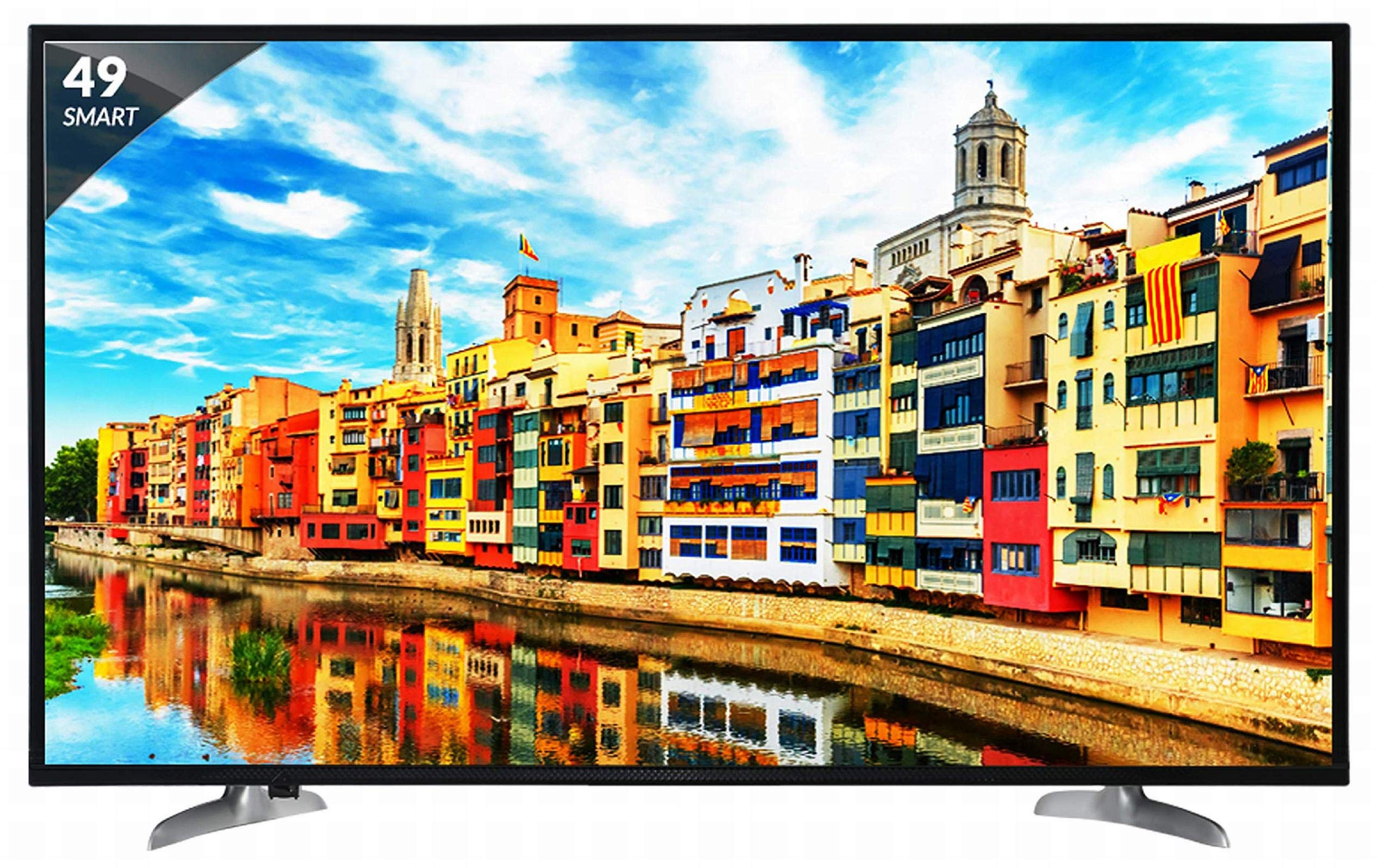
આકૃતિ 1: ફ્રન્ટ view of the Skyworth 49 M20 Full HD LED Smart TV.
સેટઅપ અને ઇન્સ્ટોલેશન
Unpacking the TV
પેકેજિંગમાંથી બધા ઘટકો કાળજીપૂર્વક દૂર કરો. ખાતરી કરો કે નીચે સૂચિબદ્ધ બધી વસ્તુઓ હાજર છે.
બૉક્સમાં શું છે:
- 1 એલઇડી ટીવી
- ૧ ટેબલ ટોપ સ્ટેન્ડ
- 1 વોલ માઉન્ટ કૌંસ
- 1 વપરાશકર્તા માર્ગદર્શિકા
- 1 વોરંટી કાર્ડ
- 1 રીમોટ કંટ્રોલ
- 2 AAA બેટરી
- ૧ પાવર કેબલ / પાવર સપ્લાય એડેપ્ટર
વિડિઓ ૧: અનબોક્સિંગ અને પ્રારંભિક ઓવરview of the Skyworth 49 M20 Smart TV.
સ્ટેન્ડ ઇન્સ્ટોલેશન
If using the table-top stand, attach it securely to the base of the TV using the provided screws. Refer to the diagram for correct orientation.
વોલ માઉન્ટિંગ
For wall mounting, use the included wall mount bracket. It is recommended to seek professional assistance for wall mounting to ensure safety and proper installation. Contact Skyworth at 18001210108 for installation services.

આકૃતિ 2: બાજુ view of the TV, illustrating the slim design and stand attachment points.
કનેક્ટિવિટી
Your Skyworth 49 M20 TV offers various ports for connecting external devices.
ઉપલબ્ધ બંદરો:
- 3 HDMI Ports: For connecting set-top boxes, Blu-Ray players, gaming consoles, and other HDMI-enabled devices.
- 2 યુએસબી પોર્ટ્સ: For connecting hard drives, USB flash drives, and other USB devices to play media files.
- 1 VGA પોર્ટ: For connecting laptops or desktop computers.

Figure 3: Rear panel of the TV, highlighting the various input and output ports.

આકૃતિ 4: વિગતવાર view of the connectivity ports including HDMI, USB, and VGA.
તમારા સ્માર્ટ ટીવીનું સંચાલન
પાવરિંગ ચાલુ/બંધ
Connect the power cable to the TV and a power outlet. Press the power button on the remote control or on the TV to turn it on or off.
પ્રારંભિક સેટઅપ વિઝાર્ડ
Upon first power-on, the TV will guide you through an initial setup process, including language selection, network connection, and channel scanning.
સ્માર્ટ ટીવી ફીચર્સ
The Skyworth 49 M20 is an Android-based Smart TV with built-in Wi-Fi, offering access to a variety of applications and online content.
- બિલ્ટ-ઇન Wi-Fi: ઇન્ટરનેટ ઍક્સેસ માટે તમારા હોમ નેટવર્ક સાથે કનેક્ટ કરો.
- Netrange App Store: Download and install applications for movies, music, games, and more.
- Install APK: Allows installation of additional applications via APK files.
- Sky Share: Share media files (videos, pictures) from your mobile phone to the TV.
- Home Network: Access media content from other devices on your home network.
- સપોર્ટેડ ઈન્ટરનેટ સેવાઓ: Includes Twitter and YouTube.

Figure 5: The Smart TV home screen interface, showing various app icons.

Figure 6: The Netrange App Store interface, displaying available applications.
વિડિઓ ૧: ઓવરview of the Skyworth Full HD IPS Smart LED TV features, including display, smart functions, and connectivity.
ડિસ્પ્લે અને ઑડિઓ
ડિસ્પ્લે ટેકનોલોજી
The TV features a 49-inch Full HD (1920x1080p) IPS LED panel with a 60 Hz refresh rate. The IPS technology provides a wide 178-degree viewવિવિધ સ્થિતિઓથી સુસંગત ચિત્ર ગુણવત્તા સુનિશ્ચિત કરીને, કોણ નક્કી કરવું.
ઓડિયો સિસ્ટમ
Equipped with 20 Watts output and down-firing speakers, the TV delivers clear audio. DTS Sound technology enhances the audio experience.
ટેકનિકલ વિશિષ્ટતાઓ
| લક્ષણ | વિગત |
|---|---|
| મોડલ | 49 M20 |
| સ્ક્રીન માપ | 49 ઇંચ (124.5 સે.મી.) |
| ડિસ્પ્લે ટેકનોલોજી | IPS LED Panel |
| ઠરાવ | પૂર્ણ એચડી (1920 x 1080p) |
| તાજું દર | 60 હર્ટ્ઝ |
| Viewએન્ગલ | 178 ડિગ્રી |
| ઓપરેટિંગ સિસ્ટમ | એન્ડ્રોઇડ |
| પ્રોસેસર | ARM Quad Core Processor |
| GPU | Dual Core 3D GPU |
| રેમ | 512MB |
| રોમ | 4GB |
| કનેક્ટિવિટી | 3 HDMI, 2 USB, 1 VGA, Built-in Wi-Fi |
| ઓડિયો આઉટપુટ | 20 વોટ્સ |
| અવાજ ટેકનોલોજી | DTS Sound, Down Firing Speakers |
| ઉત્પાદનના પરિમાણો (LxWxH) | 111.1 x 27.1 x 68.9 સેમી |
| વસ્તુનું વજન | 16 કિગ્રા |
| બેટરીઓ | 2 AAA બેટરી (રિમોટ માટે શામેલ) |

Figure 7: Summary of key TV features including screen size, connectivity, display, sound, and smart TV capabilities.
મુશ્કેલીનિવારણ
This section addresses common issues you might encounter with your TV. For more complex problems, please contact customer support.
નો પાવર
- ખાતરી કરો કે પાવર કેબલ ટીવી અને કાર્યરત પાવર આઉટલેટ બંને સાથે સુરક્ષિત રીતે જોડાયેલ છે.
- બીજા ઉપકરણને પ્લગ ઇન કરીને પાવર આઉટલેટ કાર્યરત છે કે નહીં તે તપાસો.
- Verify that the power indicator light on the TV is on.
કોઈ ચિત્ર/ધ્વનિ નથી
- ખાતરી કરો કે સાચો ઇનપુટ સ્ત્રોત પસંદ થયેલ છે (દા.ત., HDMI 1, AV).
- Check all cable connections (HDMI, AV, etc.) between the TV and external devices.
- ખાતરી કરો કે વોલ્યુમ મ્યૂટ અથવા ખૂબ ઓછું સેટ કરેલ નથી.
Wi-Fi કનેક્શન સમસ્યાઓ
- તમારા Wi-Fi રાઉટર અને ટીવીને ફરીથી શરૂ કરો.
- ખાતરી કરો કે ટીવી તમારા Wi-Fi રાઉટરની રેન્જમાં છે.
- ચકાસો કે દાખલ કરેલ Wi-Fi પાસવર્ડ સાચો છે.
રીમોટ કંટ્રોલ કામ કરતું નથી
- રિમોટ કંટ્રોલમાં AAA બેટરી બદલો.
- ખાતરી કરો કે રિમોટ કંટ્રોલ અને ટીવીના IR સેન્સર વચ્ચે કોઈ અવરોધો નથી.
સંભાળ અને જાળવણી
સ્ક્રીનની સફાઈ
નરમ, લિન્ટ-ફ્રી કાપડથી સ્ક્રીનને ધીમેથી સાફ કરો. હઠીલા નિશાનો માટે, સહેજ ડીampપાણી અથવા વિશિષ્ટ સ્ક્રીન ક્લીનરથી કપડાને સાફ કરો. કઠોર રસાયણો અથવા ઘર્ષક સામગ્રીનો ઉપયોગ કરવાનું ટાળો.
સામાન્ય સફાઈ
Wipe the TV's frame and stand with a soft, dry cloth. Do not spray cleaning liquids directly onto the TV.
વેન્ટિલેશન
Ensure adequate ventilation around the TV to prevent overheating. Do not block the ventilation openings on the back of the TV.
વોરંટી અને આધાર
વોરંટી માહિતી
Your Skyworth 49 M20 TV comes with a 2-year standard manufacturer warranty from Skyworth. Please retain your purchase invoice for warranty claims.
ગ્રાહક આધાર
For installation, wall mounting, product demonstration, or any service-related queries, please contact Skyworth directly at 18001210108. Provide the product's model name (49 M20) and seller's details from your invoice.
This product is eligible for replacement/refund within 10 days of delivery in case of any product defects, damage, or features not matching the description provided.


