પરિચય
This manual provides detailed instructions for the installation, operation, and maintenance of your AXAGON ADSA-ST USB 3.0 Docking Station. This device is designed to connect 2.5" and 3.5" SATA SSDs and HDDs to your computer via a USB 3.0 interface, offering fast data transfer speeds.
Please read this manual thoroughly before using the product to ensure proper functionality and to prevent damage.
પેકેજ સામગ્રી
ખાતરી કરો કે બધા ઘટકો પેકેજમાં હાજર છે:
- AXAGON ADSA-ST Docking Station
- USB 3.0 Type-A to Micro-B cable
- પાવર એડેપ્ટર
- વપરાશકર્તા માર્ગદર્શિકા (આ દસ્તાવેજ)

Image: The AXAGON ADSA-ST Docking Station shown alongside its retail packaging, illustrating the product and its box.
મુખ્ય લક્ષણો
- Supports 2.5" and 3.5" SATA I/II/III SSDs and HDDs.
- USB 3.0 (USB 3.2 Gen 1) interface with up to 5 Gbps transfer speed.
- SATA 6G (SATA III) support.
- UASP (USB Attached SCSI Protocol) support for enhanced performance.
- TRIM support for SSDs.
- HDD Auto Spindown function.
- LED indication for power and activity.
- Compact design with aluminum body.

છબી: એ view of the AXAGON ADSA-ST Docking Station highlighting its 5 Gbps USB 3.2 Gen 1 speed and compact size.
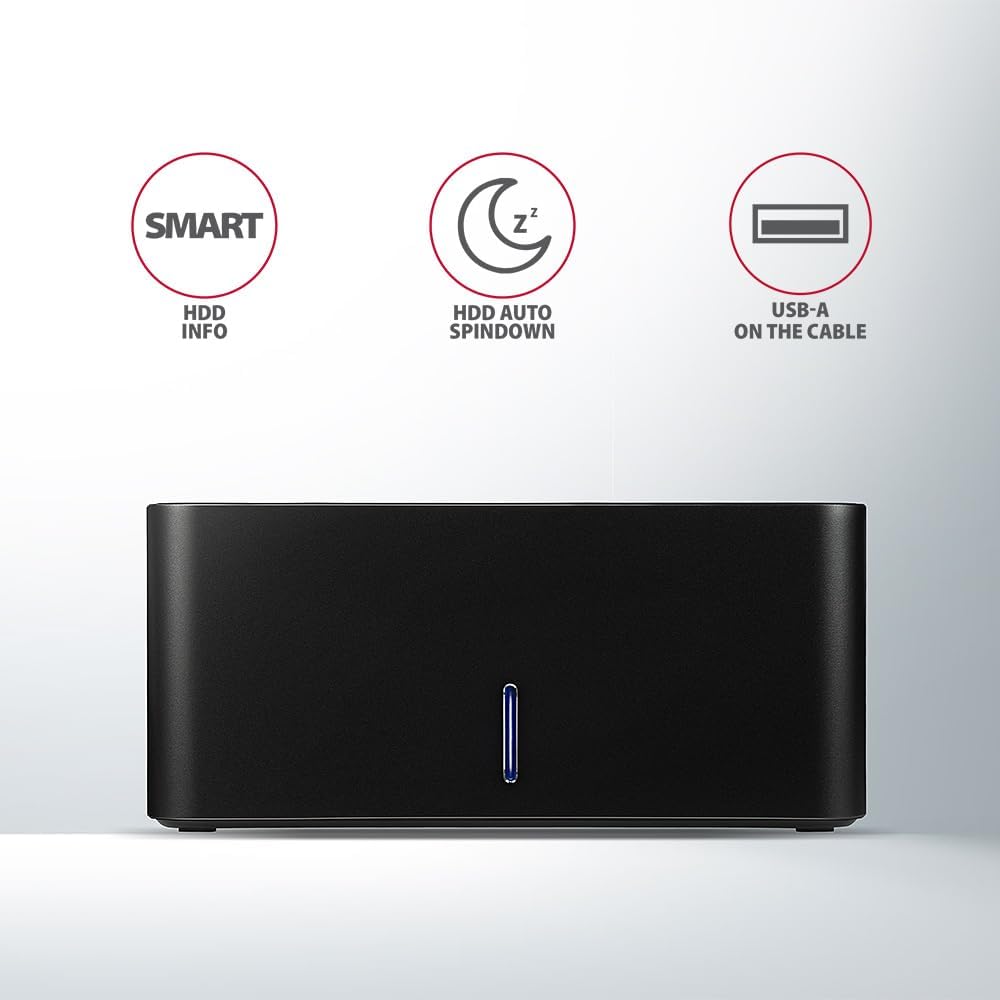
Image: The docking station from the front, indicating features like SMART HDD info, automatic HDD spindown, and USB-A connectivity.
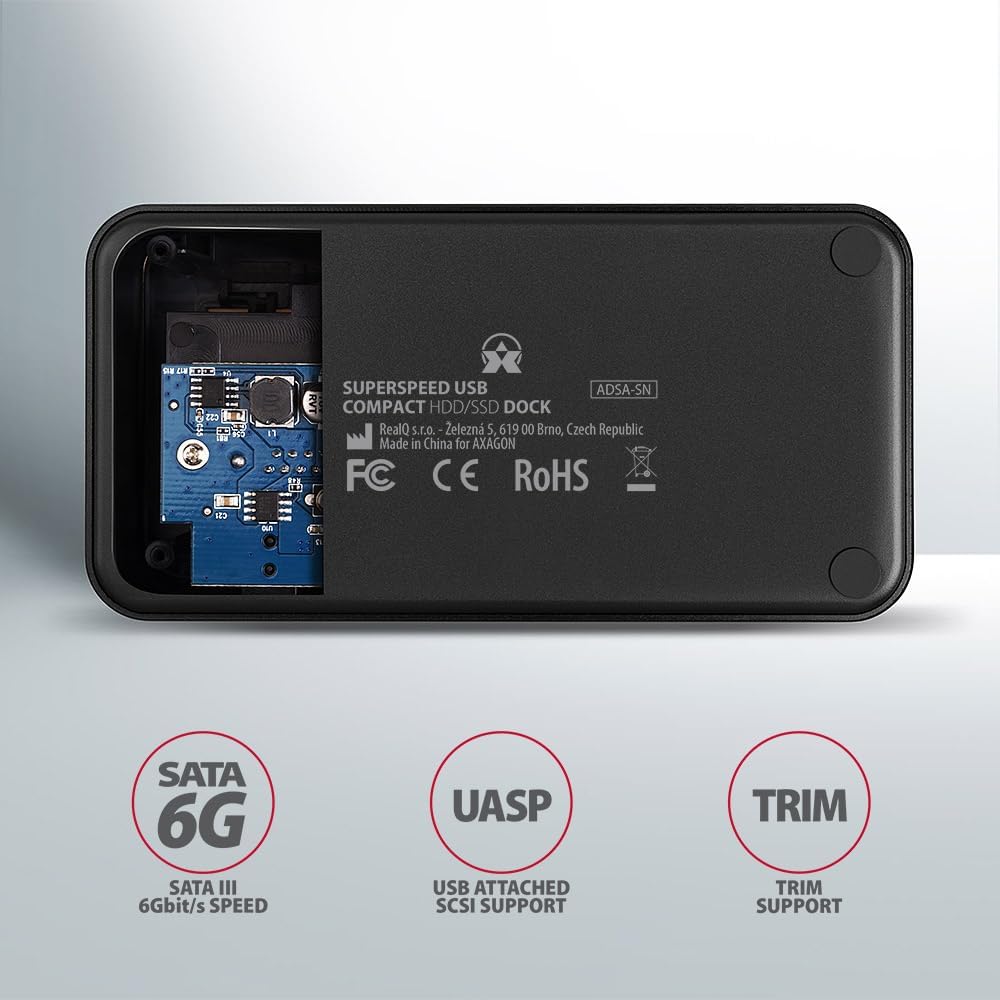
Image: The underside of the docking station, showing internal components and highlighting SATA 6G, UASP, and TRIM support.
સેટઅપ સૂચનાઓ
- પાવર એડેપ્ટરને કનેક્ટ કરો: Plug the included power adapter into the DC IN port on the back of the docking station and then into a power outlet.
- કમ્પ્યુટરથી કનેક્ટ કરો: Connect the USB 3.0 cable from the docking station's Micro-B port to an available USB 3.0 (or higher) port on your computer.
- Insert HDD/SSD:
- For 2.5" SSD/HDD: Gently slide the 2.5" drive into the slot until it connects firmly with the SATA connector.
- For 3.5" HDD: Gently slide the 3.5" drive into the slot until it connects firmly with the SATA connector.
Ensure the drive is inserted correctly with the SATA connector facing the correct direction. Do not force the drive.

Image: A 2.5-inch SSD being inserted into the docking station, demonstrating compatibility with smaller drives.
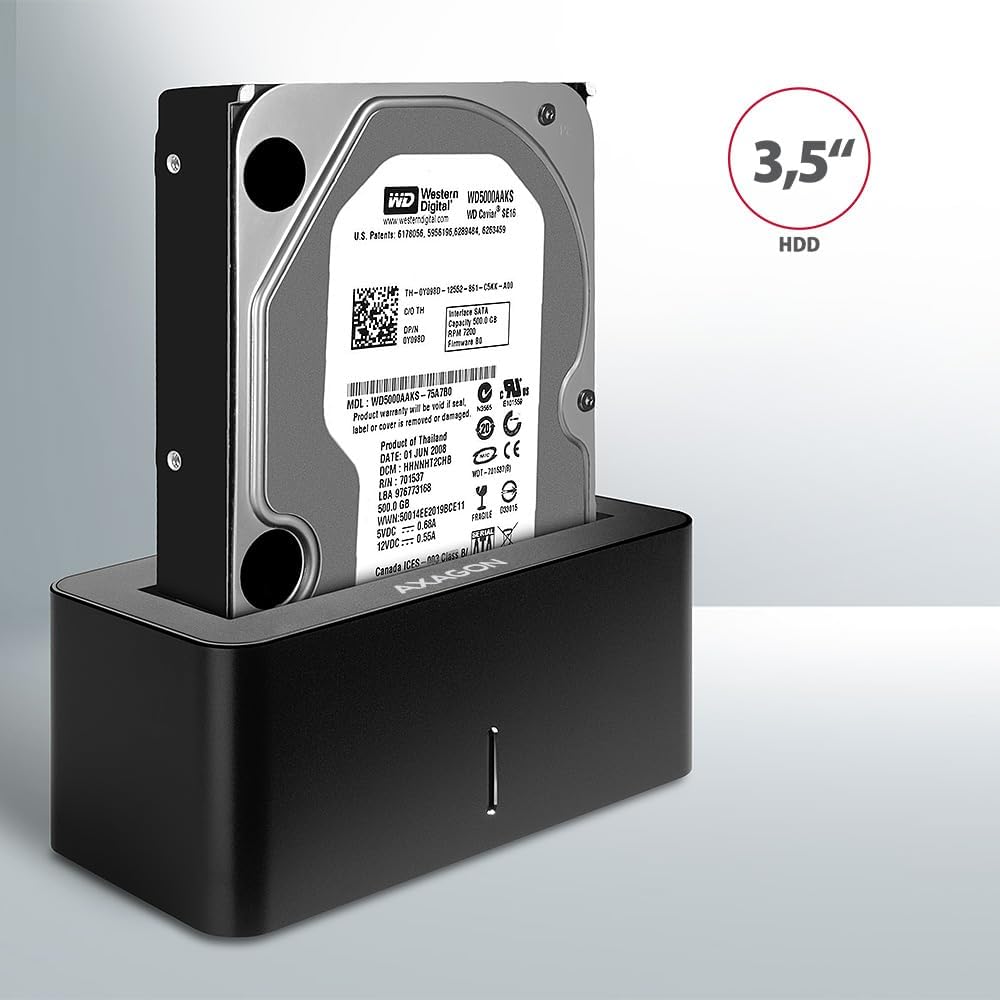
Image: A 3.5-inch HDD being inserted into the docking station, demonstrating compatibility with larger drives.
- પાવર ચાલુ: Press the power button located on the back of the docking station. The LED indicator on the front will illuminate.
Image: The rear panel of the docking station, showing the power button, USB Micro-B port, and power input for connection.
ઓપરેટિંગ સૂચનાઓ
Drive Recognition
Once powered on and connected, your operating system should automatically detect the inserted drive. If it's a new drive, you may need to initialize and format it through Disk Management (Windows) or Disk Utility (macOS) before it appears in File સંશોધક/શોધક.
એલઇડી સૂચક
The LED indicator on the front of the docking station provides status information:
- નક્કર વાદળી: Power on, drive idle.
- ફ્લેશિંગ બ્લુ: Drive activity (reading or writing data).
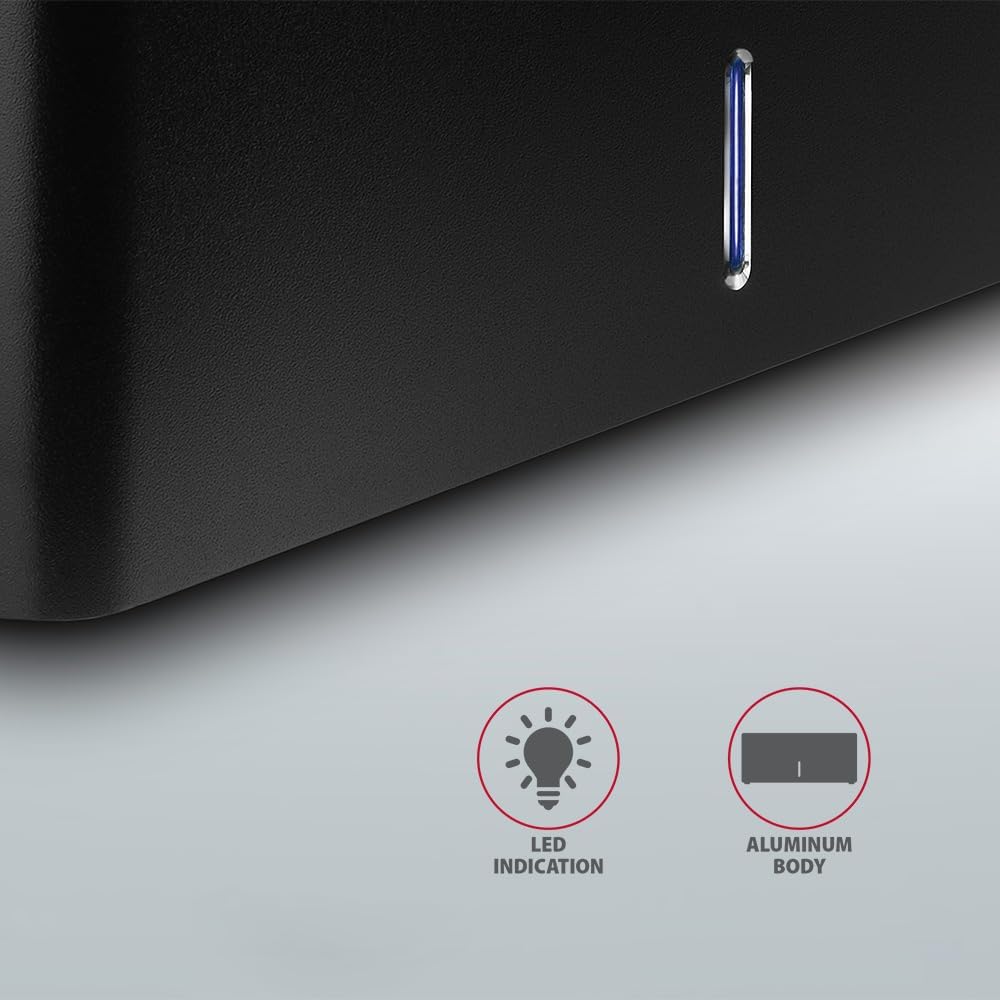
છબી: ક્લોઝ-અપ view of the docking station's front panel, highlighting the LED indicator light.
Removing a Drive
Before removing a drive, always safely eject it from your operating system to prevent data corruption. After ejection, gently pull the drive straight out of the docking station slot.
HDD ઓટો સ્પિનડાઉન
The docking station supports automatic spindown of the HDD when it is idle for a certain period, conserving power and extending drive lifespan. This feature is managed by the operating system or the drive itself.
જાળવણી
- ડોકિંગ સ્ટેશનને સ્વચ્છ અને ધૂળથી મુક્ત રાખો. સફાઈ માટે નરમ, સૂકા કપડાનો ઉપયોગ કરો.
- ઉપકરણને અતિશય તાપમાન, ભેજ અથવા સીધા સૂર્યપ્રકાશના સંપર્કમાં આવવાનું ટાળો.
- ઉપકરણને જાતે ડિસએસેમ્બલ કરવાનો કે રિપેર કરવાનો પ્રયાસ કરશો નહીં. લાયક સેવા કર્મચારીઓનો સંપર્ક કરો.
- Ensure proper ventilation around the docking station during operation.
મુશ્કેલીનિવારણ
- Drive not detected:
- Ensure the power adapter is securely connected and the docking station is powered on.
- Verify the USB cable is properly connected to both the docking station and the computer.
- તમારા કમ્પ્યુટર પર એક અલગ USB પોર્ટ અજમાવી જુઓ.
- Ensure the HDD/SSD is fully seated in the docking station's slot.
- Check Disk Management (Windows) or Disk Utility (macOS) to see if the drive is recognized but uninitialized/unformatted.
- Test with a different HDD/SSD to rule out a drive issue.
- ધીમી ટ્રાન્સફર ગતિ:
- Ensure the docking station is connected to a USB 3.0 (or higher) port on your computer. USB 2.0 ports will limit speeds.
- Verify your operating system and drivers are up to date.
- The actual speed depends on the drive's performance and your computer's USB controller.
- Drive disconnects randomly:
- બધા કેબલ કનેક્શન તપાસો.
- ખાતરી કરો કે પાવર એડેપ્ટર સ્થિર પાવર પૂરો પાડી રહ્યું છે.
- Disable USB power saving features in your computer's operating system settings.
ટેકનિકલ વિશિષ્ટતાઓ
| લક્ષણ | વિગત |
|---|---|
| બ્રાન્ડ | AXAGON |
| મોડલ નંબર | ADSA-SN |
| હાર્ડવેર પ્લેટફોર્મ | PC |
| સુસંગત ઉપકરણો | લેપટોપ, ડેસ્કટોપ પીસી |
| ડ્રાઇવ સુસંગતતા | 2.5" / 3.5" SATA I/II/III SSD/HDD |
| ઈન્ટરફેસ | USB 3.0 (USB 3.2 Gen 1) |
| ડેટા ટ્રાન્સફર રેટ | Up to 5 Gbps (USB 3.0), 6 Gbps (SATA III) |
| કુલ યુએસબી પોર્ટ્સ | 1 (Micro-B) |
| ડ્રાઇવ બેઝની સંખ્યા | 1 |
| રંગ | કાળો |
| વસ્તુનું વજન | ૦.૬૬ પાઉન્ડ (આશરે ૦.૩૨ કિગ્રા) |
| પેકેજ પરિમાણો | ૪૩.૫ x ૨૦.૫ x ૪૩ ઇંચ (આશરે ૧૧૦.૫ x ૫૨ x ૧૦૯ સે.મી.) |
| તારીખ પ્રથમ ઉપલબ્ધ | માર્ચ 30, 2021 |
વોરંટી અને આધાર
For warranty information and technical support, please refer to the official AXAGON webસાઇટ પર જાઓ અથવા તમારા સ્થાનિક વિતરકનો સંપર્ક કરો. વોરંટી દાવાઓ માટે ખરીદીનો પુરાવો રાખો.


