પરિચય
This manual provides comprehensive instructions for the Microsoft Office Home & Business 2021 software suite. Designed for families and small businesses, this one-time purchase includes classic versions of essential Office applications: Word, Excel, PowerPoint, and Outlook. This perpetual license means you pay once and own the software, without recurring subscription fees.
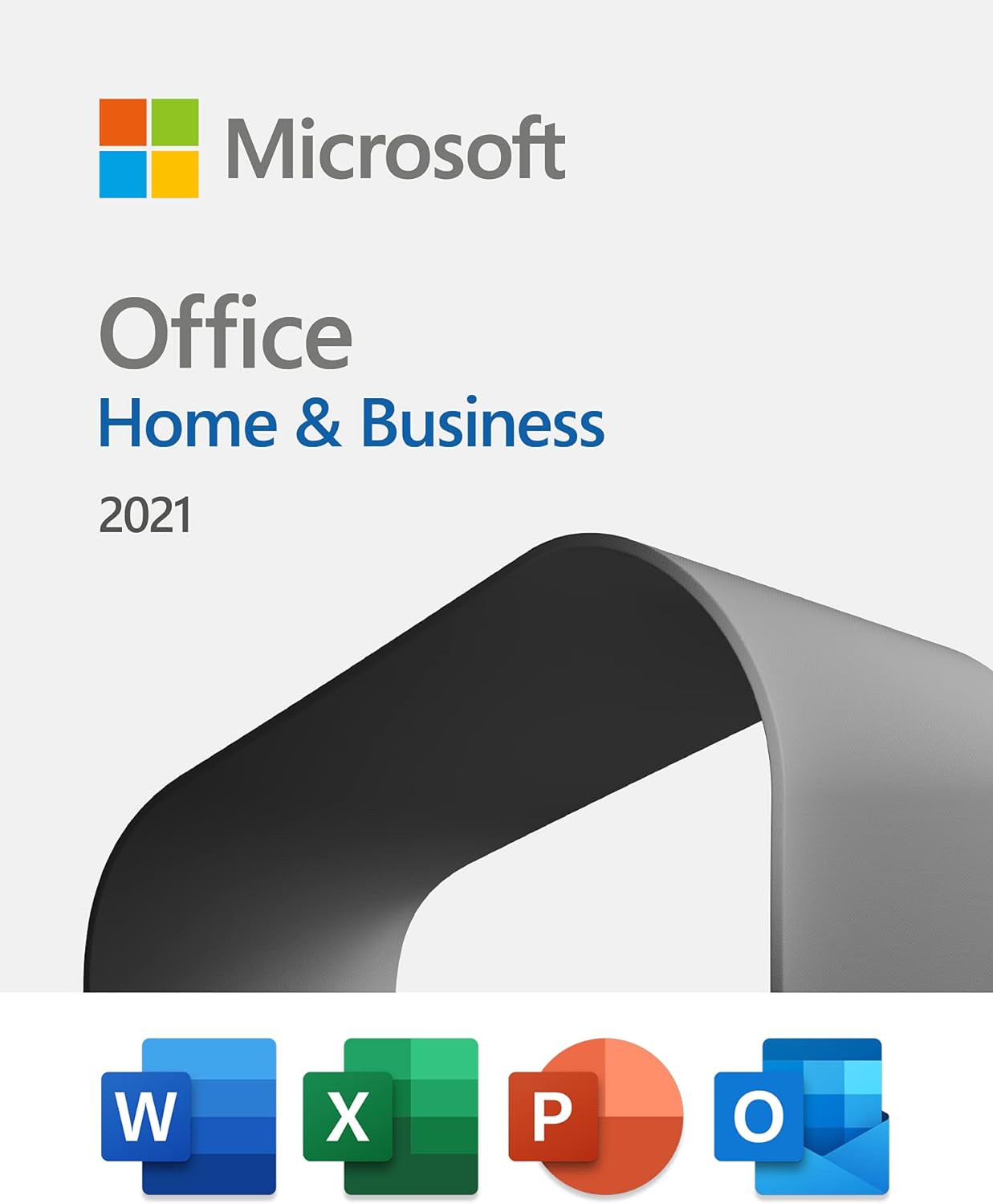
Image: Microsoft Office Home & Business 2021 product packaging showcasing the included applications.
સેટઅપ અને ઇન્સ્ટોલેશન
Microsoft Office Home & Business 2021 is provided as a digital license. Follow these steps to download and install your software:
- Purchase and License Key Retrieval: ખરીદી પછીasing, your digital license key will be provided. This key is essential for activation.
- Access Microsoft Account: Go to the official Microsoft Office setup website (typically setup.office.com) and sign in with your Microsoft account. If you do not have one, you will be prompted to create one.
- પ્રોડક્ટ કી દાખલ કરો: Input the 25-character product key you received.
- ઇન્સ્ટોલર ડાઉનલોડ કરો: Follow the on-screen prompts to download the Office installer file for your operating system (PC or Mac).
- Run Installation: ડાઉનલોડ કરેલ શોધો file (e.g., "Setup.exe" on Windows or "Microsoft_Office_Installer.pkg" on Mac) and run it.
- ઑન-સ્ક્રીન સૂચનાઓને અનુસરો: The installation wizard will guide you through the process. Accept the license agreement and choose your installation preferences.
- Launch and Activate: Once installation is complete, open any Office application (e.g., Word). You may be prompted to sign in with your Microsoft account to activate the product. Ensure you are connected to the internet during activation.
This license is valid for installation on one PC or Mac at a time. If you need to transfer the license to a new device, you can deactivate it from the old device through your Microsoft account and then activate it on the new one.
સૉફ્ટવેરનું સંચાલન
Microsoft Office Home & Business 2021 provides a suite of powerful applications to enhance your productivity.
માઈક્રોસોફ્ટ વર્ડ
Word is a word processing program designed for creating professional-quality documents, reports, letters, and more. It offers extensive formatting options, collaboration tools, and integration with other Office applications.

Image: Microsoft Word displaying a document, highlighting the capabilities of Microsoft Editor for improved writing.
માઈક્રોસોફ્ટ એક્સેલ
Excel is a spreadsheet program used for organizing, analyzing, and visualizing data. It features powerful calculation tools, charting capabilities, and data management functions.

Image: Microsoft Excel demonstrating its ability to learn patterns and organize data efficiently, saving user time.
માઈક્રોસોફ્ટ પાવરપોઈન્ટ
PowerPoint is a presentation program that allows you to create dynamic slideshows with text, graphics, audio, and video. It includes a variety of design templates and animation effects.

Image: Microsoft PowerPoint showcasing premium templates to kickstart creativity in presentations.
માઈક્રોસોફ્ટ આઉટલુક
Outlook is a personal information manager from Microsoft, available as a part of the Microsoft Office suite. It is primarily used as an email application, but also includes a calendar, task manager, contact manager, note taking, journal, and web બ્રાઉઝિંગ.

Image: Microsoft Outlook demonstrating its ability to organize time across work and life with integrated email and calendar features.
જાળવણી
To ensure optimal performance and security of your Microsoft Office Home & Business 2021, it is important to keep the software updated.
- સ્વચાલિત અપડેટ્સ: By default, Office applications are configured to receive automatic updates. Ensure your internet connection is active to allow these updates to download and install.
- મેન્યુઅલ અપડેટ તપાસ: You can manually check for updates by opening any Office application, going to File > Account > Update Options > Update Now.
- સુરક્ષા અપડેટ્સ: Microsoft provides security updates for the lifetime of the product to protect against vulnerabilities.
- સિસ્ટમ આવશ્યકતાઓ: Ensure your operating system (Windows 10/11 or macOS) and hardware meet the minimum requirements for continued smooth operation.
મુશ્કેલીનિવારણ
If you encounter issues with your Microsoft Office Home & Business 2021, consider the following common troubleshooting steps:
- સક્રિયકરણ સમસ્યાઓ:
- તમારું ઇન્ટરનેટ કનેક્શન ચકાસો.
- Ensure you are signed in with the correct Microsoft account associated with the license.
- Double-check the product key for any typos.
- If transferring a license, ensure it has been deactivated from the previous device.
- Application Crashing/Freezing:
- Ensure your software is up to date (see Maintenance section).
- Try repairing your Office installation via your operating system's Add/Remove Programs (Windows) or Applications folder (Mac).
- Disable any third-party add-ins that might be causing conflicts.
- કામગીરી સમસ્યાઓ:
- બેકગ્રાઉન્ડમાં ચાલતી બિનજરૂરી એપ્લિકેશનો બંધ કરો.
- Ensure your computer meets the recommended system specifications.
For more detailed assistance, refer to the official Microsoft support webસાઇટ અથવા તેમની સપોર્ટ ટીમનો સંપર્ક કરો.
વિશિષ્ટતાઓ
| લક્ષણ | વિગત |
|---|---|
| ઉત્પાદન નામ | માઈક્રોસોફ્ટ ઓફિસ હોમ એન્ડ બિઝનેસ 2021 |
| સમાવિષ્ટ અરજીઓ | Word, Excel, PowerPoint, Outlook (Classic 2021 versions) |
| લાઇસન્સનો પ્રકાર | One-time purchase (Perpetual Digital License) |
| ઇન્સ્ટોલેશન મર્યાદા | ૧ પીસી કે મેક |
| ઉત્પાદક | માઈક્રોસોફ્ટ |
| ASIN | B09H7F77JR |
| પ્રથમ ઉપલબ્ધ | 5 ઓક્ટોબર, 2021 |
| પેકેજ પરિમાણો | 5.75 x 4.49 x 0.75 inches; 1.76 ounces (Digital product, physical dimensions refer to packaging if applicable) |

છબી: એક ઓવરview comparing different Microsoft Office plans, highlighting the one-time purchase model of Office Home & Business 2021.
વોરંટી અને આધાર
Microsoft Office Home & Business 2021 includes support directly from Microsoft for 60 days at no extra cost from the date of activation. Beyond this initial period, you will continue to receive security updates for the lifetime of the product, ensuring your software remains protected and functional as long as Microsoft supports this version.
For further assistance or to access support resources, please visit the official Microsoft Support webસાઇટ: સપોર્ટ.માઇક્રોસોફ્ટ.કોમ.


