પરિચય
This manual provides comprehensive instructions for the setup, operation, and maintenance of your Wings Crosshair 100 Wired Optical Gaming Mouse. Designed for optimal gaming performance, this mouse offers comfort, precision, and customizable features to enhance your computing and gaming experience.
મુખ્ય લક્ષણો
- હલકું અને આરામદાયક: The Wings Crosshair 100 features an ambidextrous, comfortable design for ultra-smooth movement during extended use.
- 3400 DPI સુધી: Experience precise control with adjustable DPI settings up to 3400 and a 125 Hz polling rate.
- 6 Button Functionality: Customize your gaming experience with 6 programmable buttons, offering default configurations straight out of the box.
- વ્યાપક સુસંગતતા: Compatible with Windows XP/Vista/7/8/8.1/10/11 and Mac OS.
- પ્રીમિયમ બિલ્ડ: Features multicolor LED lights, an ergonomic design, a golden-plated USB connector, and a durable braided cable.
ઉત્પાદન ઓવરview

Image: The Wings Crosshair 100 Wired Optical Gaming Mouse, showcasing its ergonomic design and LED lighting.

Image: The ergonomic design of the Wings Crosshair 100 mouse, providing a comfortable grip for extended use.
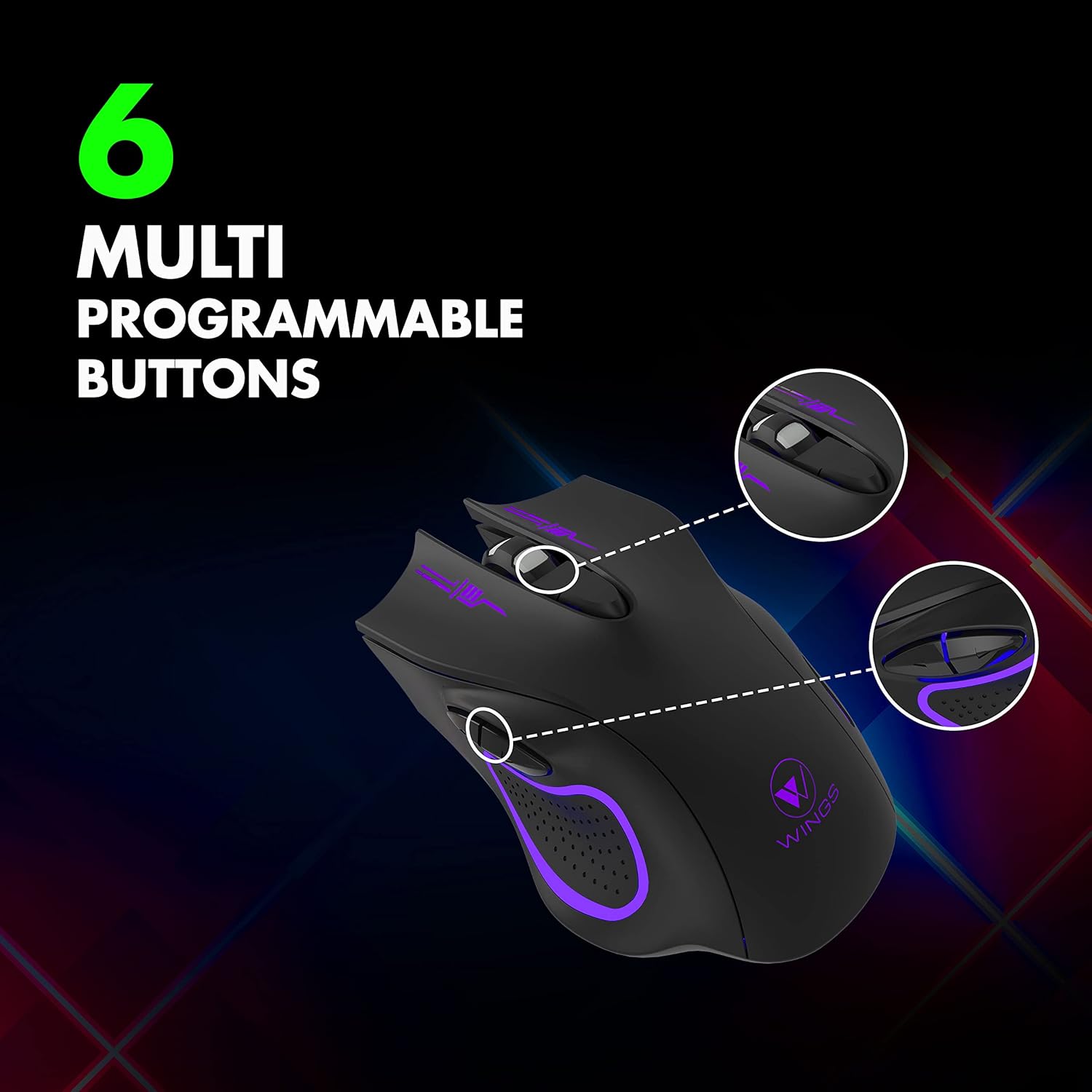
Image: Illustration of the 6 multi-programmable buttons on the Wings Crosshair 100 mouse.
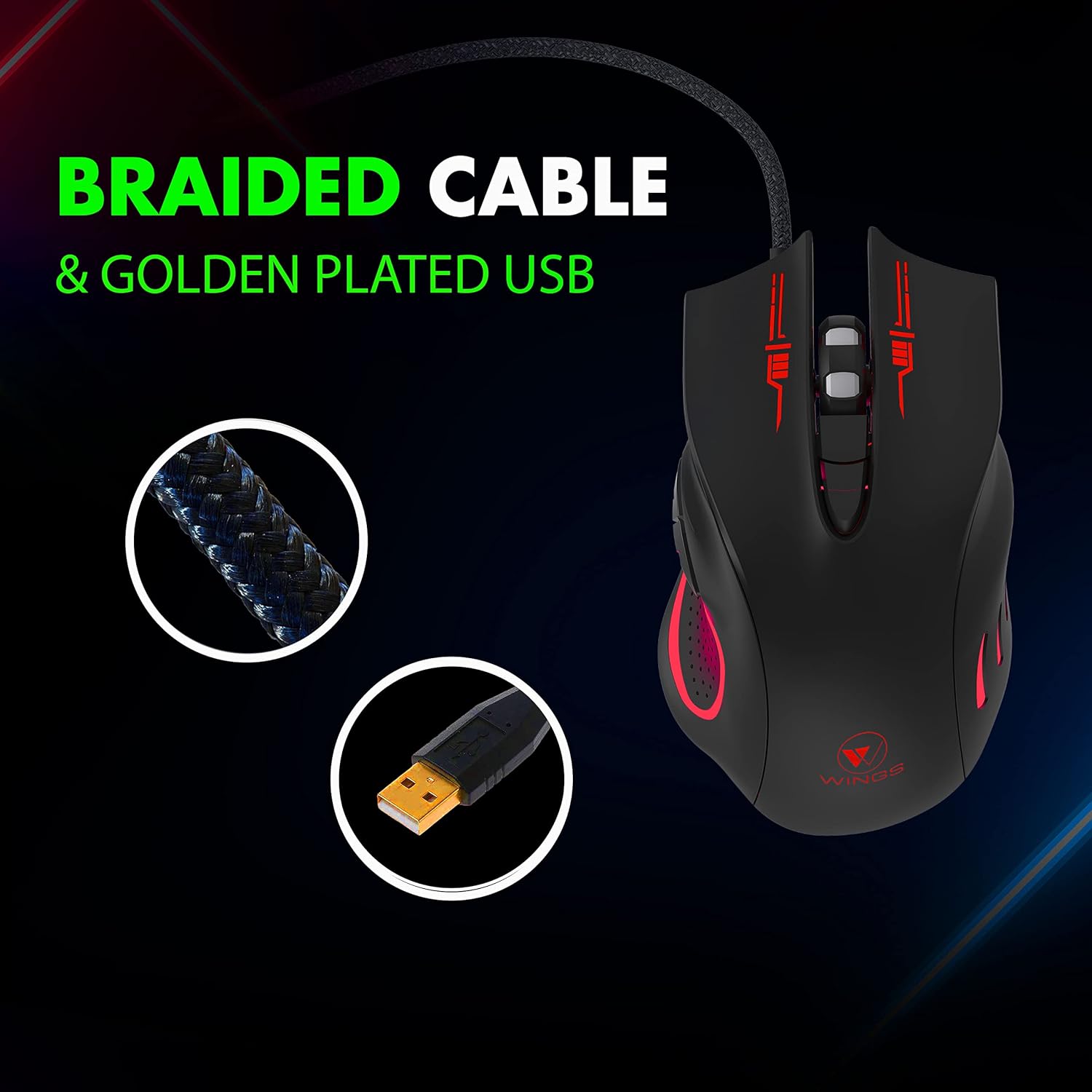
Image: Close-up of the durable braided cable and golden-plated USB connector of the Wings Crosshair 100 mouse.

Image: Demonstrating the adjustable DPI feature of the Wings Crosshair 100 mouse, with DPI levels of 1000, 1600, 2400, and 3200.

Image: The vibrant RGB LED lighting of the Wings Crosshair 100 mouse.

Image: A collage highlighting key features: compatibility with various OS, hyperfast scroll wheel, light and comfortable design, and ultra-smooth movement.
સેટઅપ
- માઉસને કનેક્ટ કરો: Insert the USB connector of the Wings Crosshair 100 mouse into an available USB 3.0 port on your computer.
- ડ્રાઇવર ઇન્સ્ટોલેશન: The mouse is plug-and-play. Your operating system (Windows XP/Vista/7/8/8.1/10/11, Mac OS) will automatically detect and install the necessary drivers. No additional software installation is typically required for basic functionality.
- પ્રારંભિક ઉપયોગ: એકવાર ડ્રાઇવરો ઇન્સ્ટોલ થઈ જાય, પછી માઉસ તાત્કાલિક ઉપયોગ માટે તૈયાર થઈ જાય છે.
ઓપરેટિંગ સૂચનાઓ
DPI ગોઠવણ
The Wings Crosshair 100 features an adjustable DPI (Dots Per Inch) setting, allowing you to change cursor sensitivity on the fly.
To adjust DPI, press the dedicated DPI button located on the top of the mouse, usually behind the scroll wheel. Each press cycles through predefined DPI levels: 1000, 1600, 2400, and 3200.
6 બટન કાર્યક્ષમતા
This mouse is equipped with 6 buttons for enhanced control:
- ડાબું બટન ક્લિક કરો: Standard primary click.
- જમણું ક્લિક બટન: Standard secondary click.
- Scroll Wheel Button: Clickable scroll wheel for middle-click functions.
- DPI બટન: DPI સેટિંગ્સમાંથી પસાર થાય છે.
- ફોરવર્ડ બટન: (Side button) Default function for navigating forward in web બ્રાઉઝર્સ અથવા file સંશોધકો
- પાછળનું બટન: (Side button) Default function for navigating backward in web બ્રાઉઝર્સ અથવા file સંશોધકો
While default configurations are set, some operating systems or third-party software may allow for customization of these buttons.
જાળવણી
- સફાઈ: માઉસની સપાટી સાફ કરવા માટે નરમ, સૂકા કપડાનો ઉપયોગ કરો. હઠીલા ગંદકી માટે, સહેજ ડીampપાણીથી ભરેલા કપડાને સાફ કરો. કઠોર રસાયણો અથવા ઘર્ષક પદાર્થો ટાળો.
- સેન્સર કેર: સચોટ ટ્રેકિંગ સુનિશ્ચિત કરવા માટે માઉસના તળિયે ઓપ્ટિકલ સેન્સરને સ્વચ્છ અને ધૂળ અથવા કાટમાળથી મુક્ત રાખો.
- કેબલ મેનેજમેન્ટ: નુકસાન ટાળવા માટે બ્રેઇડેડ કેબલ પર તીક્ષ્ણ વળાંક અથવા વધુ પડતું ખેંચાણ ટાળો.
મુશ્કેલીનિવારણ
| સમસ્યા | ઉકેલ |
|---|---|
| ઉંદર જવાબ નથી આપી રહ્યો. | Ensure the USB cable is securely plugged into the computer. Try a different USB port. Restart your computer. |
| કર્સરની હિલચાલ અનિયમિત અથવા ઉબડખાબડ હોય છે. | Clean the optical sensor on the bottom of the mouse. Ensure you are using the mouse on a clean, non-reflective surface. |
| એલઇડી લાઇટ કામ કરતી નથી. | Check the USB connection. If the mouse is otherwise functional, this might indicate a minor LED issue that does not affect performance. |
| DPI button not changing sensitivity. | Ensure the mouse is properly connected. Some applications or games may override mouse sensitivity settings. |
વિશિષ્ટતાઓ
| લક્ષણ | વિગત |
|---|---|
| બ્રાન્ડ | પાંખો |
| મોડલ | WL-CROSSHAIR100-BLK |
| કનેક્ટિવિટી | વાયર્ડ (યુએસબી) |
| મૂવમેન્ટ ડિટેક્શન ટેકનોલોજી | ઓપ્ટિકલ |
| DPI સ્તરો | Up to 3400 (1000, 1600, 2400, 3200) |
| મતદાન દર | 125 હર્ટ્ઝ |
| બટનો | 6 (પ્રોગ્રામેબલ) |
| કેબલ પ્રકાર | બ્રેઇડેડ |
| યુએસબી કનેક્ટર | Golden plated |
| લાઇટિંગ | Multicolor LED (RGB) |
| ડિઝાઇન | Ambidextrous, Ergonomic |
| સુસંગતતા | Windows XP/Vista/7/8/8.1/10/11, Mac OS, Linux |
| ઉત્પાદન પરિમાણો | 12 x 7 x 0.1 સેમી |
| વસ્તુનું વજન | 150 ગ્રામ |
સત્તાવાર ઉત્પાદન વિડિઓઝ
વિડિઓ: એક સત્તાવાર ઉત્પાદન વિડિઓ શોasing the features and design of the Wings Crosshair 100 Wired Optical Gaming Mouse.
Video: A brand film from Wings, featuring their products and brand ambassador.
વોરંટી અને આધાર
The Wings Crosshair 100 Wired Optical Gaming Mouse comes with a 1-year warranty. For warranty claims, technical support, or further assistance, please refer to the contact information provided on the product packaging or the official Wings webસાઇટ
For more information, you can visit the official Wings webસાઇટ અથવા તેમના ગ્રાહક સપોર્ટનો સંપર્ક કરો.


