પરિચય
This manual provides comprehensive instructions for the setup, operation, and maintenance of your Roxel RDP-S600 DVD Player. Designed for versatile home entertainment, this multi-region DVD player supports Full HD playback, CD audio, and USB media, offering flexible connectivity options including HDMI and RCA. Please read this manual carefully before using the device to ensure optimal performance and longevity.
બૉક્સમાં શું છે
ખાતરી કરો કે નીચે સૂચિબદ્ધ બધી વસ્તુઓ તમારા પેકેજમાં શામેલ છે:
- Roxel RDP-S600 DVD Player
- રીમોટ કંટ્રોલ
- 2 x AAA બેટરી (રિમોટ કંટ્રોલ માટે)
- HDMI કેબલ
- RCA Cable (Audio/Video)
- પાવર કોર્ડ

Image: Roxel RDP-S600 DVD Player, remote control, HDMI cable, and RCA cable included in the package.
સેટઅપ
Follow these steps to connect your Roxel RDP-S600 DVD Player to your television or audio system.
- પાવર કનેક્શન: Connect the power cord to the DVD player's power input and then to a standard electrical outlet.
- Video and Audio Connection:
- HDMI Connection (Recommended for Full HD): Use the included HDMI cable to connect the HDMI OUT port on the DVD player to an HDMI IN port on your television. This single cable transmits both video and audio signals digitally.
- RCA Connection (Standard Definition): Use the included RCA cable (red, white, yellow) to connect the corresponding RCA OUT ports on the DVD player to the RCA IN ports on your television or audio receiver. The yellow cable is for video, and the red/white cables are for stereo audio.
- રિમોટમાં બેટરી દાખલ કરો: Open the battery compartment on the back of the remote control and insert the two AAA batteries, ensuring correct polarity (+/-).
- Select Input on TV: Turn on your television and select the correct input source (e.g., HDMI 1, AV 2) that corresponds to the port you connected the DVD player to.

Image: Illustration of HDMI and RCA connection ports on the Roxel RDP-S600, indicating compatibility with Smart TVs, projectors, monitors via HDMI, and older TVs, speakers, soundbars, amplifiers, and tuners via RCA.
ઓપરેટિંગ સૂચનાઓ
This section details how to operate your Roxel RDP-S600 DVD Player for various media types.
ડિસ્ક પ્લેબેક (ડીવીડી/સીડી)
- પાવર ચાલુ: દબાવો પાવર button on the remote control or the front panel of the player.
- Open Disc Tray: દબાવો ખોલો/બંધ કરો button on the remote or player to open the disc tray.
- ડિસ્ક દાખલ કરો: ટ્રે પર લેબલની બાજુ ઉપર રાખીને ધીમેથી DVD અથવા CD ડિસ્ક મૂકો.
- Close Disc Tray: દબાવો ખોલો/બંધ કરો ટ્રે બંધ કરવા માટે ફરીથી બટન દબાવો. પ્લેયર આપમેળે ડિસ્ક વાંચવાનું શરૂ કરશે.
- પ્લેબેક નિયંત્રણો: નો ઉપયોગ કરો રમો/થોભો, રોકો, ફાસ્ટ ફોરવર્ડ, રીવાઇન્ડ કરો, આગલું/આગલું પ્લેબેકને નિયંત્રિત કરવા માટે રિમોટ પરના બટનો.
યુએસબી મીડિયા પ્લેબેક
The Roxel RDP-S600 supports playback of media fileયુએસબી ફ્લેશ ડ્રાઇવમાંથી.
- USB ડ્રાઇવ દાખલ કરો: ડીવીડી પ્લેયરના આગળના ભાગમાં આવેલા યુએસબી પોર્ટમાં તમારી યુએસબી ફ્લેશ ડ્રાઇવ દાખલ કરો.
- Select USB Source: The player should automatically detect the USB drive and display its contents. If not, press the સ્ત્રોત or યુએસબી button on the remote control to switch to USB mode.
- Navigate and Play: Use the arrow keys and OK button on the remote to navigate through folders and select your desired media file (e.g., MP4, MP3).
કાર્ય ફરી શરૂ કરો
The player features a convenient Stop Resume function, allowing you to pause playback and resume from the exact point where you left off, even after powering off the device.

Image: Visual representation of the resume function, showing that playback can be paused, the device powered off, and then resumed from the same point upon power on.
મુખ્ય લક્ષણો
- Multi-Region Playback: The Roxel RDP-S600 is designed to play DVDs from all regions, providing unrestricted access to your global movie collection.

Image: The Roxel RDP-S600 DVD player shown with movie posters, illustrating its multi-region playback capability.
- Full HD 1080p Output: Experience crisp and clear visuals with Full HD playback capabilities, ensuring a high-quality viewing experience for your favorite movies and shows.
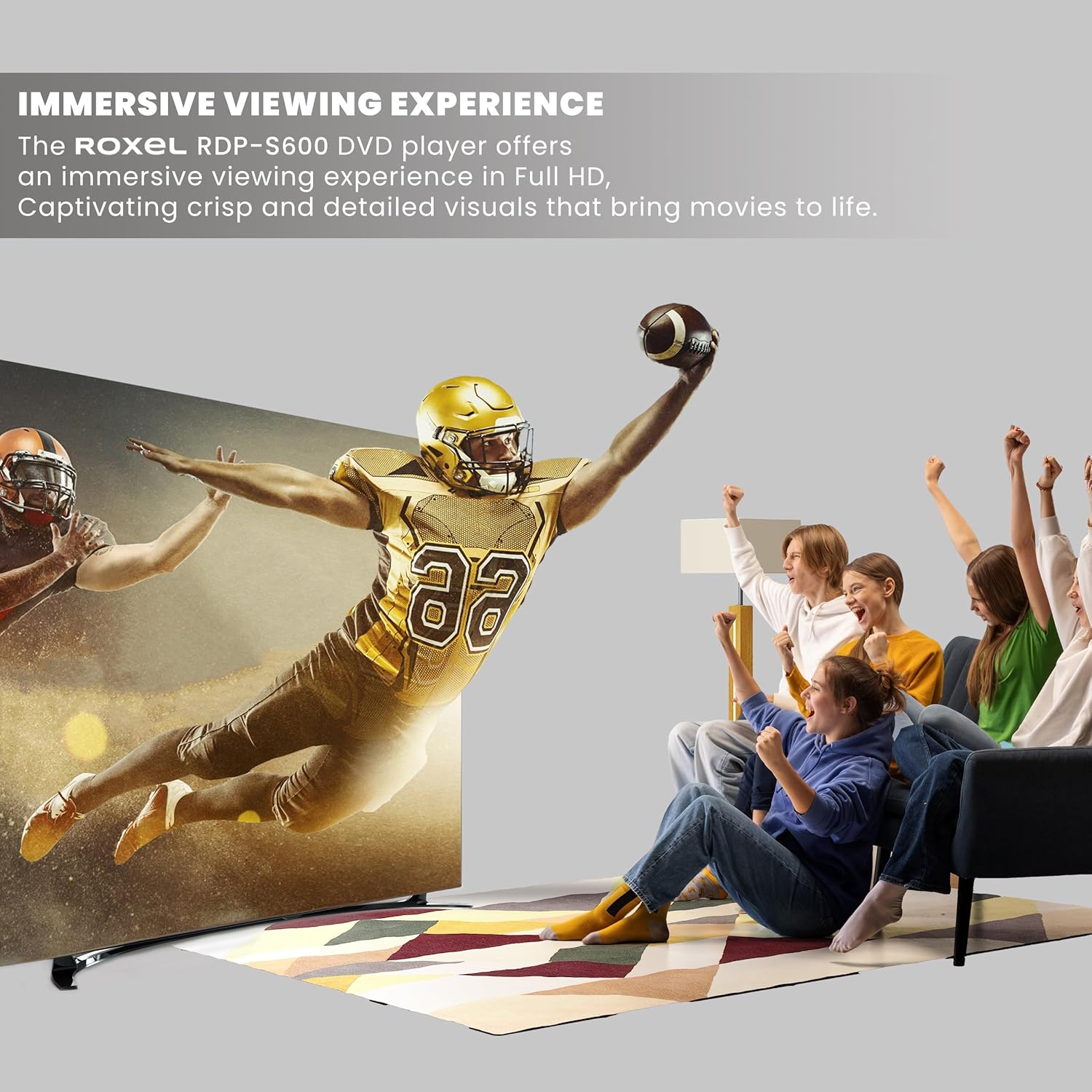
Image: An immersive viewing experience is depicted with people enjoying a high-definition image on a large screen, highlighting the Full HD capability of the Roxel RDP-S600.
- USB Port and CD Playback: Easily play media files from your USB device. In addition to DVD playback, the RDP-S600 functions as a CD player, delivering high-quality audio output for your music collection.
- Advanced Error Correction: The Roxel RDP-S600 DVD player features an advanced error correction function that enables smooth playback of scratched or slightly damaged discs, ensuring uninterrupted enjoyment of your media.
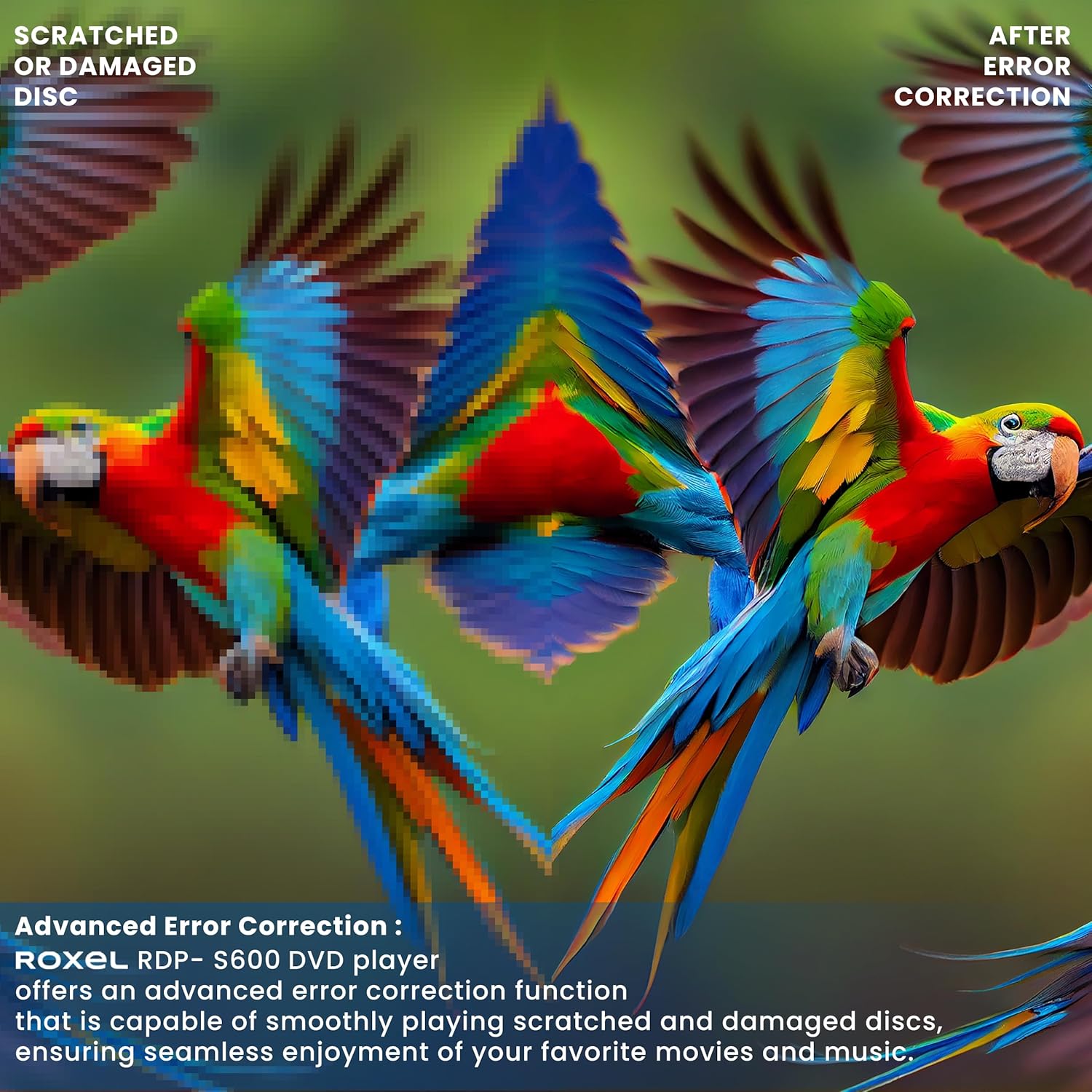
Image: A visual comparison demonstrating the advanced error correction feature, showing how the player can smooth out playback from scratched or damaged discs.
- Practical and Functional Controls: Customize your entertainment with features like skip, slow motion, advanced zoom, and single-step play functionality.

Image: Dynamic image of motorcyclists, symbolizing the practical and functional features such as slow motion and zoom available on the Roxel RDP-S600.
જાળવણી
Proper care will ensure the longevity and optimal performance of your DVD player.
- યુનિટની સફાઈ: પ્લેયરના બાહ્ય ભાગને સાફ કરવા માટે નરમ, સૂકા કપડાનો ઉપયોગ કરો. પ્રવાહી ક્લીનર્સ અથવા ઘર્ષક સામગ્રીનો ઉપયોગ કરશો નહીં.
- ડિસ્ક હેન્ડલિંગ: Always hold discs by their edges. Avoid touching the playback surface. Keep discs clean and free of scratches.
- વેન્ટિલેશન: ખેલાડીને પૂરતું વેન્ટિલેશન મળે તેની ખાતરી કરો. વેન્ટિલેશન સ્લોટ બ્લોક કરશો નહીં.
- સંગ્રહ: When not in use for extended periods, disconnect the power cord and store the player in a cool, dry place.
મુશ્કેલીનિવારણ
If you encounter issues with your Roxel RDP-S600, refer to the following common problems and solutions:
| સમસ્યા | સંભવિત કારણ | ઉકેલ |
|---|---|---|
| નો પાવર | પાવર કોર્ડ સુરક્ષિત રીતે જોડાયેલ નથી. | Check if the power cord is firmly plugged into the player and the electrical outlet. |
| કોઈ ચિત્ર/ધ્વનિ નથી | Incorrect input selected on TV; loose HDMI/RCA cables. | Ensure your TV is set to the correct input source (e.g., HDMI 1, AV). Check that HDMI or RCA cables are securely connected to both the player and the TV. |
| ડિસ્ક ચાલી રહી નથી | ડિસ્ક ગંદી છે, ખંજવાળેલી છે, અથવા ખોટી રીતે દાખલ કરેલી છે; ડિસ્ક ફોર્મેટ સપોર્ટેડ નથી. | Clean the disc with a soft cloth. Ensure the disc is inserted label-side up. Try a different disc. Verify the disc format is supported (DVD, CD). |
| રીમોટ કંટ્રોલ કામ કરતું નથી | બેટરીઓ મરી ગઈ છે અથવા ખોટી રીતે દાખલ કરવામાં આવી છે; રિમોટ અને પ્લેયર વચ્ચે અવરોધ. | Replace batteries with new ones, ensuring correct polarity. Remove any obstructions between the remote and the player's front panel. |
| USB ડ્રાઇવ મળી નથી | USB drive not properly inserted; unsupported file system or media format. | Ensure the USB drive is fully inserted. Try re-inserting it. Check if the USB drive is formatted to FAT32. Verify media files are supported (e.g., MP4, MP3). |
વિશિષ્ટતાઓ

Image: Dimensions of the Roxel RDP-S600 DVD player, showing approximate measurements of 225mm (depth), 175mm (width), and 38mm (height).
| બ્રાન્ડ | રોક્સેલ |
| મોડેલનું નામ | RDP-S600 |
| રંગ | કાળો |
| કનેક્ટિવિટી ટેકનોલોજી | HDMI, RCA, USB |
| કનેક્ટર પ્રકાર | HDMI |
| ઠરાવ | ૧૯૨૦x૧૦૮૦ (પૂર્ણ એચડી) |
| ખાસ લક્ષણો | Anti-shock, Compact, Multi-format Playback, Upscaling, Region Free |
| મીડિયા પ્રકાર | CD, DVD, MP4 |
| સુસંગત ઉપકરણો | ટેલિવિઝન |
| નિયંત્રક પ્રકાર | રીમોટ કંટ્રોલ |
| વસ્તુનું વજન | 760 ગ્રામ |
| પરિમાણો (અંદાજે) | 175 mm (W) x 225 mm (D) x 38 mm (H) |
વોરંટી અને આધાર
The Roxel RDP-S600 DVD Player comes with a 2-year availability for spare parts, indicating support for potential repairs or replacements of components within this period.
For further assistance, technical support, or warranty claims, please refer to the contact information provided on the product packaging or the official Roxel webસાઇટ


