1. પરિચય
This manual provides detailed instructions for the Noise Buds VS404 Truly Wireless Earbuds. Please read this guide thoroughly to ensure proper usage, optimal performance, and longevity of your device. Keep this manual for future reference.
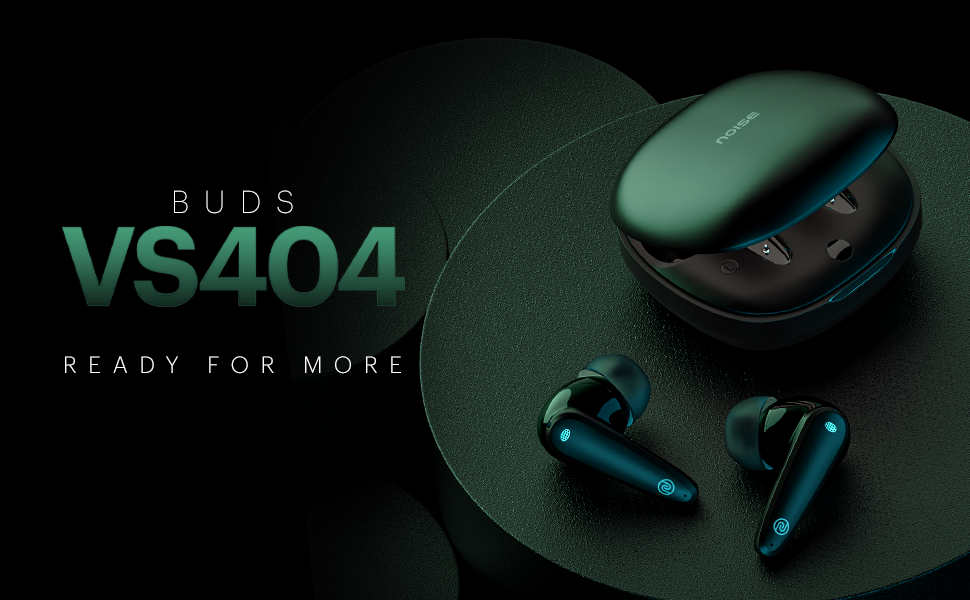
છબી 1.1: ઓવરview of Noise Buds VS404 key features including extended playtime, advanced microphone system, multiple sound modes, and fast charging.
2. બોક્સમાં શું છે
ખાતરી કરો કે નીચેની બધી વસ્તુઓ તમારા પેકેજમાં શામેલ છે:
- 1N Bluetooth Headphone (Pair of Earbuds)
- 1N ચાર્જિંગ કેસ
- 1N ચાર્જિંગ કેબલ (ટાઈપ-C)
- 1N વપરાશકર્તા માર્ગદર્શિકા
- 1N વોરંટી નોંધણી કાર્ડ
3. ઉત્પાદન ઓવરview
The Noise Buds VS404 are designed for comfort and high-quality audio. Each earbud features a 10mm dynamic driver and a quad-microphone setup with Environmental Noise Cancellation (ENC) for clear calls. The charging case provides additional battery life and protects the earbuds.

Image 3.1: The Noise Buds VS404 earbuds and their charging case.
3.1. Earbud Components
- ટચ કંટ્રોલ એરિયા: For managing music, calls, and voice assistant.
- માઇક્રોફોન: Quad-mic setup for calls and ENC.
- વક્તા: 10mm dynamic driver.
- ચાર્જિંગ સંપર્કો: કેસની અંદર ચાર્જિંગ માટે.
૩.૨. ચાર્જિંગ કેસ ઘટકો
- ઇયરબડ સ્લોટ્સ: ઇયરબડ્સને સુરક્ષિત રીતે પકડી રાખે છે અને ચાર્જ કરે છે.
- ચાર્જિંગ પોર્ટ: Type-C port for charging the case.
- એલઇડી સૂચક: ચાર્જિંગ સ્થિતિ અને બેટરી સ્તર દર્શાવે છે.
4. સેટઅપ
૪.૧. ઇયરબડ્સ અને કેસ ચાર્જ કરવા
પ્રથમ ઉપયોગ કરતા પહેલા, ઇયરબડ્સ અને ચાર્જિંગ કેસને સંપૂર્ણપણે ચાર્જ કરો.
- ઇયરબડ્સને ચાર્જિંગ કેસમાં મૂકો. ખાતરી કરો કે તે યોગ્ય રીતે બેઠેલા છે.
- ટાઇપ-સી ચાર્જિંગ કેબલને કેસ પરના ચાર્જિંગ પોર્ટ અને પાવર સ્ત્રોત સાથે કનેક્ટ કરો.
- કેસ પરનો LED સૂચક ચાર્જિંગ સ્થિતિ બતાવશે. એકવાર સંપૂર્ણ ચાર્જ થઈ ગયા પછી, સૂચક બદલાઈ જશે અથવા બંધ થઈ જશે.
The Noise Buds VS404 feature ઇન્સ્ટાચાર્જ, providing approximately 200 minutes of playtime with just 10 minutes of charging.
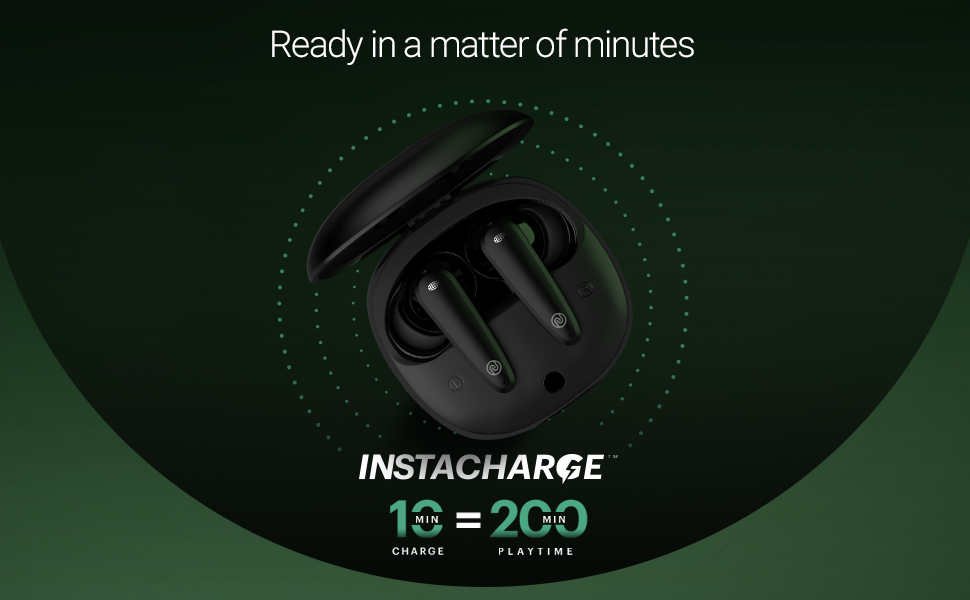
Image 4.1: Instacharge capability of the Noise Buds VS404, offering quick power-ups.
ચાર્જિંગ કેસ સાથે સંપૂર્ણ ચાર્જ કરવાથી કુલ 50 કલાક સુધીનો પ્લેબેક સમય મળે છે.
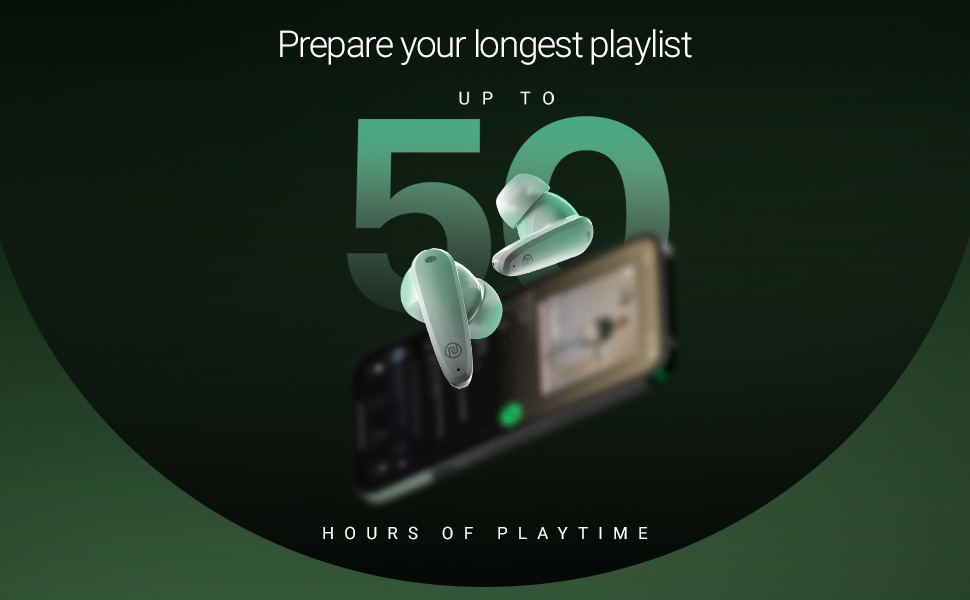
Image 4.2: The Noise Buds VS404 provide up to 50 hours of total playback time.
4.2. બ્લૂટૂથ જોડી
તમારા ઇયરબડ્સને ઉપકરણ સાથે કનેક્ટ કરવા માટે:
- ચાર્જિંગ કેસ ખોલો. ઇયરબડ્સ આપમેળે પેરિંગ મોડમાં પ્રવેશ કરશે.
- તમારા ઉપકરણ (સ્માર્ટફોન, ટેબ્લેટ, લેપટોપ) પર, બ્લૂટૂથ સક્ષમ કરો.
- માટે શોધો available Bluetooth devices and select "Noise Buds VS404" from the list.
- Once connected, you will hear an audio prompt, and the LED indicator on the earbuds may change.
The earbuds use Bluetooth v5.3 for a stable connection up to 10 meters.
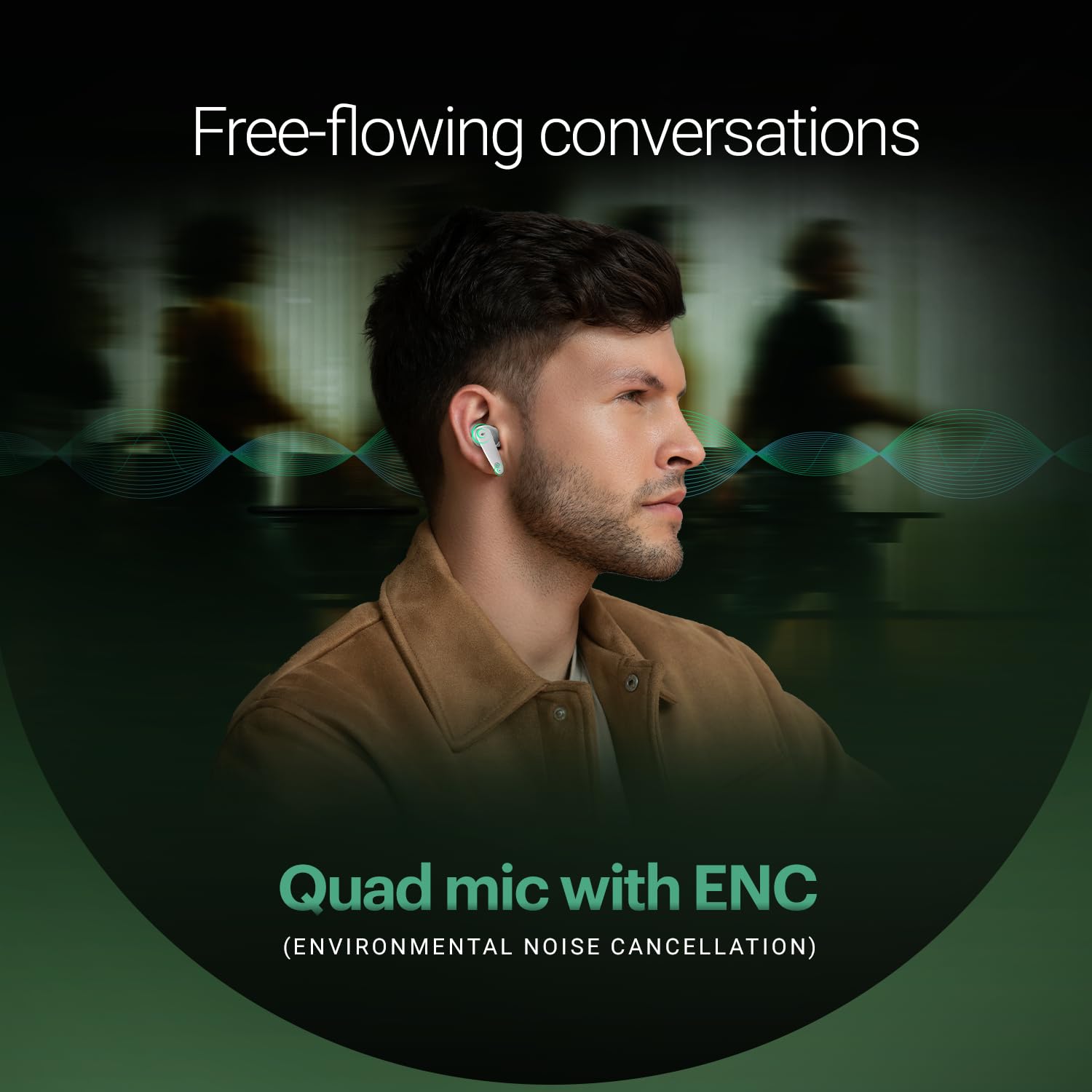
Image 4.3: Noise Buds VS404 establishing a flawless Bluetooth connection with a mobile device.
5. ઓપરેટિંગ સૂચનાઓ
5.1. પાવર ચાલુ/બંધ
- પાવર ચાલુ: ચાર્જિંગ કેસ ખોલો, અને ઇયરબડ્સ આપમેળે ચાલુ થશે અને છેલ્લા જોડીવાળા ઉપકરણ સાથે કનેક્ટ થવાનો પ્રયાસ કરશે.
- પાવર બંધ: ઇયરબડ્સને પાછા ચાર્જિંગ કેસમાં મૂકો અને ઢાંકણ બંધ કરો. તે આપમેળે બંધ થઈ જશે અને ચાર્જ થવાનું શરૂ કરશે.
5.2. સંગીત નિયંત્રણ
Use the touch control area on the earbuds for music playback:
- ચલાવો/થોભો: બંને ઇયરબડ પર એક વાર ટેપ કરો.
- આગળનો ટ્રેક: જમણા ઇયરબડ પર બે વાર ટૅપ કરો.
- પાછલો ટ્રેક: ડાબા ઇયરબડ પર બે વાર ટૅપ કરો.
5.3. કૉલ મેનેજમેન્ટ
ટચ કંટ્રોલનો ઉપયોગ કરીને કોલ્સ મેનેજ કરો:
- જવાબ/કૉલ સમાપ્ત કરો: બંને ઇયરબડ પર એક વાર ટેપ કરો.
- કૉલ નકારો: કોઈપણ ઇયરબડને 2 સેકન્ડ માટે દબાવી રાખો.
The earbuds feature a quad-mic setup with Environmental Noise Cancellation (ENC) for clear voice transmission during calls.
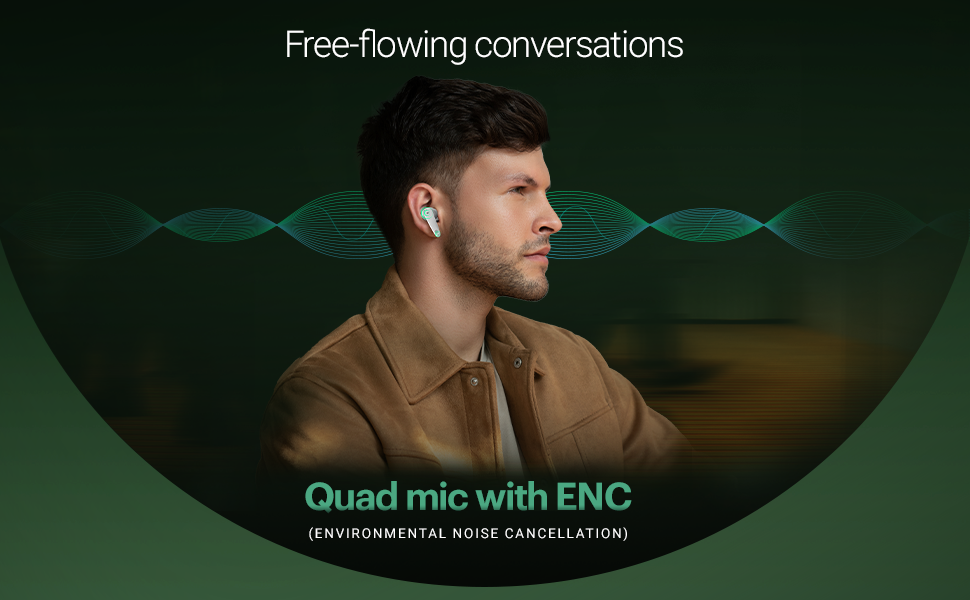
Image 5.1: The Noise Buds VS404 utilize a quad microphone system with ENC for enhanced call clarity.
5.4. EQ મોડ્સ
The Noise Buds VS404 offer three distinct EQ modes to tailor your audio experience:
- બાસ મોડ: Enhances low frequencies for a deeper sound.
- ગેમિંગ મોડ: Optimizes audio for gaming, reducing latency.
- સામાન્ય મોડ: સંતુલિત ઓડિયો પ્રો પ્રદાન કરે છેfile for everyday listening.
To switch between EQ modes, triple tap on either earbud.
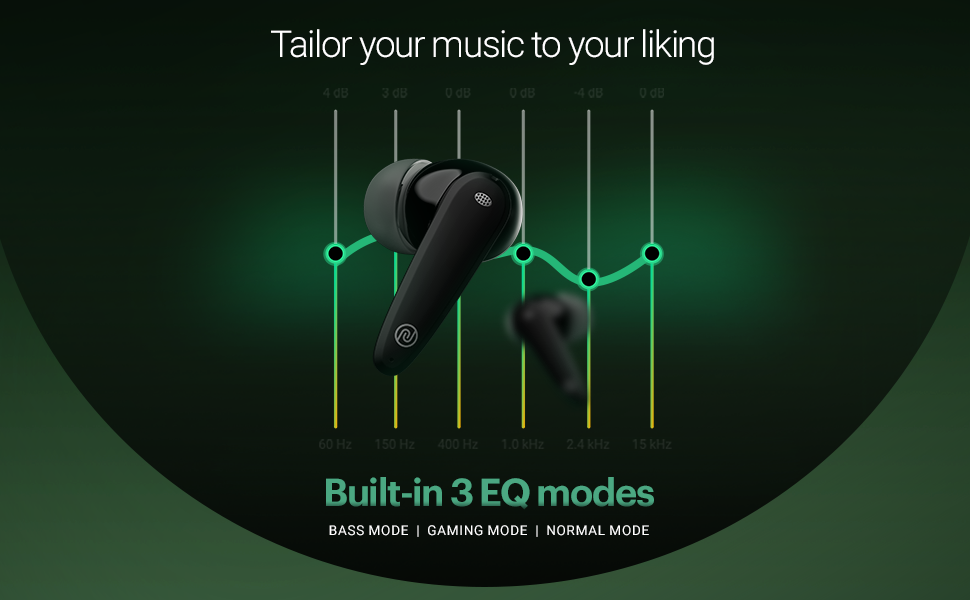
Image 5.2: Visual representation of the three built-in EQ modes available on the Noise Buds VS404.
5.5. વૉઇસ સહાયક
Activate your device's voice assistant (Google Assistant, Siri) by pressing and holding either earbud for 2 seconds.
6. જાળવણી
6.1. સફાઈ
- ઇયરબડ્સ અને ચાર્જિંગ કેસને નિયમિતપણે નરમ, સૂકા, લિન્ટ-ફ્રી કપડાથી સાફ કરો.
- કઠોર રસાયણો, સફાઈ દ્રાવક અથવા મજબૂત ડિટર્જન્ટનો ઉપયોગ કરશો નહીં.
- યોગ્ય ચાર્જિંગ સુનિશ્ચિત કરવા માટે ઇયરબડ્સ અને કેસ બંને પર ચાર્જિંગ કોન્ટેક્ટ સાફ કરો.
6.2. સંગ્રહ
- જ્યારે ઉપયોગમાં ન હોય, ત્યારે ઇયરબડ્સને સુરક્ષિત રાખવા અને ચાર્જ રાખવા માટે હંમેશા તેમના ચાર્જિંગ કેસમાં રાખો.
- ઉપકરણને ઠંડી, સૂકી જગ્યાએ, અતિશય તાપમાન અને સીધા સૂર્યપ્રકાશથી દૂર રાખો.
The earbuds are IPX5 water-resistant, meaning they can withstand splashes and sweat, making them suitable for workouts and outdoor use. However, they are not designed for submersion in water.

Image 6.1: The Noise Buds VS404 are built with IPX5 water resistance, suitable for outdoor activities.
7. મુશ્કેલીનિવારણ
If you encounter issues with your Noise Buds VS404, refer to the following common solutions:
| સમસ્યા | ઉકેલ |
|---|---|
| ઇયરબડ્સ જોડી રહ્યાં નથી | ખાતરી કરો કે ઇયરબડ ચાર્જ થયેલ છે. તમારા ડિવાઇસ પર બ્લૂટૂથ બંધ કરીને ચાલુ કરો. ડિવાઇસને બ્લૂટૂથ સેટિંગ્સમાં ભૂલી જાઓ અને ફરીથી જોડી બનાવો. |
| માત્ર એક ઇયરબડ કામ કરે છે | Place both earbuds back in the case, close the lid, wait a few seconds, then open again. Check if both are charged. |
| ઓછો અવાજ અથવા નબળી અવાજ ગુણવત્તા | Clean earbud speaker meshes. Adjust volume on your device. Try different EQ modes. Ensure earbuds are properly seated in your ears. |
| ચાર્જિંગ સમસ્યાઓ | ખાતરી કરો કે ચાર્જિંગ કેબલ સુરક્ષિત રીતે જોડાયેલ છે. ઇયરબડ અને કેસ પર ચાર્જિંગ કોન્ટેક્ટ સાફ કરો. અલગ ચાર્જિંગ કેબલ અથવા પાવર એડેપ્ટર અજમાવી જુઓ. |
| Earbuds not disconnecting from device when placed in case | Ensure the charging case has sufficient battery. Close the lid firmly. If the issue persists, manually disconnect from your device's Bluetooth settings. |
8. સ્પષ્ટીકરણો
| લક્ષણ | વિગત |
|---|---|
| મોડેલનું નામ | બડ્સ VS404 |
| કનેક્ટિવિટી ટેકનોલોજી | વાયરલેસ (બ્લુટુથ v5.3) |
| બ્લૂટૂથ રેન્જ | 10 મીટર |
| ઓડિયો ડ્રાઈવર પ્રકાર | 10mm ડાયનેમિક ડ્રાઈવર |
| બેટરી લાઇફ (કુલ) | ૪૮ કલાક સુધી (ચાર્જિંગ કેસ સાથે) |
| ઝડપી ચાર્જિંગ | Instacharge (10 min charge = 200 min playtime) |
| ચાર્જિંગ પોર્ટ | ટાઈપ-સી |
| માઇક્રોફોન | પર્યાવરણીય અવાજ રદીકરણ (ENC) સાથે ક્વાડ માઇક |
| ઇક્યુ મોડ્સ | Bass, Gaming, Normal |
| પાણી પ્રતિકાર | IPX5 (પરસેવો અને છાંટા પ્રતિરોધક) |
| નિયંત્રણ પદ્ધતિ | Touch, Voice (Google Assistant, Siri) |
| સામગ્રી | પોલીકાર્બોનેટ (PC) |
| વસ્તુનું વજન | 50 ગ્રામ |
| ઉત્પાદન પરિમાણો | 6.5 x 4.9 x 2.9 સેમી |
9. વોરંટી અને સપોર્ટ
Your Noise Buds VS404 come with a 1-year warranty. Please refer to the included Warranty Registration Card for details on how to register your product and claim warranty services.
For technical support, service, or further inquiries, please contact Noise customer support. Contact information can be found on the warranty card or the official Noise webસાઇટ
ઉત્પાદક: નેક્સબેઝ માર્કેટિંગ પ્રા. લિ., ઠાસરા નંબર-146/25/2/1, જેલ રોડ બાદશાહપુર, ગુરુગ્રામ હરિયાણા-122101


