1. ઉત્પાદન ઓવરview
The Belkin BoostCharge Pro 2-in-1 Wireless Charging Pad with Magnetic Qi2 provides convenient and efficient wireless charging for multiple devices. This pad features 15W fast charging for Qi2-enabled devices like iPhone 15/16 series and MagSafe-compatible devices, along with a 5W Qi pad for AirPods and an additional 5W USB-C output port for a third device.
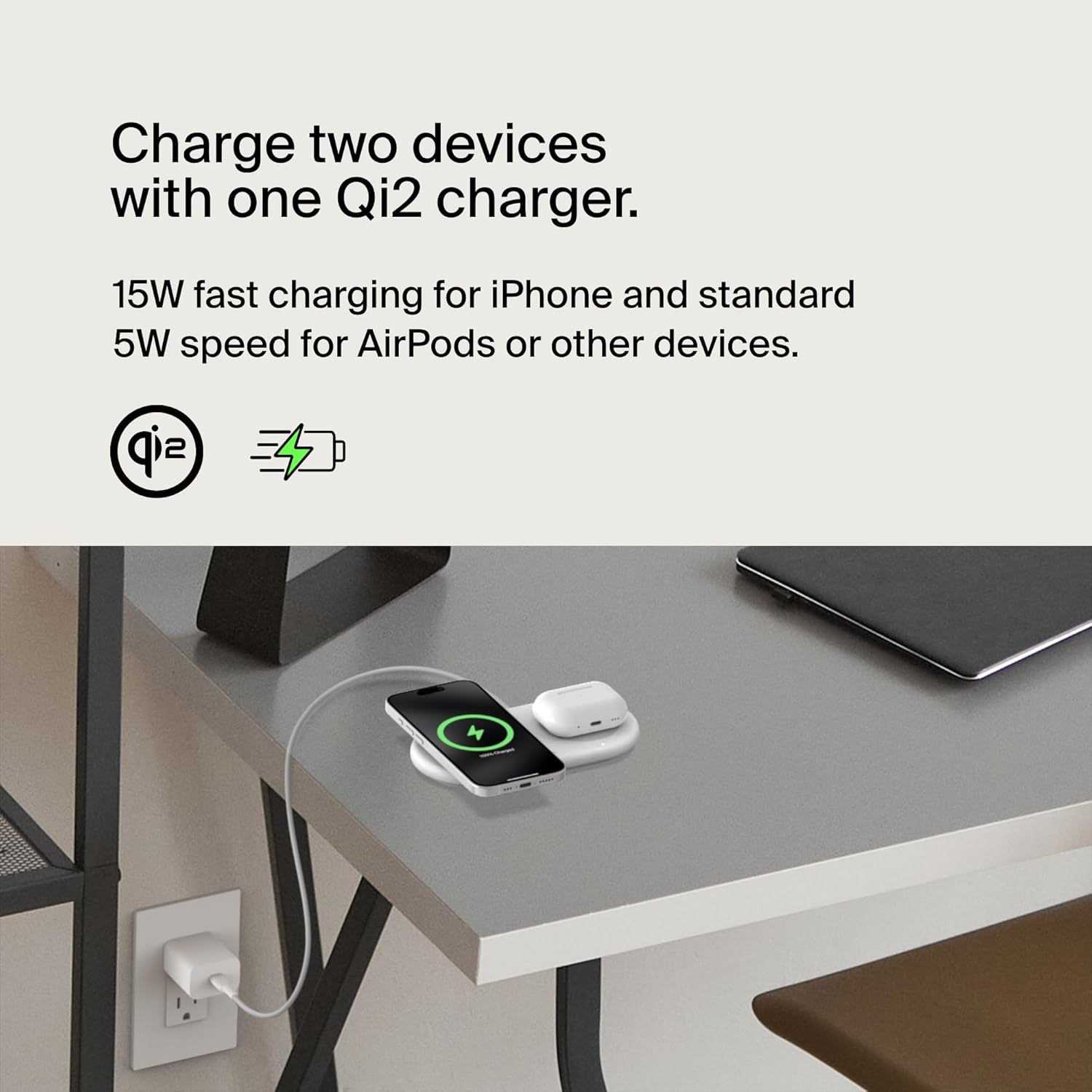
Image 1: The Belkin BoostCharge Pro 2-in-1 Wireless Charging Pad in white, showcasing its sleek design and dual charging surfaces.
મુખ્ય લક્ષણો:
- 15W Qi2 Wireless Charging: Delivers fast magnetic wireless charging for Qi2-enabled devices, including iPhone 15/16 series and MagSafe-compatible devices.
- 5W Qi Pad: Charges AirPods or other Qi-enabled devices.
- Additional 5W USB-C Output Port: Allows charging of a third device, such as an Apple Watch or another smartphone.
- ચુંબકીય સંરેખણ: Ensures secure and aligned connection for optimal charging.
- એલઇડી સૂચક પ્રકાશ: Provides visual confirmation of charging status.
- કેસ સુસંગત: Charges through MagSafe-compatible cases up to 3mm thick.
- પર્યાવરણને અનુકૂળ સામગ્રી: Product housing made from a minimum of 72% post-consumer recycled content.
2. પેકેજ સામગ્રી
ખાતરી કરો કે બધી વસ્તુઓ પેકેજમાં હાજર છે:
- Belkin BoostCharge Pro 2-in-1 Wireless Charging Pad with Magnetic Qi2 (15W)
- 30W USB-C Power Supply Unit (PSU)
- 5 ft./1.5m USB-C to USB-C Cable
3. સેટઅપ સૂચનાઓ
- પાવર એડેપ્ટરને કનેક્ટ કરો: Plug the included 30W USB-C Power Supply Unit (PSU) into a wall outlet.
- Connect Charging Pad: Connect one end of the 5 ft./1.5m USB-C to USB-C cable to the USB-C port on the charging pad and the other end to the 30W PSU.
- પ્લેસમેન્ટ: Place the charging pad on a flat, stable surface away from direct sunlight or heat sources.
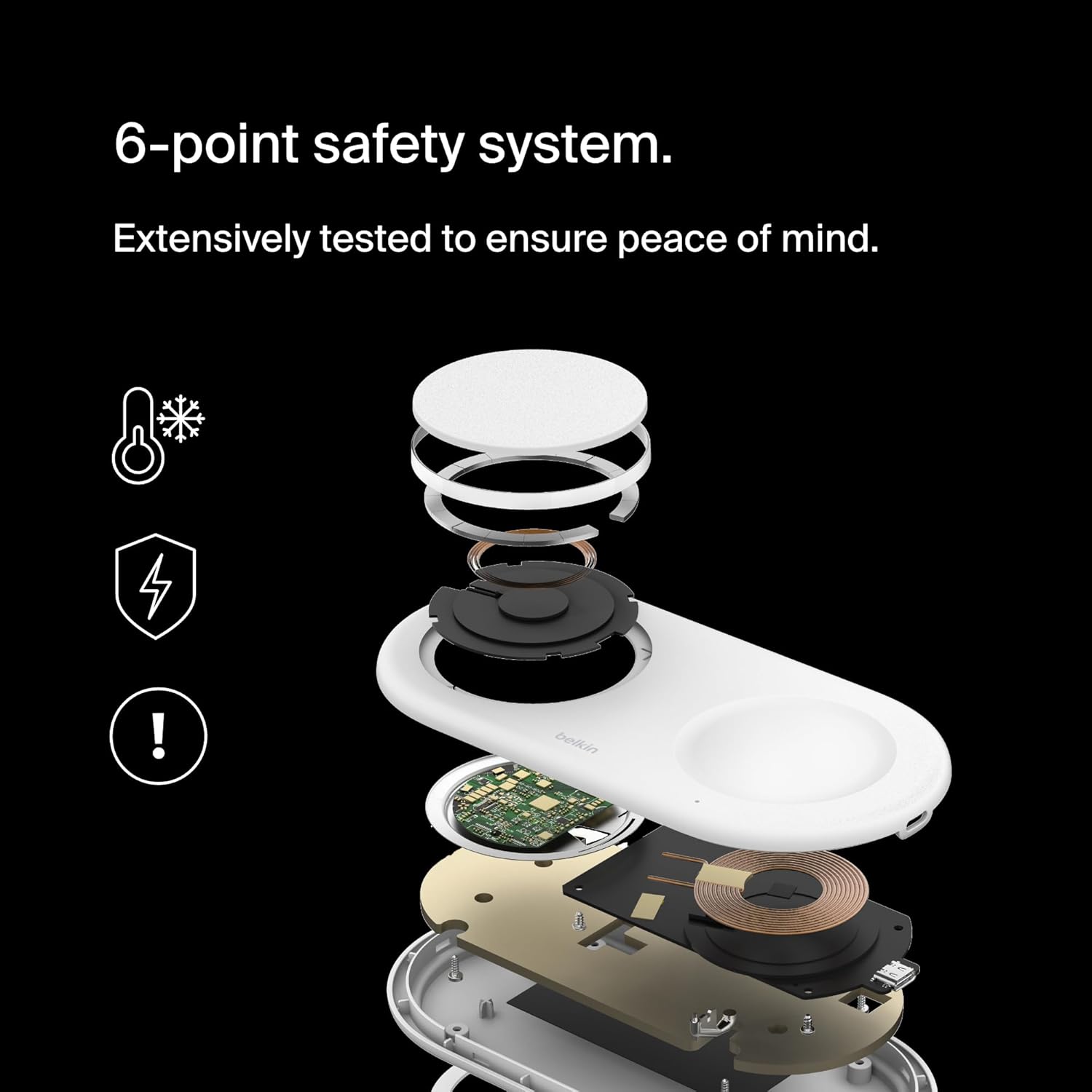
Image 2: The charging pad connected to its power supply, with an iPhone, AirPods, and Apple Watch placed on it for charging.
4. ઓપરેટિંગ સૂચનાઓ
Charging a Qi2-Enabled Device (e.g., iPhone 15/16 Series):
- Place your Qi2-enabled smartphone (e.g., iPhone 15/16 series) directly onto the magnetic charging surface of the pad. The magnetic alignment will help position your device correctly.
- Ensure the device is centered on the charging surface for optimal 15W fast charging.
- The LED indicator light on the pad will illuminate to confirm charging has begun.

Image 3: An iPhone displaying a charging icon while placed on the magnetic Qi2 charging surface of the pad.
એરપોડ્સ અથવા અન્ય Qi-સક્ષમ ઉપકરણો ચાર્જ કરવા:
- Place your AirPods case or other Qi-enabled device onto the secondary 5W Qi charging pad.
- The LED indicator light will confirm charging.
Charging a Third Device via USB-C Port:
- Connect a compatible USB-C cable (not included for the third device) to the additional USB-C output port on the charging pad.
- Connect the other end of the cable to your third device (e.g., Apple Watch, another smartphone) to initiate 5W charging.

Image 4: The charging pad with an iPhone and AirPods charging wirelessly, and an Apple Watch connected to the additional USB-C port.
એલઇડી સૂચક પ્રકાશ:
The built-in LED indicator light provides important feedback:
- ઘન લીલા: Device is charging correctly.
- Amber/Flashing: Foreign object detected or device is not properly aligned. Remove the device and re-position it.

Image 5: A close-up of the charging pad showing the LED indicator light, which confirms charging status.
5. જાળવણી
- ચાર્જિંગ પેડને સ્વચ્છ અને ધૂળ અને કચરાથી મુક્ત રાખો. સફાઈ માટે નરમ, સૂકા કપડાનો ઉપયોગ કરો.
- ઉપકરણને અતિશય તાપમાન, ભેજ અથવા પ્રવાહીના સંપર્કમાં આવવાનું ટાળો.
- Do not attempt to disassemble or repair the charging pad yourself. Contact customer support for assistance.
6. મુશ્કેલીનિવારણ
- ઉપકરણ ચાર્જ થતું નથી:
- Ensure the charging pad is properly connected to the power adapter and wall outlet.
- Verify that your device is Qi2-enabled or Qi-enabled and correctly aligned on the charging surface.
- Remove any thick cases (over 3mm) or metallic objects between your device and the charging pad.
- Check the LED indicator light for any error signals (e.g., flashing amber).
- ધીમું ચાર્જિંગ:
- Ensure you are using the included 30W PSU and USB-C cable. Using a lower-power adapter may result in slower charging.
- For 15W fast charging, ensure your device is Qi2 certified and properly aligned. Some devices, like Samsung S25 series, may require a Qi2 certified case for magnetic attachment and optimal fast charging.
- Avoid charging multiple devices simultaneously if you require maximum speed for a single device.
- ઓવરહિટીંગ:
- Ensure proper ventilation around the charging pad.
- Remove any foreign objects or thick cases that might impede heat dissipation.
- જો વધુ ગરમ થવાનું ચાલુ રહે, તો ઉપયોગ બંધ કરો અને ગ્રાહક સપોર્ટનો સંપર્ક કરો.
7. સ્પષ્ટીકરણો
| લક્ષણ | વિગત |
|---|---|
| મોડલ નંબર | WIZ021ttWH |
| ઉત્પાદન પરિમાણો | 3.21 x 6.42 x 0.59 ઇંચ |
| વસ્તુનું વજન | 1.1 પાઉન્ડ |
| કનેક્ટર પ્રકાર | યુએસબી પ્રકાર સી |
| ઇનપુટ વોલ્યુમtage | 120 વોલ્ટ |
| Ampઇરેજ | 3 Amps |
| કુલ યુએસબી પોર્ટ્સ | 1 (output) |
| સુસંગત ઉપકરણો | iPhone 16 series, iPhone 15 series, iPhone 14 series, iPhone 13 series, iPhone 12 series, Samsung Galaxy S25 series*, Google Pixel 10 series, AirPods, Qi2 enabled devices. |
| ખાસ લક્ષણો | Charge 3 Devices At Once, Charging Indicator, Fast Charging, Magnetic, MagSafe Compatible, Qi2 Technology, Wireless Charging. |
8. વોરંટી અને સપોર્ટ
આ બેલ્કિન બૂસ્ટચાર્જ પ્રો 2-ઇન-1 વાયરલેસ ચાર્જિંગ પેડ સાથે આવે છે 2 વર્ષની વોરંટી. વધુમાં, તેમાં શામેલ છે $2,500 કનેક્ટેડ ઇક્વિપમેન્ટ વોરંટી (CEW), તમારા કનેક્ટેડ ઉપકરણો માટે માનસિક શાંતિ પ્રદાન કરે છે.
For technical support, troubleshooting, or warranty claims, please visit the official Belkin support webસાઇટ અથવા તેમની ગ્રાહક સેવાનો સંપર્ક કરો.
૫.૩. પ્રોડક્ટ વિડિઓઝ
ઉત્પાદન ઓવરview વિડિયો
વિડિઓ ૧: એક સત્તાવાર ઉત્પાદન સમાપ્તview શોકasing the features and functionality of the Belkin 2-in-1 Wireless Charging Pad.
Belkin Qi2 Technology Explained
Video 2: A short video explaining the benefits and capabilities of Belkin's Qi2 charging technology.


