પરિચય
This manual provides essential information for the setup, operation, and maintenance of your Panasonic TV-43W80AEZ 43-inch 4K Ultra HD Smart TV. Please read these instructions carefully before using your television to ensure proper functionality and to maximize your viewઅનુભવ. ભવિષ્યના સંદર્ભ માટે આ માર્ગદર્શિકા રાખો.
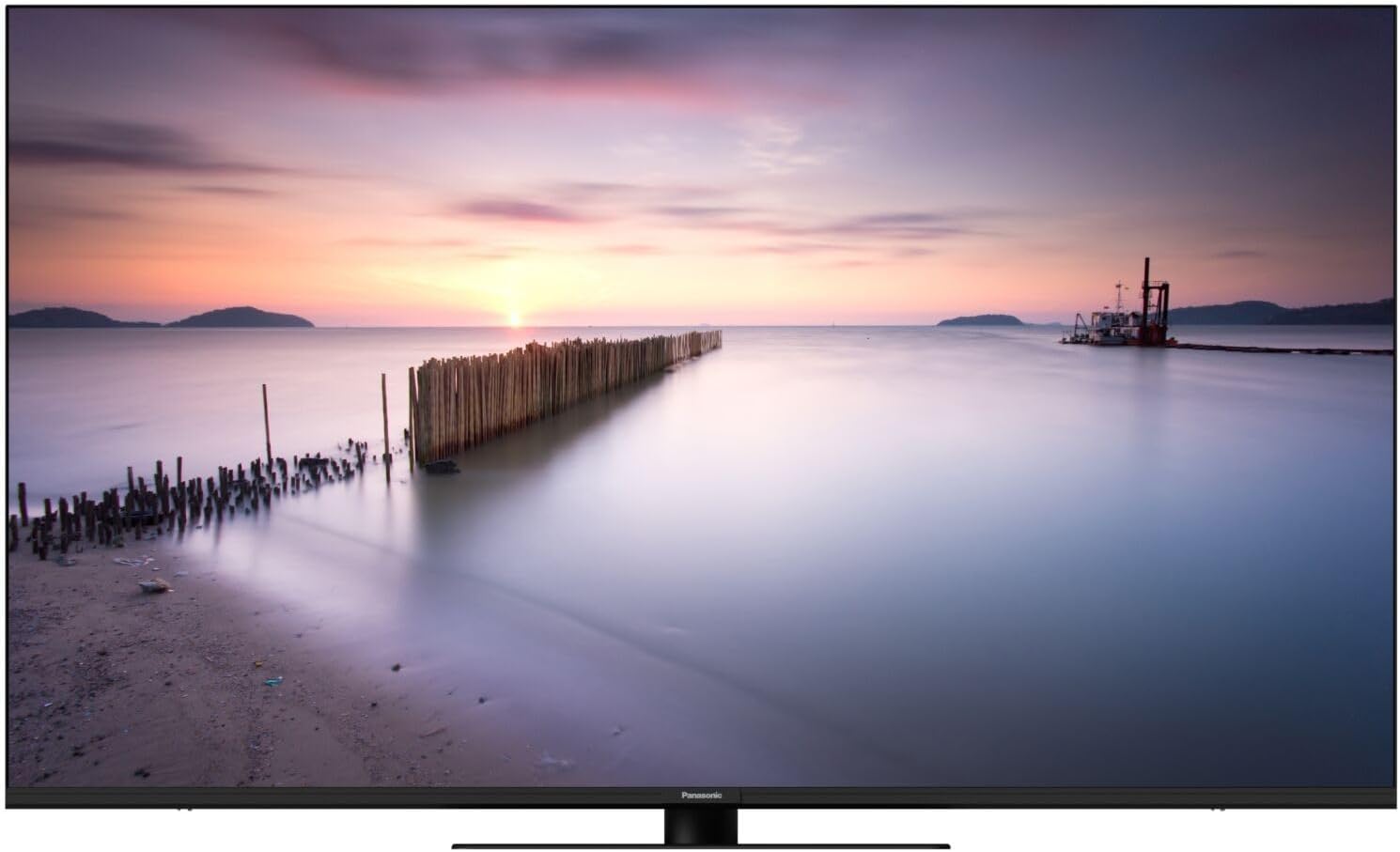
Image 1: The Panasonic TV-43W80AEZ displaying a vibrant sunset over a calm body of water, showcasinતેની પ્રદર્શન ક્ષમતાઓ.
મુખ્ય લક્ષણો
- HCX Processor: Experience enhanced contrast, sharpness, and color accuracy, delivering images faithful to the creator's original vision.
- Multi-HDR Support: Optimized brightness, contrast, and color with support for Dolby Vision, HLG, HDR10, and HDR10+ formats.
- Surround Sound Pro and Dolby Atmos: Immerse yourself in cinematic audio with advanced surround sound technology.
- Integrated Fire TV: Access favorite shows, movies, and live TV through an intuitive home screen with personalized viewing suggestions for up to six users.
- Game Plus Mode: Features ALLM HDMI 2.1, VRR, and Dolby Vision HDR Gaming support for smooth, detailed on-screen action and rapid response times.
- Alexa Voice Control and Airplay: Easily control the Smart TV using Alexa voice commands and share content from Apple devices via AirPlay.

Image 2: The Fire TV interface on the Panasonic TV, showing popular streaming applications and content recommendations.
સેટઅપ
૧. અનબોક્સિંગ અને પ્લેસમેન્ટ
- ટીવીને તેના પેકેજિંગમાંથી કાળજીપૂર્વક દૂર કરો.
- Attach the stand or mount the TV according to the separate stand/mount installation guide.
- Place the TV on a stable, level surface or securely mount it to a wall. Ensure adequate ventilation around the TV.
2. કનેક્ટિંગ પાવર
- પાવર કોર્ડને ટીવીના પાવર ઇનપુટ સાથે જોડો.
- પાવર કોર્ડના બીજા છેડાને દિવાલના આઉટલેટમાં પ્લગ કરો.
3. બાહ્ય ઉપકરણોને કનેક્ટ કરવું
Use the available ports (HDMI, USB, Ethernet) to connect external devices such as Blu-ray players, gaming consoles, sound systems, or network cables.
4. પ્રારંભિક સેટઅપ
- રિમોટ કંટ્રોલ અથવા ટીવી પર જ પાવર બટનનો ઉપયોગ કરીને ટીવી ચાલુ કરો.
- તમારી ભાષા, દેશ પસંદ કરવા અને તમારા Wi-Fi નેટવર્ક સાથે કનેક્ટ થવા માટે સ્ક્રીન પરની સૂચનાઓને અનુસરો.
- Complete the Fire TV setup, including signing in to your Amazon account.
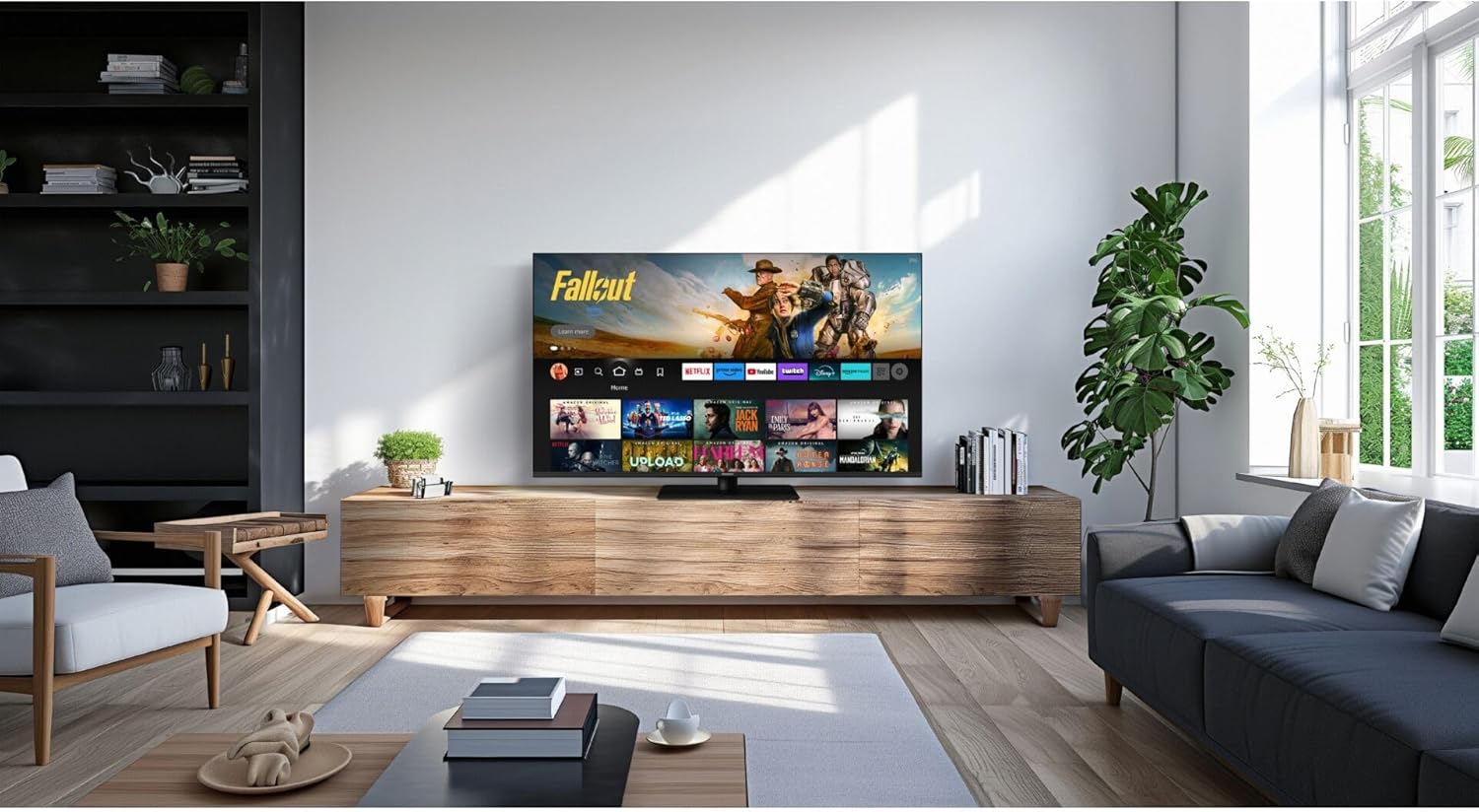
Image 3: The Panasonic TV-43W80AEZ positioned on a media console in a modern living room, demonstrating typical installation.
ઓપરેટિંગ સૂચનાઓ
પાવર ચાલુ/બંધ
દબાવો શક્તિ ટીવી ચાલુ અથવા બંધ કરવા માટે રિમોટ કંટ્રોલ પરનું બટન.
ઇનપુટ પસંદગી
દબાવો ઇનપુટ button on the remote to cycle through connected sources (HDMI 1, HDMI 2, etc.).
Fire TV Navigation
દિશાત્મક પેડનો ઉપયોગ કરો અને પસંદ કરો button on the remote to navigate the Fire TV interface. Access apps, settings, and content libraries.
એલેક્સા સાથે વૉઇસ કંટ્રોલ
દબાવો અને પકડી રાખો એલેક્સા button on your remote and speak your command. For example, "Open Netflix" or "Switch to HDMI 1."
Game Plus Mode
When a compatible gaming console is connected via HDMI, the TV may automatically switch to Game Plus Mode for optimized gaming performance. This mode reduces input lag and enhances visual fluidity.
એરપ્લે કાર્યક્ષમતા
To use AirPlay, ensure your Apple device and the TV are connected to the same Wi-Fi network. Select the AirPlay icon on your Apple device and choose your Panasonic TV from the list of available devices to mirror content or stream media.
જાળવણી
સ્ક્રીનની સફાઈ
- ટીવી બંધ કરો અને તેને પાવર આઉટલેટમાંથી અનપ્લગ કરો.
- Gently wipe the screen with a soft, dry microfiber cloth.
- હઠીલા ગુણ માટે, થોડું ડીampપાણી અથવા વિશિષ્ટ સ્ક્રીન ક્લીનરથી કપડાને મિક્સ કરો (સીધા સ્ક્રીન પર સ્પ્રે કરશો નહીં).
- Avoid using harsh chemicals, abrasive cleaners, or paper towels, as these can damage the screen.
Cleaning the TV Body
- નરમ, સૂકા કપડાથી બાહ્ય સપાટીઓ સાફ કરો.
- Do not use liquid cleaners directly on the TV body.
વેન્ટિલેશન
Ensure that the ventilation openings on the TV are not blocked. Proper airflow prevents overheating and extends the lifespan of the device.
મુશ્કેલીનિવારણ
| સમસ્યા | સંભવિત કારણ | ઉકેલ |
|---|---|---|
| કોઈ શક્તિ નથી | પાવર કોર્ડ ડિસ્કનેક્ટ થઈ ગયો; આઉટલેટ કામ કરતું નથી. | પાવર કોર્ડ કનેક્શન તપાસો; બીજા ઉપકરણ સાથે આઉટલેટનું પરીક્ષણ કરો. |
| કોઈ ચિત્ર નથી, પણ અવાજ છે. | ખોટો ઇનપુટ પસંદ કરેલ છે; બાહ્ય ઉપકરણ બંધ અથવા ડિસ્કનેક્ટ થયેલ છે. | Verify input source; check external device power and connections. |
| અવાજ નથી, પણ ચિત્ર હાજર છે. | વૉલ્યૂમ મ્યૂટ અથવા ખૂબ ઓછું; ખોટી ઑડિઓ આઉટપુટ સેટિંગ્સ. | Increase volume; check mute status; adjust audio settings in TV menu. |
| રીમોટ કંટ્રોલ કામ કરતું નથી | બેટરી બંધ થઈ ગઈ; રિમોટ અને ટીવી વચ્ચે અવરોધ. | Replace batteries (2 AA included); remove obstructions; ensure line of sight. |
| Wi-Fi કનેક્શન સમસ્યાઓ | રાઉટરમાં સમસ્યા; ખોટો પાસવર્ડ; ટીવી રાઉટરથી ખૂબ દૂર છે. | Restart router; re-enter Wi-Fi password; move TV closer or use Ethernet. |
If problems persist, consult the full electronic manual available online or contact Panasonic customer support.
વિશિષ્ટતાઓ
| લક્ષણ | વિગત |
|---|---|
| બ્રાન્ડ | પેનાસોનિક |
| મોડલ નંબર | TV-43W80AEZ |
| સ્ક્રીન માપ | 43 ઇંચ |
| રંગ | કાળો |
| ડિસ્પ્લે ટેકનોલોજી | એલઇડી |
| ઠરાવ | 4K અલ્ટ્રા એચડી |
| તાજું દર | 60 હર્ટ્ઝ |
| ખાસ લક્ષણો | Dolby Vision and Atmos, Fire TV |
| જોડાણો | Bluetooth, Wi-Fi, Ethernet, HDMI, USB |
| કુલ યુએસબી પોર્ટ્સ | 2 |
| સમાવાયેલ ઘટકો | Remote Control, 2 AA Batteries |
| ઉત્પાદનના પરિમાણો (LxWxH) | ૧૦ x ૧૦ x ૧૦ સેમી (આશરે ૩.૯૪ x ૩.૯૪ x ૩.૯૪ ઇંચ) |
| મૂળ દેશ | તુર્કી |
વોરંટી અને આધાર
Your Panasonic TV-43W80AEZ is covered by a manufacturer's warranty. Please refer to the warranty card included with your product for specific terms and conditions. For technical support, service, or additional information, please visit the official Panasonic support webસાઇટ અથવા તેમના ગ્રાહક સેવા વિભાગનો સંપર્ક કરો.
Online resources and FAQs are often available to assist with common inquiries.


