પરિચય
This manual provides essential information for setting up, operating, maintaining, and troubleshooting your NIMO N177 17.3-inch laptop. Please read this manual thoroughly to ensure proper usage and to maximize the performance and longevity of your device.
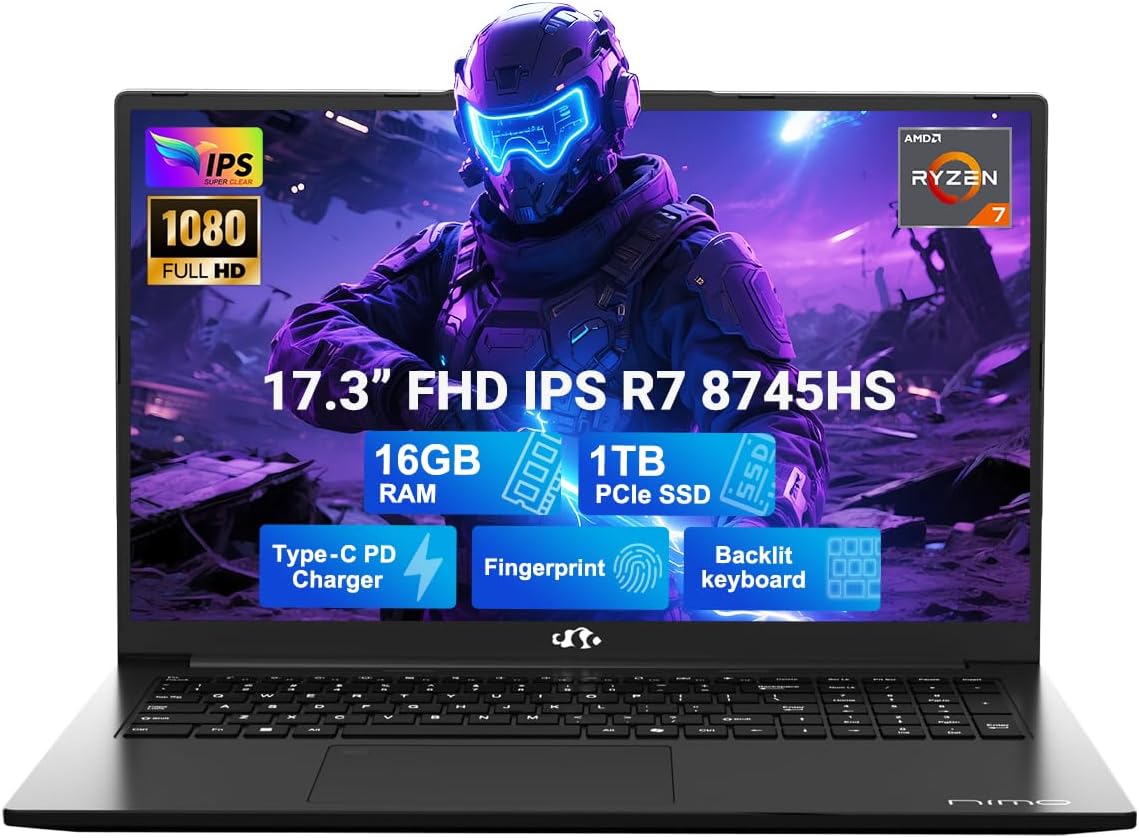
Image: The NIMO N177 laptop, showcasing its 17.3-inch FHD IPS display, AMD Ryzen 7 8745HS processor, 16GB DDR5 RAM, 1TB PCIe SSD, Type-C PD charger, fingerprint reader, and backlit keyboard.
સલામતી માહિતી
Use original chargers and check cables for damage. Hold the laptop by its base, use a protective case, and don’t put heavy items on it. Place it on a hard surface to avoid overheating; keep away from extreme temps and moisture. Don’t overcharge the battery or use counterfeits—stop using if it swells. Set strong passwords, update software, use antivirus, and back up data. If liquid spills, unplug and dry it. For issues, consult professionals, not disassemble it yourself.
કાનૂની અસ્વીકરણ
This laptop is provided "as is," with no express or implied warranties except the manufacturer’s limited warranty (if applicable); implied warranties of merchantability or fitness for a specific purpose are disclaimed. We are not liable for damages from misuse (e.g., non-approved chargers, unauthorized repairs), physical damage, or failure to follow safety rules—including data loss or business interruption. Users must back up data regularly. This disclaimer does not exclude liability for manufacturing defects or violations of mandatory local laws. Using the laptop means you accept these terms, governed by applicable jurisdiction laws.
સેટઅપ
1. અનબોક્સિંગ અને પ્રારંભિક પાવર ચાલુ
Your NIMO N177 laptop comes with the following items:
- ૧ x NIMO N177 લેપટોપ
- 1 x ટાઇપ-સી 100W પીડી ફાસ્ટ ચાર્જર
- 1 x વપરાશકર્તા માર્ગદર્શિકા
- વિન્ડોઝ ૧૧ હોમ (પહેલાથી ઇન્સ્ટોલ કરેલું)
To power on your laptop for the first time, open the lid and press the power button located on the top right of the keyboard. Follow the on-screen instructions to complete the initial Windows 11 setup.
2. બેટરી ચાર્જ કરી રહી છે
Connect the included 100W Type-C PD Fast Charger to the USB-C port on your laptop and to a power outlet. The charging indicator light will illuminate. A 15-minute charge can provide approximately 2 hours of use, making it convenient for on-the-go professionals.

Image: The NIMO laptop being charged with its 100W USB-C fast charger, highlighting the 75Wh smart battery and efficient power delivery.
3. Fingerprint Login Setup
For secure and instant access, set up the fingerprint login. The fingerprint reader is integrated into the touchpad. Navigate to Windows Settings > Accounts > Sign-in options to configure your fingerprint for quick and secure unlocking.

છબી: વિગતવાર view of the NIMO laptop's backlit keyboard and the integrated fingerprint sensor on the touchpad, emphasizing secure login.
4. Connectivity and Ports
The NIMO N177 laptop offers a range of ports for versatile connectivity:
- SD કાર્ડ રીડર
- યુએસબી 2.0 પોર્ટ (x1)
- USB 3.0 પોર્ટ્સ (x3)
- હેડફોન જેક
- કેન્સિંગ્ટન લ Slક સ્લોટ
- HDMI પોર્ટ
- USB 4.0 Type-C Port (with power delivery)
Connect your peripherals, external displays, and storage devices as needed. The USB-C port supports high-speed data transfer and charging.
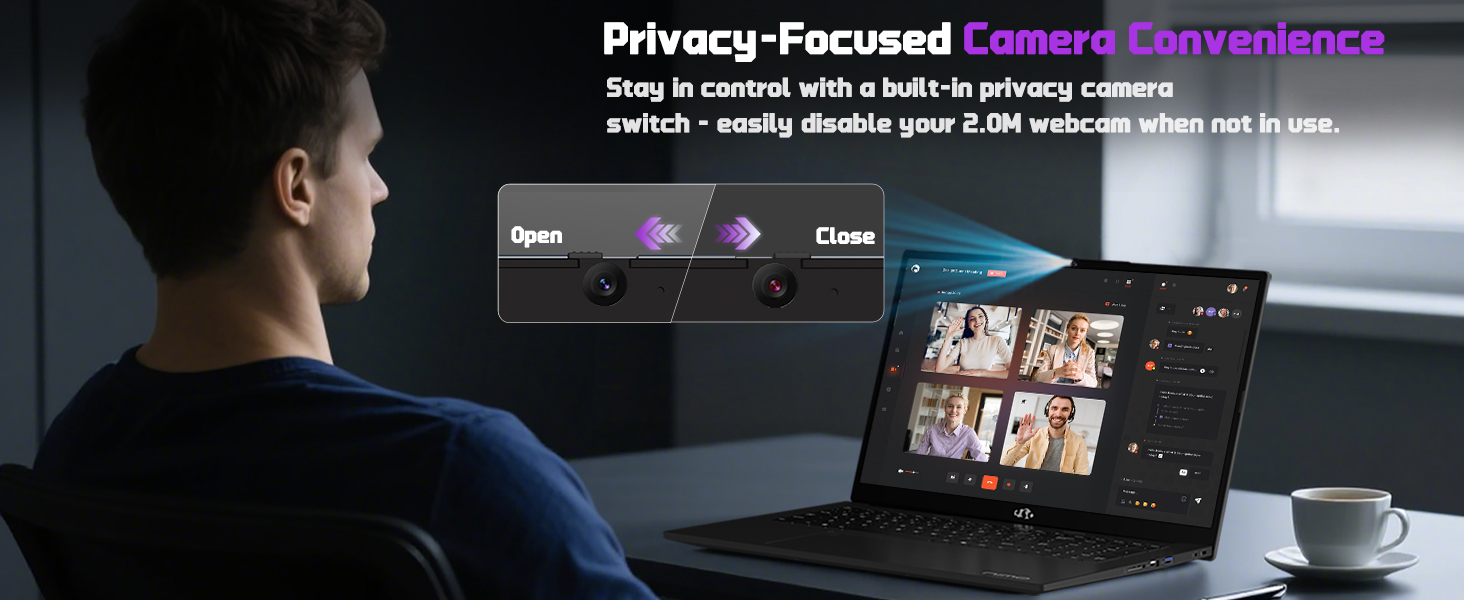
Image: A detailed diagram illustrating the various high-speed interfaces and ports available on the NIMO laptop for comprehensive connectivity.
Video: A comprehensive introduction to the NIMO laptop, showcasing its design, features, and various connectivity options.
ઓપરેટિંગ સૂચનાઓ
૩.૨. ડિસ્પ્લે અને વિઝ્યુઅલ્સ
The NIMO N177 features a 17.3-inch FHD IPS anti-glare display with a 1920x1080 resolution and an 85% screen-to-body ratio. This provides immersive visuals and sharp details for both work and entertainment. Adjust display settings through Windows Display Settings.

Image: The NIMO laptop showcasing its 17.3-inch FHD IPS display, highlighting the visual experience with bright colors and sharp details.
૧. કીબોર્ડ અને ટચપેડ
The laptop is equipped with an ergonomic backlit keyboard, allowing comfortable typing in low-light conditions. Adjust the backlight brightness using the dedicated function keys (Fn + F keys). The precision gesture-supporting touchpad enables effortless navigation.
છબી: વિગતવાર view of the NIMO laptop's backlit keyboard and the integrated fingerprint sensor on the touchpad, emphasizing secure login.
3. Webકેમનો ઉપયોગ
સંકલિત 2MP webcam is suitable for video calls and online meetings. For privacy, the laptop includes a built-in privacy camera switch, allowing you to easily disable the webજ્યારે ઉપયોગમાં ન હોય ત્યારે cam.
Image: A visual representation of the NIMO laptop's webcam with its privacy switch, showing how to open and close it for enhanced privacy.
જાળવણી
1. સામાન્ય સંભાળ
- Keep the laptop on a hard, flat surface to ensure proper ventilation and prevent overheating.
- લેપટોપ પર ભારે વસ્તુઓ રાખવાનું ટાળો.
- Clean the screen and keyboard with a soft, lint-free cloth. Do not use harsh chemicals.
- Protect the laptop from extreme temperatures and moisture.
2. બેટરી આયુષ્ય
To prolong battery life, avoid overcharging and use only the provided 100W USB-C fast charger. If the battery shows signs of swelling, discontinue use immediately and contact support.
3. Upgrading Memory and Storage
The NIMO N177 features an upgradable design, allowing you to expand memory and storage. It supports up to 16GB DDR5 RAM and a 1TB PCIe 4.0 SSD. Consult a professional for upgrades to avoid damaging the device and to maintain warranty validity.
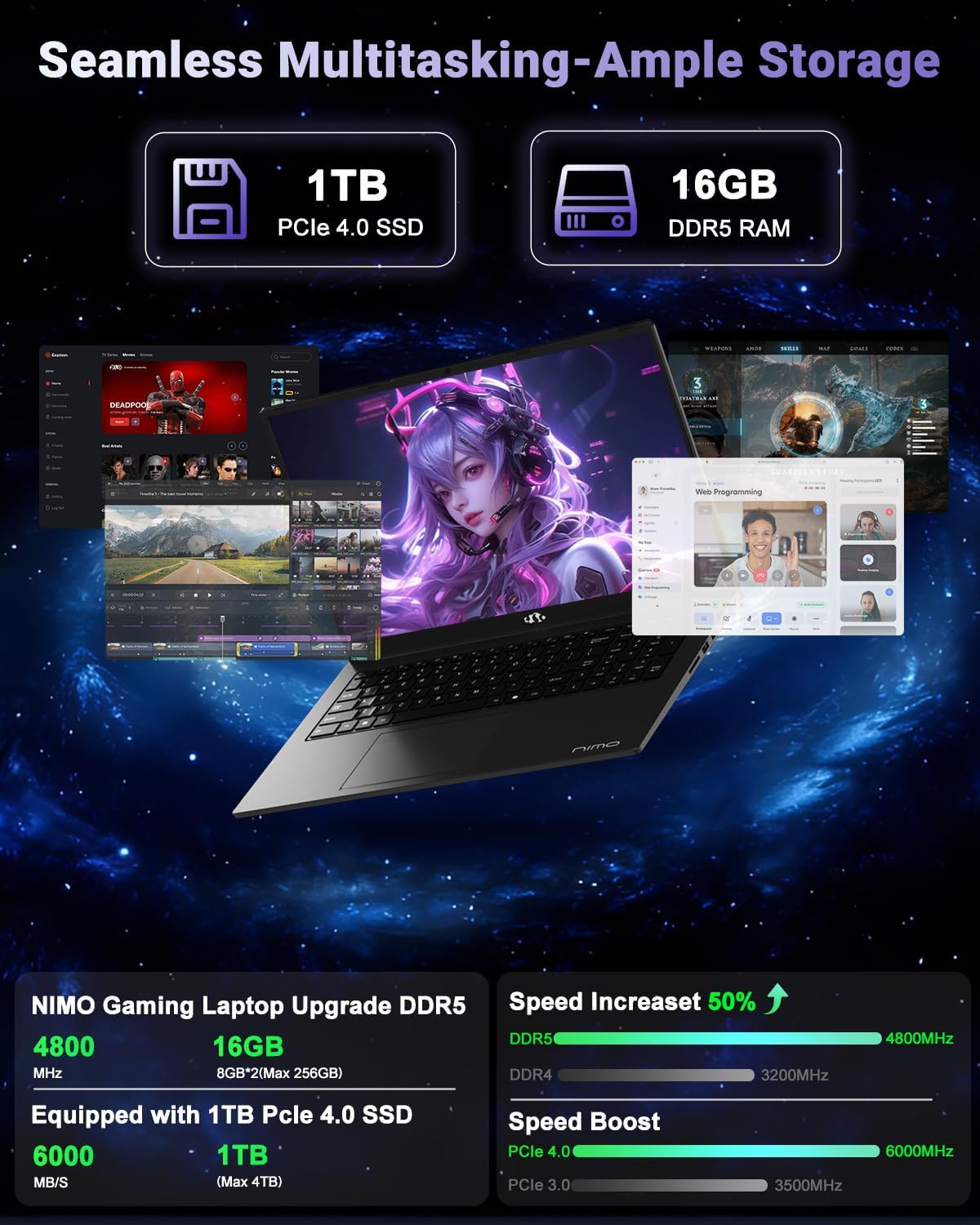
Image: A visual breakdown of the NIMO laptop's internal components, highlighting the 1TB PCIe 4.0 SSD and 16GB DDR5 RAM, and their performance benefits.
મુશ્કેલીનિવારણ
- લેપટોપ ચાલુ નથી થઈ રહ્યું: Ensure the charger is properly connected and the battery has sufficient charge. Try a different power outlet.
- ઓવરહિટીંગ: Ensure the laptop is on a hard, flat surface and vents are not obstructed. Reduce heavy workload if persistent.
- ધીમી કામગીરી: Close unnecessary applications, check for background updates, or consider upgrading RAM/SSD if performance issues persist.
- Liquid spill: Immediately unplug the laptop, turn it off, and dry it thoroughly. Do not attempt to power it on until completely dry. Seek professional assistance.
- સૉફ્ટવેર સમસ્યાઓ: Ensure Windows 11 is updated. Run antivirus scans regularly.
For further assistance, refer to the Warranty and Support section.
વિશિષ્ટતાઓ
| લક્ષણ | વિગત |
|---|---|
| સ્ટેન્ડિંગ સ્ક્રીન ડિસ્પ્લે કદ | 17.3 ઇંચ |
| સ્ક્રીન રીઝોલ્યુશન | ૧૯૨૦ x ૧૦૮૦ પિક્સેલ્સ (FHD) |
| પ્રોસેસર | AMD Ryzen 7 8745HS (4.9 GHz સુધી) |
| રેમ | ૬૪ જીબી ડીડીઆર૪ (૩૨૦૦ મેગાહર્ટ્ઝ) |
| હાર્ડ ડ્રાઈવ | ૧૦૨૪ જીબી એસએસડી (પીસીઆઈ ૪.૦) |
| ગ્રાફિક્સ કોપ્રોસેસર | એએમડી રેડેઓન 780 એમ (સંકલિત) |
| વાયરલેસ પ્રકાર | 802.11a/b/g/n/ac |
| USB 2.0 પોર્ટની સંખ્યા | 1 |
| USB 3.0 પોર્ટની સંખ્યા | 3 |
| સરેરાશ બેટરી જીવન | 15.5 કલાક |
| ઓપરેટિંગ સિસ્ટમ | વિન્ડોઝ 11 |
| વસ્તુનું વજન | 4.6 પાઉન્ડ |
| ઉત્પાદન પરિમાણો | 15.66 x 9.99 x 0.74 ઇંચ |
| રંગ | કાળો |
| પાછળ Webકેમ રિઝોલ્યુશન | 2 MP |
| ખાસ લક્ષણો | બેકલીટ કીબોર્ડ, ફિંગરપ્રિન્ટ રીડર, એચડી ઓડિયો, ન્યુમેરિક કીપેડ |
વોરંટી અને આધાર
Your NIMO N177 laptop is backed by a 2 વર્ષની વોરંટી from the manufacturer. Additionally, NIMO offers a 90-દિવસની મુશ્કેલી-મુક્ત પરત નીતિ. For any product-related inquiries, technical support, or warranty claims, please contact NIMO Direct Inc. Our dedicated support team is ready to provide quick and worry-free solutions.
વધુ માહિતી માટે, મુલાકાત લો Official NIMO Store on Amazon.


