ઉત્પાદન ઓવરview
The TECKNET Wireless Mouse (Model M003) offers versatile connectivity and ergonomic design for enhanced productivity. It supports both 2.4G wireless via a USB-A receiver and Bluetooth 5.0/3.0, allowing seamless switching between two devices. Featuring silent clicks and adjustable DPI settings, this mouse is designed for comfort and precision across various operating systems.
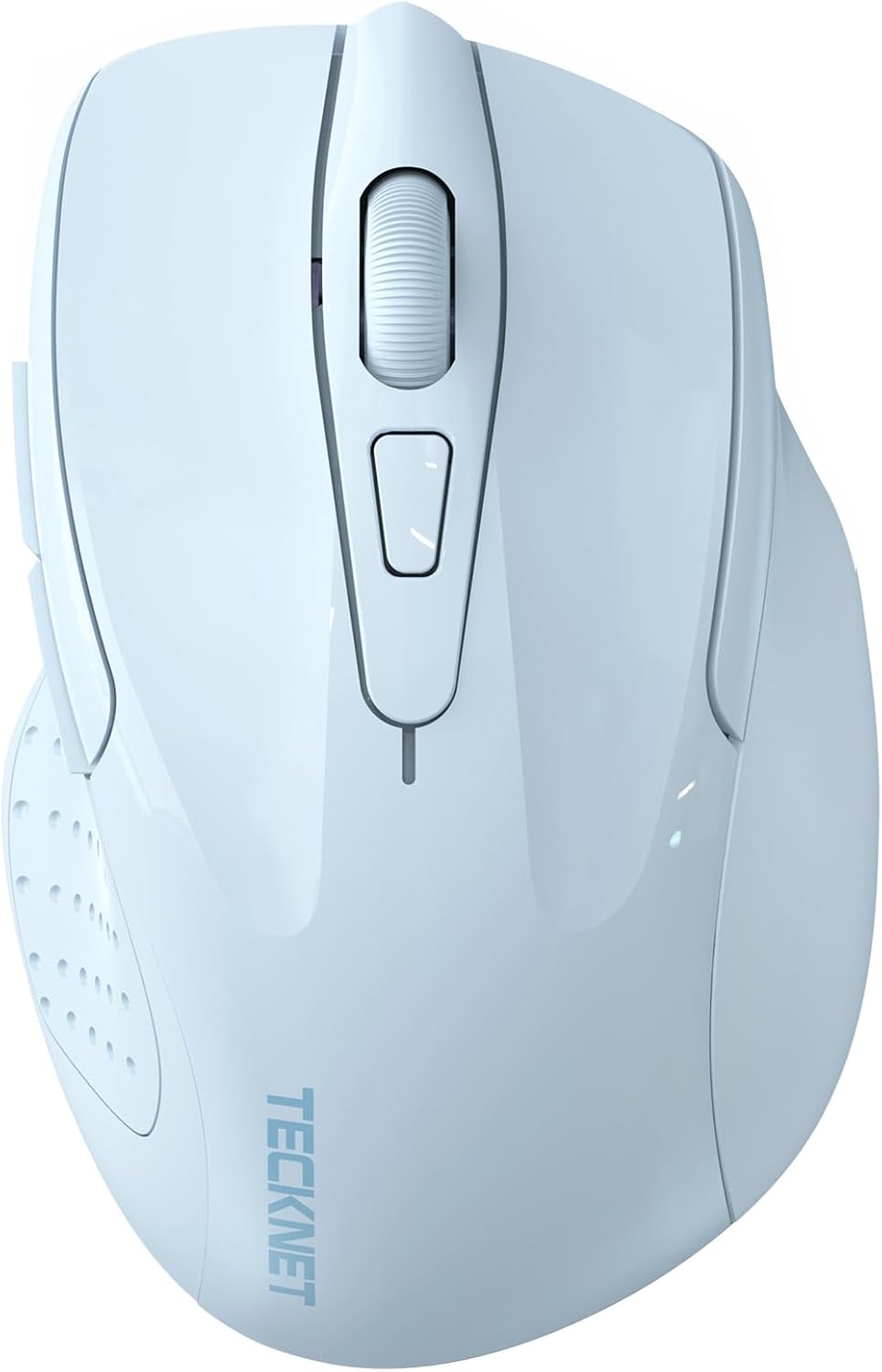
છબી: ઉપરથી નીચે સુધી view of the TECKNET Wireless Mouse, highlighting its sleek design.
મુખ્ય લક્ષણો
- ડ્યુઅલ ડિવાઇસ કનેક્ટિવિટી: Seamlessly switch between 2.4G wireless (USB-A receiver) and Bluetooth (5.0/3.0) for connection to two devices.
- એડજસ્ટેબલ DPI: Six sensitivity levels (800/1200/1600/2400/3200/4800 DPI) for precise control.
- સાયલન્ટ ઓપરેશન: Whisper-quiet clicks for a distraction-free environment.
- વ્યાપક સુસંગતતા: Supports Windows, macOS, Chrome OS, and Linux. (Note: Side buttons are not compatible with macOS).
- એર્ગોનોમિક ડિઝાઇન: Contoured shape fits the natural curvature of the hand for comfortable use.
- Intelligent Energy Saving: Automatic sleep mode extends battery life up to 30 months.
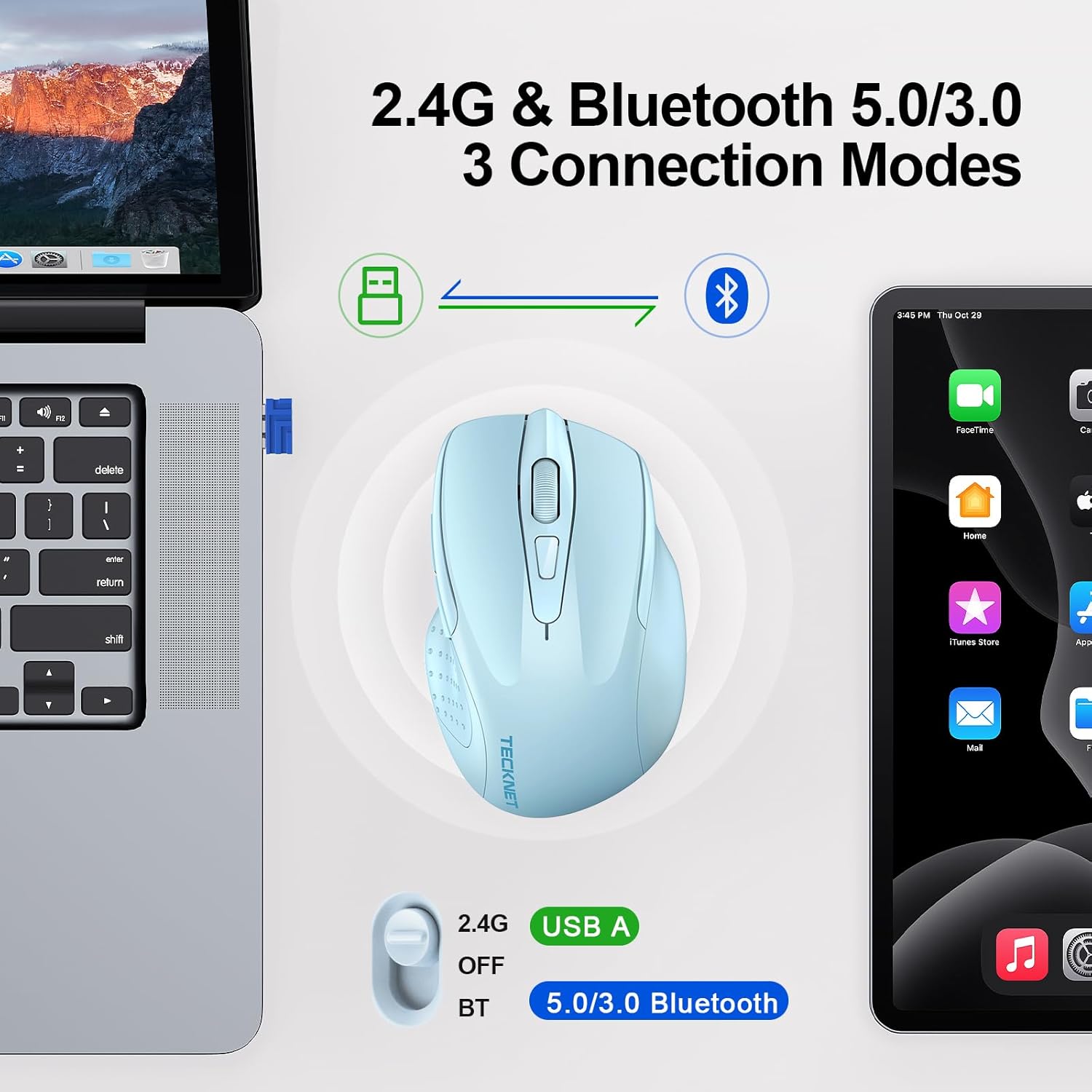
Image: Diagram illustrating the dual 2.4G and Bluetooth connection modes of the mouse with a laptop and tablet.
સેટઅપ સૂચનાઓ
1. બેટરી ઇન્સ્ટોલેશન
- માઉસની નીચેની બાજુએ બેટરીનો ડબ્બો શોધો.
- બેટરી કમ્પાર્ટમેન્ટ કવર ખોલો.
- બે AAA બેટરી દાખલ કરો (શામેલ નથી), યોગ્ય ધ્રુવીયતા (+/-) સુનિશ્ચિત કરો.
- બેટરી કમ્પાર્ટમેન્ટ કવર બંધ કરો.

Image: The underside of the mouse with the battery compartment open, showing where to insert two AAA batteries.
2. Connecting via 2.4G Wireless (USB-A Receiver)
- Locate the USB-A receiver, typically stored in the battery compartment of the mouse.
- Plug the USB-A receiver into an available USB port on your computer.
- Slide the power switch on the bottom of the mouse to the '2.4G' position.
- The mouse should automatically connect to your computer. The green LED indicator will light up briefly.
3. Connecting via Bluetooth (BT5.0/3.0)
- Slide the power switch on the bottom of the mouse to the 'BT' position.
- Press and hold the Bluetooth pairing button (usually located near the power switch) for 3-5 seconds until the blue LED indicator starts flashing.
- તમારા કમ્પ્યુટર અથવા ઉપકરણ પર, બ્લૂટૂથ સેટિંગ્સ પર નેવિગેટ કરો.
- માટે શોધો new devices and select 'TECKNET Mouse' (or similar) from the list.
- Follow any on-screen prompts to complete the pairing process. The blue LED indicator will stop flashing and remain solid once connected.

Image: Detailed diagram showing the location of the scroll wheel, left/right buttons, forward/backward buttons, DPI switch, Bluetooth pairing button, USB receiver storage, and battery compartment.
ઓપરેટિંગ સૂચનાઓ
૪.૪. DPI ગોઠવણ
Press the DPI switch button, located behind the scroll wheel, to cycle through the six available DPI settings (800/1200/1600/2400/3200/4800). This allows you to adjust the cursor sensitivity to your preference.

Image: Visual representation of the 6 adjustable DPI levels (800 to 4800) and the mouse for precise control.
૪.૧. ઉપકરણો વચ્ચે સ્વિચ કરવું
To switch between 2.4G wireless and Bluetooth connections, simply slide the power switch on the bottom of the mouse to the desired mode (2.4G or BT).
3. Side Buttons
The mouse features forward and backward side buttons for convenient navigation in web browsers and other applications. Please note that these side buttons are not compatible with macOS.
૫.૪. ઓટોમેટિક સ્લીપ મોડ
The mouse is equipped with an intelligent energy-saving feature. If left inactive for a period, it will enter an automatic sleep mode to conserve battery life. To reactivate the mouse, simply move it or click any button.

Image: Illustration of the mouse's working, stand-by, auto-sleep, and activation states.
જાળવણી
1. બેટરી રિપ્લેસમેન્ટ
When the red LED indicator flashes, it signifies low battery. Replace the two AAA batteries as described in the 'Battery Installation' section.

Image: Explanation of the LED indicator colors: Red for DPI/Low Battery, Blue for Bluetooth, Green for 2.4G.
2. સફાઈ
To clean the mouse, use a soft, dry cloth. Avoid using harsh chemicals or abrasive materials, which may damage the surface.
મુશ્કેલીનિવારણ
- માઉસ જવાબ આપતો નથી: Ensure batteries are correctly installed and charged. Check that the power switch is in the correct position (2.4G or BT). For 2.4G, ensure the USB receiver is securely plugged in. For Bluetooth, verify the mouse is paired correctly in your device's Bluetooth settings.
- અનિયમિત કર્સર હિલચાલ: Try adjusting the DPI setting. Ensure the mouse is used on a clean, non-reflective surface.
- કનેક્શન સમસ્યાઓ: If using 2.4G, try plugging the USB receiver into a different USB port. If using Bluetooth, try unpairing and re-pairing the mouse with your device.
વિશિષ્ટતાઓ
| મોડલ | M003 |
| કનેક્ટિવિટી ટેકનોલોજી | Bluetooth (5.0/3.0), 2.4G Wireless (USB A) |
| ડીપીઆઇ સેટિંગ્સ | 800, 1200, 1600, 2400, 3200, 4800 |
| બટનો | 6 (Left, Right, Scroll Wheel, DPI Switch, Forward, Backward) |
| ચળવળ શોધ | ઓપ્ટિકલ |
| પાવર સ્ત્રોત | 2 x AAA બેટરી (શામેલ નથી) |
| વસ્તુનું વજન | 3.2 ઔંસ |
| પેકેજ પરિમાણો | 4.45 x 3.19 x 1.85 ઇંચ |
| સુસંગતતા | Windows, macOS, Chrome OS, Linux |
વોરંટી અને આધાર
TECKNET offers ૨૪ મહિનાનો સપોર્ટ for this product. If you encounter any problems during use, please contact our professional customer service team for assistance. Please register your product to ensure full warranty benefits.
For further information or support, visit the official TECKNET Store.


