1. પરિચય
This manual provides essential information for the proper setup, operation, and maintenance of your BEA·FON SMARTWATCH 101. Please read it thoroughly before using your device to ensure optimal performance and longevity.

Image 1.1: BEA·FON SMARTWATCH 101, front view with display showing time, date, and activity metrics.
2. બોક્સમાં શું છે
Carefully unpack your BEA·FON SMARTWATCH 101 and ensure all items are present:
- BEA·FON SMARTWATCH 101
- મેગ્નેટિક ચાર્જર
- ઝડપી પ્રારંભ માર્ગદર્શિકા
3. સેટઅપ
૪.૧ સ્માર્ટવોચ ચાર્જ કરવી
Before first use, fully charge your smartwatch. Connect the magnetic charger to the charging contacts on the back of the watch and plug the USB end into a compatible power adapter (not included) or a computer's USB port.
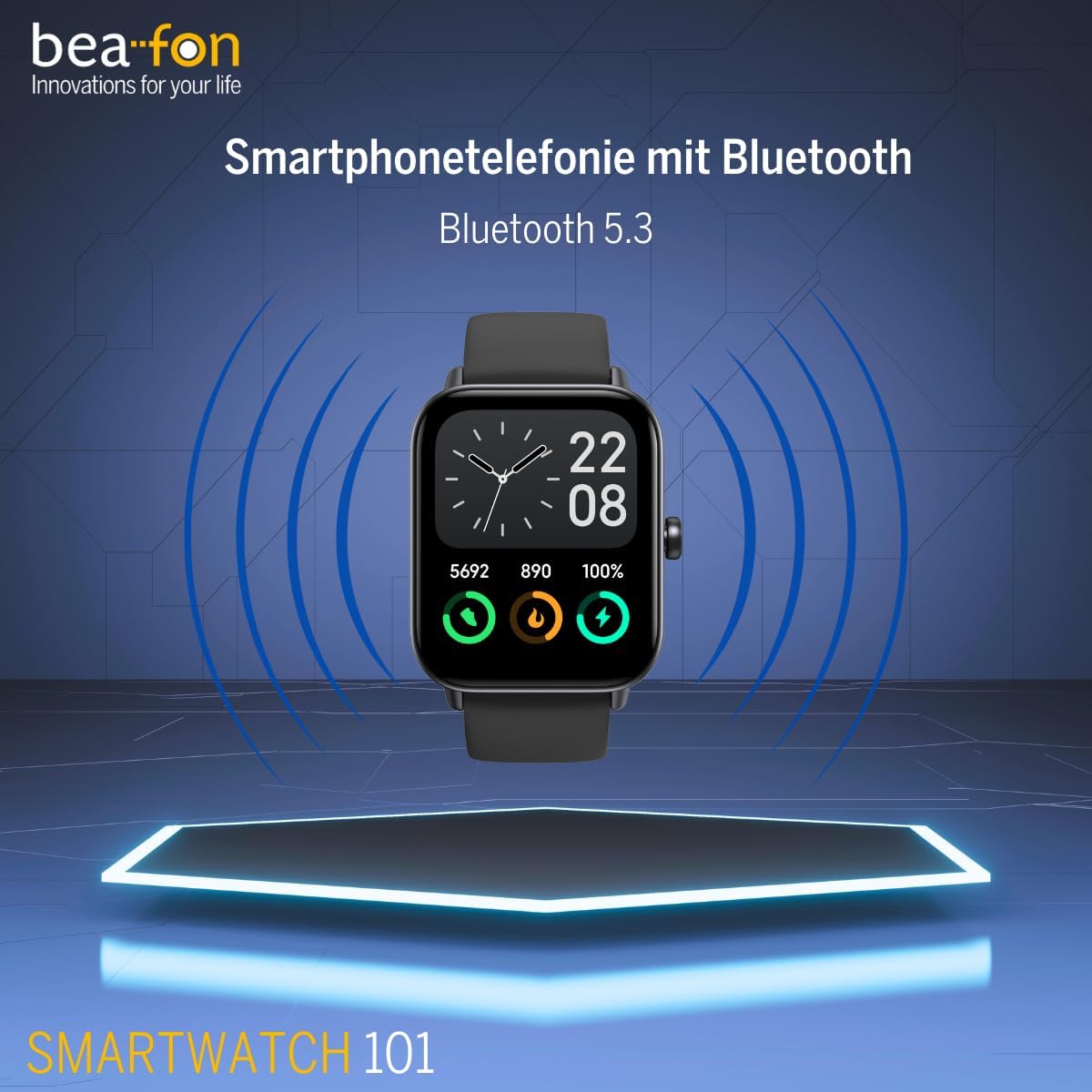
છબી 3.1: આગળ view of the smartwatch, illustrating its design for initial setup.
3.2 પાવરિંગ ચાલુ/બંધ
- પાવર ચાલુ: સ્ક્રીન પ્રકાશિત થાય ત્યાં સુધી બાજુનું બટન દબાવો અને પકડી રાખો.
- પાવર બંધ: બાજુનું બટન દબાવો અને પકડી રાખો, પછી સ્ક્રીન પર 'પાવર ઓફ' પસંદ કરો.
૪.૩ તમારા સ્માર્ટફોન સાથે જોડી બનાવવી
To unlock the full functionality of your smartwatch, pair it with your smartphone via Bluetooth 5.3. Download the companion app (refer to the Quick Start Guide for app name) from your phone's app store. Follow the in-app instructions to connect your smartwatch.
4. ઓપરેટિંગ સૂચનાઓ
૨.૧ મૂળભૂત નેવિગેશન
The smartwatch features a 1.8-inch touchscreen display. Swipe left, right, up, or down to navigate through menus and features. Tap to select an option. The side button typically acts as a home button or to return to the previous screen.
4.2 બ્લૂટૂથ કૉલિંગ
Once paired with your smartphone, the smartwatch supports Bluetooth calling. You can answer, reject, or make calls directly from your wrist.
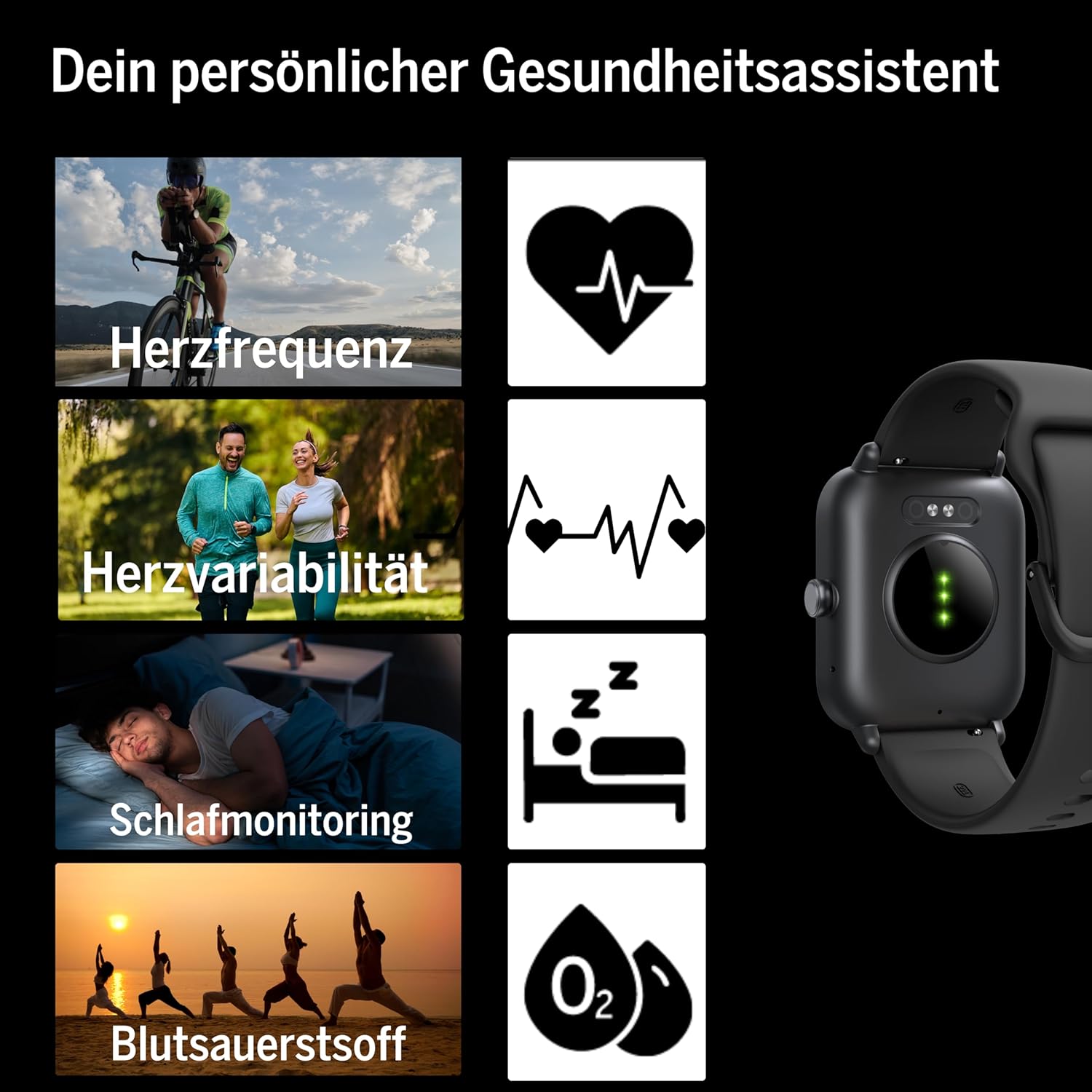
Image 4.1: Smartwatch screen showing a phone call interface, indicating Bluetooth calling capability.
4.3 Message Display
Receive notifications and messages from your smartphone directly on your smartwatch display. Ensure notification permissions are enabled in the companion app and your phone settings.
૩.૪ એલેક્સા એકીકરણ
The smartwatch is compatible with Alexa. Use voice commands for various tasks, such as setting alarms, checking weather, or controlling smart home devices. Refer to the companion app for Alexa setup instructions.
૩.૪ જીપીએસ કાર્યક્ષમતા
The smartwatch supports GPS, allowing for accurate tracking of outdoor activities without needing your phone. This feature is particularly useful for running, cycling, and hiking.
4.6 Fitness and Sports Modes
The device offers over 100 sports modes to track various physical activities. It is compatible with Google Fit and Strava for data synchronization. Select your desired activity from the sports menu to begin tracking.

Image 4.2: Smartwatch display showing icons for multiple sports and fitness activities.
4.7 આરોગ્ય દેખરેખ
The smartwatch provides comprehensive health monitoring features:
- હાર્ટ રેટ: તમારા હૃદયના ધબકારાને સતત મોનિટર કરે છે.
- Heart Rate Variability: Measures variations in heart rate for deeper health insights.
- બ્લડ ઓક્સિજન (SpO2): લોહીમાં ઓક્સિજન સંતૃપ્તિનું સ્તર માપે છે.
- સ્લીપ મોનિટરિંગ: ઊંઘની પેટર્ન અને ગુણવત્તાને ટ્રેક કરે છે.
- પેડોમીટર: Counts steps taken throughout the day.
- કેલરીનો વપરાશ: પ્રવૃત્તિના આધારે બર્ન થયેલી કેલરીનો અંદાજ કાઢે છે.
- માસિક ચક્ર ટ્રેકિંગ: Provides tracking for female health.

છબી 4.3: પાછળ view of the smartwatch, highlighting the optical sensors used for heart rate and blood oxygen monitoring.
4.8 સંગીત નિયંત્રણ
Control music playback on your paired smartphone directly from your smartwatch, including play, pause, skip tracks, and volume adjustment.
5. જાળવણી
5.1 સફાઈ
Wipe the smartwatch and strap regularly with a soft, damp કાપડ. કઠોર રસાયણો અથવા ઘર્ષક સામગ્રીનો ઉપયોગ કરવાનું ટાળો, કારણ કે આ ઉપકરણને નુકસાન પહોંચાડી શકે છે. ચાર્જ કરતા પહેલા ખાતરી કરો કે ચાર્જિંગ સંપર્કો સ્વચ્છ અને સૂકા છે.
૫.૧ પાણી પ્રતિકાર (IP68)
The BEA·FON SMARTWATCH 101 has an IP68 rating, meaning it is dust-tight and protected against immersion in water up to 1.5 meters for up to 30 minutes. It is suitable for activities like swimming in shallow water. However, it is not recommended for diving, high-pressure water activities, or exposure to hot water/steam, which can compromise the seal.
5.3 સંગ્રહ
જ્યારે લાંબા સમય સુધી ઉપયોગમાં ન હોય, ત્યારે સ્માર્ટવોચને ઠંડી, સૂકી જગ્યાએ રાખો. બેટરીની તંદુરસ્તી જાળવવા માટે લાંબા ગાળાના સ્ટોરેજ પહેલાં બેટરીને લગભગ 50% સુધી ચાર્જ કરવાની સલાહ આપવામાં આવે છે.
6. મુશ્કેલીનિવારણ
જો તમને તમારી સ્માર્ટવોચમાં સમસ્યાઓ આવે, તો નીચેના સામાન્ય ઉકેલોનો સંદર્ભ લો:
- ઉપકરણ ચાલુ નથી: Ensure the battery is charged. Connect to the magnetic charger and wait a few minutes before attempting to power on.
- સ્માર્ટફોન સાથે જોડી શકાતી નથી:
- ખાતરી કરો કે તમારા સ્માર્ટફોન પર બ્લૂટૂથ સક્ષમ છે.
- Make sure the smartwatch is within range of your phone.
- સ્માર્ટવોચ અને તમારા સ્માર્ટફોન બંનેને રીસ્ટાર્ટ કરો.
- Check the companion app for any specific pairing instructions or error messages.
- સૂચનાઓ દેખાતી નથી:
- Verify that notification permissions are granted to the companion app on your smartphone.
- Ensure the smartwatch is properly connected via Bluetooth.
- Check the companion app settings for specific app notification toggles.
- અચોક્કસ આરોગ્ય ડેટા: Ensure the smartwatch is worn snugly on your wrist, with the sensors making good contact with your skin. Avoid wearing it too loosely or too tightly.
- ટૂંકી બેટરી જીવન: Reduce screen brightness, disable unnecessary features, and ensure background app usage is optimized.
For further assistance, consult the companion app's help section or contact customer support.
7. સ્પષ્ટીકરણો
| લક્ષણ | સ્પષ્ટીકરણ |
|---|---|
| બ્રાન્ડ | Beafon |
| મોડલ | 101_EU001BS |
| ડિસ્પ્લે માપ | 1.8 ઇંચ (4.57 સે.મી.) |
| ડિસ્પ્લે પ્રકાર | OLED |
| ઠરાવ | 240 x 240 |
| બ્લૂટૂથ સંસ્કરણ | 5.3 |
| પાણી પ્રતિકાર | IP68 |
| બેટરી ક્ષમતા | ૪૭૦ mAh (લિથિયમ-આયન) |
| બેટરી જીવન | ૪-૫ દિવસ (સામાન્ય ઉપયોગ) |
| ઓપરેટિંગ સિસ્ટમ | OS પહેરો |
| સુસંગત ઉપકરણો | સ્માર્ટફોન, ટેબ્લેટ |
| ખાસ લક્ષણો | Bluetooth Calling, IP68, Message Display, Alexa Support, GPS |
| વજન | 40 ગ્રામ |
| પરિમાણો | ૨૦ x ૧૫ x ૩.૫ સેમી (પેકેજિંગ) |
8. વોરંટી અને સપોર્ટ
For warranty information and customer support, please refer to the documentation included with your product or visit the official Beafon webસાઇટ. વોરંટી દાવાઓ માટે તમારી ખરીદીનો પુરાવો રાખો.


