1. પરિચય
This user manual provides essential information for the safe and efficient operation of your OnePlus Watch 3 43mm Silver Steel. Please read this manual thoroughly before using the device to ensure proper functionality and to prevent damage. Keep this manual for future reference.
2. બોક્સમાં શું છે
ખાતરી કરો કે બધી વસ્તુઓ પેકેજમાં હાજર છે:
- OnePlus Watch 3 (43mm Silver Steel)
- સ્ટ્રેપ્સ જુઓ
- ચાર્જિંગ કેબલ
- ઝડપી પ્રારંભ માર્ગદર્શિકા

Image: OnePlus Watch 3 43mm Silver Steel, front view with strap.
3. ઉત્પાદન ઓવરview
3.1 Design and Components
The OnePlus Watch 3 features a 43mm round display encased in polished stainless steel. The crown and side button provide tactile control, complementing the touchscreen interface. The device is designed for comfortable wear with a fluoroelastomer band.
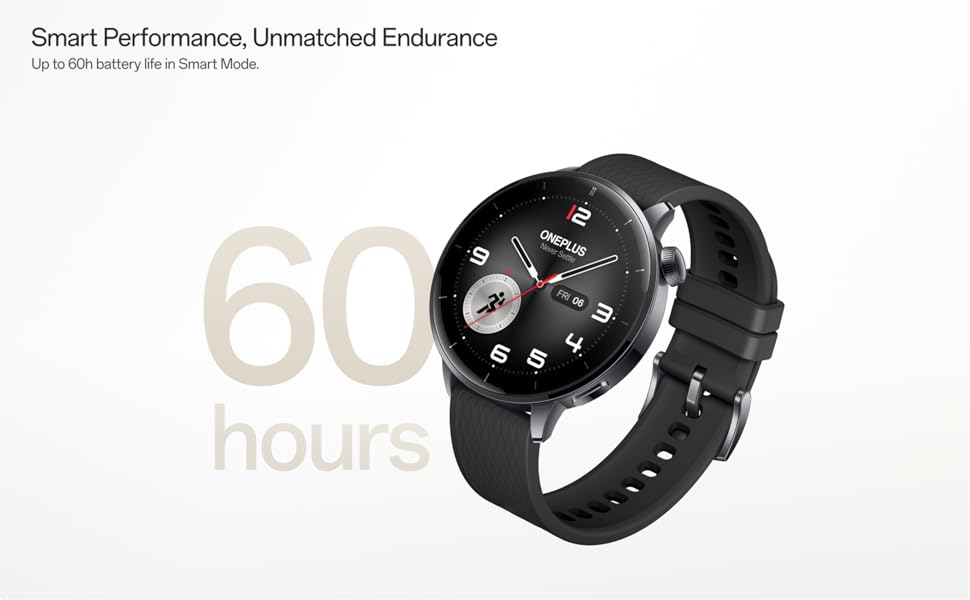
Image: OnePlus Watch 3 43mm Silver Steel, highlighting its refined design and polished stainless steel case.
3.2 મુખ્ય લક્ષણો
- પ્રદર્શન: 1.32-inch round AMOLED touchscreen.
- ઓપરેટિંગ સિસ્ટમ: WearOS.
- સંગ્રહ: 32GB ઇન્ટરનલ સ્ટોરેજ.
- કનેક્ટિવિટી: Bluetooth, Multi-GNSS (Beidou, GPS, Galileo, GLONASS, QZSS).
- પાણી પ્રતિકાર: IP68 રેટિંગ.
- બેટરી: 345mAh Lithium-Ion, offering up to 60 hours in Smart Mode.
4. સેટઅપ
4.1 પ્રારંભિક ચાર્જિંગ
Before first use, fully charge your OnePlus Watch 3. Connect the charging cable to the watch's charging port and a compatible USB power adapter. The watch display will indicate charging status.
4.2 પાવરિંગ ચાલુ/બંધ
- પાવર ચાલુ: Press and hold the side button (crown) until the OnePlus logo appears.
- પાવર બંધ: બાજુનું બટન દબાવો અને પકડી રાખો, પછી સ્ક્રીન પરના વિકલ્પોમાંથી 'પાવર ઓફ' પસંદ કરો.
૪.૩ તમારા સ્માર્ટફોન સાથે જોડી બનાવવી
- Ensure your smartphone has Bluetooth enabled and is connected to the internet.
- Download and install the Wear OS by Google app from your phone's app store.
- Open the Wear OS app and follow the on-screen instructions to pair your OnePlus Watch 3.
- સંપૂર્ણ કાર્યક્ષમતા માટે બધી જરૂરી પરવાનગીઓ સ્વીકારો.
૩. ઘડિયાળ ચલાવવી
5.1 નેવિગેશન
- ટચસ્ક્રીન: મેનૂ અને સૂચનાઓ પર નેવિગેટ કરવા માટે ઉપર, નીચે, ડાબે અથવા જમણે સ્વાઇપ કરો. આઇટમ પસંદ કરવા માટે ટૅપ કરો.
- તાજ: Rotate the crown to scroll through lists or adjust settings. Press the crown to return to the watch face or access the app drawer.
- સાઇડ બટન: Customizable for quick access to a specific app or function.
૫.૨ ઘડિયાળના ચહેરાઓને કસ્ટમાઇઝ કરવા
To change your watch face, long-press on the current watch face and swipe left or right to browse available options. Tap to select. Additional watch faces can be downloaded via the Wear OS app or Google Play Store on your watch.
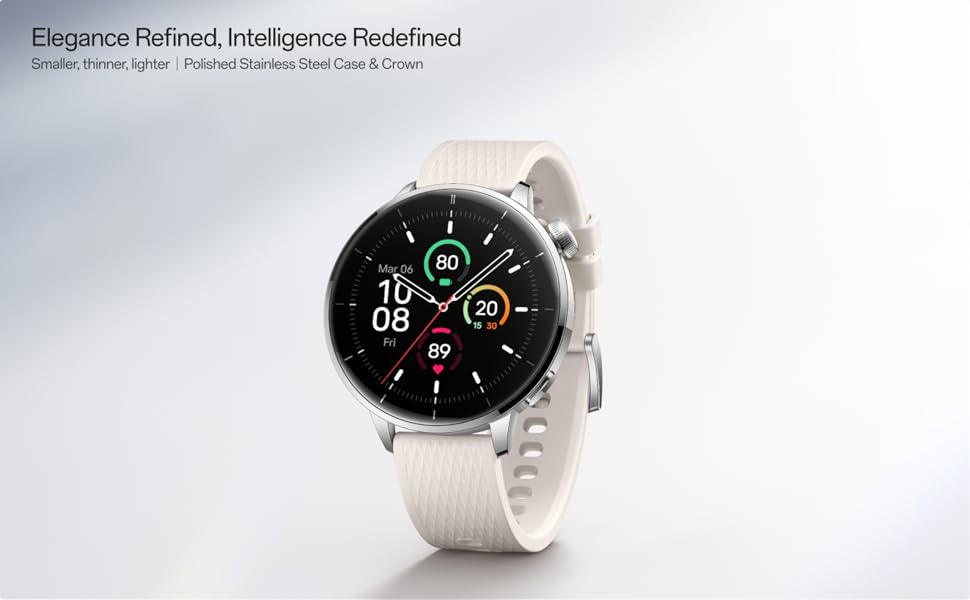
Image: Two OnePlus Watch 3 devices showing different watch faces, illustrating customization options.
૩. આરોગ્ય દેખરેખ
The OnePlus Watch 3 offers comprehensive health tracking features:
- હાર્ટ રેટ મોનિટરિંગ: Continuous tracking of your heart rate throughout the day.
- બ્લડ ઓક્સિજન (SpO2) માપન: On-demand and continuous blood oxygen level monitoring.
- સ્લીપ ટ્રેકિંગ: ઊંઘનું નિરીક્ષણ કરે છેtages, duration, and detects potential sleep breathing risks.
- સાયકલ ટ્રેકિંગ: For tracking menstrual cycles.
- સ્ટ્રેસ મોનિટરિંગ: Analyzes heart rate variability to estimate stress levels.

Image: The OnePlus Watch 3 and a smartphone screen showing various health metrics like daily activity, heart rate, and sleep data.
૩.૩. ફિટનેસ ટ્રેકિંગ
The watch supports 11 professional fitness modes and provides fat burning evaluation. Utilize the built-in Multi-GNSS for accurate outdoor activity tracking.
- પ્રવૃત્તિ ટ્રેકિંગ: પગલાં, અંતર, બર્ન થયેલી કેલરી અને સક્રિય મિનિટો રેકોર્ડ કરે છે.
- વર્કઆઉટ મોડ્સ: Select from various modes like running, cycling, swimming, and more for tailored tracking.
- જીપીએસ ટ્રેકિંગ: Integrated GPS for precise route mapping during outdoor workouts.

Image: A person wearing the OnePlus Watch 3 during a cycling activity, demonstrating its use for fitness tracking.
8. સ્માર્ટ ફીચર્સ
Running on WearOS, the OnePlus Watch 3 integrates seamlessly with your digital life:
- સૂચનાઓ: Receive calls, messages, and app alerts directly on your wrist.
- Google Play Apps: Access a wide range of applications from the Google Play Store.
- ગૂગલ વોલેટ: Make contactless payments.
- સંગીત નિયંત્રણ: તમારા કનેક્ટેડ સ્માર્ટફોન પર સંગીત પ્લેબેકને નિયંત્રિત કરો.
- અવાજ સહાયક: Utilize Google Assistant for hands-free commands.

Image: The OnePlus Watch 3 screen showing multiple app icons, representing its WearOS ecosystem and access to Google Play apps.
9. બેટરી મેનેજમેન્ટ
The OnePlus Watch 3 is equipped with a 345mAh battery, providing up to 60 hours of use in Smart Mode. Battery life can vary based on usage and settings.
- ચાર્જિંગ: Use the provided charging cable. A full charge takes approximately 30 minutes.
- બેટરી સેવર મોડ: Enable this mode to extend battery life by limiting certain features.
- Tips for Extending Battery Life: સ્ક્રીનની બ્રાઇટનેસ ઓછી કરો, હંમેશા ચાલુ ડિસ્પ્લે બંધ કરો, બેકગ્રાઉન્ડ એપ રિફ્રેશ મર્યાદિત કરો અને બિનજરૂરી સૂચનાઓ બંધ કરો.
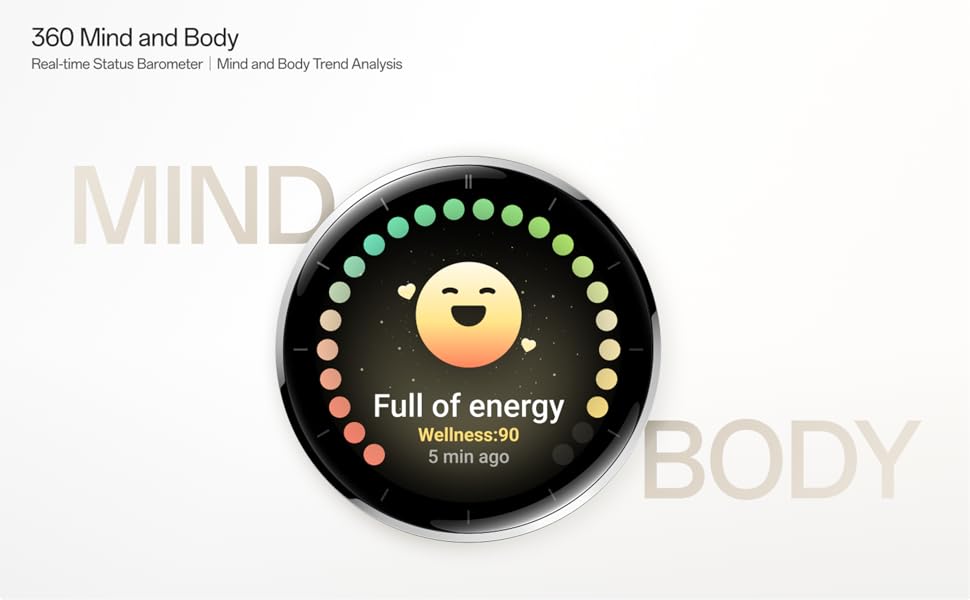
Image: The OnePlus Watch 3 with a large '60 hours' text, emphasizing its extended battery life in Smart Mode.
10. જાળવણી
10.1 સફાઈ
Regularly clean your watch and strap to prevent skin irritation and maintain functionality.
- ઘડિયાળની સ્ક્રીન અને શરીરને નરમ, લિન્ટ-ફ્રી કપડાથી સાફ કરો.
- For the strap, use mild soap and water, then rinse thoroughly and dry completely before wearing.
- કઠોર રસાયણો અથવા ઘર્ષક સામગ્રીનો ઉપયોગ કરવાનું ટાળો.
૨.૭ પાણી પ્રતિકાર
The OnePlus Watch 3 has an IP68 water resistance rating. This means it is protected against dust and can withstand immersion in water up to 1.5 meters for 30 minutes. It is suitable for everyday use and activities like hand washing or light rain. Avoid using it for diving, high-pressure water activities, or in hot water/steam.
11. મુશ્કેલીનિવારણ
If you encounter issues with your OnePlus Watch 3, try the following steps:
- ઘડિયાળ ચાલુ નથી થઈ રહી: ખાતરી કરો કે ઘડિયાળ સંપૂર્ણપણે ચાર્જ થયેલ છે.
- જોડી બનાવવાની સમસ્યાઓ: Check if Bluetooth is enabled on your phone and watch. Restart both devices and try pairing again.
- અચોક્કસ વાંચન: ખાતરી કરો કે ઘડિયાળ તમારા કાંડા પર ચુસ્તપણે પહેરેલી છે, ખૂબ ચુસ્ત કે ખૂબ ઢીલી નહીં. ઘડિયાળની પાછળના સેન્સર સાફ કરો.
- App Crashes/Slow Performance: Restart the watch. If the issue persists, consider resetting the watch to factory settings (this will erase all data).
- બેટરી ઝડપથી નીકળી જાય છે: Review વિભાગ 9 માં બેટરી મેનેજમેન્ટ ટિપ્સ.
For further assistance, refer to the official OnePlus support webસાઇટ અથવા ગ્રાહક સેવાનો સંપર્ક કરો.
12. સ્પષ્ટીકરણો
| લક્ષણ | સ્પષ્ટીકરણ |
|---|---|
| મોડલ નંબર | OnePlus Watch 3 |
| ડિસ્પ્લે માપ | 1.32 ઇંચ |
| ડિસ્પ્લે પ્રકાર | AMOLED |
| ઓપરેટિંગ સિસ્ટમ | WearOS |
| મેમરી સ્ટોરેજ ક્ષમતા | 32 જીબી |
| કનેક્ટિવિટી | બ્લૂટૂથ |
| જીપીએસ | Beidou, GPS, Galileo, GLONASS, QZSS |
| બેટરી ક્ષમતા | 345 mAh લિથિયમ આયન |
| પાણી પ્રતિકાર | IP68 |
| વસ્તુનું વજન | 9.9 ઔંસ (0.28 કિલોગ્રામ) |
| પેકેજ પરિમાણો | 4.72 x 4.69 x 2.56 ઇંચ |
13. વોરંટી અને સપોર્ટ
For warranty information, please refer to the warranty card included with your product or visit the official OnePlus website. For technical support, software updates, and frequently asked questions, please visit the OnePlus support page:


