પરિચય
Welcome to the user manual for your new Bigme B6 Color Ebook Reader. This device combines the benefits of an e-paper display with the versatility of an Android 14 tablet, offering an enhanced reading experience with vibrant colors and eye-friendly technology. This manual provides essential information for setting up, operating, maintaining, and troubleshooting your device.
પેકેજ સામગ્રી
કૃપા કરીને નીચેની વસ્તુઓ માટે બોક્સ ચેક કરો:
- Bigme B6 E-reader
- રક્ષણાત્મક કેસ
- વપરાશકર્તા માર્ગદર્શિકા (આ દસ્તાવેજ)
- ચાર્જિંગ કેબલ (USB-C)
ઉપકરણ ઓવરview
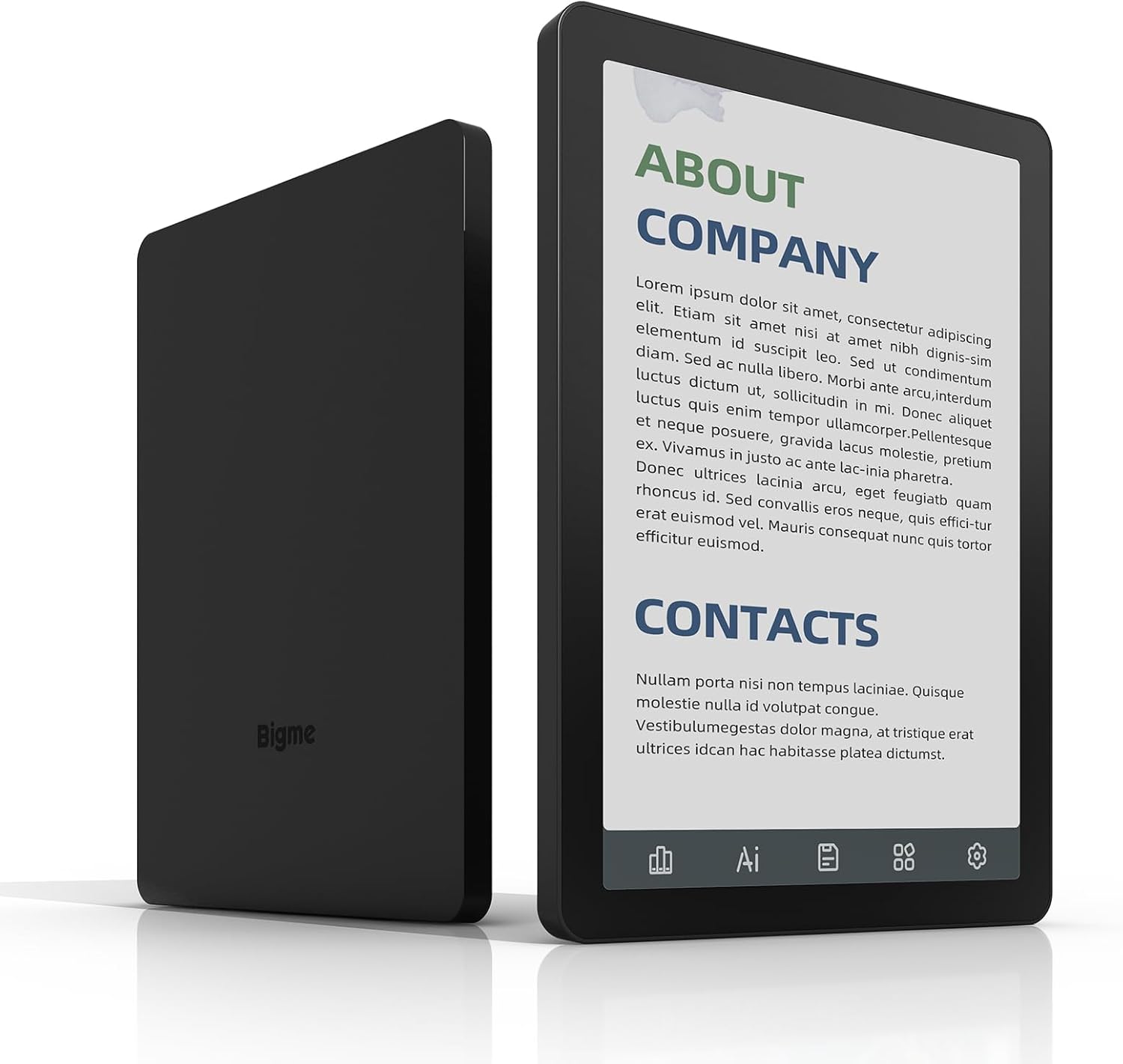
આકૃતિ ૩.૧: આગળ અને પાછળ view of the Bigme B6 Color Ebook Reader. The front displays a screen with text, and the back shows the device's sleek design with the Bigme logo.
The Bigme B6 features a compact design with a 6-inch color E-paper display. It includes physical buttons for navigation and power, along with a USB-C port for charging and data transfer. The device is designed for comfortable one-handed use.
સેટઅપ
૪.૩. પ્રારંભિક ચાર્જિંગ
Before first use, fully charge your Bigme B6. Connect the provided USB-C cable to the device's charging port and the other end to a compatible USB power adapter (not included) or a computer's USB port. The charging indicator will show the charging status.
2. પાવર ચાલુ/બંધ
- પાવર ચાલુ કરવા માટે: Press and hold the Power button (usually located on the side or top edge) for a few seconds until the screen lights up.
- પાવર ઓફ કરવા માટે: Press and hold the Power button until a power-off menu appears. Select "Power Off" to shut down the device.
- સૂવા/જાગવા માટે: Briefly press the Power button to put the device to sleep or wake it up.
3. પ્રારંભિક સેટઅપ વિઝાર્ડ
Upon first power-on, you will be guided through an initial setup process. This includes selecting your language, connecting to a Wi-Fi network, and setting up your Google account (optional, but recommended for app access).
ઓપરેટિંગ સૂચનાઓ
નેવિગેશન અને ઇન્ટરફેસ
The Bigme B6 operates on Android 14, providing a familiar touchscreen interface. Swipe to navigate between screens, tap to open applications or select options, and use pinch-to-zoom for adjusting text or image size.

Figure 2: The Bigme B6 display showing a book library and key features like 300PPI Paper-Like Display, Zero Blue Light & Flicker-Free, and TÜV Rheinland Certification for Fatigue-Free Reading.
વાંચન અનુભવ
- Opening Books: Tap on a book cover from your library or file manager to open it.
- પૃષ્ઠ ફેરવવું: Tap the left or right side of the screen, or use physical page-turn buttons if available.
- Adjusting Font and Display: While reading, tap the center of the screen to bring up reading options. You can adjust font size, font style, line spacing, margins, and screen orientation.
- Color E-paper Display: The color E-paper display provides a paper-like reading experience with reduced eye strain.

Figure 3: A user holding the Bigme B6, illustrating its eye-friendly features such as Zero Blue Light & Flicker-Free and TÜV Rheinland certification for fatigue-free reading.

Figure 4: The Bigme B6 display demonstrating the 36-levels cold and warm adjustable front light, allowing users to customize the screen illumination for various environments.

Figure 5: A user interacting with the Bigme B6, demonstrating the ability to read and highlight text with color, enhancing the interactive reading experience.
કનેક્ટિવિટી
- Wi-Fi: Connect to Wi-Fi networks via the Settings menu to download books, browse the web, or access online services.
- બ્લૂટૂથ: Pair Bluetooth headphones or speakers for listening to audiobooks or music.

Figure 6: The Bigme B6 displayed alongside a pair of headphones, illustrating its capability to play audiobooks, allowing users to free their hands while enjoying content.
સંગ્રહ અને File મેનેજમેન્ટ
The Bigme B6 comes with 64GB of internal storage, expandable up to 1TB via a microSD card (not included). You can manage your files બિલ્ટ-ઇનનો ઉપયોગ કરીને file manager application.

Figure 7: The Bigme B6 screen displaying information about its large storage capacity (4GB+64GB), indicating it can hold approximately 40,000 books and is expandable up to 1TB.
The device supports a wide range of ebook formats, eliminating the need for file રૂપાંતર:
- PDF, TXT, EPUB3, HTML, HTM, AZW3, FB2, DOC, DOCX, MOBI, OEB, CBR, RPC, RTF, DJVU, ZIP

Figure 8: A user interacting with the Bigme B6, highlighting its ability to expand your library without file conversion by supporting over 19 ebook formats.
એન્ડ્રોઇડ 14 ઓપરેટિંગ સિસ્ટમ
Running on Android 14, the Bigme B6 allows you to install various reading applications and other compatible apps from the Google Play Store (if pre-installed or accessible). The Octa-core CPU ensures snappy responses and smooth performance for both reading and general tablet use.
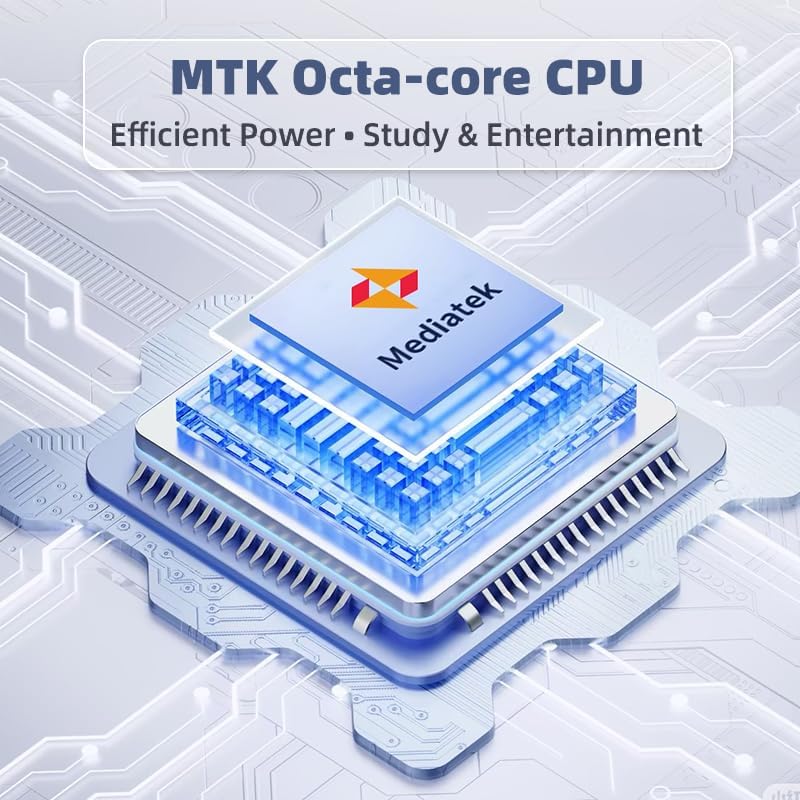
Figure 9: A diagram illustrating the Mediatek Octa-core CPU, emphasizing its role in providing efficient power for study and entertainment on the Bigme B6.

Figure 10: The Bigme B6 device displaying its Android 14 home screen, showcasing various app icons and the date, indicating an open Android OS for a versatile reading universe.
You can also synchronize your data across devices for a seamless experience.

Figure 11: A Bigme B6 device shown alongside a laptop, illustrating the capability to keep your data seamlessly synchronized between devices.
જાળવણી
- સફાઈ: Use a soft, lint-free cloth to clean the screen and body of the device. Do not use abrasive cleaners or solvents.
- સૉફ્ટવેર અપડેટ્સ: Periodically check for software updates in the device settings to ensure optimal performance and access to new features.
- સંગ્રહ વ્યવસ્થાપન: નિયમિત રીતે પુview તમે સંગ્રહિત કર્યું છે files and applications. Delete unnecessary items to free up space and maintain device speed.
- બેટરી સંભાળ: Avoid extreme temperatures. For long-term storage, charge the battery to about 50% and power off the device.
મુશ્કેલીનિવારણ
| સમસ્યા | સંભવિત કારણ / ઉકેલ |
|---|---|
| ઉપકરણ પાવર ચાલુ કરતું નથી. | Battery may be depleted. Connect to charger and try again. If unresponsive, press and hold the power button for 10-15 seconds for a forced restart. |
| સ્ક્રીન પ્રતિભાવવિહીન અથવા સ્થિર છે. | Perform a forced restart by holding the power button for 10-15 seconds. |
| Wi-Fi થી કનેક્ટ કરી શકાતું નથી. | Ensure Wi-Fi is enabled in settings. Check router and network password. Try restarting the device and router. |
| એપ્લિકેશનો ધીમી છે અથવા ક્રેશ થઈ રહી છે. | Close background apps. Clear app cache in settings. Ensure sufficient storage space. Consider a factory reset as a last resort (backup data first). |
| બેટરી ઝડપથી ખતમ થઈ જાય છે. | Reduce screen brightness. Turn off Wi-Fi/Bluetooth when not in use. Close unused apps. Limit background data usage. |
વિશિષ્ટતાઓ
| લક્ષણ | વિગત |
|---|---|
| મોડેલનું નામ | યુએસ-બી6 |
| ડિસ્પ્લે | ૬-ઇંચ રંગીન ઇ-પેપર, ઇલેક્ટ્રોનિક શાહી, ૩૦૦ પીપીઆઇ |
| ઓપરેટિંગ સિસ્ટમ | એન્ડ્રોઇડ 14 |
| પ્રોસેસર | MTK Octa-core CPU |
| રેમ | 4GB |
| આંતરિક સંગ્રહ | 64GB |
| એક્સપાન્ડેબલ સ્ટોરેજ | Up to 1TB via microSD (not included) |
| કનેક્ટિવિટી | બ્લૂટૂથ, Wi-Fi |
| પરિમાણો (L x W x Th) | ૭૦.૫" x ૨૪.૫" x ૬૦.૫" (૧૭૯ સેમી x ૬૨ સેમી x ૧૫૪ સેમી) |
| વસ્તુનું વજન | ૬.૭ ઔંસ (૧૮૮.૮ ગ્રામ) |
| બેટરી | ૧ નોન-સ્ટાન્ડર્ડ બેટરી (શામેલ) |
| સમાવાયેલ ઘટકો | E-reader, Protective Case, User Manual |
વોરંટી માહિતી
This product comes with a manufacturer's warranty. Please refer to the warranty card included in your package or visit the official Bigme webવિગતવાર વોરંટી નિયમો અને શરતો માટે સાઇટ. વોરંટી દાવાઓ માટે ખરીદીનો પુરાવો રાખો.
ગ્રાહક આધાર
For technical assistance, troubleshooting beyond this manual, or general inquiries, please contact Bigme customer support. Contact information can typically be found on the manufacturer's website or on the packaging.
તમે પણ મુલાકાત લઈ શકો છો એમેઝોન પર બિગમી સ્ટોર વધારાની ઉત્પાદન માહિતી અને સહાયક સંસાધનો માટે.


