1. પરિચય
This manual provides essential information for the safe and efficient use of your realme 14 Pro Lite Smartphone. Please read it carefully before using your device.
પેકેજ સામગ્રી:
અનપેક કરતી વખતે, ખાતરી કરો કે બધી વસ્તુઓ હાજર છે:
- realme 14 Pro Lite Smartphone
- યુએસબી કેબલ
- 45W એડેપ્ટર
- રક્ષણાત્મક કેસ
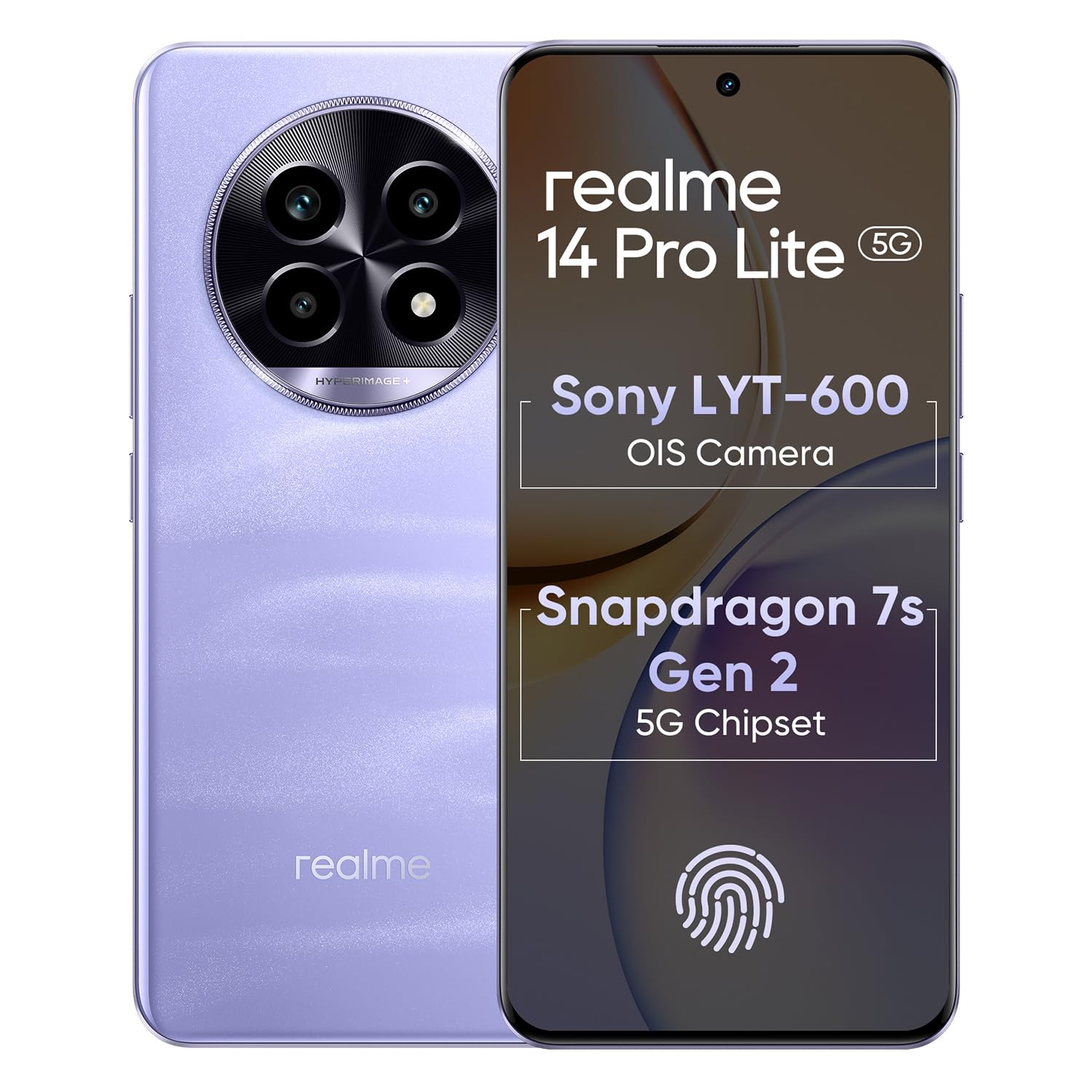
Image 1.1: The realme 14 Pro Lite Smartphone, showcasinતેની ડિઝાઇન.
2. સેટઅપ
૪.૧. સિમ કાર્ડ અને માઇક્રોએસડી કાર્ડ ઇન્સ્ટોલેશન
- તમારા ઉપકરણની બાજુમાં સિમ કાર્ડ ટ્રે શોધો.
- ટ્રેની બાજુના નાના છિદ્રમાં સિમ ઇજેક્ટર ટૂલ દાખલ કરો અને ટ્રે બહાર ન આવે ત્યાં સુધી હળવેથી દબાણ કરો.
- ટ્રે પરના નિયુક્ત સ્લોટમાં તમારા નેનો-સિમ કાર્ડ (વધુમાં વધુ બે) અને/અથવા એક માઇક્રોએસડી કાર્ડ મૂકો. ખાતરી કરો કે સોનાના સંપર્કો નીચે તરફ હોય.
- ટ્રેને ફોનમાં કાળજીપૂર્વક ફરીથી દાખલ કરો જ્યાં સુધી તે જગ્યાએ ક્લિક ન થાય.
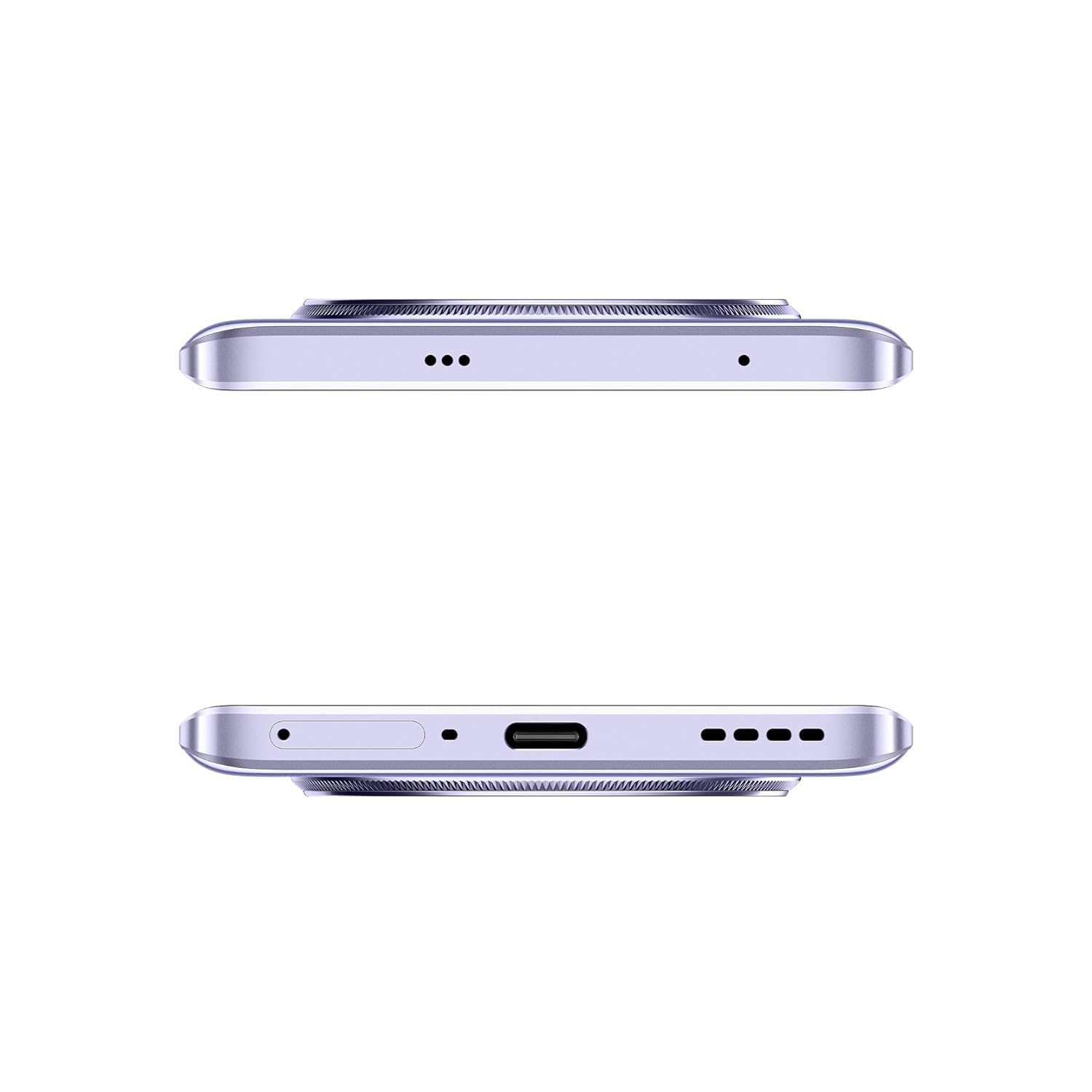
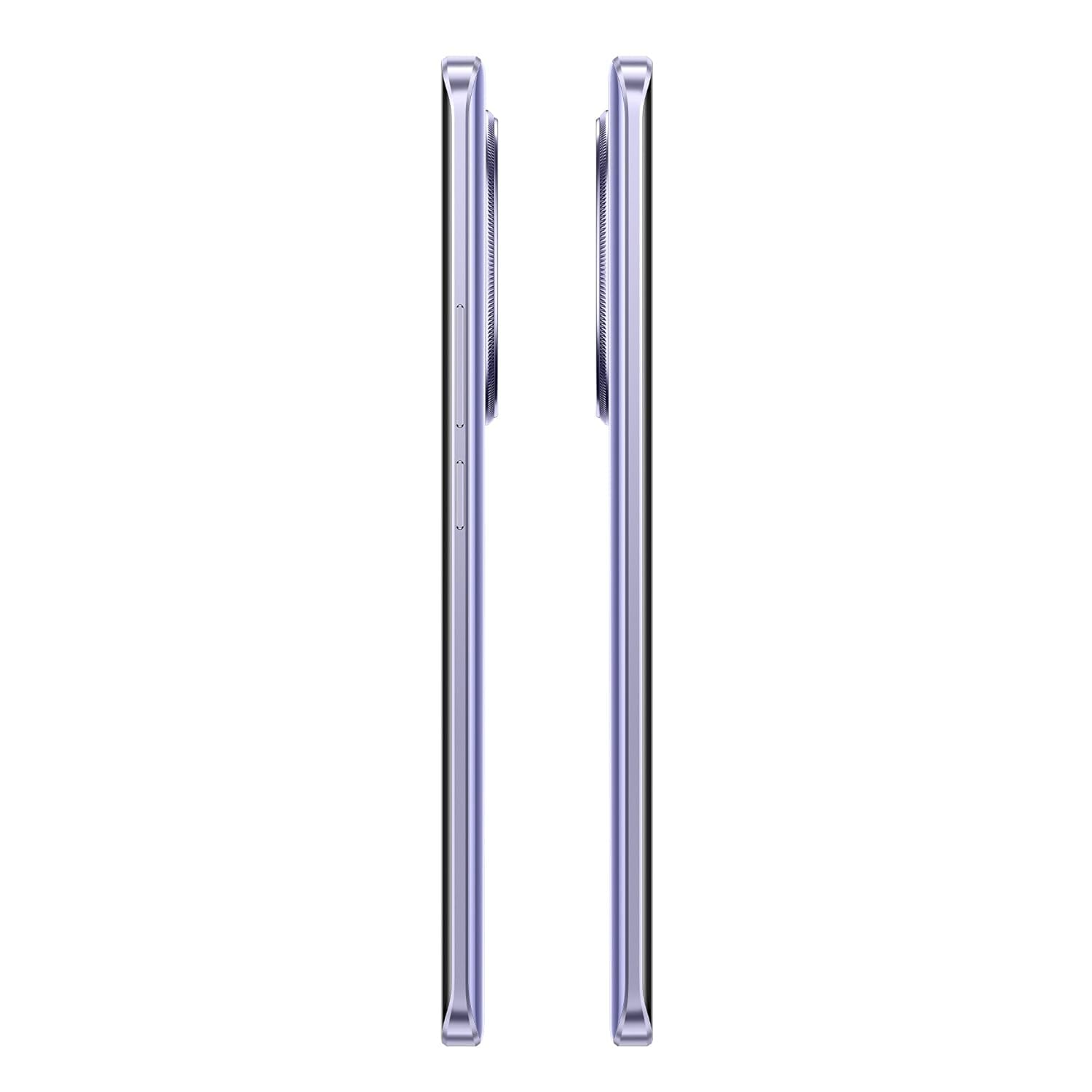
છબી ૪.૧: બાજુ view of the realme 14 Pro Lite, indicating the SIM card tray position.
2.2. ઉપકરણને ચાર્જ કરી રહ્યું છે
Connect the 45W adapter to a power outlet and the USB cable to the phone's charging port. The device supports 45W SuperVOOC fast charging. It is recommended to fully charge the device before first use.
છબી ૩.૧: નીચે view of the realme 14 Pro Lite, highlighting the USB-C charging port.
2.3. પાવર ચાલુ અને પ્રારંભિક સેટઅપ
Press and hold the Power button located on the side of the device until the realme logo appears. Follow the on-screen instructions to select your language, connect to Wi-Fi, and set up your Google account.
3. ઓપરેટિંગ સૂચનાઓ
૩.૧. ડિસ્પ્લે અને નેવિગેશન
Your realme 14 Pro Lite features a 6.7-inch OLED Flow Display with a 120Hz refresh rate for smooth visuals and a 2000Hz instant touch sampling rate for responsive interaction. Navigate the Android 14 operating system with realme UI 5.0 using gestures or on-screen buttons.
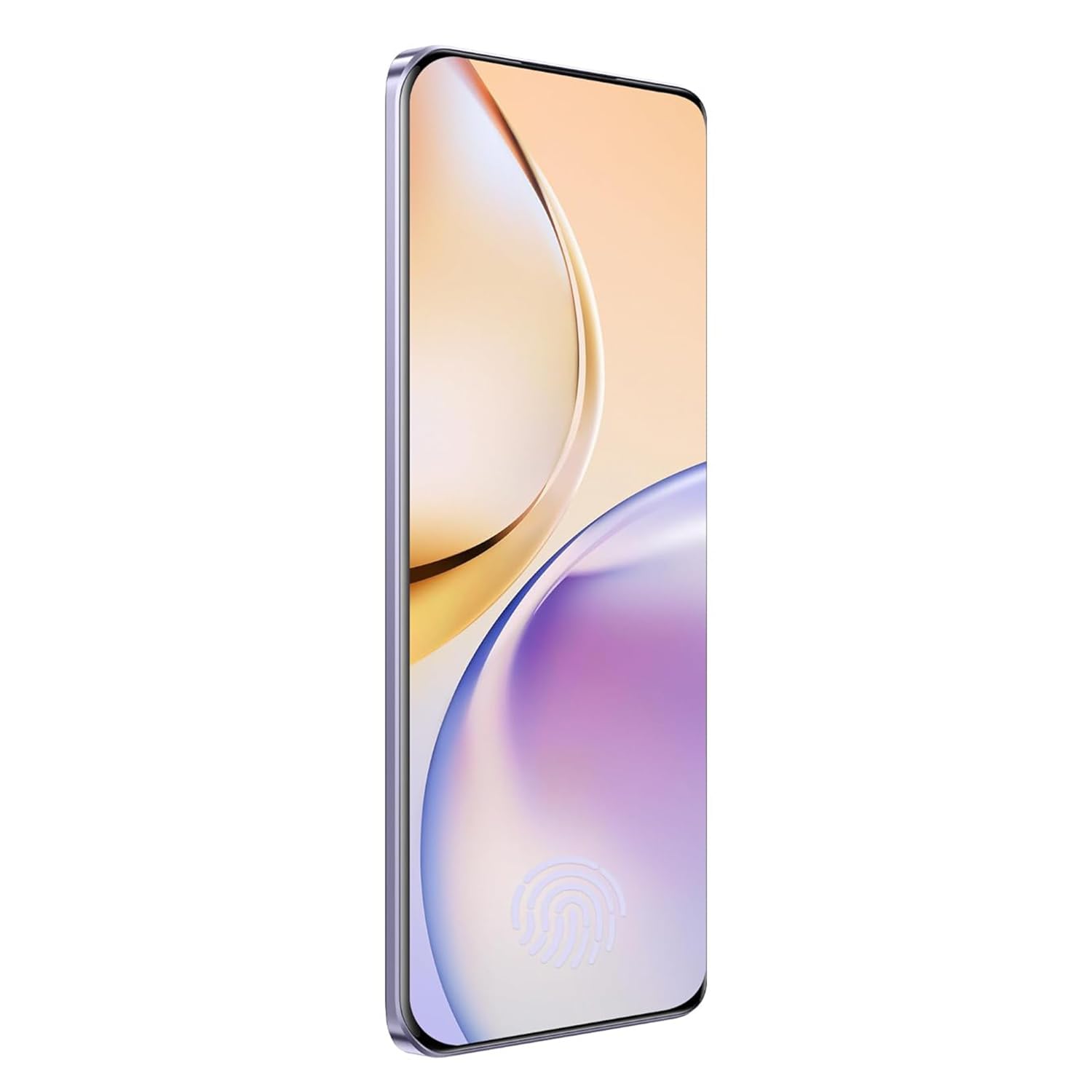
છબી 3.1: આગળ view of the realme 14 Pro Lite, showcasing તેનું ડિસ્પ્લે.
૩.૩. કામગીરી અને કનેક્ટિવિટી
The device is powered by a Snapdragon 7s Gen 2 4nm 5G Chipset, ensuring efficient performance for various tasks. Connectivity options include Bluetooth, USB, and Wi-Fi. For 5G network access, ensure you have a compatible SIM card and service plan.
3.3. કેમેરાનો ઉપયોગ
Utilize the integrated camera system for photography and videography. Open the Camera application from your home screen or app drawer. Select modes such as Photo, Video, Portrait, or Night mode as desired. Tap the shutter button to capture images or start/stop video recording.

છબી ૨.૧: પાછળ view of the realme 14 Pro Lite, highlighting the camera module.
4. જાળવણી
4.1. બેટરી કેર
- આત્યંતિક તાપમાને ઉપકરણને ખુલ્લા કરવાનું ટાળો.
- Use only the provided 45W adapter and USB cable for charging.
- ૧૦૦% સુધી ચાર્જ થયા પછી ઉપકરણને લાંબા સમય સુધી ચાર્જિંગ માટે ન રાખો.
4.2. સોફ્ટવેર અપડેટ્સ
શ્રેષ્ઠ કામગીરી, સુરક્ષા અને નવી સુવિધાઓની ઍક્સેસ સુનિશ્ચિત કરવા માટે નિયમિતપણે સોફ્ટવેર અપડેટ્સ તપાસો અને ઇન્સ્ટોલ કરો. નેવિગેટ કરો Settings > About device > realme UI version અપડેટ્સ તપાસવા માટે.
4.3. તમારા ઉપકરણને સાફ કરવું
Use a soft, lint-free cloth to clean the screen and body of the phone. Avoid using harsh chemicals or abrasive materials. Do not immerse the device in water.
5. મુશ્કેલીનિવારણ
5.1. ઉપકરણ ચાલુ ન થવું
- ખાતરી કરો કે બેટરી ચાર્જ થઈ ગઈ છે. ચાર્જર કનેક્ટ કરો અને ફરીથી પાવર ચાલુ કરવાનો પ્રયાસ કરતા પહેલા થોડીવાર રાહ જુઓ.
- બળજબરીથી પુનઃપ્રારંભ કરવા માટે પાવર બટનને ઓછામાં ઓછા 10-15 સેકન્ડ માટે દબાવી રાખો.
5.2. Connectivity Issues (Wi-Fi/Bluetooth)
- Toggle Wi-Fi or Bluetooth off and on again.
- તમારા ઉપકરણને પુનઃપ્રારંભ કરો.
- Forget the network/device and attempt to reconnect.
૫.૩. એપ્લિકેશન્સ ક્રેશ થઈ રહી છે અથવા થીજી રહી છે
- Clear the cache and data for the problematic app via સેટિંગ્સ > એપ્લિકેશન્સ > [એપ્લિકેશન નામ] > સ્ટોરેજ.
- એપ્લિકેશનને અનઇન્સ્ટોલ કરો અને ફરીથી ઇન્સ્ટોલ કરો.
- ખાતરી કરો કે તમારા ઉપકરણનું સોફ્ટવેર અપ ટુ ડેટ છે.
6. સ્પષ્ટીકરણો
| લક્ષણ | વિગત |
|---|---|
| મોડેલનું નામ | realme 14 Pro Lite |
| ઓપરેટિંગ સિસ્ટમ | Android 14 (with realme UI 5.0) |
| પ્રોસેસર | Snapdragon 7s Gen 2 4nm 5G Chipset |
| ડિસ્પ્લે | 6.7-inch OLED Flow Display, 120Hz Refresh Rate, 2412x1080 Resolution |
| રેમ | 8GB |
| આંતરિક સંગ્રહ | 128GB (expandable up to 1TB with microSD) |
| બેટરી ક્ષમતા | 5200mAh |
| ચાર્જિંગ | 45W SuperVOOC Charge |
| કનેક્ટિવિટી | 5G, બ્લૂટૂથ, USB, Wi-Fi, GPS |
| પરિમાણો (LxWxH) | 16.13 x 7.39 x 0.82 સેમી |
| વજન | 183 ગ્રામ |
7. વોરંટી અને સપોર્ટ
7.1. વોરંટી માહિતી
Your realme 14 Pro Lite Smartphone comes with a standard manufacturer's warranty. Please refer to the warranty card included in your package or visit the official realme webવોરંટી કવરેજ અને અવધિ સંબંધિત વિગતવાર નિયમો અને શરતો માટે સાઇટ.
7.2. ગ્રાહક આધાર
For technical assistance, service, or further inquiries, please contact realme customer support. You can find contact details, FAQs, and support resources on the official realme webસાઇટ:
૧૦. સત્તાવાર ઉત્પાદન વિડિઓઝ
No official product videos from the seller were found in the provided data. Please visit the official realme website or authorized channels for any available video guides or demonstrations.