1. પરિચય
This manual provides essential information and instructions for using your new vivo Y31 Pro 5G smartphone. Please read this manual thoroughly to ensure proper operation and to maximize your device's capabilities. Keep this manual for future reference.

છબી ૧.૧: આગળ અને પાછળ view of the vivo Y31 Pro 5G in Dreamy White.
The vivo Y31 Pro 5G is designed to offer a powerful and reliable mobile experience, featuring a high-resolution camera, long-lasting battery, and robust performance.
2. બોક્સમાં શું છે
Upon unboxing your vivo Y31 Pro 5G, verify that all the following items are included:
- vivo Y31 Pro 5G Smartphone
- ફોન કેસ
- પાવર એડેપ્ટર (44W ફ્લેશચાર્જ સુસંગત)
- યુએસબી કેબલ (ટાઈપ-સી)
- સિમ ટ્રે ઇજેક્ટર
- Screen Protector (Pre-applied)
- ક્વિક સ્ટાર્ટ ગાઈડ (આ મેન્યુઅલ)
3. ઉપકરણ લેઆઉટ
Familiarize yourself with the physical components of your vivo Y31 Pro 5G.

છબી 3.1: આગળ view of the vivo Y31 Pro 5G, highlighting the display and front camera.

છબી ૩.૧: ઉપર અને નીચે views of the device, illustrating the USB-C port, speaker grille, and microphone.
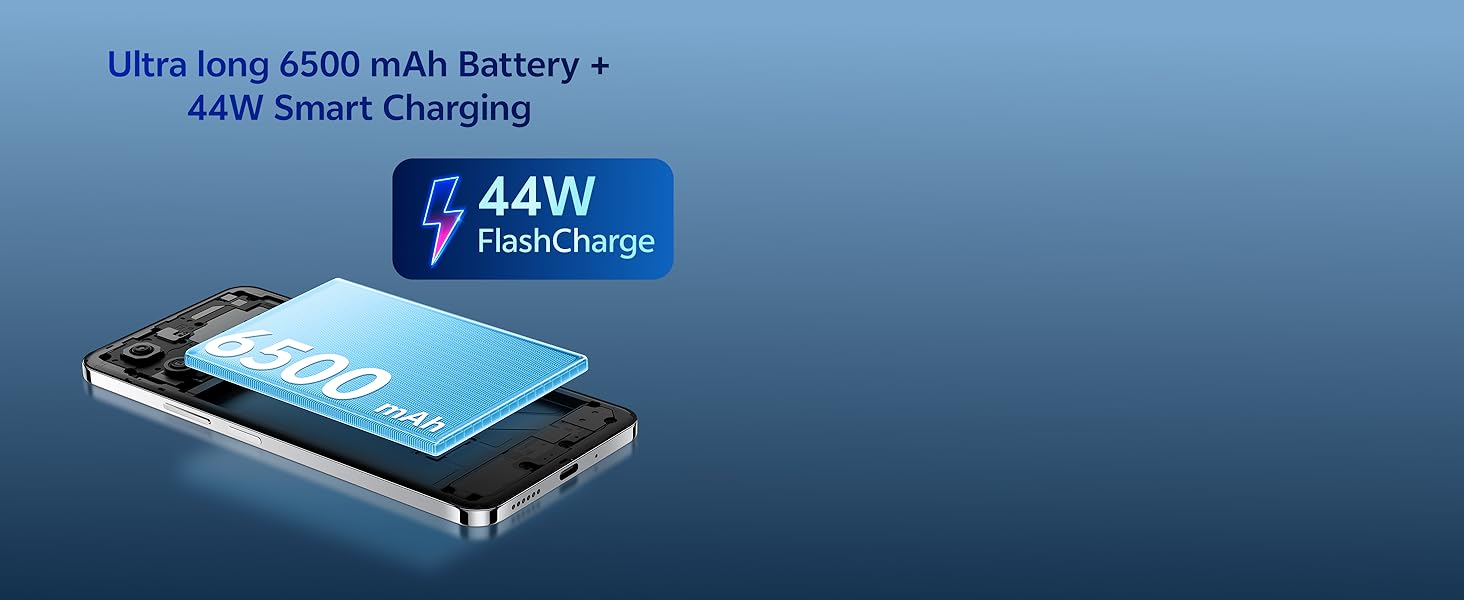
Image 3.3: The vivo Y31 Pro 5G is available in Dreamy White and Mocha Brown.
- ફ્રન્ટ કેમેરા: ડિસ્પ્લેના ઉપરના ભાગમાં મધ્યમાં સ્થિત છે.
- વોલ્યુમ બટનો: On the right side, used to adjust media and call volume.
- પાવર બટન/ફિંગરપ્રિન્ટ સેન્સર: On the right side, below the volume buttons. Used to power on/off the device and for fingerprint authentication.
- યુએસબી ટાઇપ-સી પોર્ટ: તળિયે, ચાર્જિંગ અને ડેટા ટ્રાન્સફર માટે.
- સ્પીકર ગ્રિલ: નીચે, ઓડિયો આઉટપુટ માટે.
- સિમ કાર્ડ ટ્રે: On the left side, for inserting Nano-SIM cards.
- પાછળના કેમેરા: Located on the upper left of the back panel.
4. સેટઅપ
4.1. સિમ કાર્ડ દાખલ કરવું
- ફોનની ડાબી બાજુએ સિમ કાર્ડ ટ્રે શોધો.
- ટ્રેની બાજુના નાના છિદ્રમાં સિમ ટ્રે ઇજેક્ટર ટૂલ દાખલ કરો અને ટ્રે બહાર ન આવે ત્યાં સુધી મજબૂત રીતે દબાવો.
- Place your Nano-SIM card(s) into the tray with the gold contacts facing down. Ensure they are correctly seated.
- ટ્રેને ફોનમાં કાળજીપૂર્વક ફરીથી દાખલ કરો જ્યાં સુધી તે જગ્યાએ ક્લિક ન થાય.
4.2. પ્રારંભિક પાવર ચાલુ અને સેટઅપ
- વીવો લોગો દેખાય ત્યાં સુધી પાવર બટન દબાવી રાખો.
- તમારી ભાષા, પ્રદેશ પસંદ કરવા અને Wi-Fi નેટવર્કથી કનેક્ટ થવા માટે ઓન-સ્ક્રીન પ્રોમ્પ્ટ્સને અનુસરો.
- તમારા Google એકાઉન્ટથી સાઇન ઇન કરો અથવા નવું બનાવો.
- Set up a screen lock (PIN, pattern, password, fingerprint, or face unlock) for security.
- Review and accept the terms and conditions to complete the setup.
5. ઓપરેટિંગ સૂચનાઓ
5.1. પાવર ચાલુ/બંધ કરો અને પુનઃપ્રારંભ કરો
- પાવર ચાલુ: Press and hold the Power button until the device vibrates and the vivo logo appears.
- પાવર બંધ: Press and hold the Power button for a few seconds, then tap "Power off" on the screen.
- પુનઃપ્રારંભ કરો: Press and hold the Power button for a few seconds, then tap "Restart" on the screen.
5.2. મૂળભૂત નેવિગેશન
- ટૅપ કરો: Touch an icon or option to open or select it.
- સ્વાઇપ કરો: સ્ક્રીનો વચ્ચે સ્ક્રોલ કરવા અથવા નેવિગેટ કરવા માટે તમારી આંગળીને સ્ક્રીન પર ખેંચો.
- ચપટી: છબીઓને ઝૂમ ઇન અથવા આઉટ કરવા માટે બે આંગળીઓનો ઉપયોગ કરો અને web પૃષ્ઠો
- હોમ સ્ક્રીન: Swipe up from the bottom of the screen (if using gesture navigation) or tap the Home button to return to the main screen.
- તાજેતરની એપ્લિકેશનો: Swipe up from the bottom and hold (if using gesture navigation) or tap the Recent Apps button to view and switch between open applications.
5.3. સુરક્ષા સુવિધાઓ
- ફિંગરપ્રિંટ અનલlockક: તમારા ફિંગરપ્રિન્ટ્સ રજીસ્ટર કરો સેટિંગ્સ > સુરક્ષા > ફિંગરપ્રિન્ટ. Place your registered finger on the power button to unlock.
- ફેસ અનલોક: Register your face in Settings > Security > Face. Lift the phone to your face to unlock.
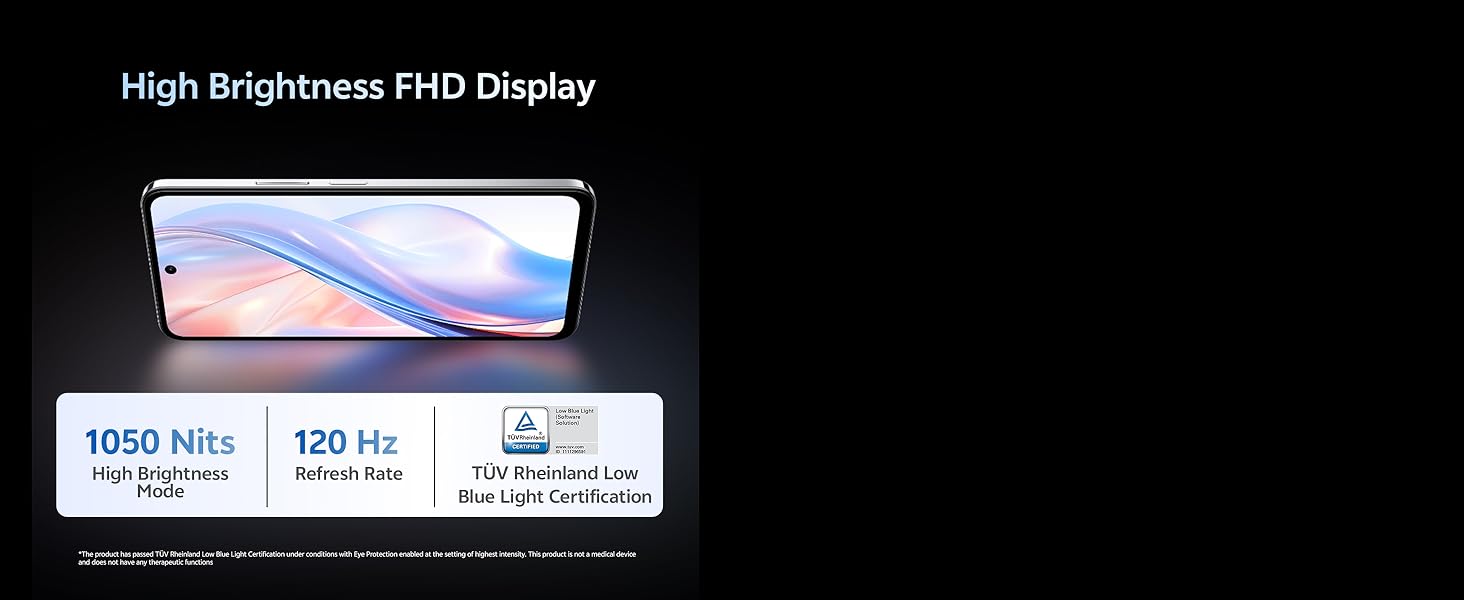
Image 5.1: The vivo Y31 Pro 5G is powered by the MediaTek Dimensity 7300 Processor.
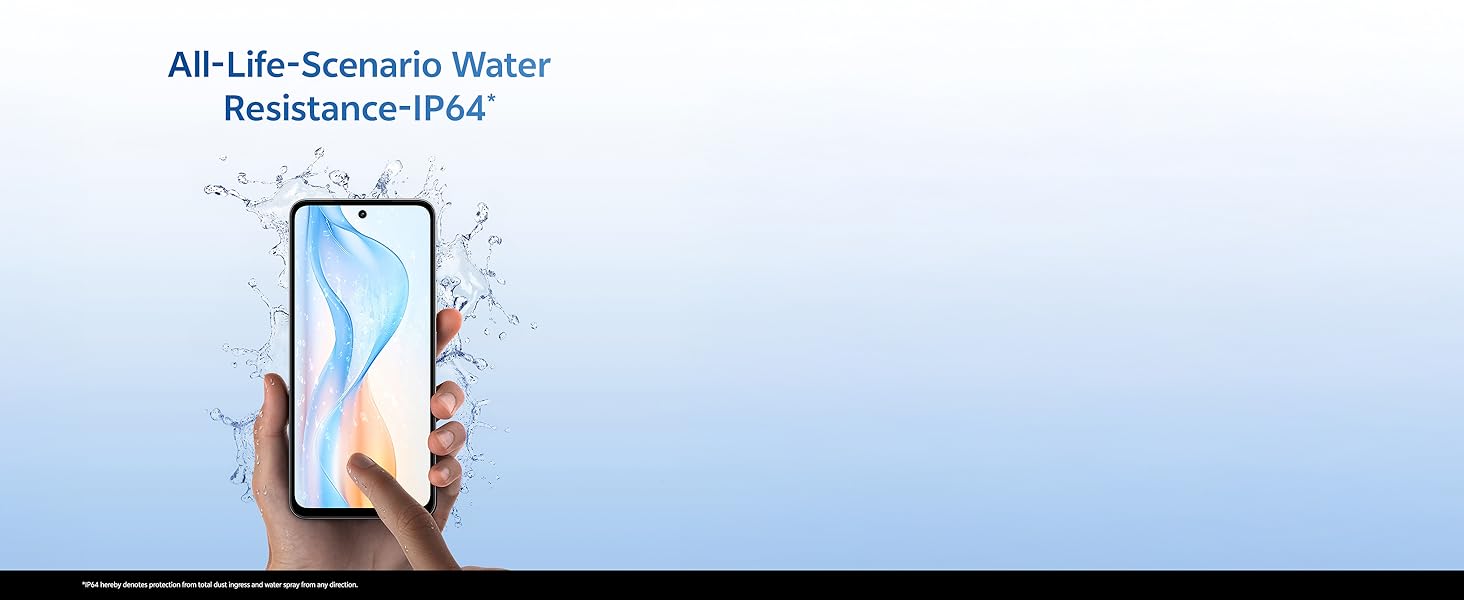
Image 5.2: The device features Dual Stereo Speakers for enhanced audio experience.
6. કેમેરા સુવિધાઓ
The vivo Y31 Pro 5G is equipped with a versatile camera system to capture your moments.
- રીઅર કેમેરા: 50 MP Main Camera + 2 MP Bokeh Camera.
- ફ્રન્ટ કેમેરા: 8 MP Selfie Camera.
- વિડિઓ રેકોર્ડિંગ: Supports 4K video recording.
6.1. Using the Camera App
- તમારી હોમ સ્ક્રીન અથવા એપ ડ્રોઅરમાંથી કેમેરા એપ ખોલો.
- Swipe left or right to switch between modes (Photo, Portrait, Video, Night, Pro, etc.).
- ફોટો લેવા અથવા વિડિયો રેકોર્ડિંગ શરૂ/બંધ કરવા માટે શટર બટન દબાવો.
- આગળ અને પાછળના કેમેરા વચ્ચે ટૉગલ કરવા માટે કેમેરા સ્વિચ આઇકન પર ટેપ કરો.
6.2. AI Suite Features
Enhance your photos with built-in AI tools:
- AI Erase: Remove unwanted objects or people from your photos.
- AI Photo Enhance: Automatically optimize photo quality for better colors and details.

Image 6.1: Detail of the 50MP HD Main Camera and 2MP Bokeh Camera.

Image 6.2: The vivo Y31 Pro 5G supports 4K video recording.
૩.૩. બેટરી અને ચાર્જિંગ
Your vivo Y31 Pro 5G is equipped with a large 6500 mAh battery and supports 44W FlashCharge for quick power-ups.
7.1. તમારું ઉપકરણ ચાર્જ કરી રહ્યું છે
- Connect the USB cable to the Power Adapter.
- પાવર એડેપ્ટરને વોલ આઉટલેટમાં પ્લગ કરો.
- Connect the USB Type-C end of the cable to the phone's charging port.
- The charging indicator will appear on the screen. Use only vivo-approved chargers and cables for optimal performance and safety.
7.2. Battery Optimization Tips
- સ્ક્રીનની બ્રાઇટનેસ ઓછી કરો.
- Enable Dark Mode.
- પૃષ્ઠભૂમિમાં ચાલતી બિનઉપયોગી એપ્લિકેશનો બંધ કરો.
- જ્યારે ઉપયોગમાં ન હોય ત્યારે Wi-Fi, Bluetooth અને GPS બંધ કરો.
- Utilize the phone's built-in battery saver modes.
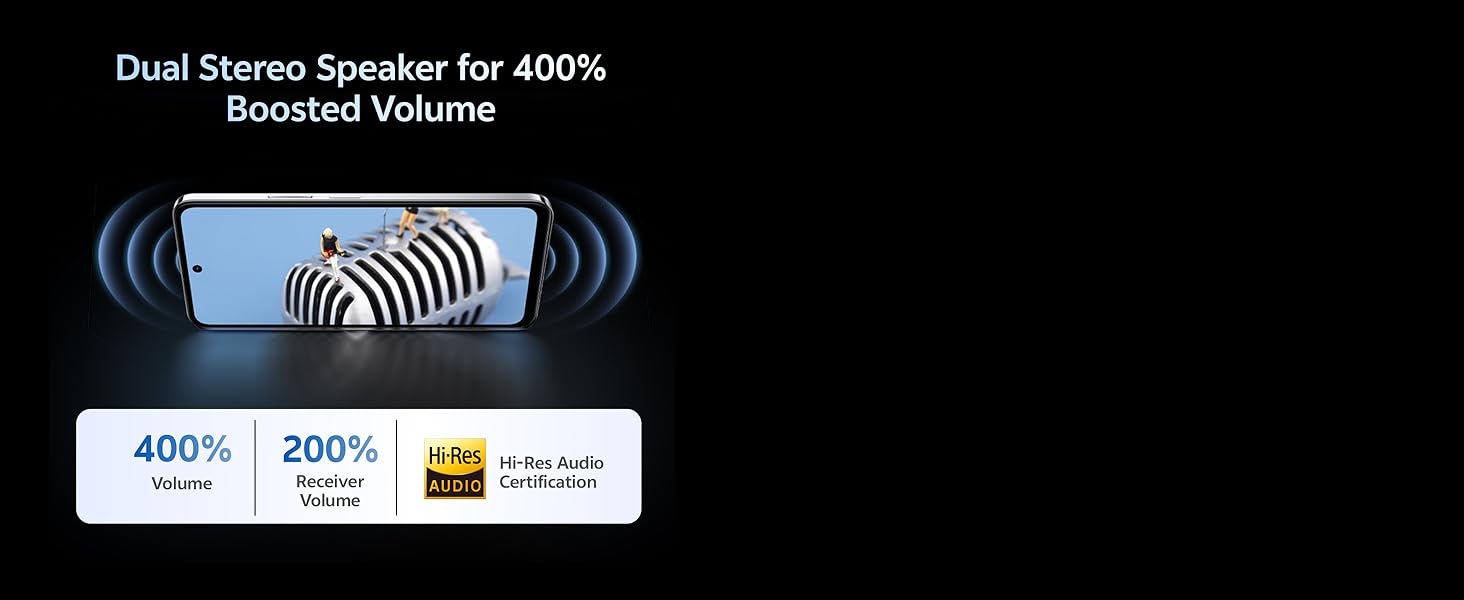
Image 7.1: The vivo Y31 Pro 5G features a 6500 mAh battery with 44W FlashCharge.
8. ડિસ્પ્લે ફીચર્સ
Experience vibrant visuals on the vivo Y31 Pro 5G's advanced display.
- કદ: 17.06 સેમી (6.72 ઇંચ)
- ઠરાવ: 2408 x 1080 (FHD)
- તેજ: Up to 1050 Nits in High Brightness Mode.
- તાજું દર: 120 Hz for smooth scrolling and animations.
- આંખનું રક્ષણ: TÜV Rheinland Low Blue Light Certification for reduced eye strain.
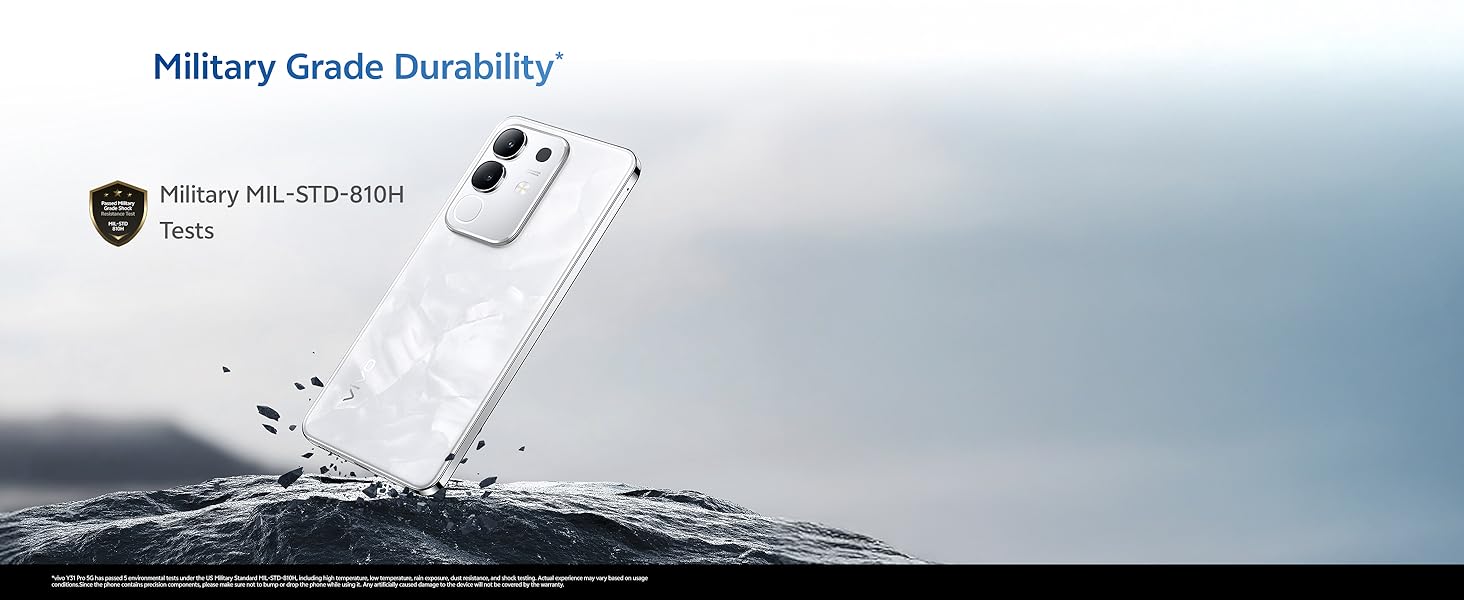
Image 8.1: The vivo Y31 Pro 5G features a High Brightness FHD Display with a 120 Hz refresh rate.
9. Durability and Water Resistance
The vivo Y31 Pro 5G is built to withstand daily challenges.
- Military Grade Durability: Tested to MIL-STD-810H standards for enhanced resilience against drops and environmental factors.
- IP64 પાણી પ્રતિકાર: Provides protection against dust ingress and splashes of water from any direction. This rating does not imply full waterproofing; avoid submerging the device.
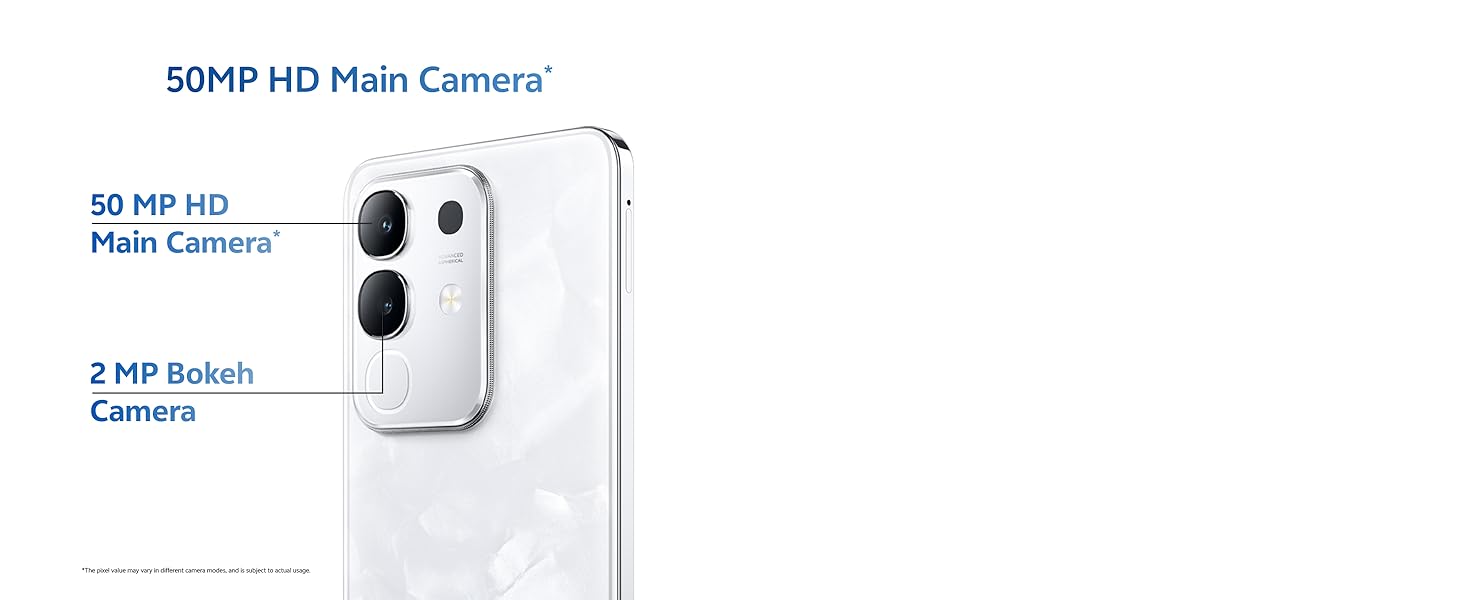
Image 9.1: The vivo Y31 Pro 5G undergoes Military Grade Durability testing.

Image 9.2: The device offers IP64 water resistance for protection against splashes.
10. જાળવણી
યોગ્ય જાળવણી તમારા ઉપકરણની આયુષ્ય અને શ્રેષ્ઠ કામગીરીની ખાતરી આપે છે.
10.1. ઉપકરણને સાફ કરવું
- સ્ક્રીન અને શરીર સાફ કરવા માટે નરમ, લિન્ટ-ફ્રી કાપડનો ઉપયોગ કરો.
- કઠોર રસાયણો, ઘર્ષક સામગ્રી અથવા એરોસોલ સ્પ્રેનો ઉપયોગ કરવાનું ટાળો.
- Gently clean ports with a soft brush if dust accumulates.
10.2. સોફ્ટવેર અપડેટ્સ
તમારા ઉપકરણમાં નવીનતમ સુવિધાઓ, સુરક્ષા પેચ અને પ્રદર્શન સુધારણા છે તેની ખાતરી કરવા માટે નિયમિતપણે સોફ્ટવેર અપડેટ્સ તપાસો અને ઇન્સ્ટોલ કરો. પર જાઓ સેટિંગ્સ > સિસ્ટમ અપડેટ અપડેટ્સ તપાસવા માટે.
10.3. સંગ્રહ વ્યવસ્થાપન
To maintain optimal performance, periodically manage your device's storage:
- બિનજરૂરી કાઢી નાખો files, ફોટા અને વિડિઓઝ.
- ન વપરાયેલી એપ્લિકેશનો અનઇન્સ્ટોલ કરો.
- માં એપ્લિકેશનો માટે કેશ ડેટા સાફ કરો સેટિંગ્સ > એપ્લિકેશન્સ > [એપ્લિકેશન નામ] > સ્ટોરેજ અને કેશ.
11. મુશ્કેલીનિવારણ
This section addresses common issues you might encounter with your vivo Y31 Pro 5G.
૬. સામાન્ય મુદ્દાઓ અને ઉકેલો
| અંક | ઉકેલ |
|---|---|
| ઉપકરણ ચાલુ નથી | Ensure the battery is charged. Connect to the charger for at least 10 minutes, then try powering on. If it still doesn't turn on, perform a forced restart by holding the Power button for 10-15 seconds. |
| એપ્લિકેશનો ક્રેશ થઈ રહી છે અથવા થીજી રહી છે | એપ્લિકેશનનો કેશ સાફ કરો (સેટિંગ્સ > એપ્લિકેશન્સ > [એપ્લિકેશન નામ] > સ્ટોરેજ અને કેશ > કેશ સાફ કરો). If the issue persists, uninstall and reinstall the app. Ensure your phone's software is up to date. |
| નબળું નેટવર્ક સિગ્નલ | Check if your SIM card is properly inserted. Try restarting the phone. Ensure you are in an area with network coverage. Reset network settings (સેટિંગ્સ > સિસ્ટમ > રીસેટ વિકલ્પો > વાઇ-ફાઇ, મોબાઇલ અને બ્લૂટૂથ રીસેટ કરો). |
| બેટરી ઝડપથી નીકળી જાય છે | Review બેટરી વપરાશ સેટિંગ્સ > બેટરી to identify power-hungry apps. Reduce screen brightness, disable unnecessary features (GPS, Bluetooth, Wi-Fi), and close background apps. |
11.2. ફેક્ટરી રીસેટ
જો તમને સતત સોફ્ટવેર સમસ્યાઓનો સામનો કરવો પડે છે, તો ફેક્ટરી રીસેટ તેમને ઉકેલી શકે છે. ચેતવણી: આ તમારા ફોન પરનો બધો ડેટા ભૂંસી નાખશે. આગળ વધતા પહેલા મહત્વપૂર્ણ ડેટાનો બેકઅપ લો.
- પર જાઓ સેટિંગ્સ > સિસ્ટમ > રીસેટ વિકલ્પો.
- પસંદ કરો બધો ડેટા ભૂંસી નાખો (ફેક્ટરી રીસેટ).
- તમારા નિર્ણયની પુષ્ટિ કરો અને જો પૂછવામાં આવે તો તમારો PIN/પાસવર્ડ દાખલ કરો.
- ફોન રીસ્ટાર્ટ થશે અને રીસેટ પ્રક્રિયા શરૂ થશે.
12. સ્પષ્ટીકરણો
Detailed technical specifications for the vivo Y31 Pro 5G.
| લક્ષણ | વિગત |
|---|---|
| મોડેલનું નામ | વાય 31 પ્રો |
| ઓપરેટિંગ સિસ્ટમ | ફનટચ ઓએસ ૧૫ |
| પ્રોસેસર | MediaTek Dimensity 7300 (CPU Speed: 2, 2.5 GHz) |
| રેમ | 8 જીબી |
| આંતરિક સંગ્રહ | 256 GB (વિશિષ્ટ પ્રકાર) |
| ડિસ્પ્લે માપ | 17.06 સેમી (6.72 ઇંચ) |
| ડિસ્પ્લે રિઝોલ્યુશન | 2408 x 1080 (FHD) |
| ડિસ્પ્લે રિફ્રેશ રેટ | 120 હર્ટ્ઝ |
| રીઅર કેમેરા | ૫૦ મેગાપિક્સલ + ૮ મેગાપિક્સલ |
| ફ્રન્ટ કેમેરા | 8 MP |
| બેટરી ક્ષમતા | 6500 એમએએચ |
| ચાર્જિંગ | 44W FlashCharge |
| કનેક્ટિવિટી | 5G, બ્લૂટૂથ, વાઇ-ફાઇ, જીપીએસ |
| પરિમાણો (LxWxH) | 16.6 x 7.6 x 0.8 સેમી |
| વજન | 208 ગ્રામ |
| પાણી પ્રતિકાર | IP64 |
| ટકાઉપણું | Military MIL-STD-810H Tested |
| રંગ | Dreamy White (variant specific) |
13. વોરંટી અને સપોર્ટ
13.1. વોરંટી માહિતી
Your vivo Y31 Pro 5G comes with a standard manufacturer's warranty. Please refer to the warranty card included in your product packaging for specific terms, conditions, and duration. Keep your proof of purchase for warranty claims.
13.2. ગ્રાહક આધાર
For further assistance, technical support, or service inquiries, please contact vivo customer support through their official website or authorized service centers. You can find contact details on the vivo official webસાઇટ અથવા તમારા વોરંટી દસ્તાવેજોમાં.
Online resources and FAQs may also be available on the official vivo support page: vivo India Support


